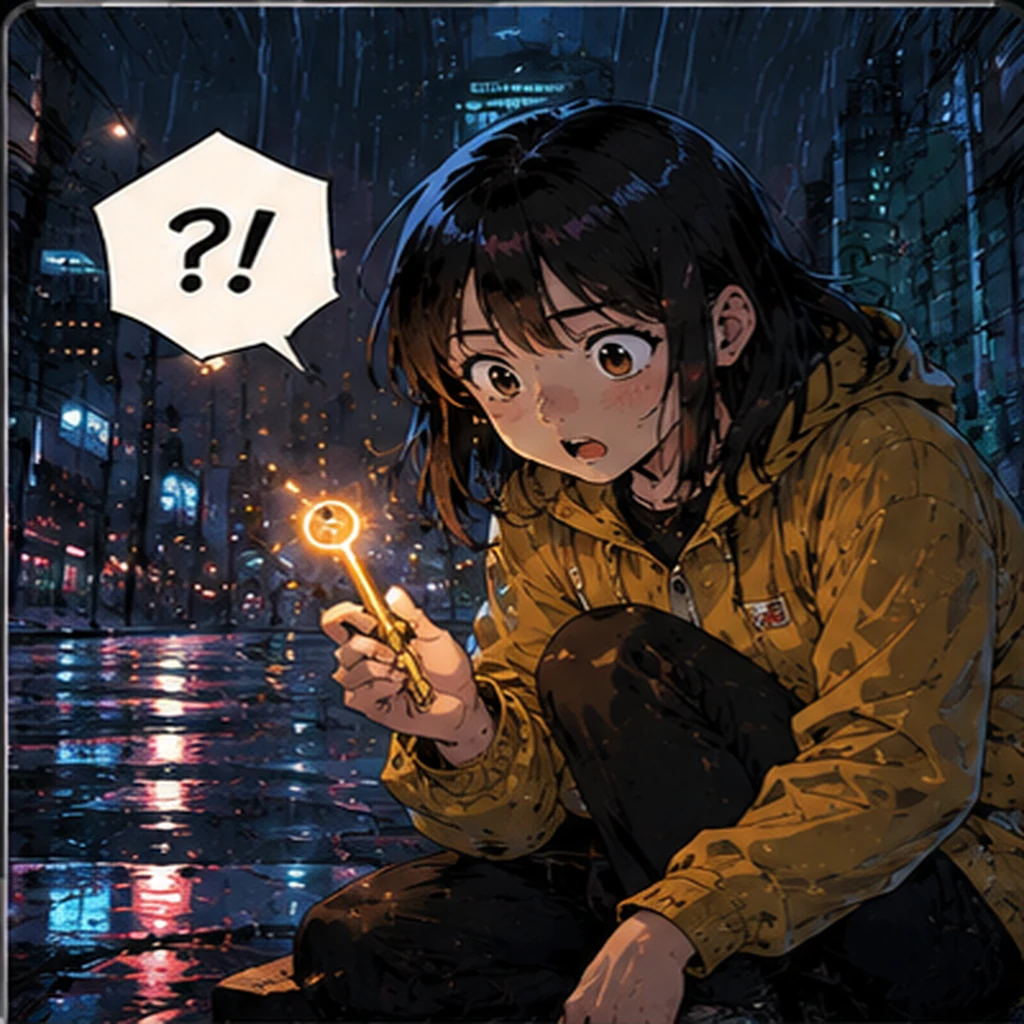
AI Comic Examples From the Community
Browse comic, manga, webtoon and cartoon-style images from the ImaStudio community. Open any card in a new tab to inspect the prompt, references and final result.
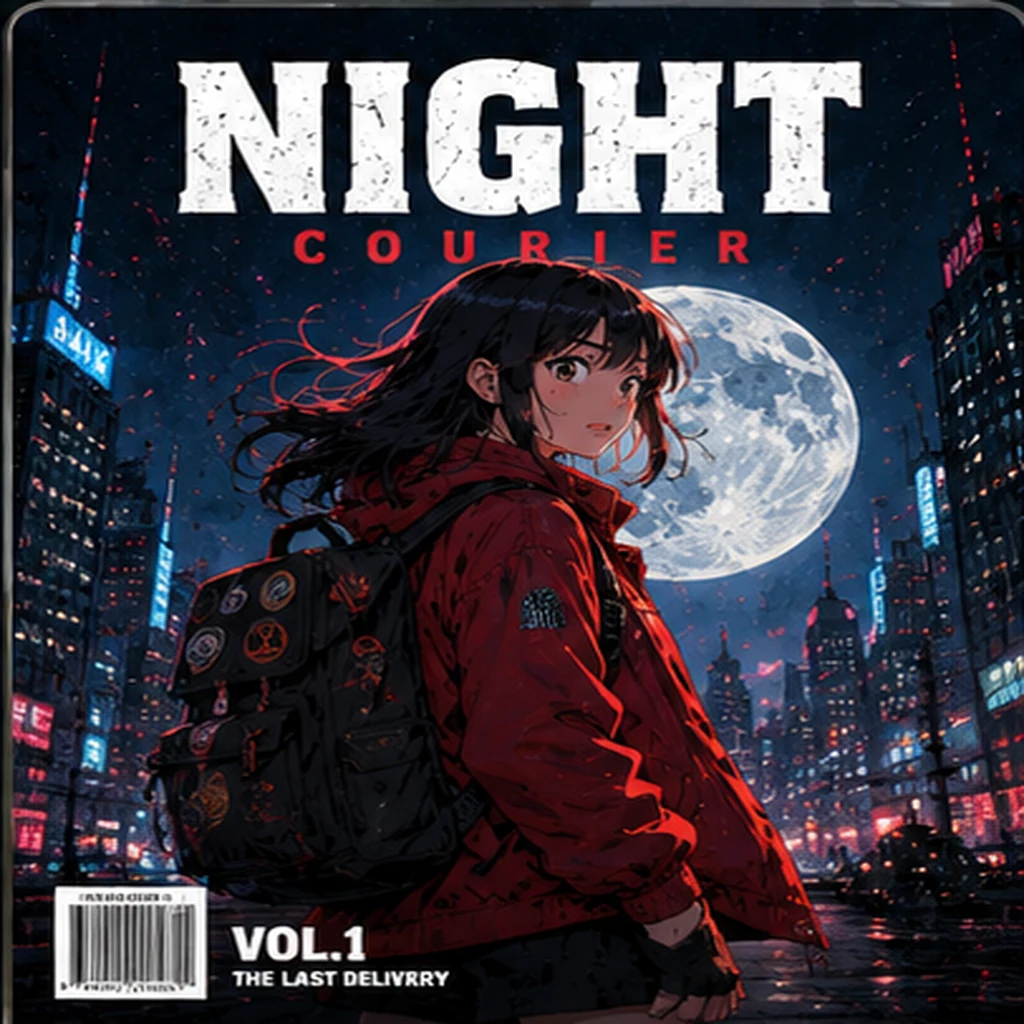
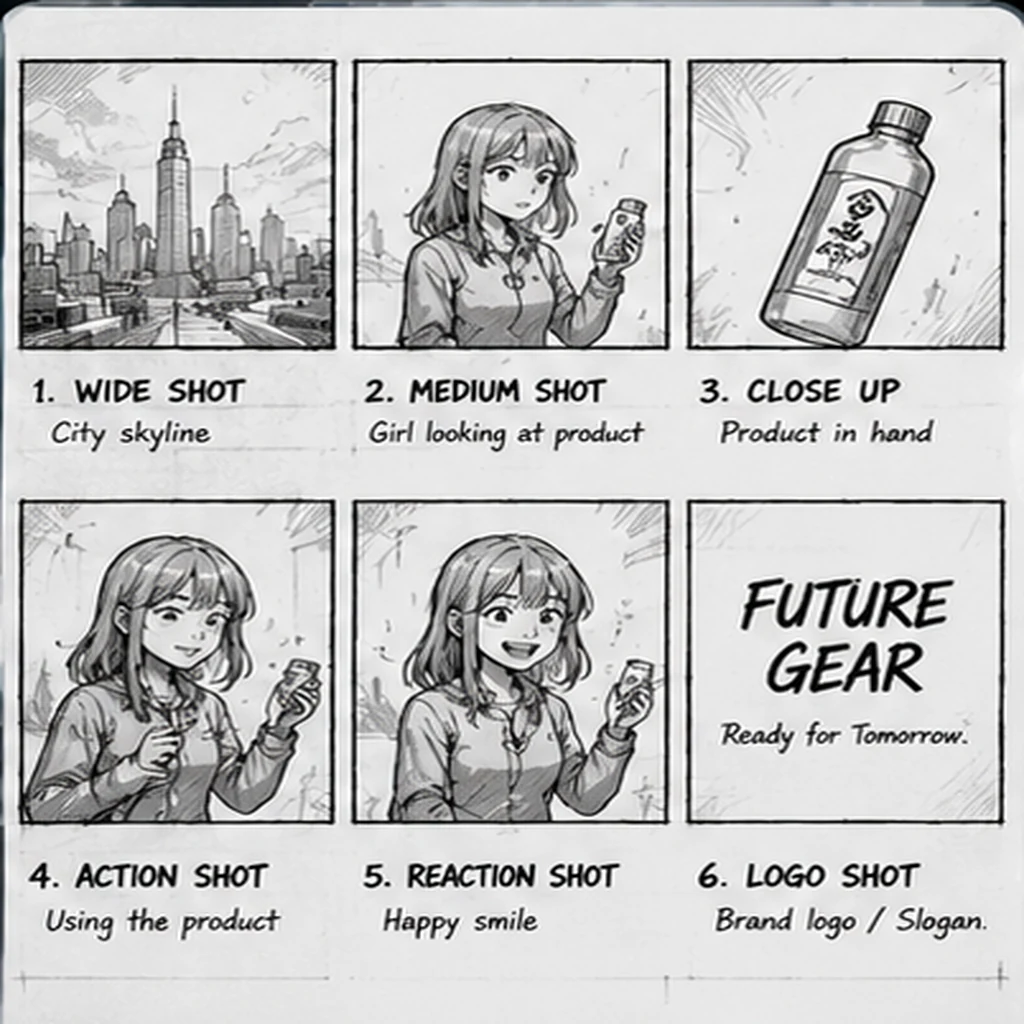
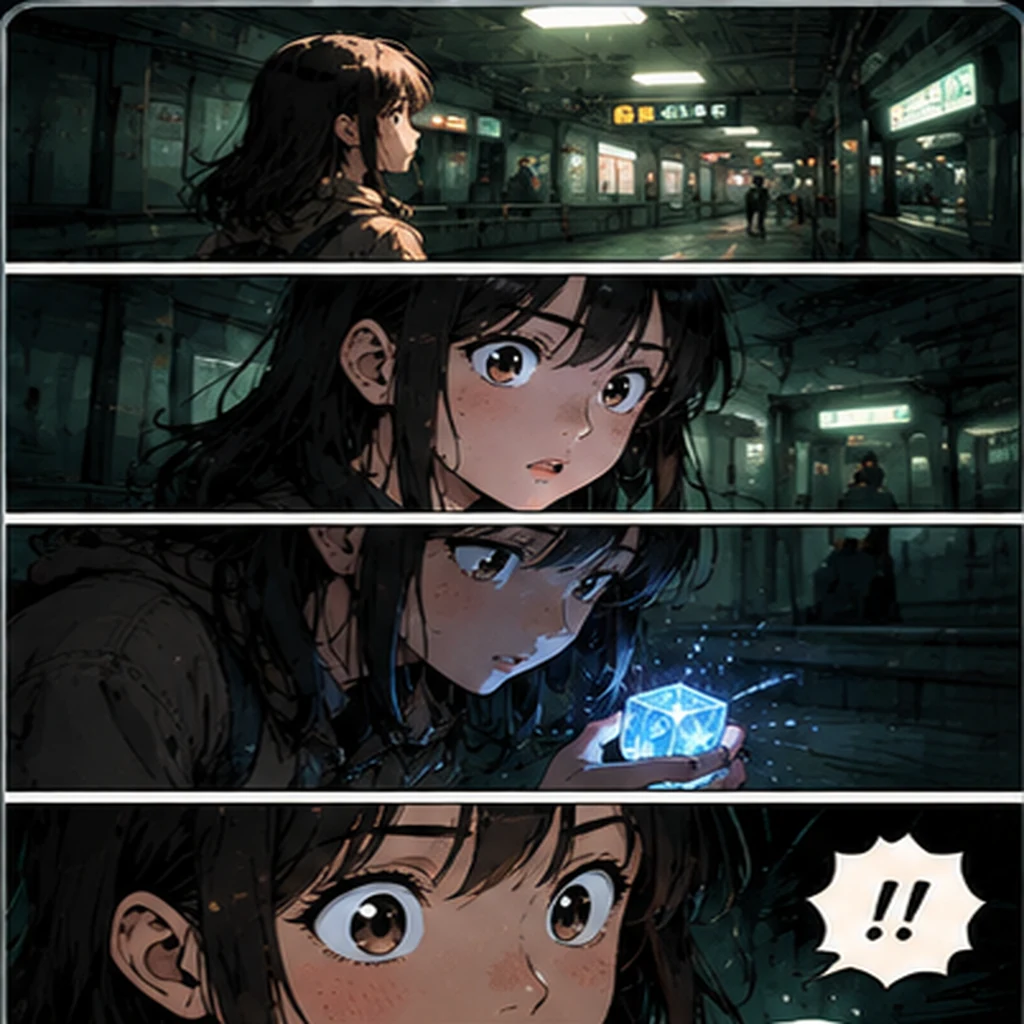
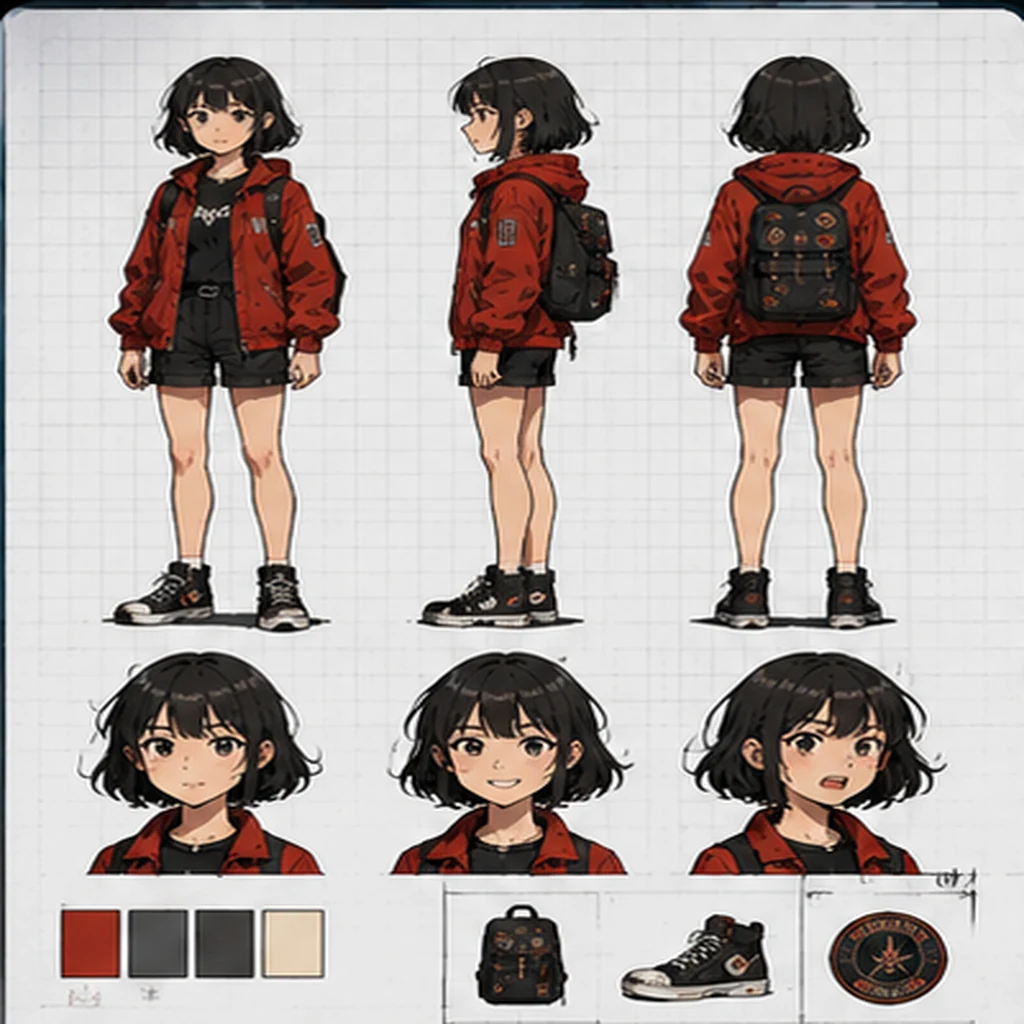
How to Create AI Comics Online
 Step 1Describe Your AI Comic Prompt
Write the character, scene, emotion, action and visual style you want. You can start from a template such as Single Panel, 4-Panel Strip, Character Sheet, Comic Cover or Webtoon Scene.
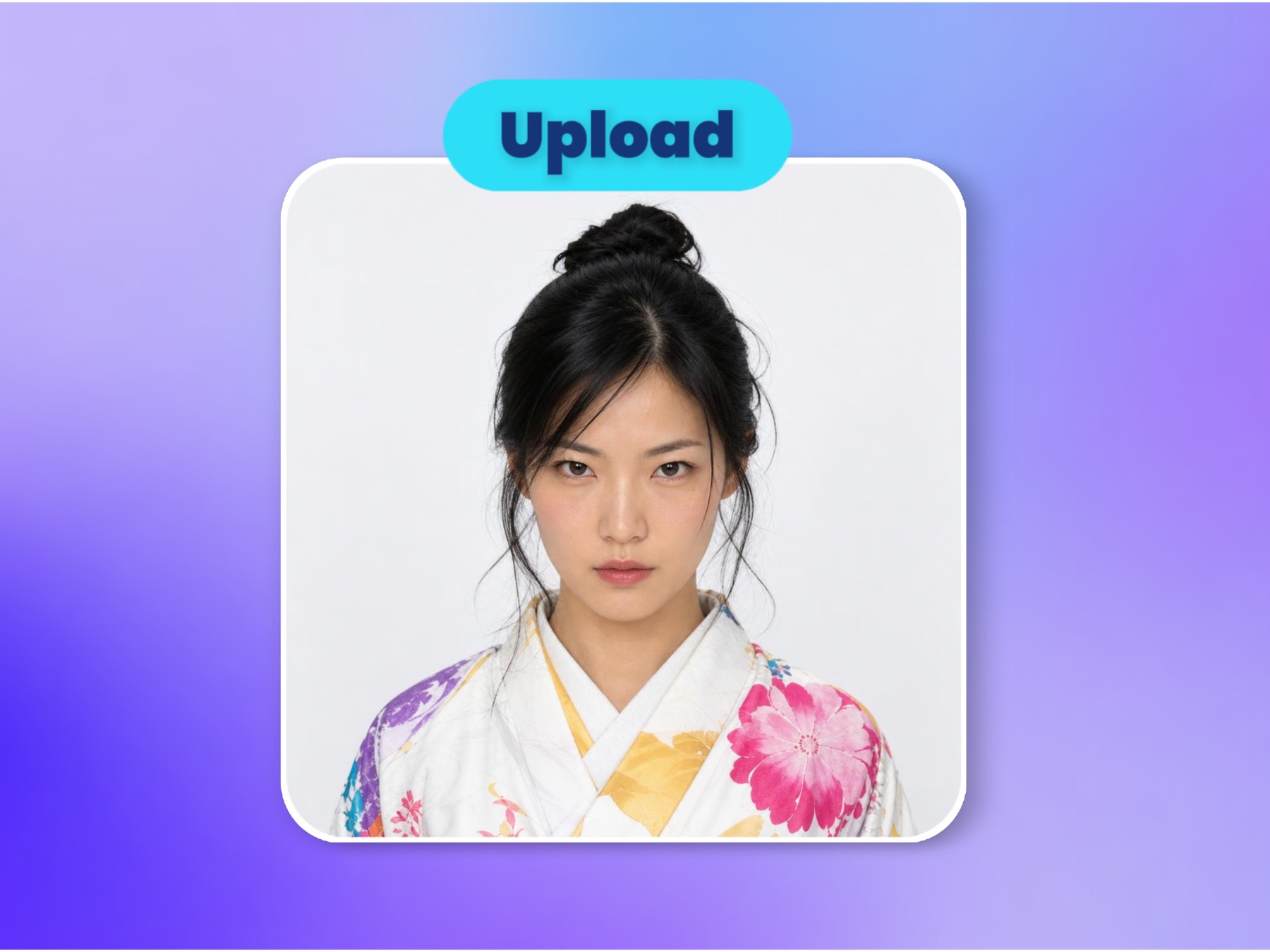 Step 2Add Comic Reference Images
Upload character art, a pose reference, a product image, a scene concept or a style guide. References help keep character identity, costume, pose direction and visual mood more consistent.
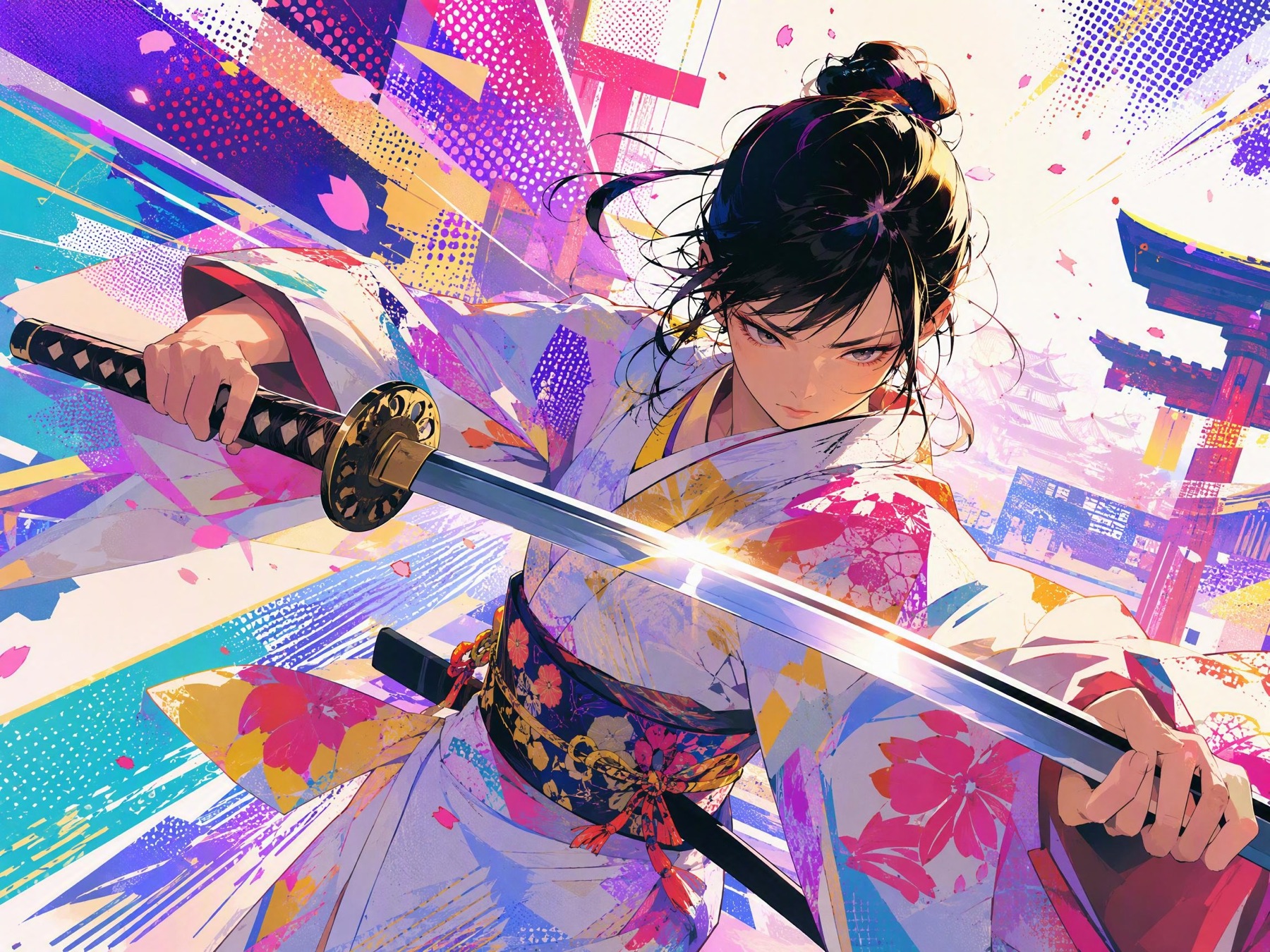 Step 3Generate and Refine Your Comic
Choose an aspect ratio, generate the comic image, then refine the prompt for panel composition, camera angle, line style, lighting, emotion or story pacing.
AI Comic Creation Tools for Better Control
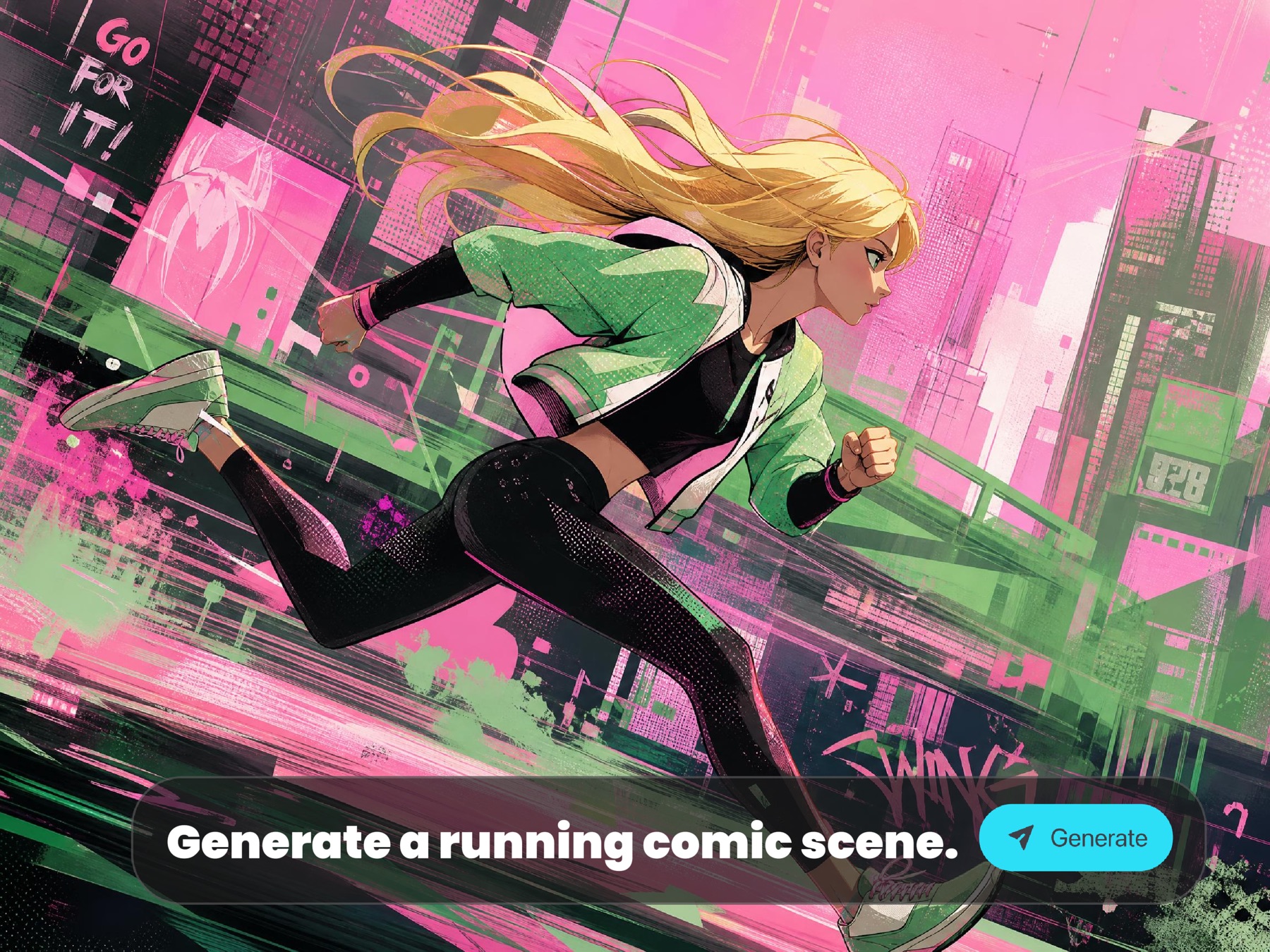
Text-to-Comic Prompting
Describe the story beat, character, action, emotion, camera angle and comic style in natural language, then let AI turn it into a finished comic image.
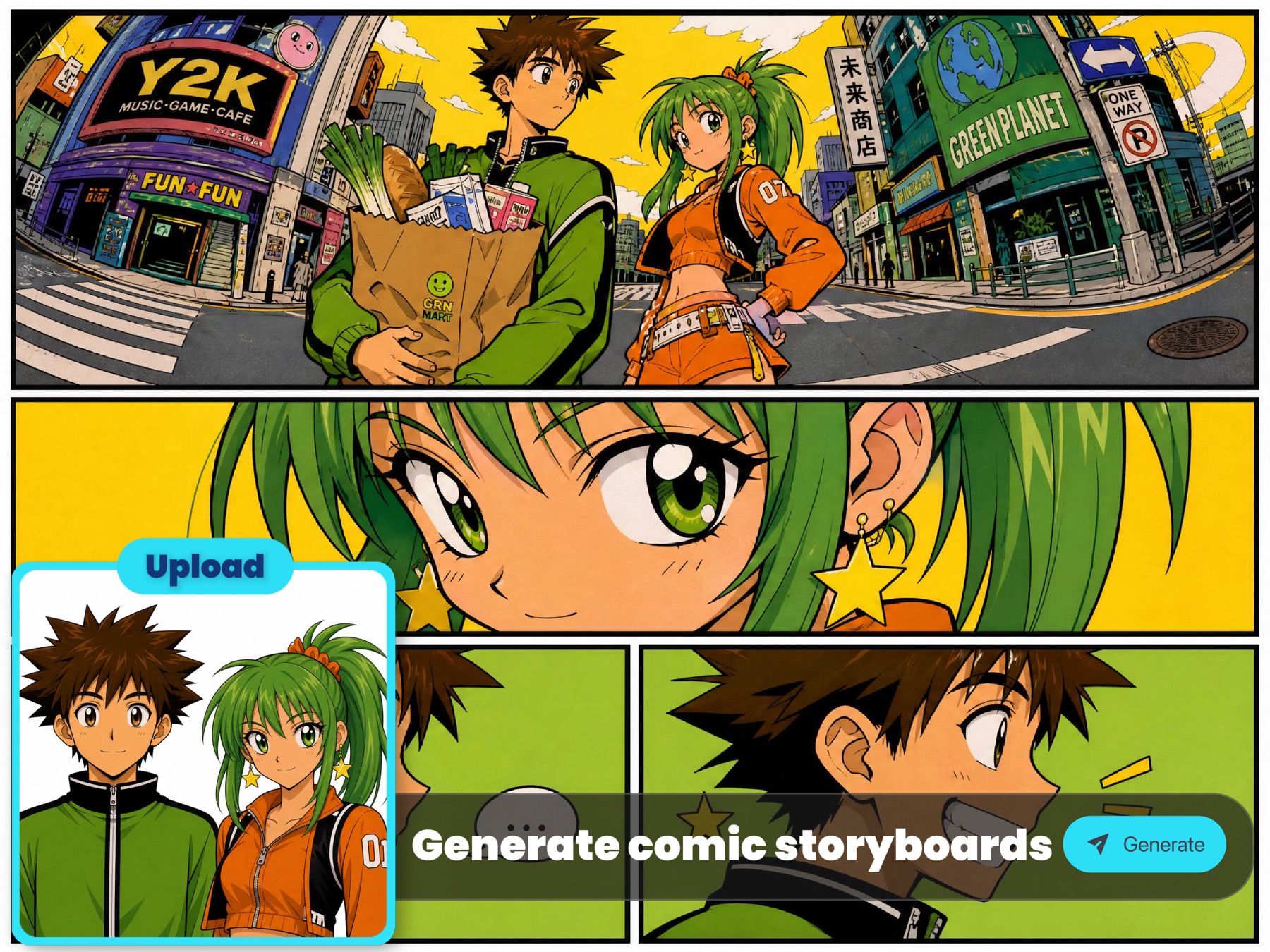
Reference Images for Character and Style
Add character, pose, product, background or style references to guide identity, costume, layout and visual tone without rebuilding the prompt from scratch.
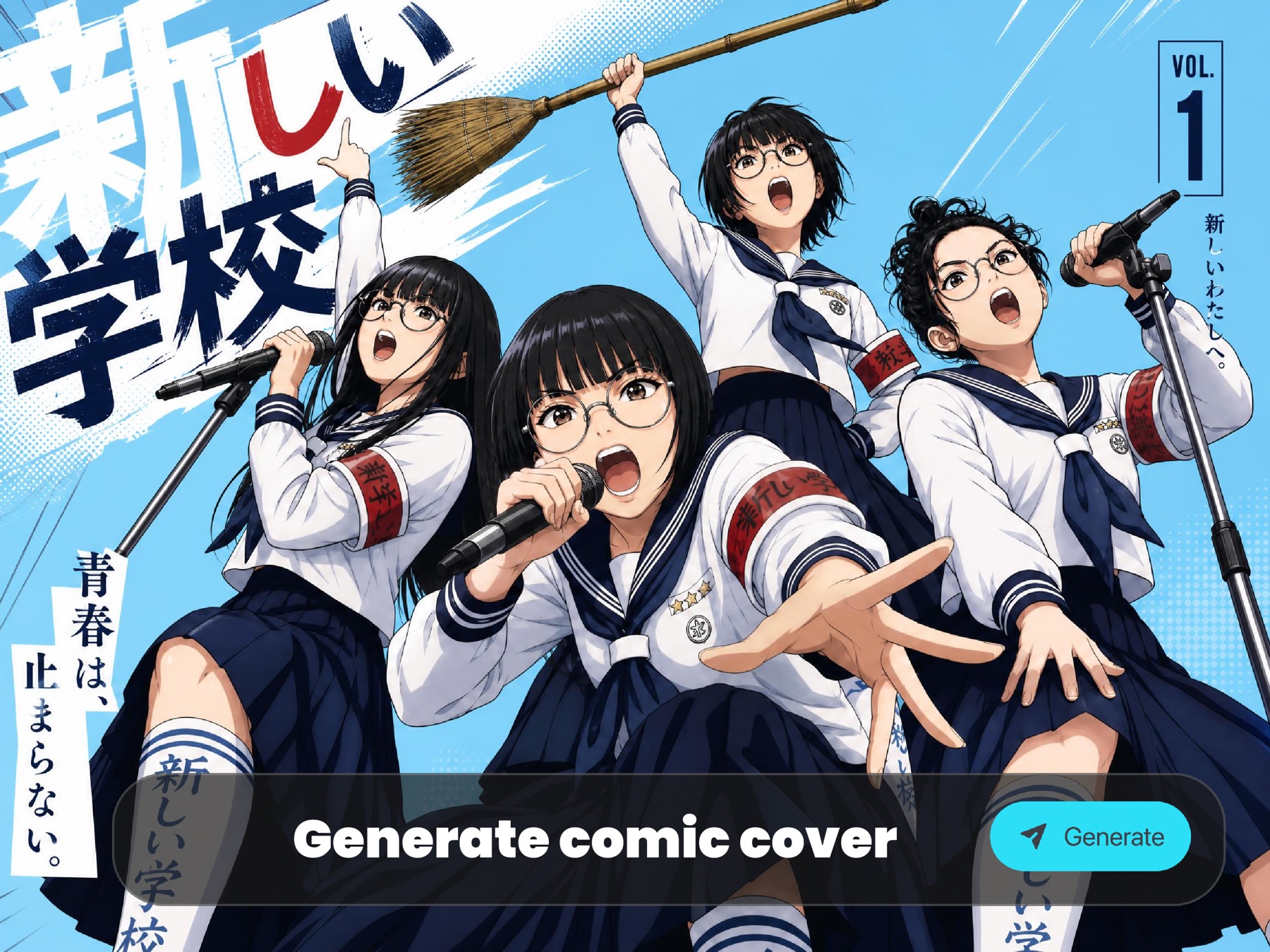
Layouts for Panels, Covers and Webtoons
Choose directions and aspect ratios that match a single panel, four-panel strip, comic cover, character sheet, cinematic frame or vertical webtoon scene.
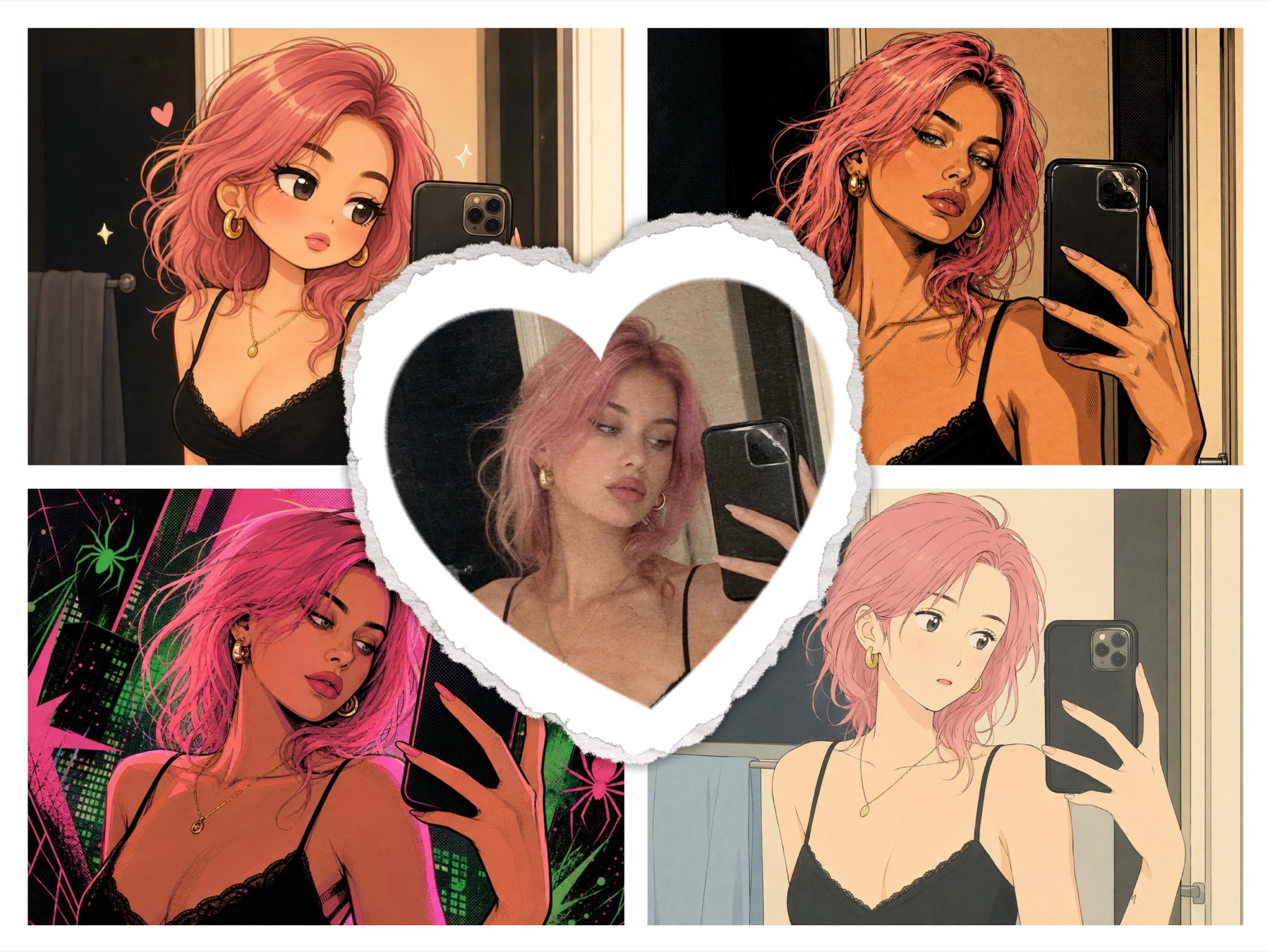
Fast Iteration for Story Ideas
Regenerate variations quickly while changing pose, expression, scene, color, line style or story pacing. Keep the best results in creation history.
What You Can Create with the AI Comic Generator
Create comic panels, short strips, manga-style character moments, webtoon scenes, comic covers and visual concepts for stories, social posts, pitches and creative tests.
01
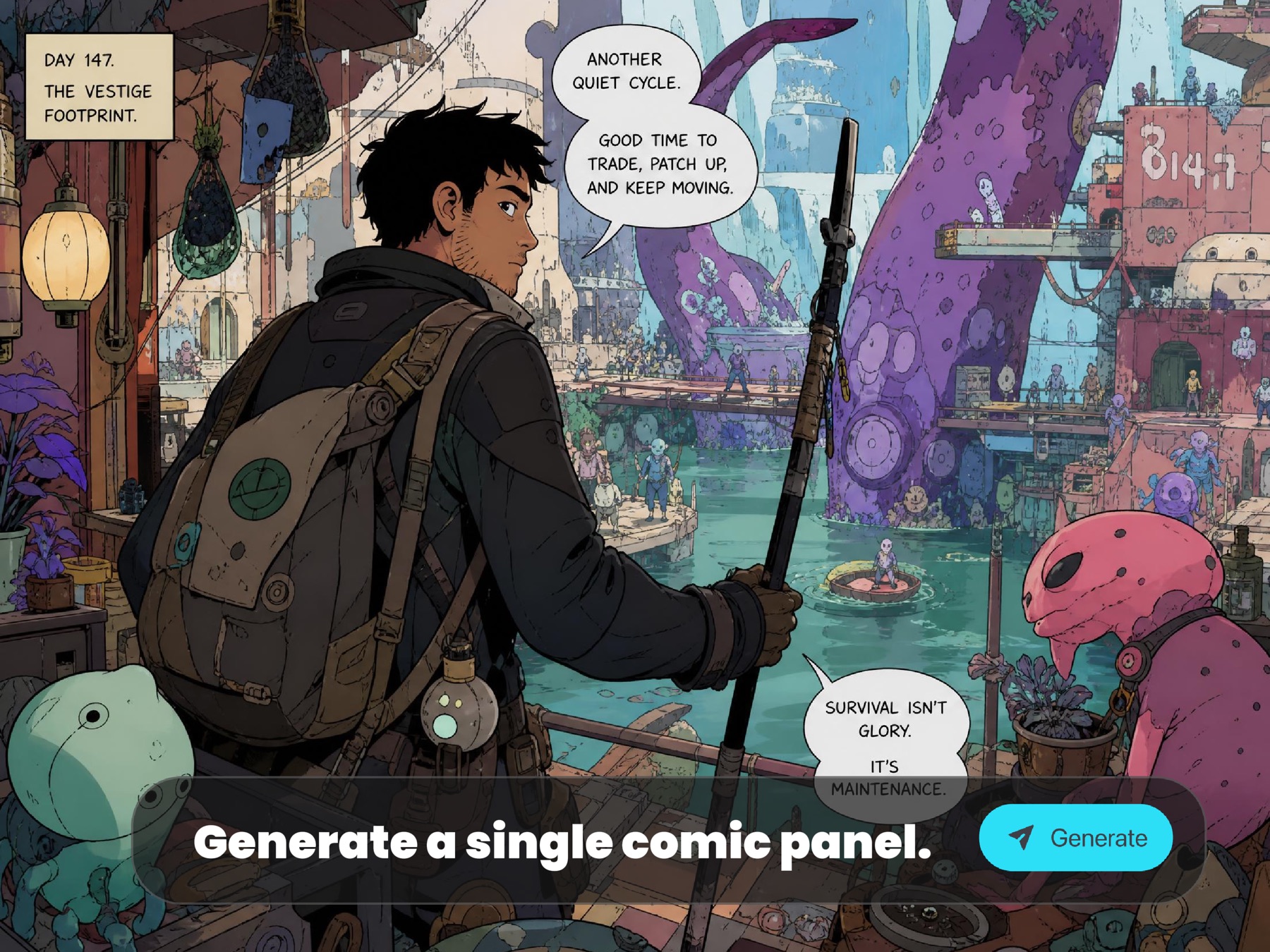
Single Comic Panels
Turn one story beat into a polished comic image with a clear subject, expressive acting, strong composition, bold lines and cinematic lighting.
02
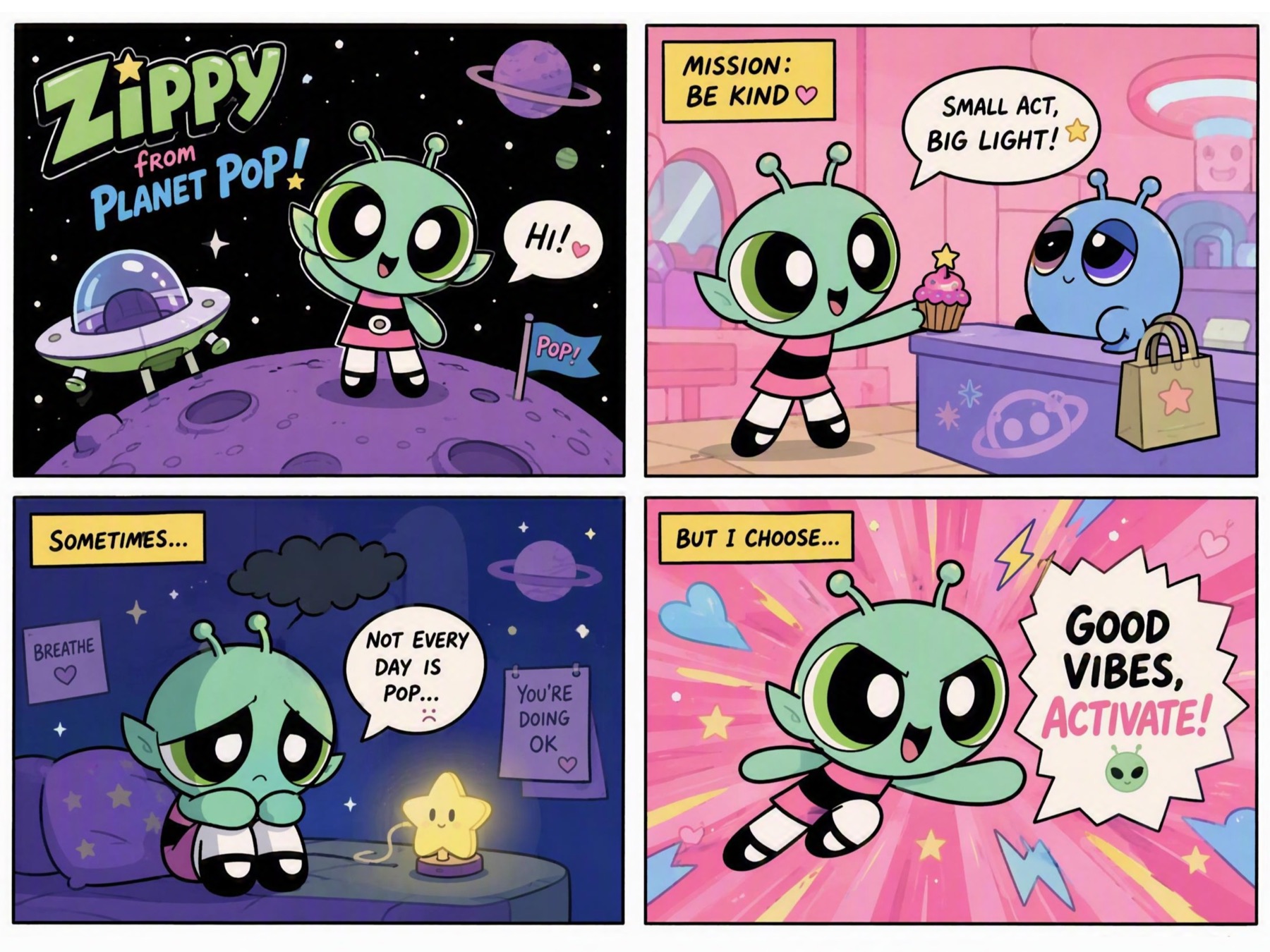
Four-Panel Comic Strips
Plan a short beginning, twist and ending across multiple panels. Use prompts to guide pacing, camera changes and recurring characters.
03
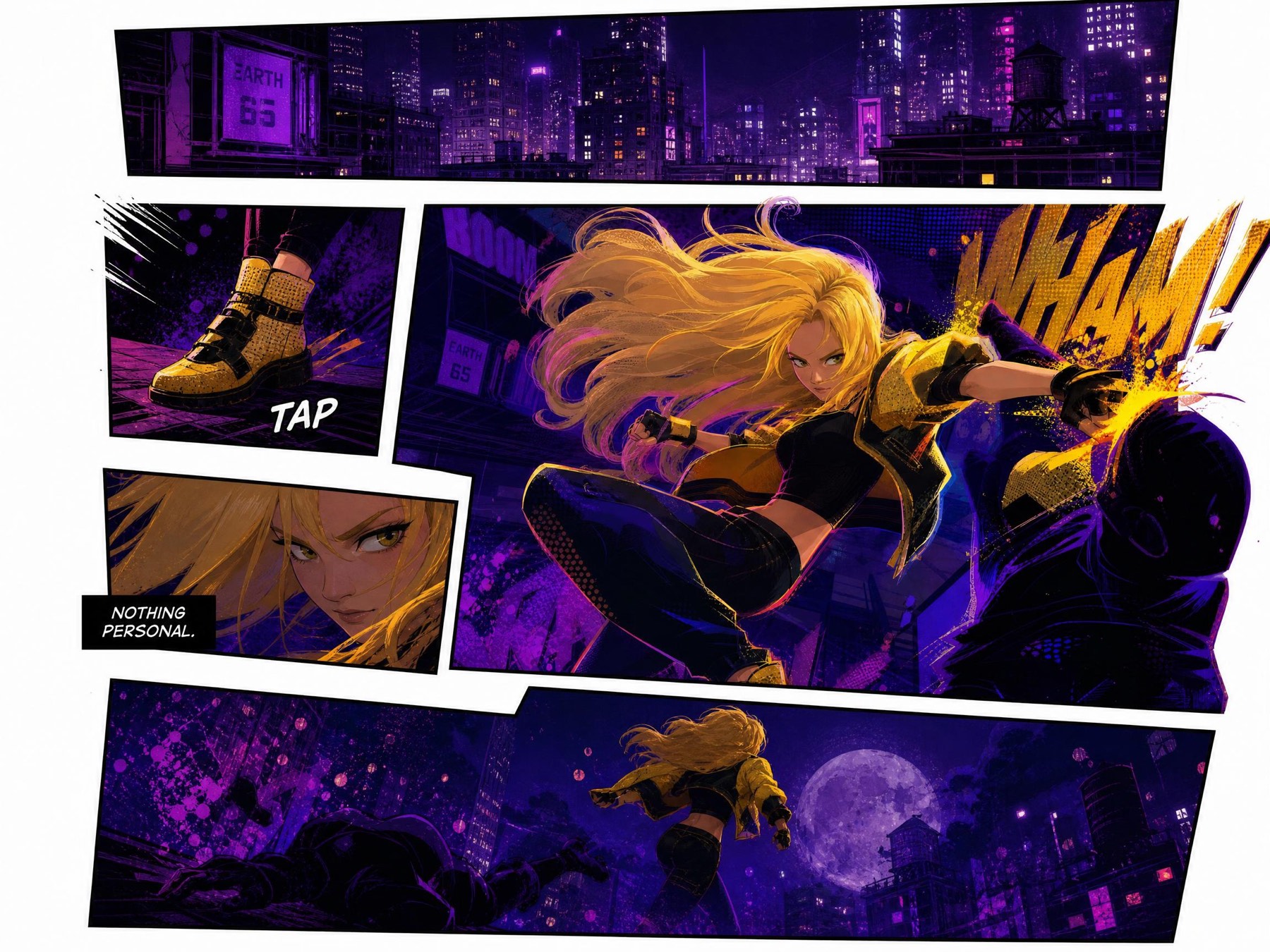
Manga and Webtoon Scenes
Generate manga-style action, emotional close-ups, vertical webtoon frames and dramatic scene concepts for serialized storytelling.
04
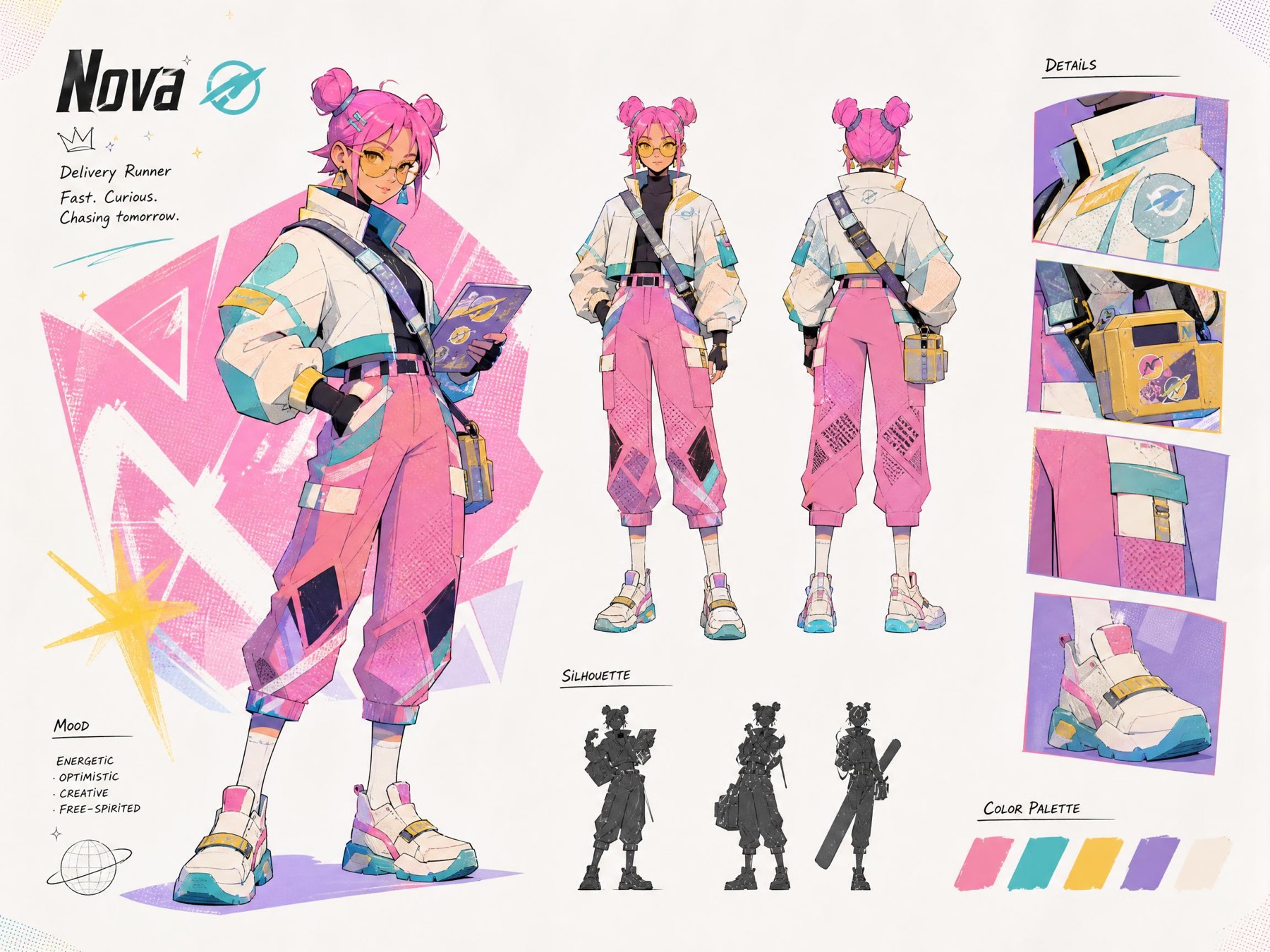
Character Sheets and Costume Concepts
Create character reference sheets with poses, facial expressions, costume details and style direction before building a full story.
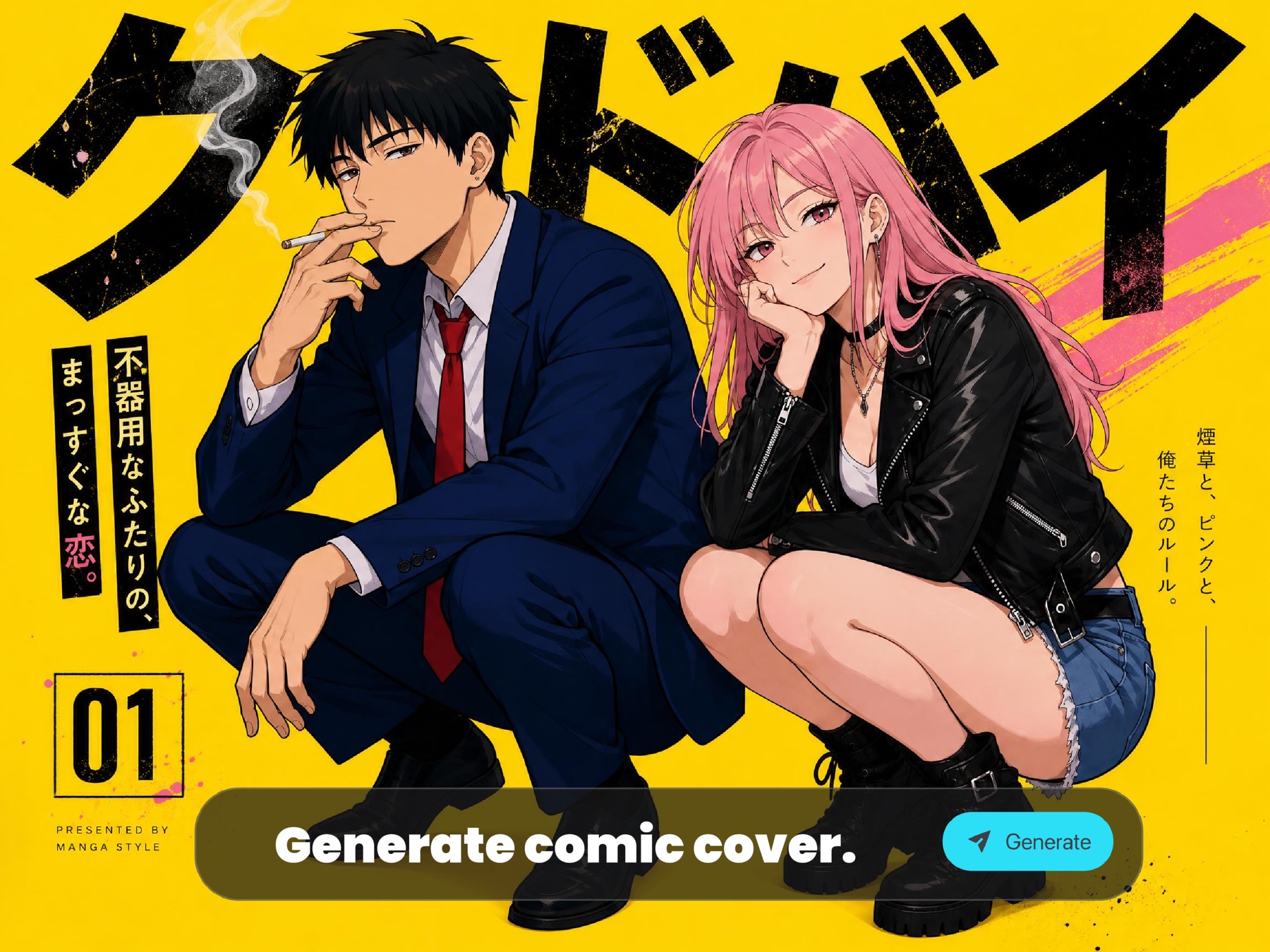
05
Comic Covers and Pitch Visuals
Create cover-style images, campaign visuals, moodboards and story pitch frames with title-safe composition and strong hero imagery.
Why Create Comics with ImaStudio?
ImaStudio combines prompt writing, optional references, model controls, community inspiration and creation history in one workflow, so comic ideas can move from rough concept to visual draft faster.
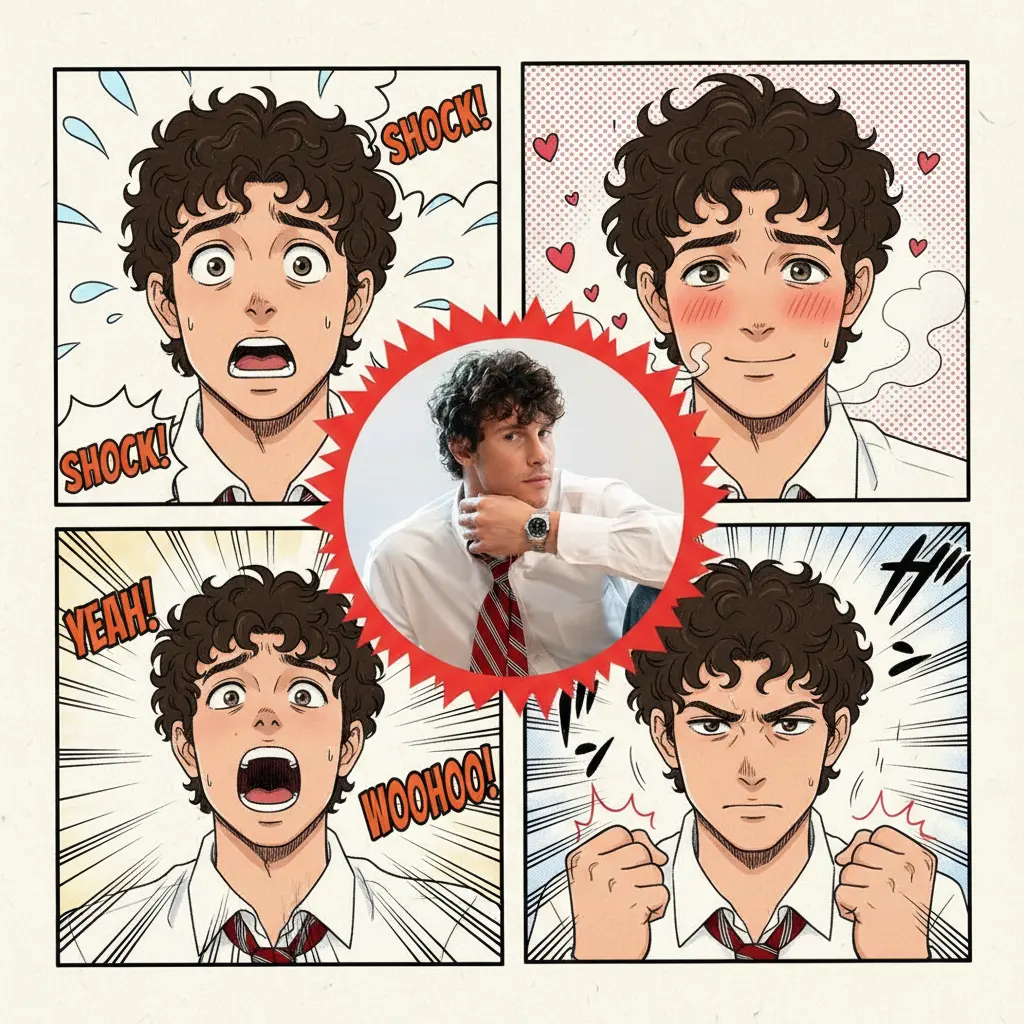
Start from Text or Images
Create from a pure story prompt, or upload references for characters, poses, products, scenes and styles.
Prompt Templates for Common Comic Jobs
Use one-click directions for single panels, strips, character sheets, covers and webtoon scenes, then edit the prompt in your own words.
Community Inspiration
Browse live community comic examples, inspect prompts in new tabs and reuse compatible visuals as references for your next generation.
History for Creative Iteration
Generated results are saved to ImaStudio creation history, making it easier to compare versions and continue refining a story concept.
TextGenerate comics from prompts
RefsGuide character and style
PanelsCovers, strips and webtoon scenes
AI Comic Generator FAQs
Explore more AI tools and creative examples
Create AI Comics Online
Start with a comic idea, choose a direction, add optional references and generate a panel, manga scene, character sheet, cover or webtoon frame in ImaStudio.