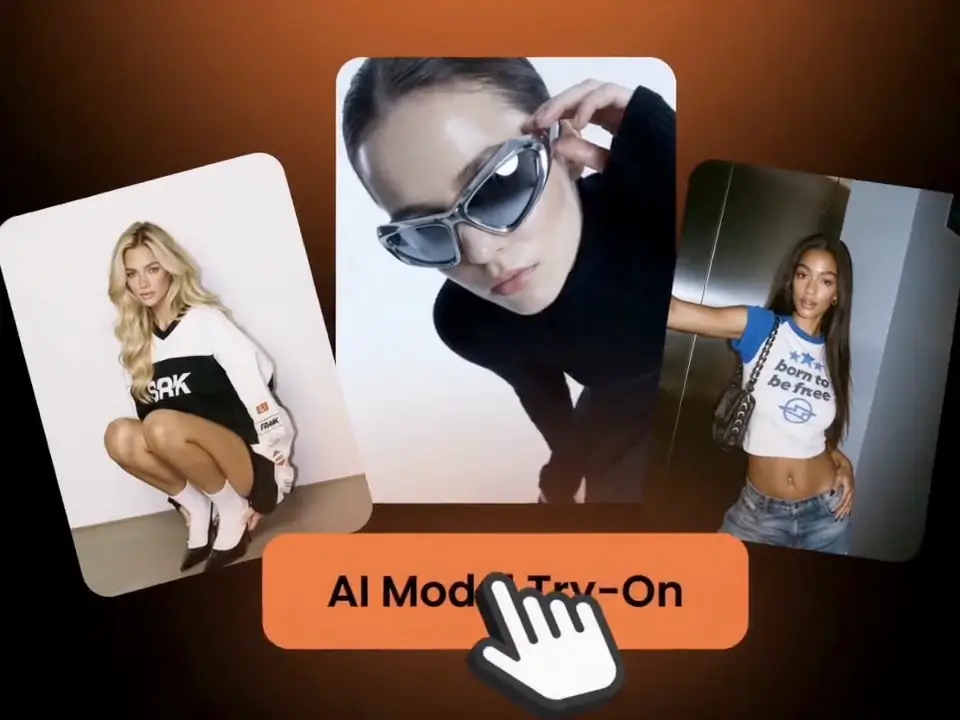
Explore Clothing Model Examples From Ima Studio Community
Browse apparel visuals made by fashion sellers and ecommerce teams. Open any card to study the prompt, garment setup, and model direction before reusing the workflow.
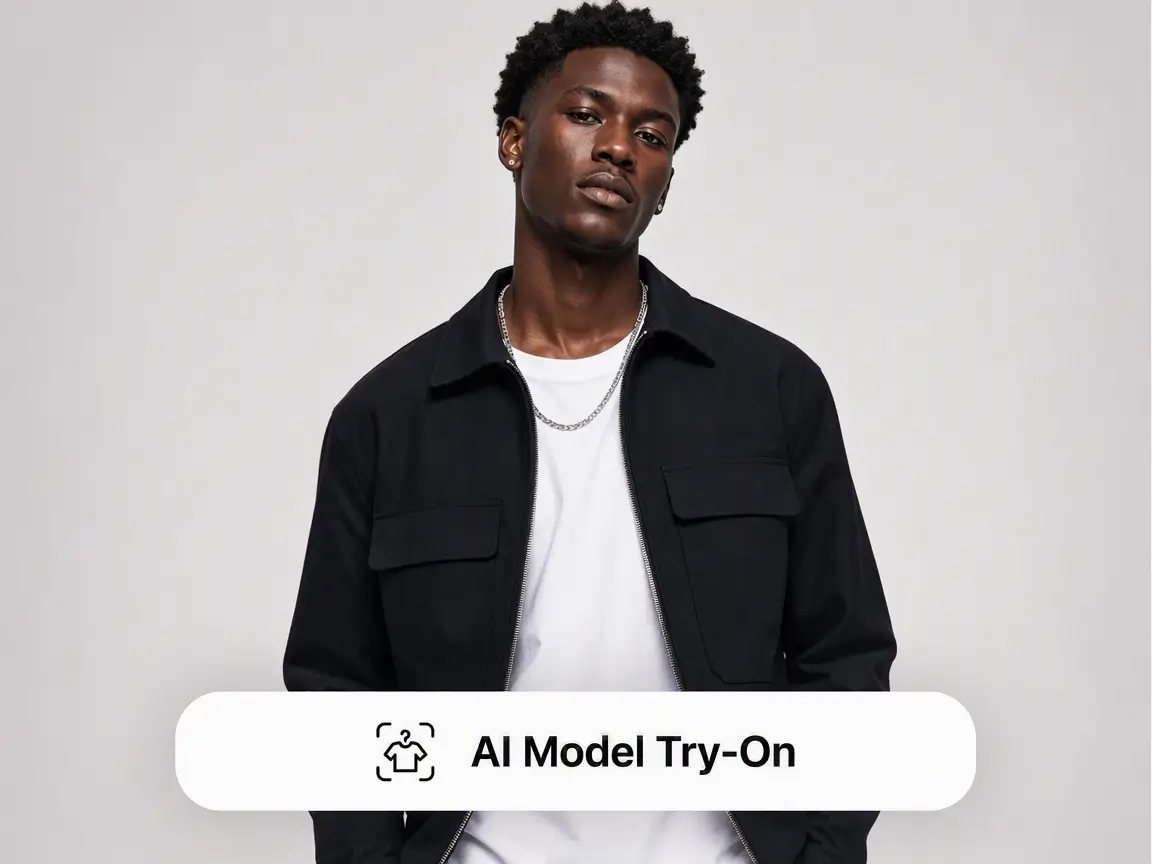
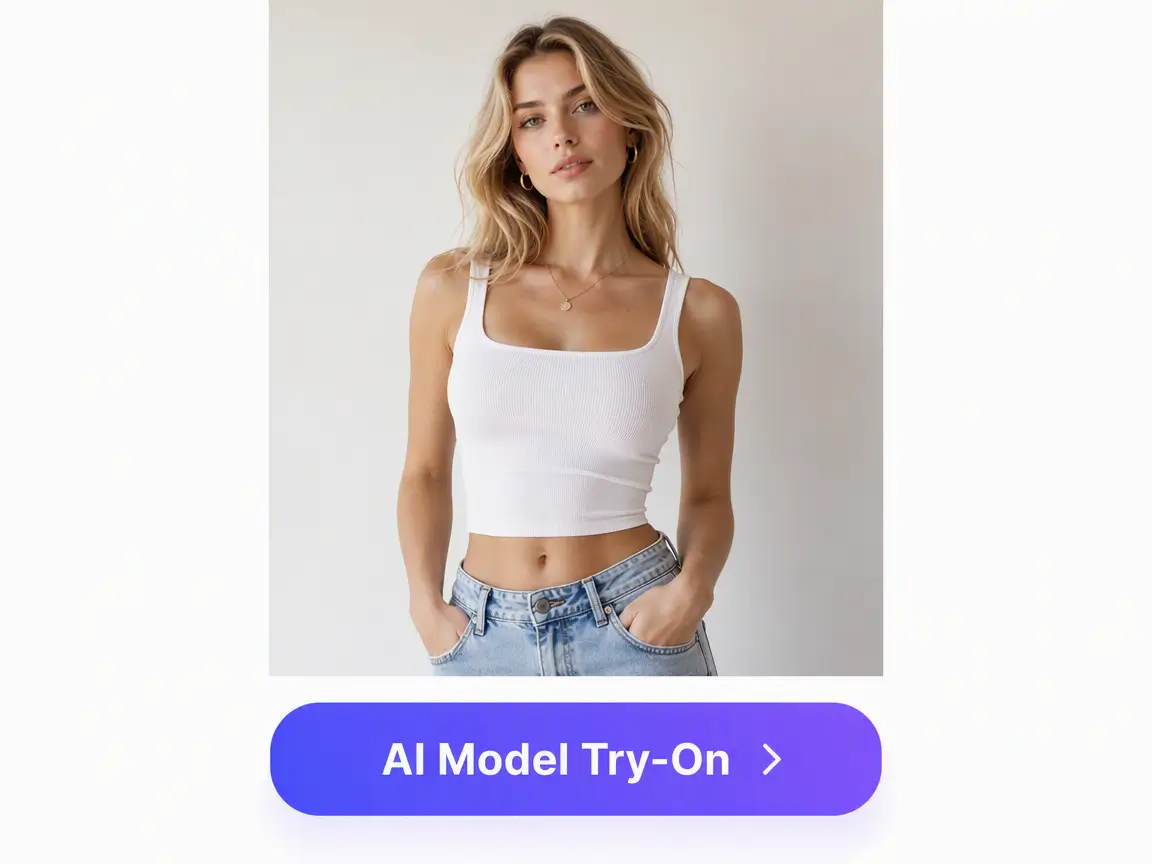
How to Create AI Clothing Model Photos
- Step 1Upload the garment
Start with a flat lay, hanger shot, mannequin image, or catalog photo. Clean edges and accurate color make it easier to preserve the garment.
- Step 2Direct the model and scene
Specify the model look, pose, styling, season, background, and target market. Add references when you want a consistent campaign mood.
- Step 3Generate and refine
Review the Model Try-on skill inputs, generate your apparel images, and continue refining the result in the canvas.
Built for Fashion Ecommerce and Campaign Workflows
Garment-first generation
Keep prints, seams, silhouette, sleeve shape, neckline, and fabric texture readable so the product stays the hero.
Start apparel shootModel and market localization
Create model sets for different regions, age groups, styles, and seasonal campaigns without booking separate shoots.
Start apparel shootListing and social ratios
Generate square marketplace images, vertical social ads, and lookbook compositions from the same garment reference.
Start apparel shootCanvas-ready iteration
After generation, continue with retouching, background changes, copy layouts, or close-up detail shots in the same workspace.
Start apparel shootWhere AI Clothing Model Images Work Best
Use this workflow when one garment needs to become many sellable contexts, from marketplace listings to campaign tests, without losing product truth.
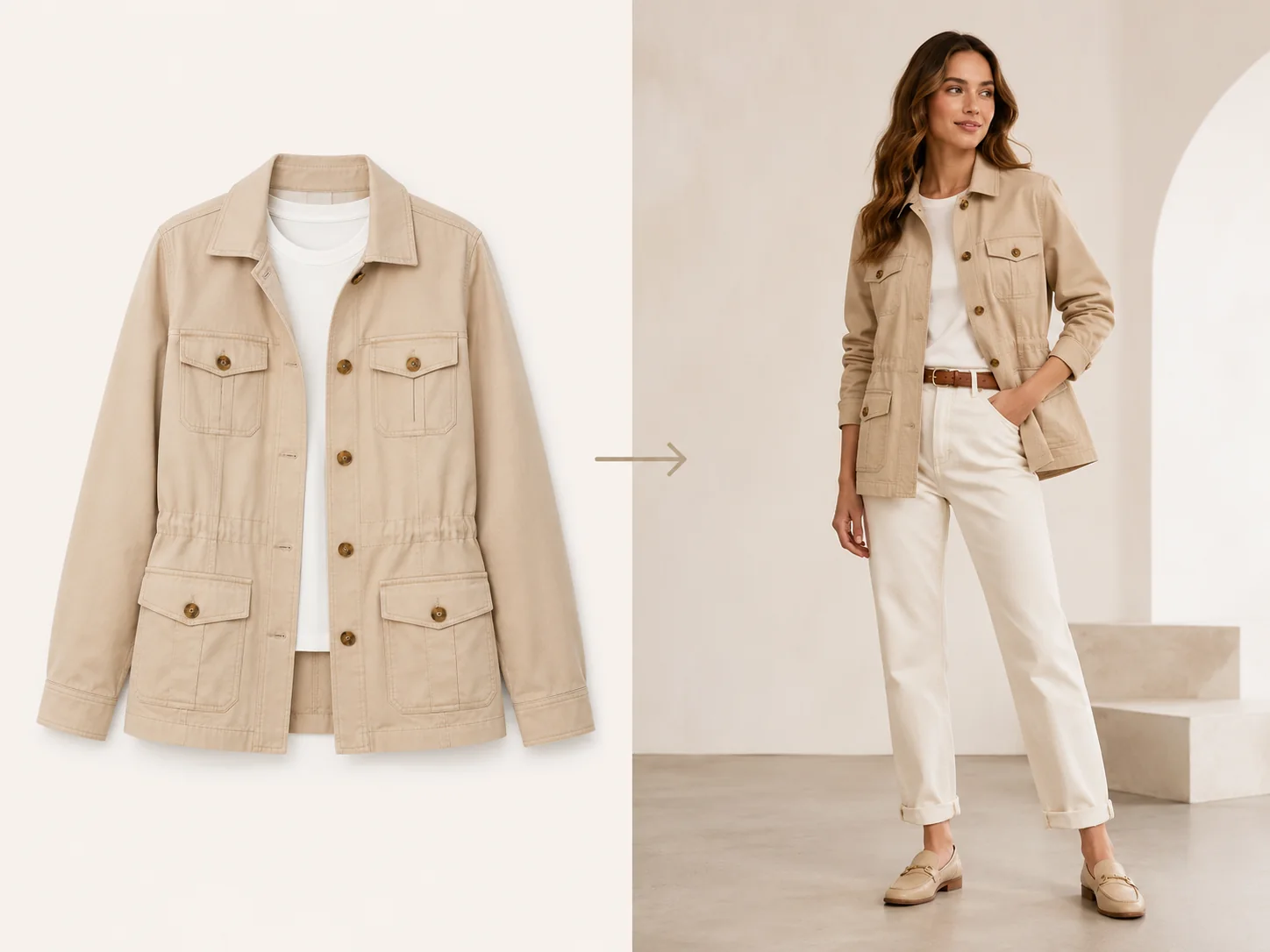
01
Flat lay to on-model listing photos
Turn product-only shots into model-worn images for Shopify, Amazon, TikTok Shop, Etsy, and marketplace catalogs.
Try this workflow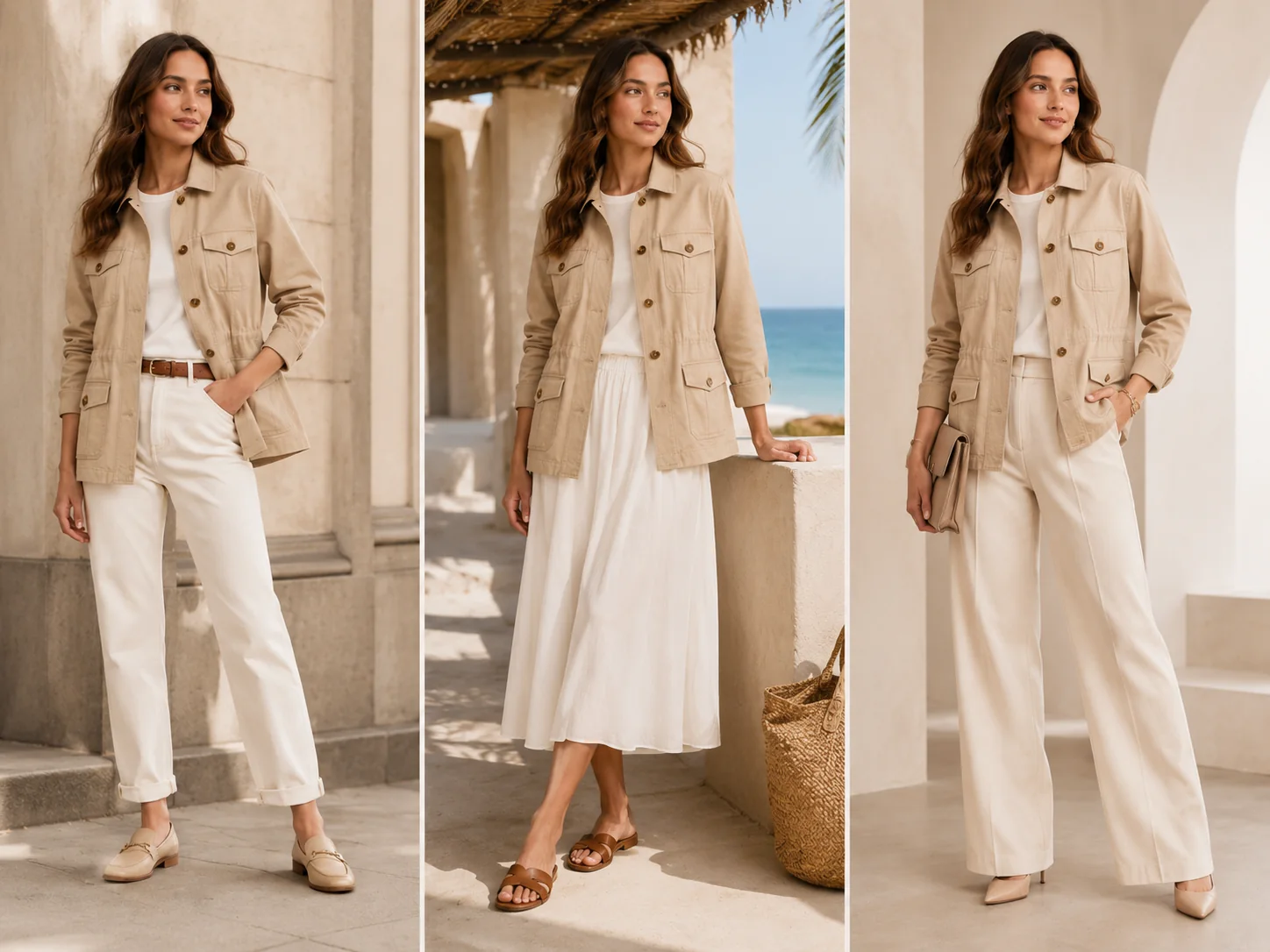
02
Campaign looks by audience
Generate localized visuals for different regions, seasons, and customer segments while keeping the same garment design consistent.
Try this workflow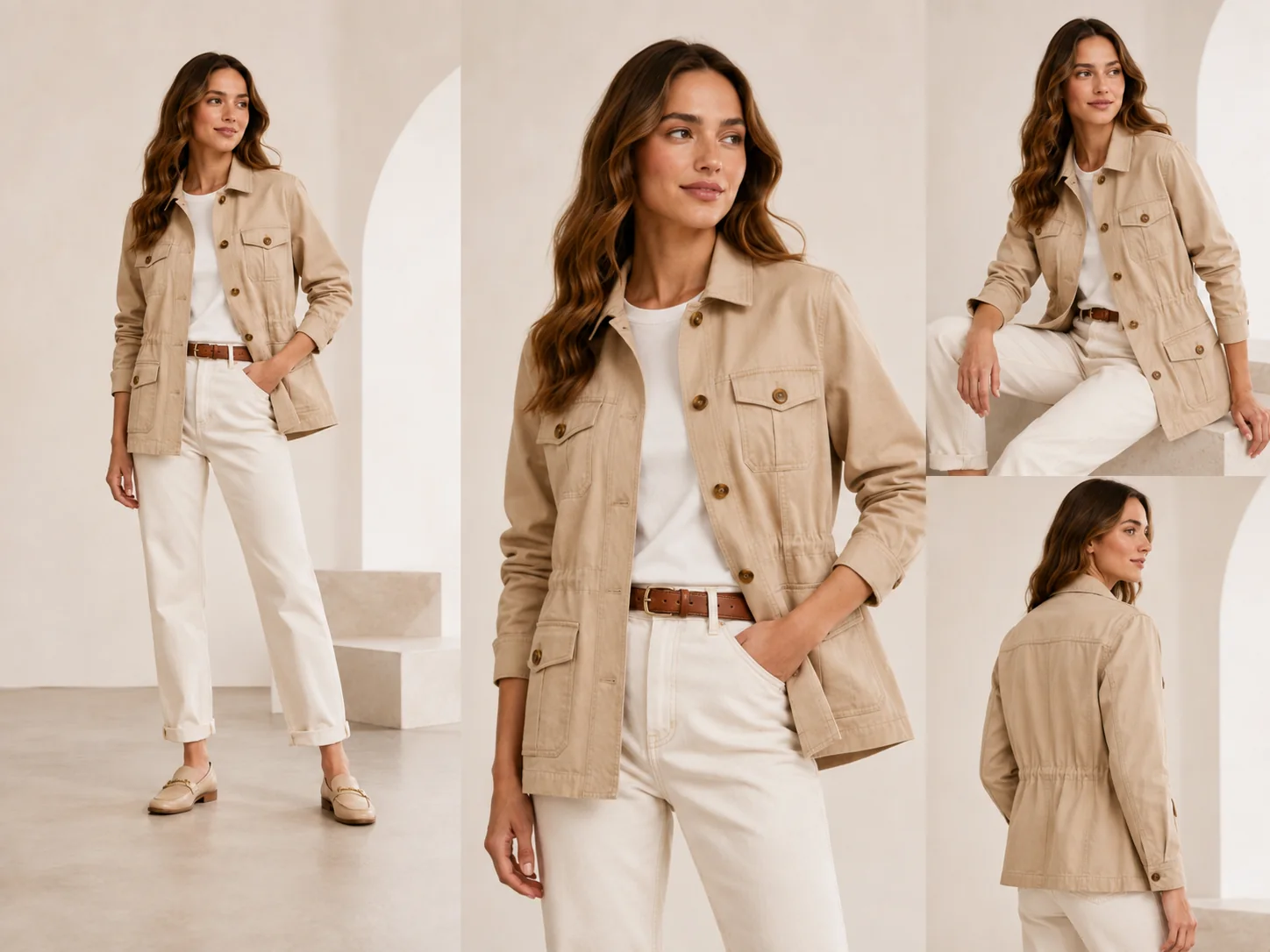
03
Lookbook and collection pages
Create coordinated model images for multiple items so a new drop feels like a complete editorial shoot.
Try this workflow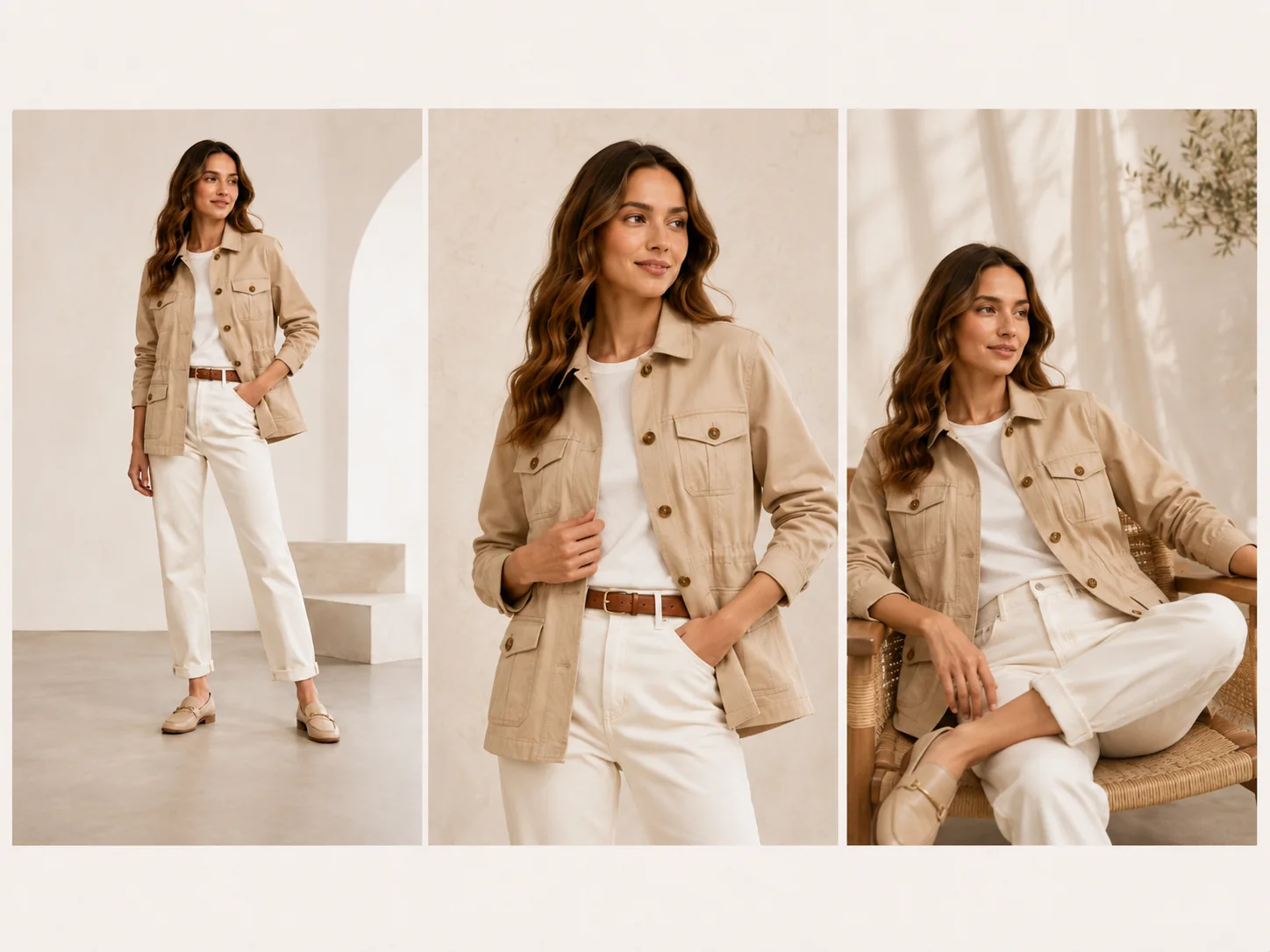
04
Ad creative testing
Produce pose, background, and model variations for paid social testing without waiting for another production cycle.
Try this workflow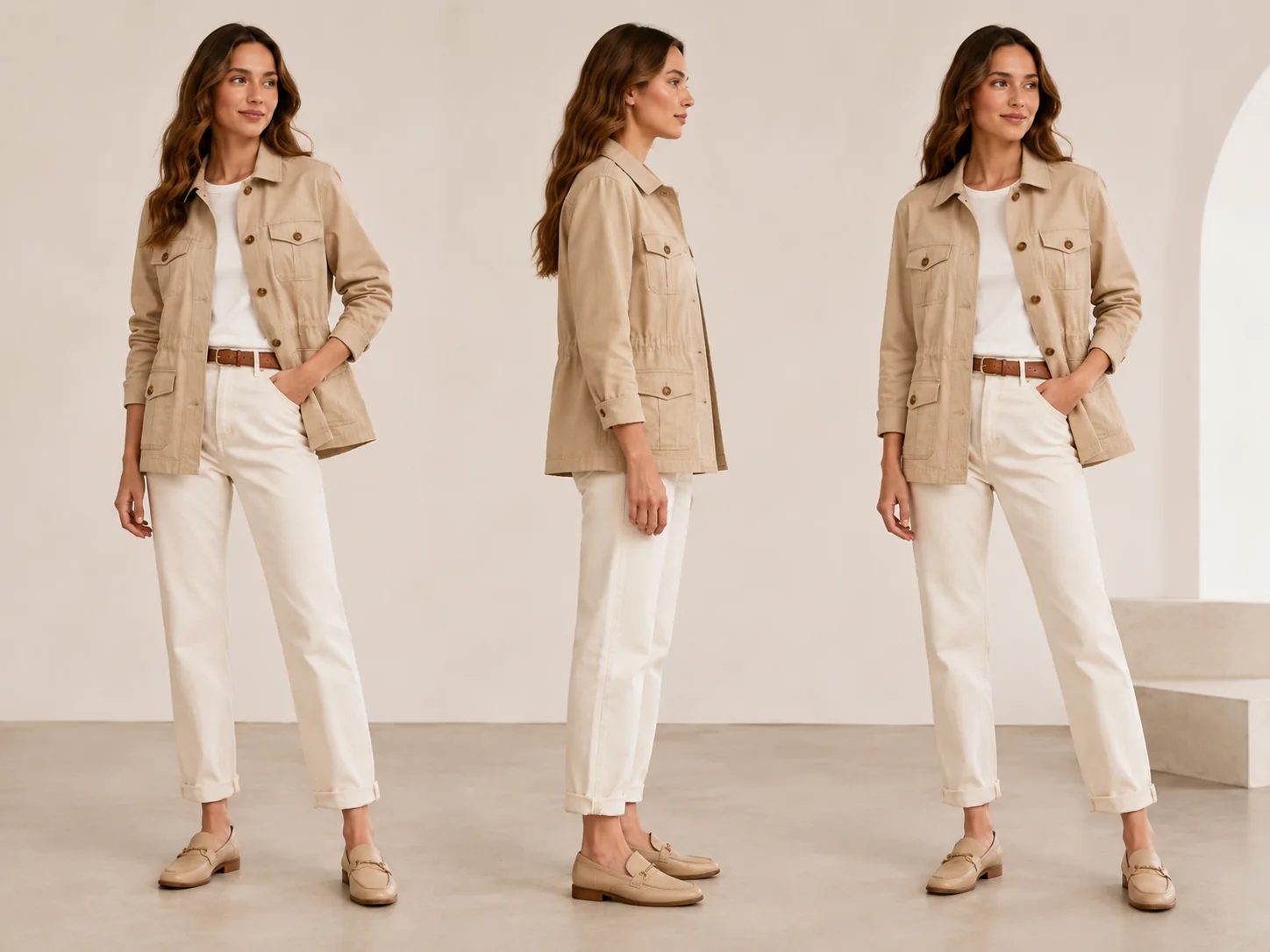
05
Fit and styling previews
Show how jackets, tops, dresses, activewear, and accessories look in realistic poses and outfit combinations.
Try this workflow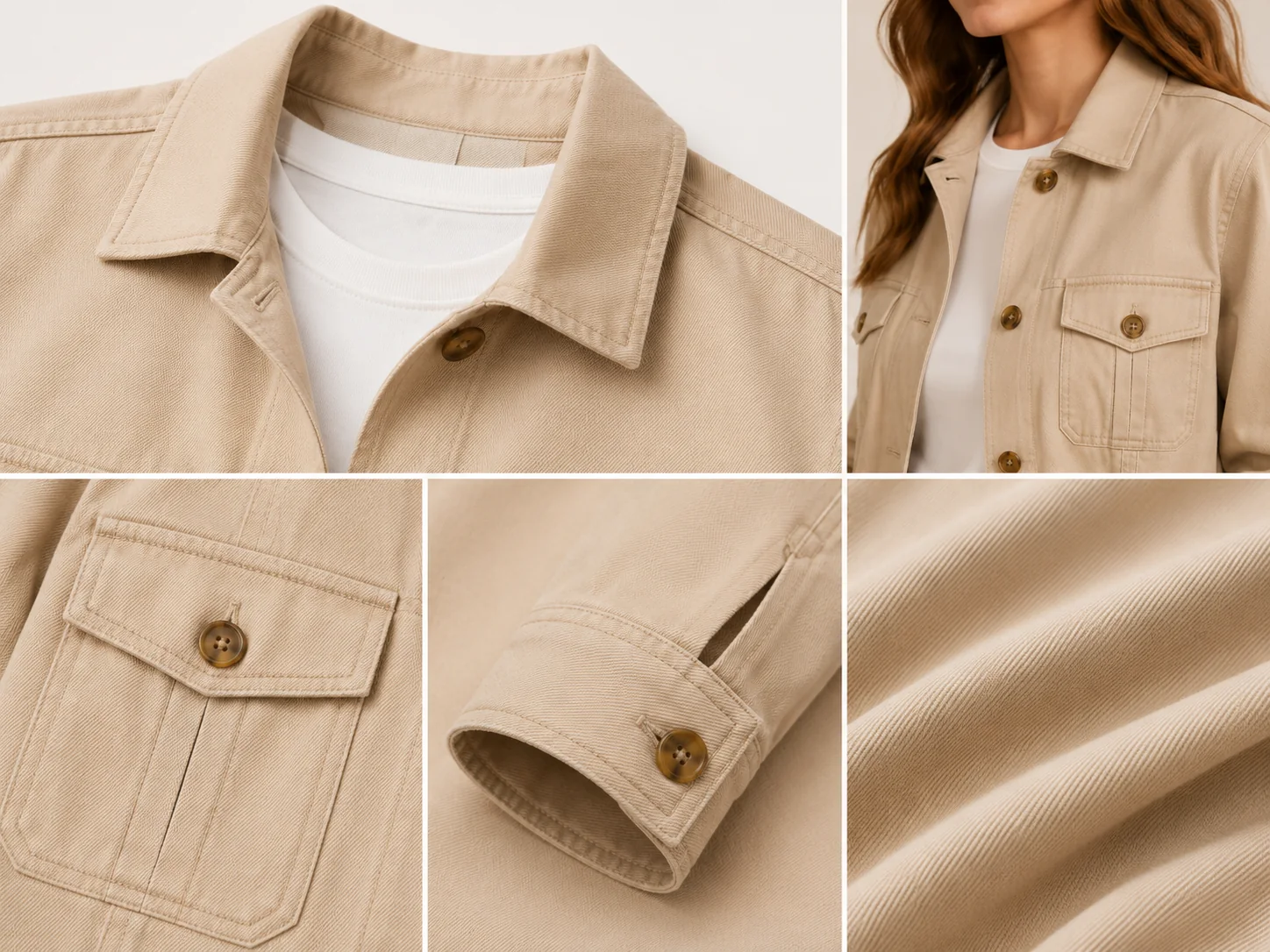
06
Detail-led apparel visuals
Build supporting images that highlight texture, silhouette, drape, stitching, or premium material cues.
Try this workflowWhy Choose Ima Studio for Clothing Model Images?
Fashion teams need both speed and product accuracy. Ima Studio keeps the garment reference central while giving you a faster way to build model-ready ecommerce and campaign assets.
Lower shoot cost
Reduce repeated model bookings, locations, styling, and reshoots for every colorway or campaign angle.
Consistent product identity
Keep garment details aligned across model types, backgrounds, and formats so listings feel reliable.
Faster merchandising tests
Launch new audience, pose, and scene variations in hours instead of waiting on production calendars.
One workspace after generation
Move from model image creation to retouching, layout, and canvas edits without exporting between tools.
3xFaster campaign visual testing
10+Model and scene directions per product
1Canvas for generation and refinement
AI Clothing Model Generator FAQs
Explore more AI tools and creative examples
Create On-Model Apparel Photos Today
Upload a garment image, define the model direction, and generate fashion visuals ready for listings, lookbooks, and paid campaigns.