Explore AI Product Photography From Ima Studio Community
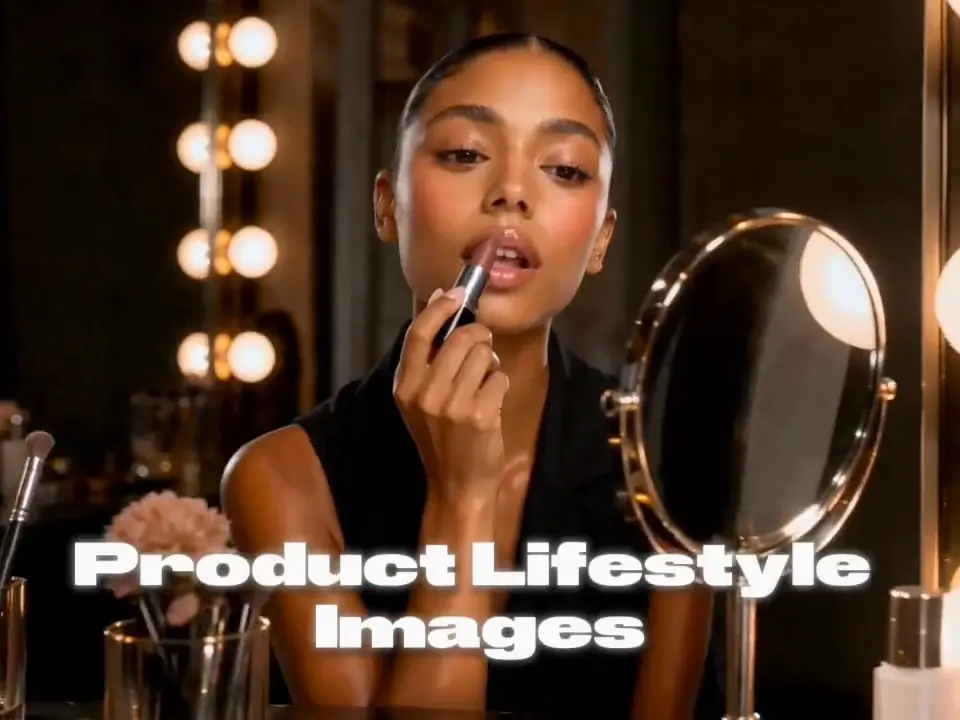
Browse product scenes created by the community. Open a card to view the prompt, product setup, and composition ideas you can adapt instantly.
How to Create AI Product Photography
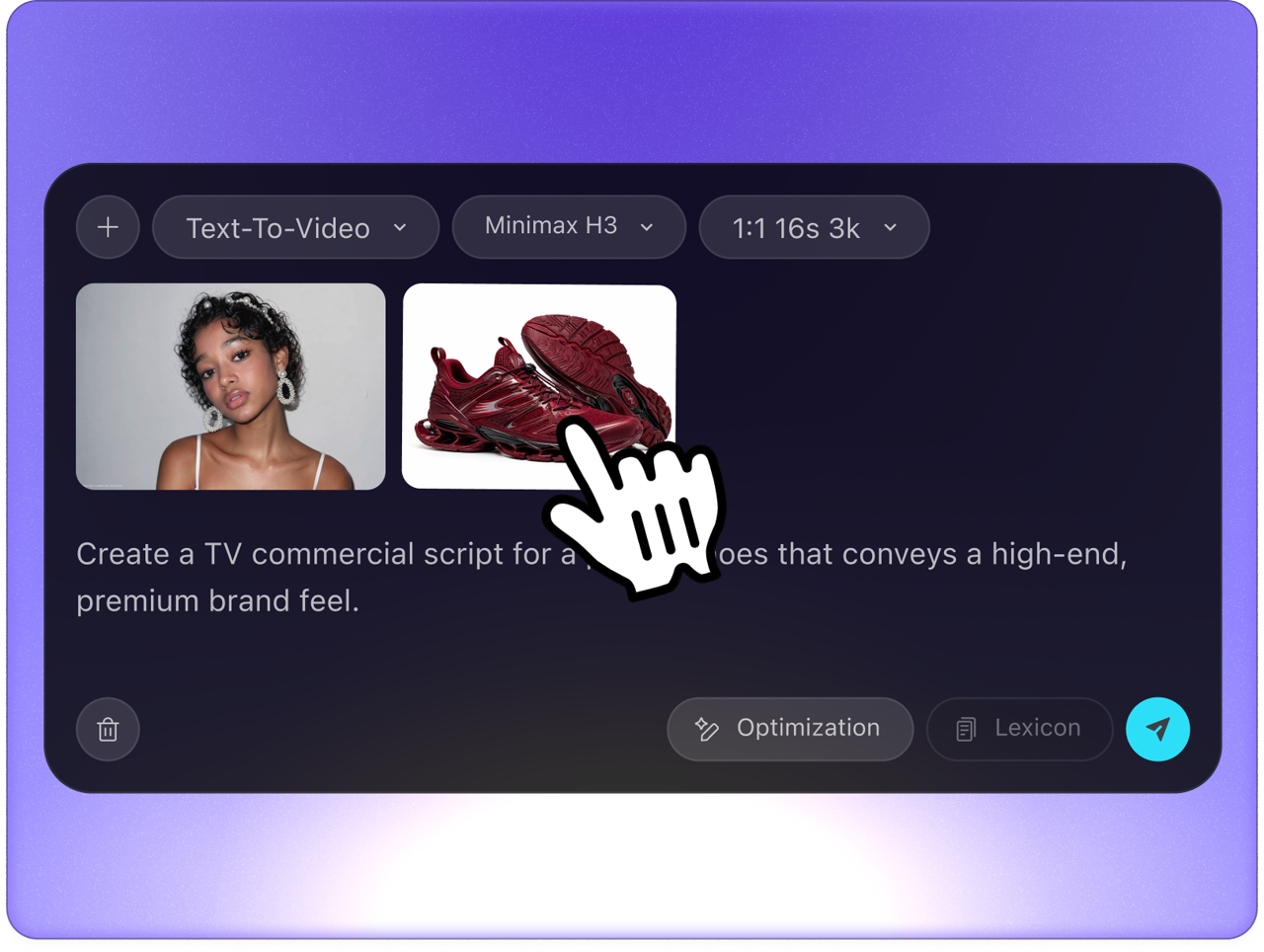 Step 1Upload a product image
Use a clean cutout, packshot, catalog photo, or phone snapshot. A sharp product reference helps preserve shape, branding, color, and key details.
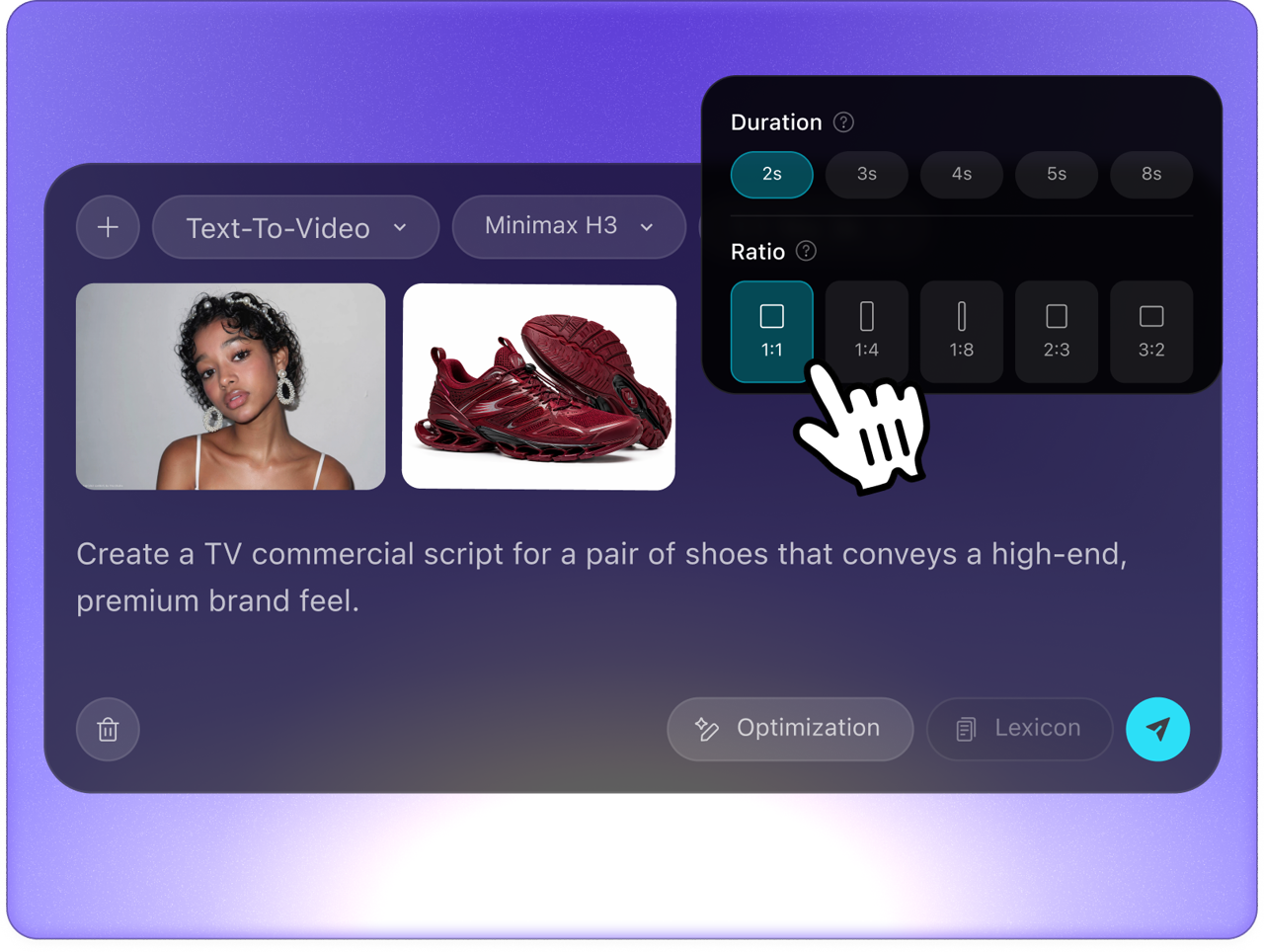 Step 2Describe the shoot direction
Write the setting, background, props, lighting, camera angle, platform, and mood. Be specific about whether you need studio, lifestyle, hero, or social ad visuals.
- Step 3Generate campaign-ready photos
Create multiple product scenes, compare the strongest image, then continue editing in the canvas for crops, copy space, retouching, and ad layouts.
Turn One Product Photo Into High-Converting Ecommerce Visuals
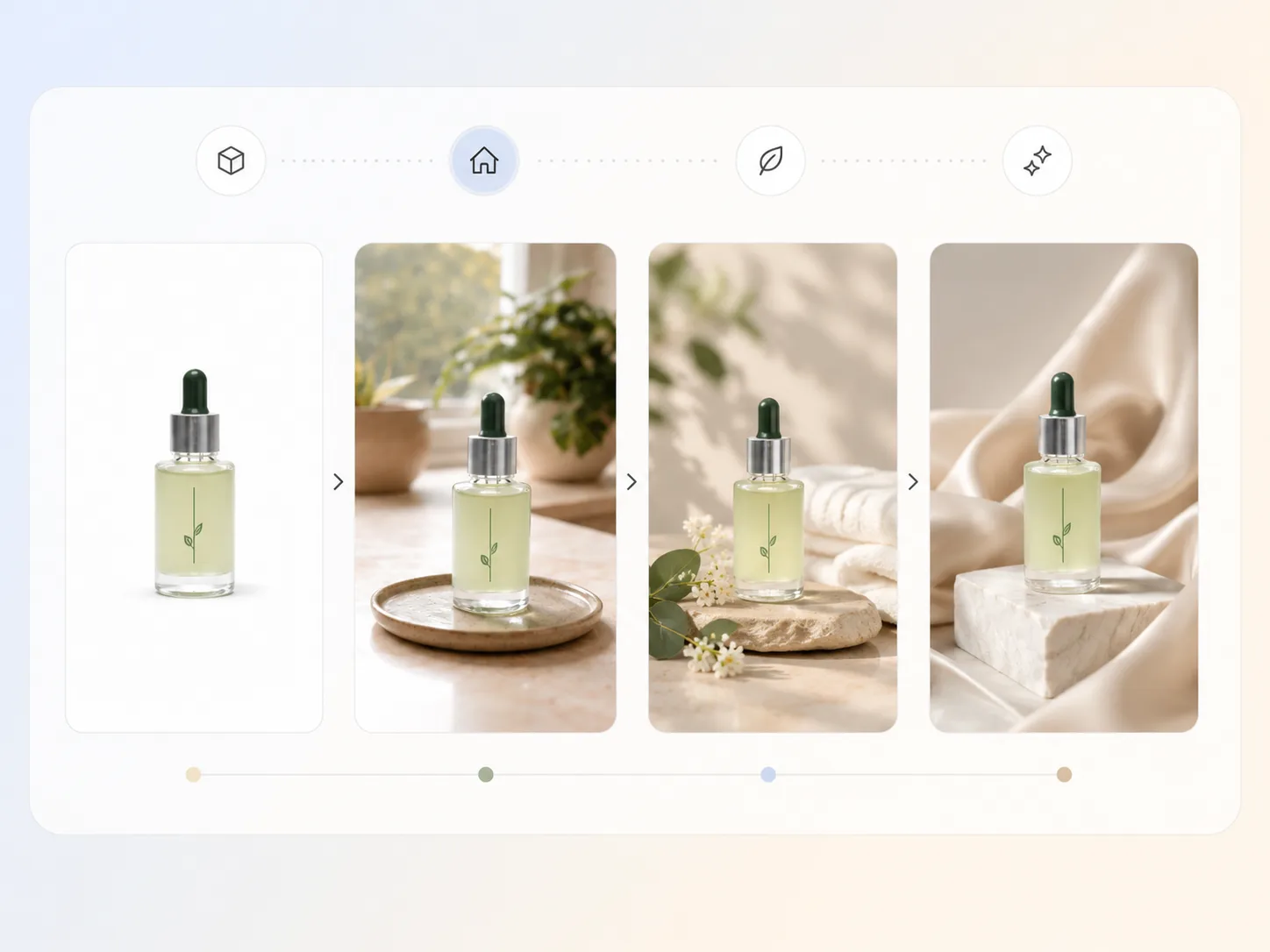
Place products in realistic selling contexts
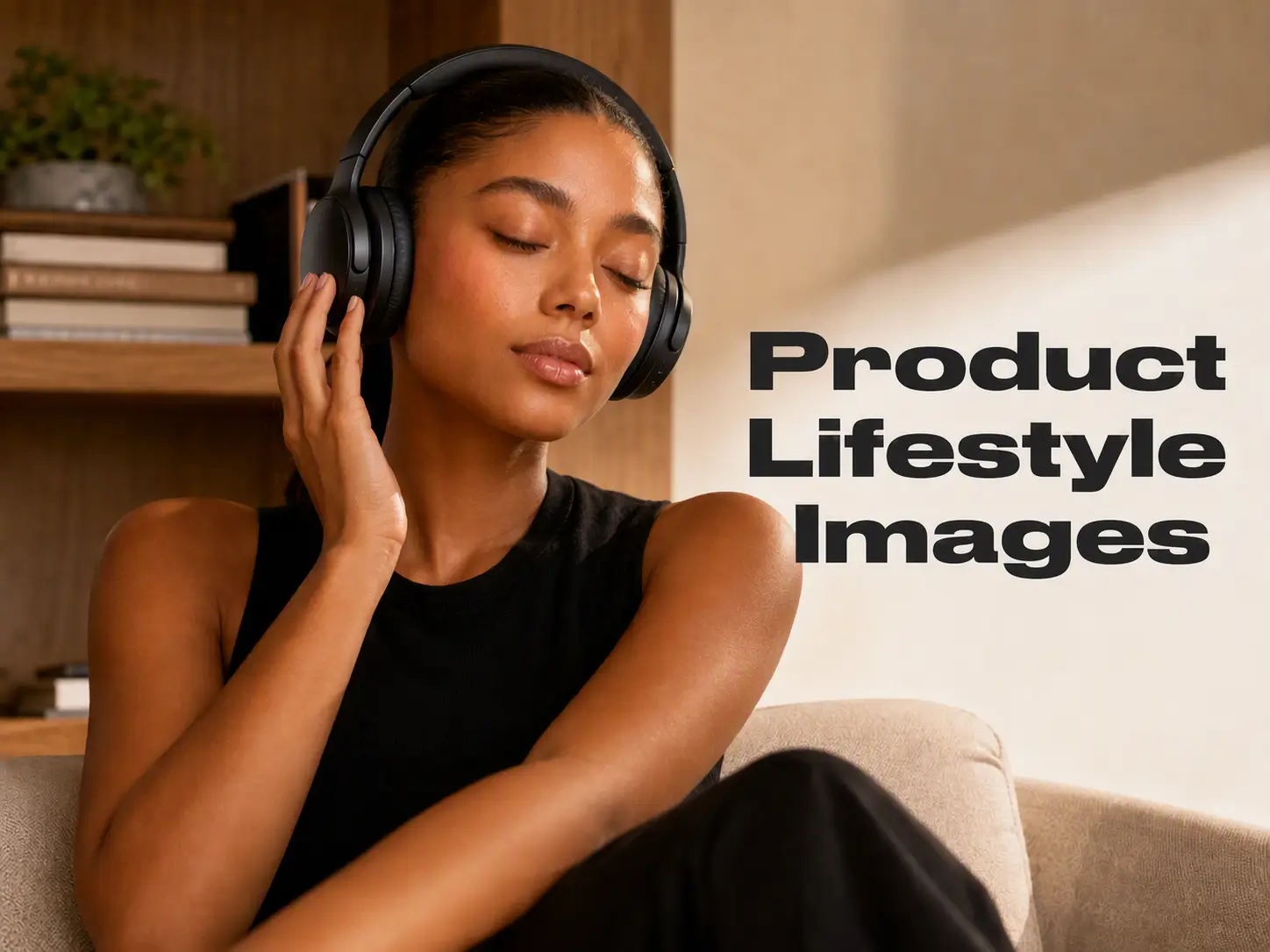
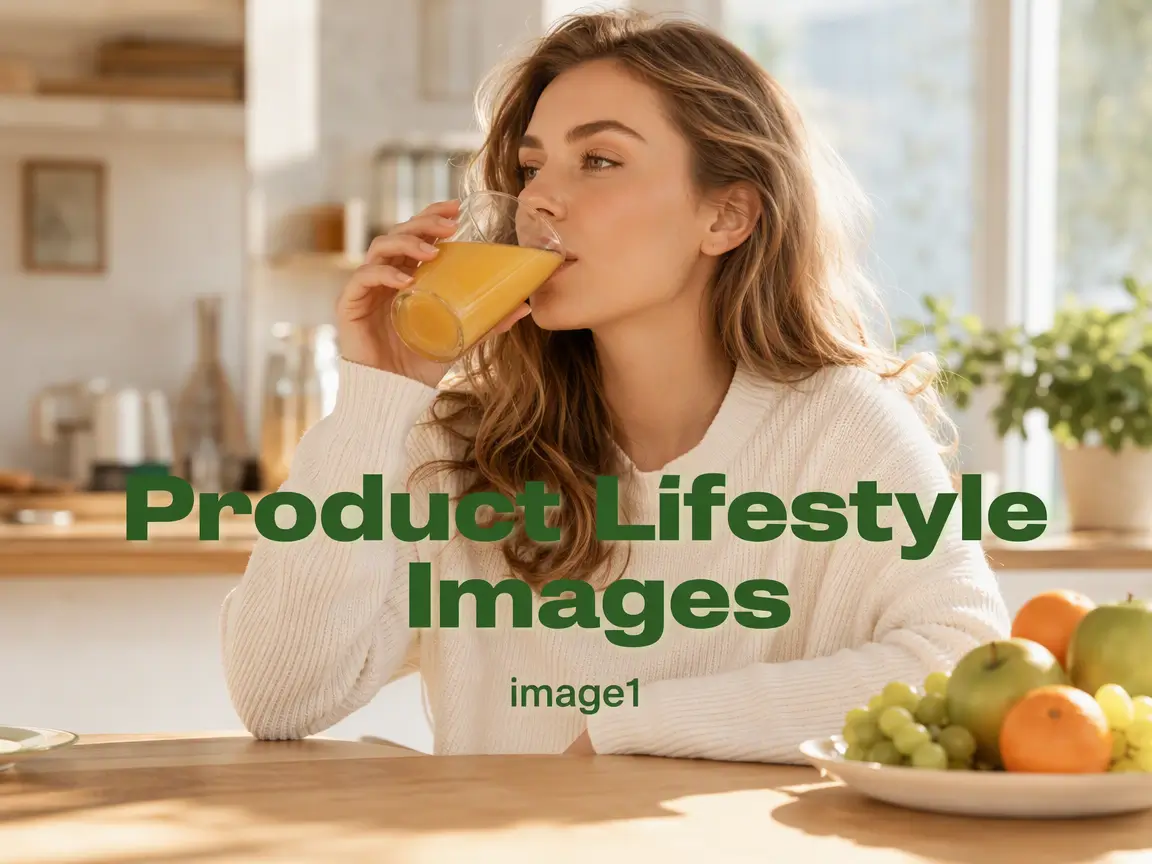
A basic packshot is useful, but it does not show why the product belongs in a buyer's daily routine. Ima Studio's AI product photography workflow turns one product image into realistic lifestyle product scenes for kitchens, bathrooms, desks, outdoor use, seasonal gifting, and premium retail displays. Use it to help shoppers understand scale, mood, and use case while keeping the product visible for ecommerce listings, landing pages, and paid ads.
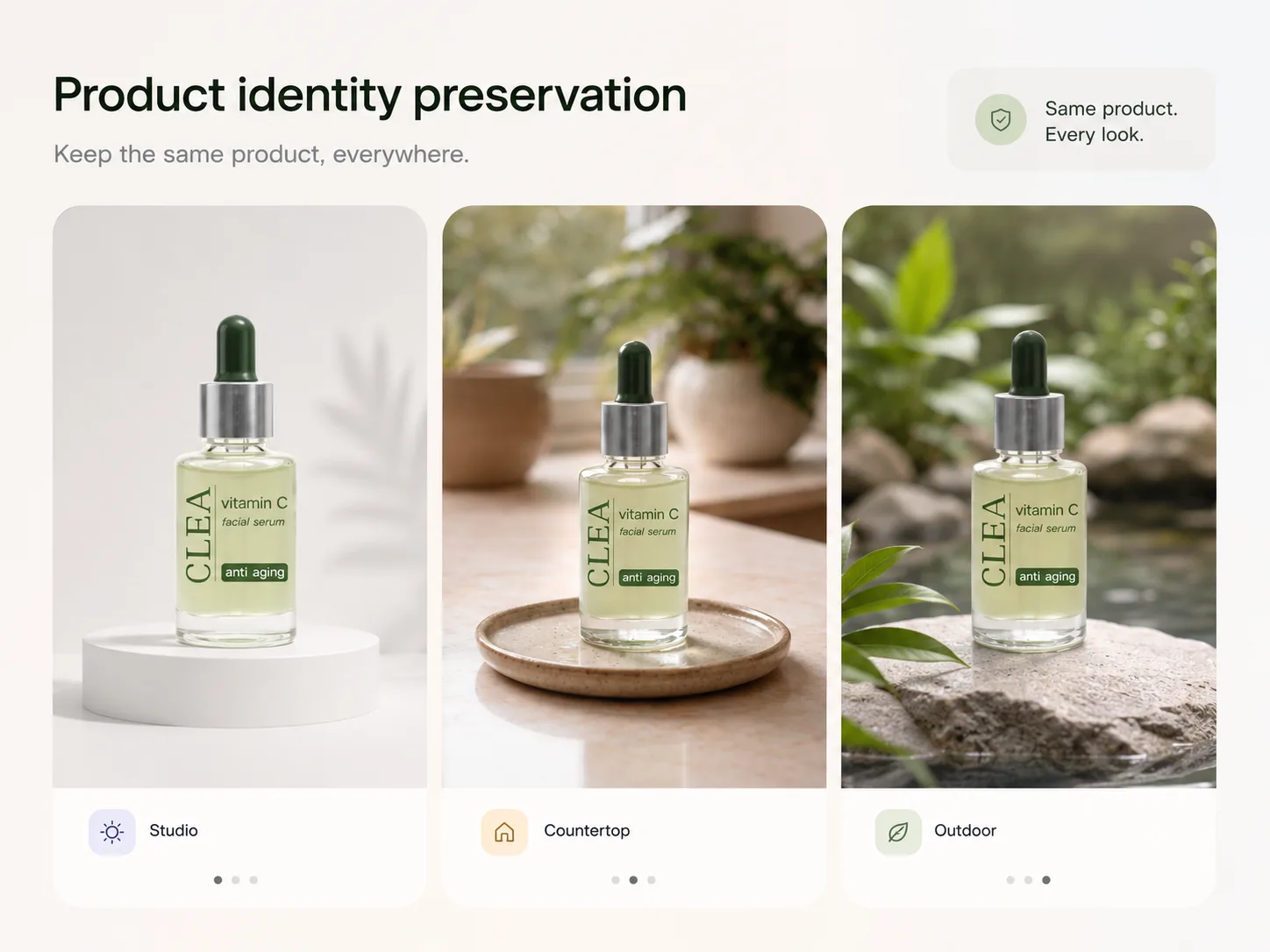
Keep product identity consistent across every look
High-converting product visuals still need to look like the same SKU. Upload a clean product reference and ask for new backgrounds, props, camera angles, or lighting while preserving bottle shape, packaging structure, label placement, color, material, and hero silhouette. This makes AI product photos more reliable for Amazon, Shopify, TikTok Shop, product pages, and catalog refreshes where brand consistency matters.
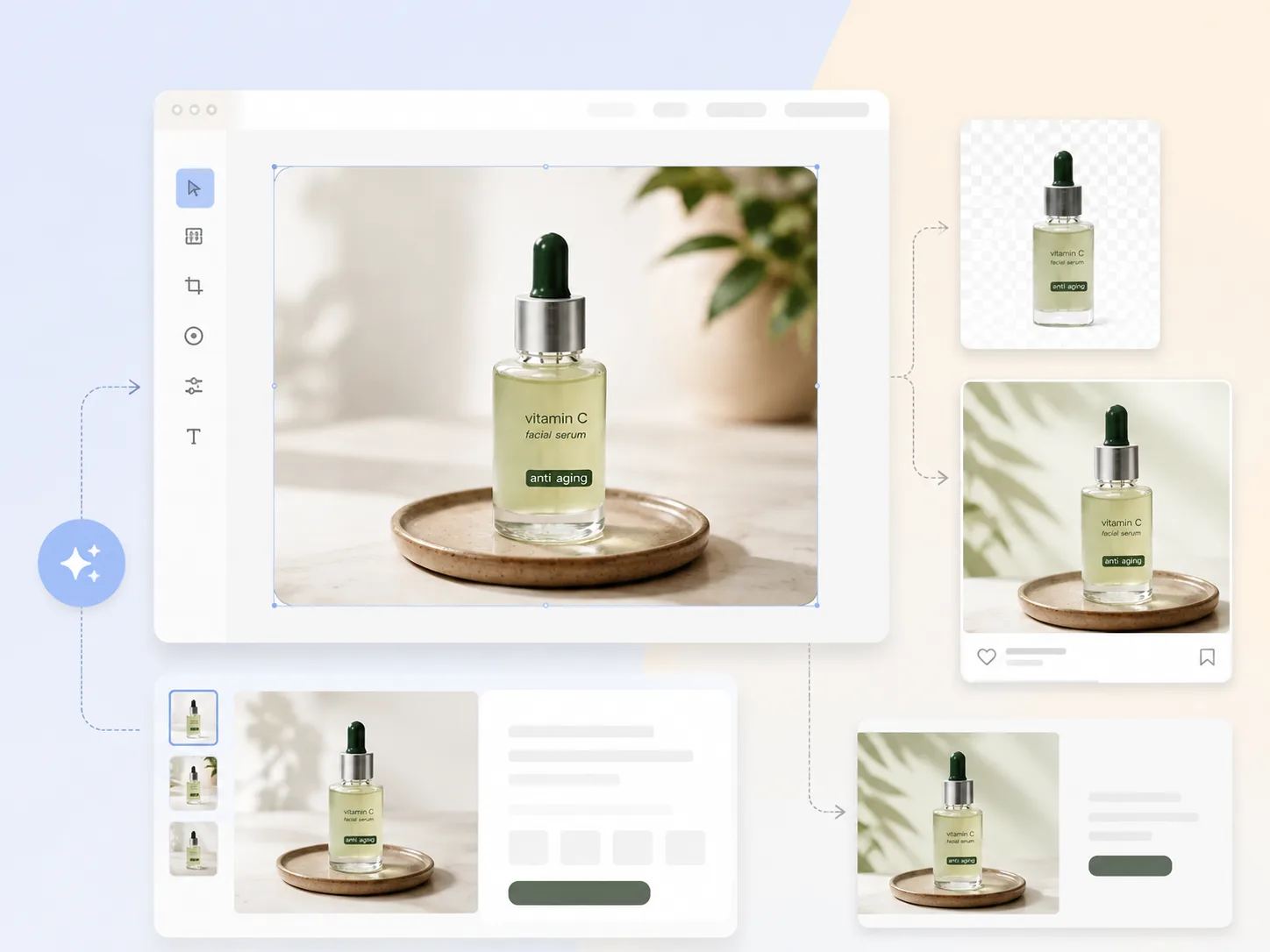
Generate AI backgrounds and sales layouts without design experience
Background selection changes how customers perceive price, quality, and audience fit. With a plain-language brief or style reference, you can create white ecommerce images, warm countertop scenes, seasonal campaign backgrounds, social feed crops, and product poster layouts from the same photo. Continue into the AI Product Poster Generator when you need copy space, badges, offer callouts, and launch creatives.
Create product posters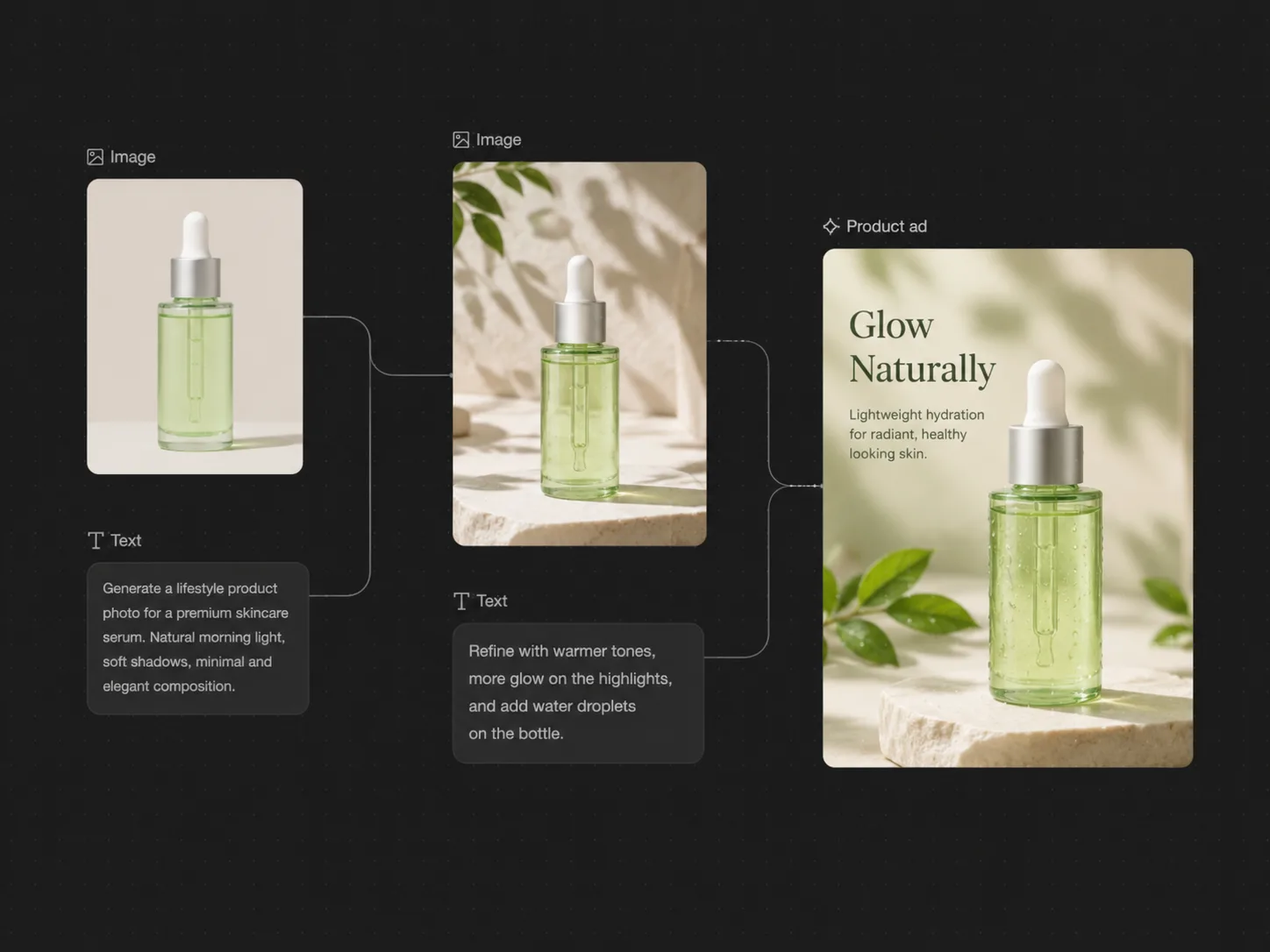
Scale product photo production into ads and detail pages
As SKU count and campaign velocity grow, manual retouching and repeated photoshoots cannot keep up. Use AI product photography to build a repeatable visual system with consistent lighting, background style, aspect ratios, and channel-ready variants, then move into AI Ad Generator or AI Product Detail Page Generator. It helps teams turn one product reference into storefront images, ad concepts, hero banners, and reusable creative tests without rebuilding every asset from scratch.
Create product adsWhy Choose Ima Studio for AI Product Photography?
Product photography has to sell the actual item. Ima Studio helps teams create more contexts around a real product reference while keeping the workflow connected to editing and campaign production.
Fewer reshoots
Test scenes and campaign angles without waiting for another physical setup, photographer, or location.
More product contexts
Create studio, lifestyle, seasonal, and ad visuals from one source image instead of relying on one packshot.
Better creative learning
Compare multiple concepts quickly and learn which background, props, and framing communicate the product best.
Ready for downstream assets
Carry product photos into banners, social ads, detail pages, and canvas edits without changing tools.
35+Community examples loaded per page
4Core selling formats
1Product reference to many scenes
AI Product Photography FAQs
Explore more AI tools and creative examples
Generate Product Photos for Your Next Campaign
Upload a product image, describe the shoot, and create polished product photography for stores, ads, and launches.