01
Anime Avatars and Profile Pictures
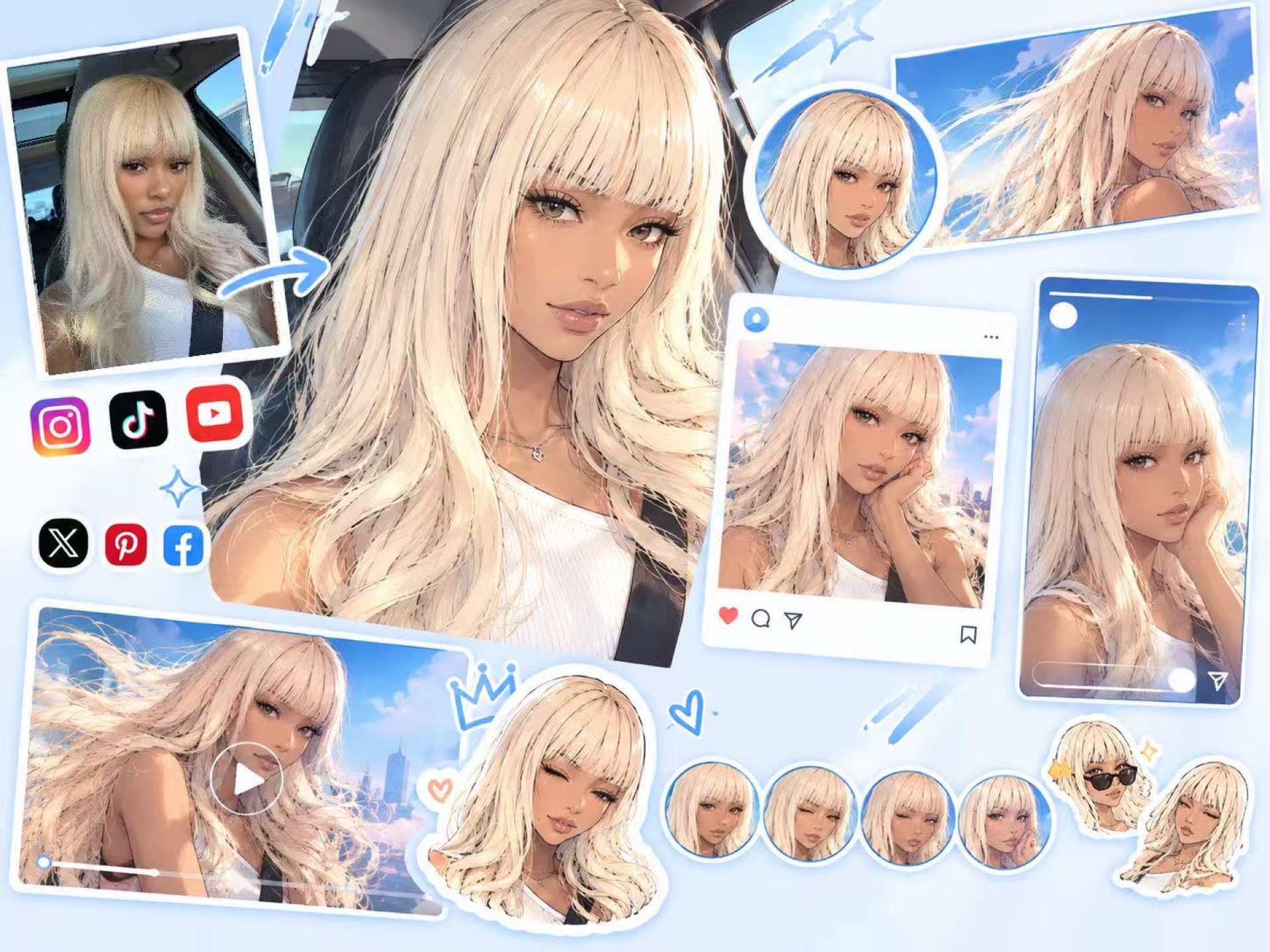
Turn a selfie or portrait into an anime avatar for Discord, TikTok, YouTube, X, Instagram, gaming profiles or creator communities while keeping the subject recognizable.
Browse anime-style portraits, avatars, manga looks and character experiments. Click any card to apply its matching prompt and reference image before making your own version.
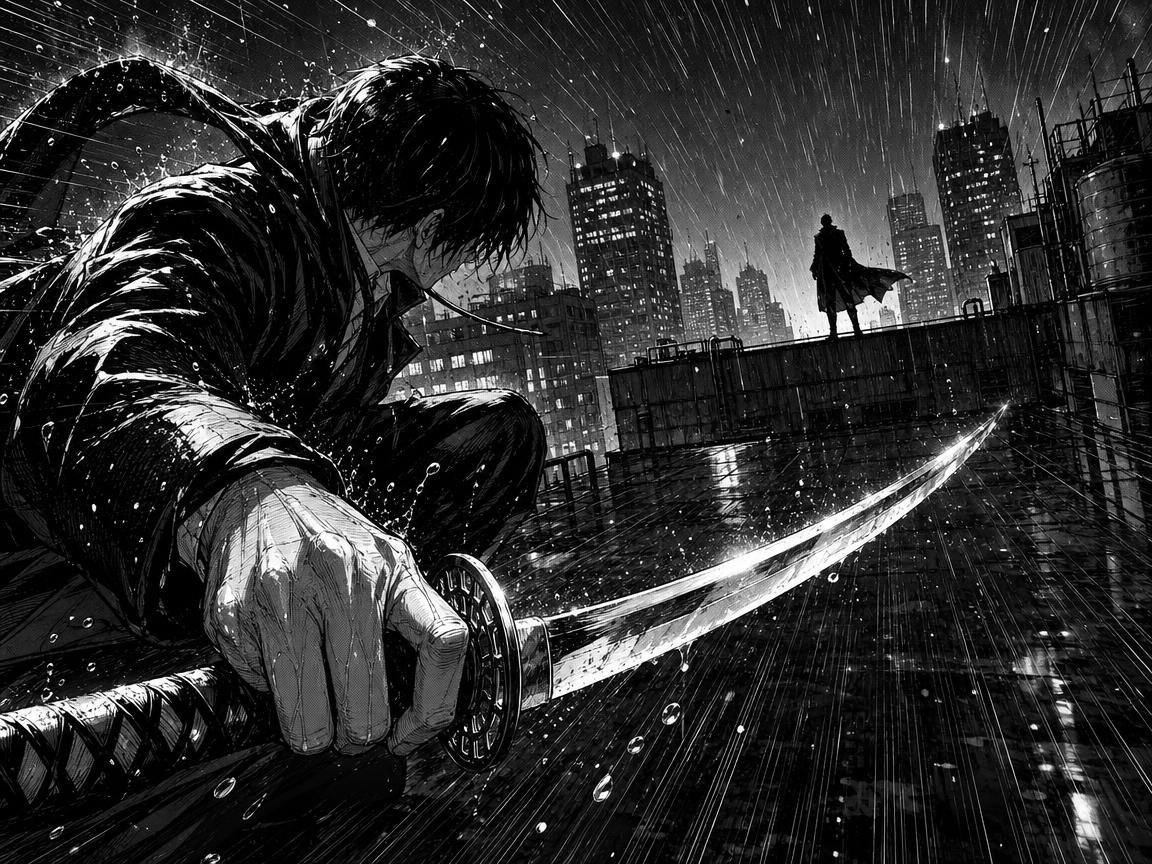 AI GENERATED
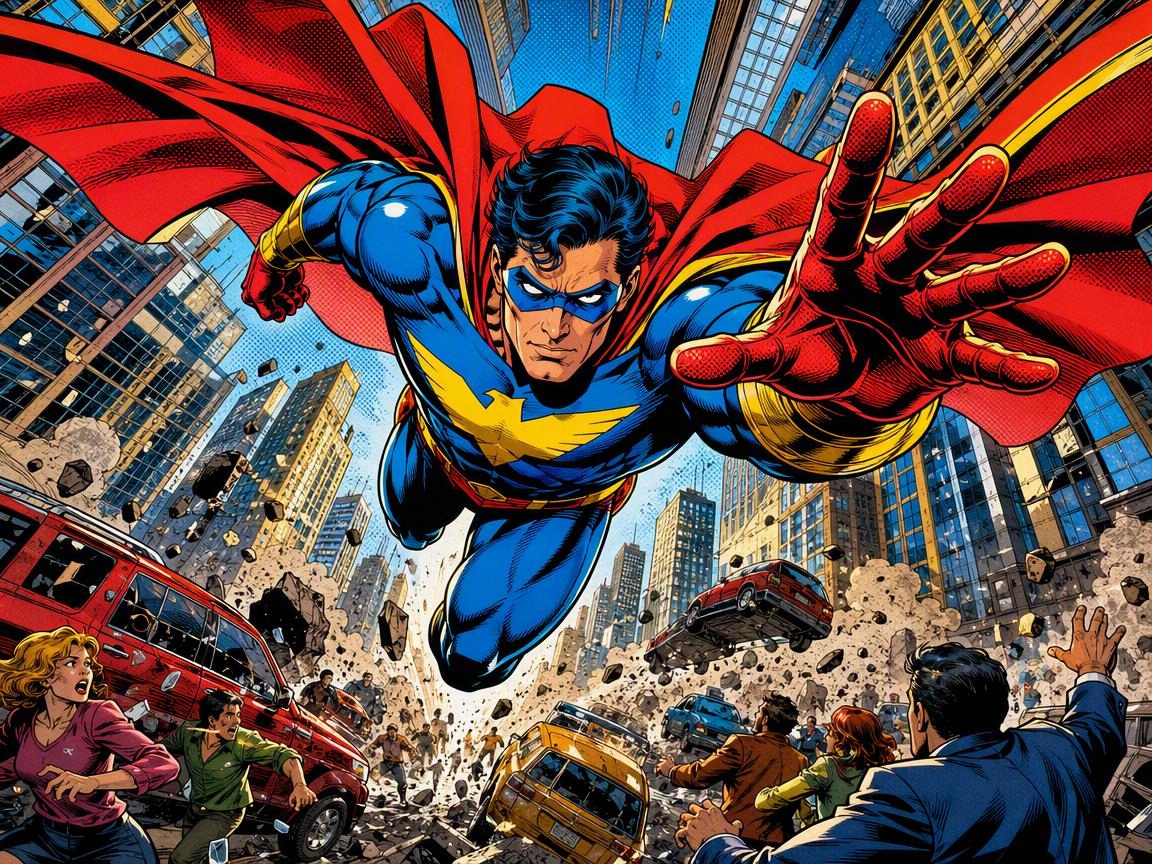 AI GENERATED
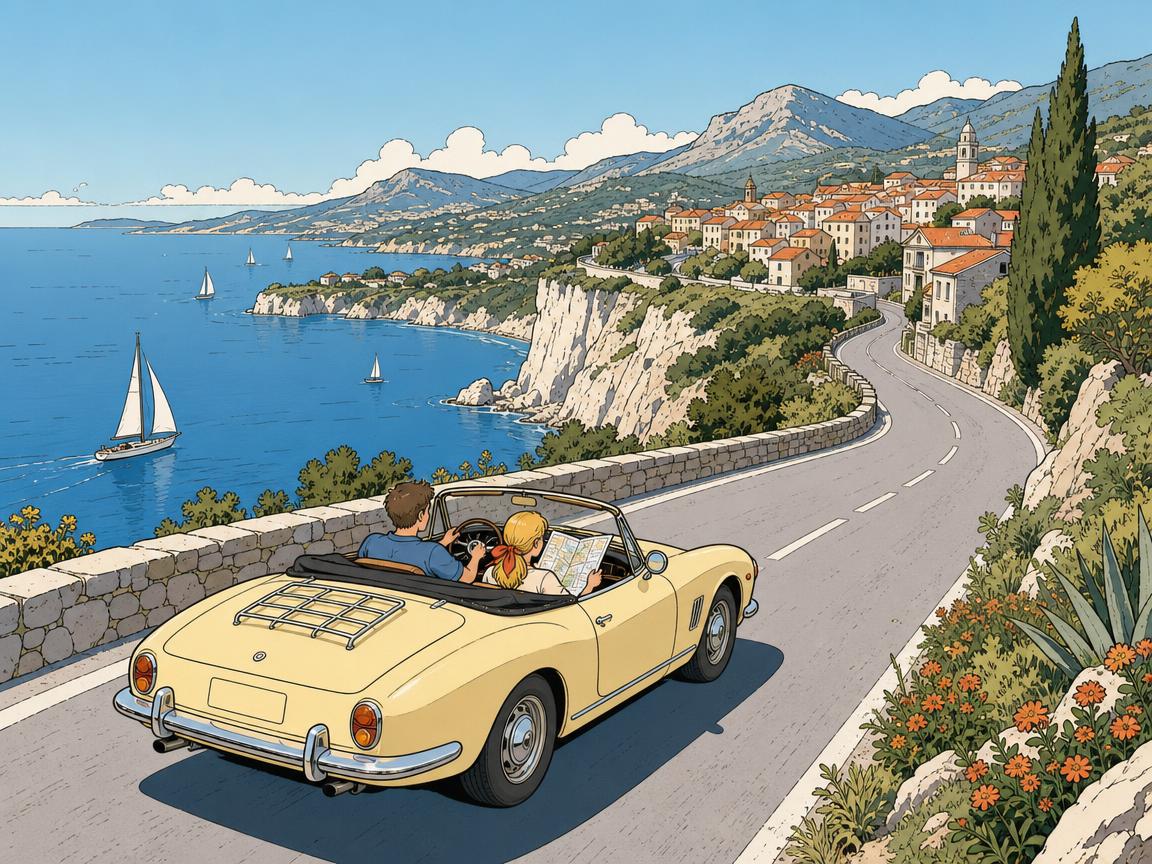 AI GENERATED
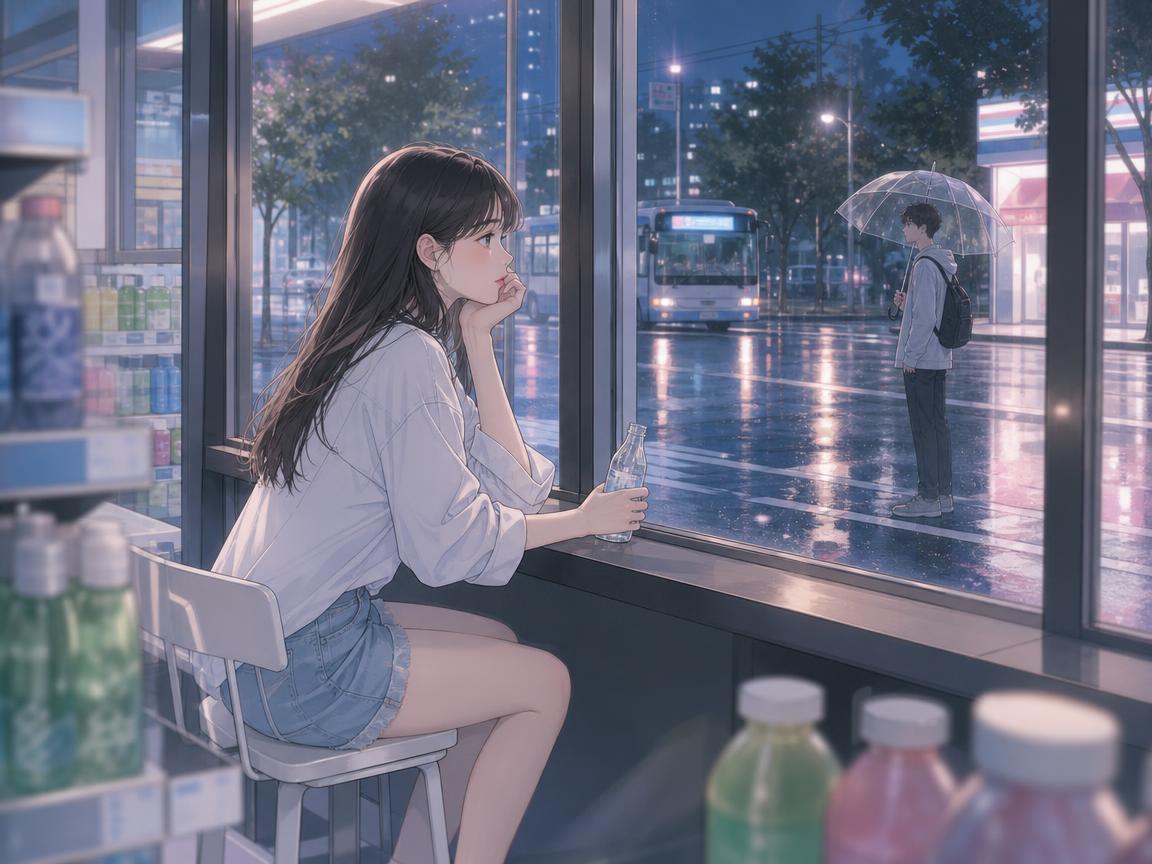 AI GENERATED
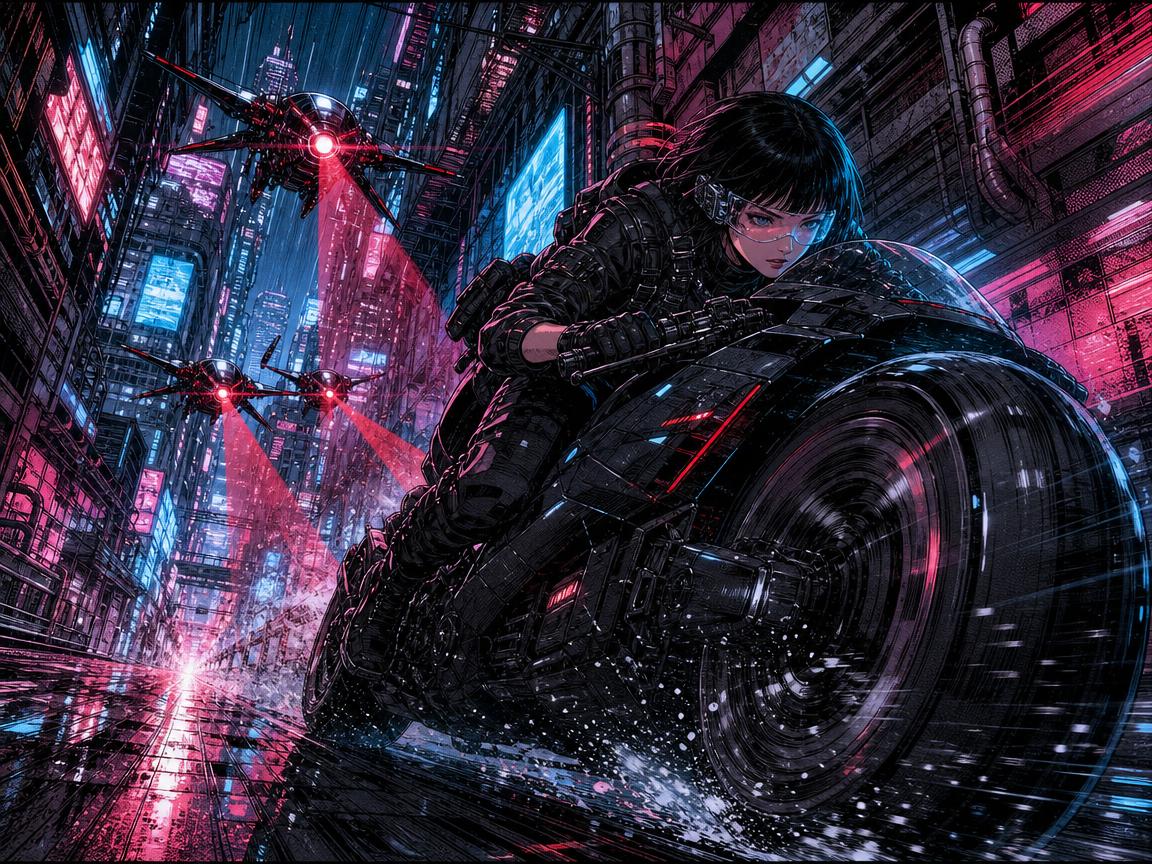 AI GENERATED
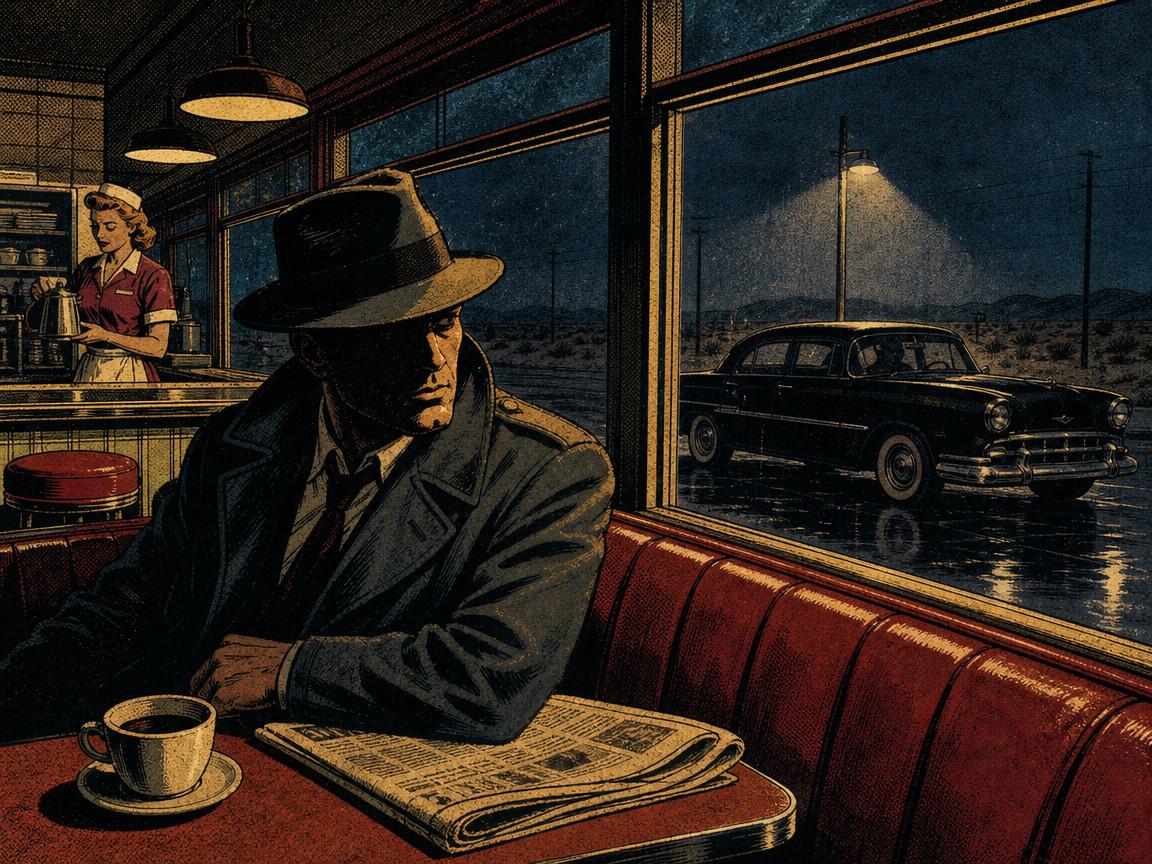 AI GENERATED
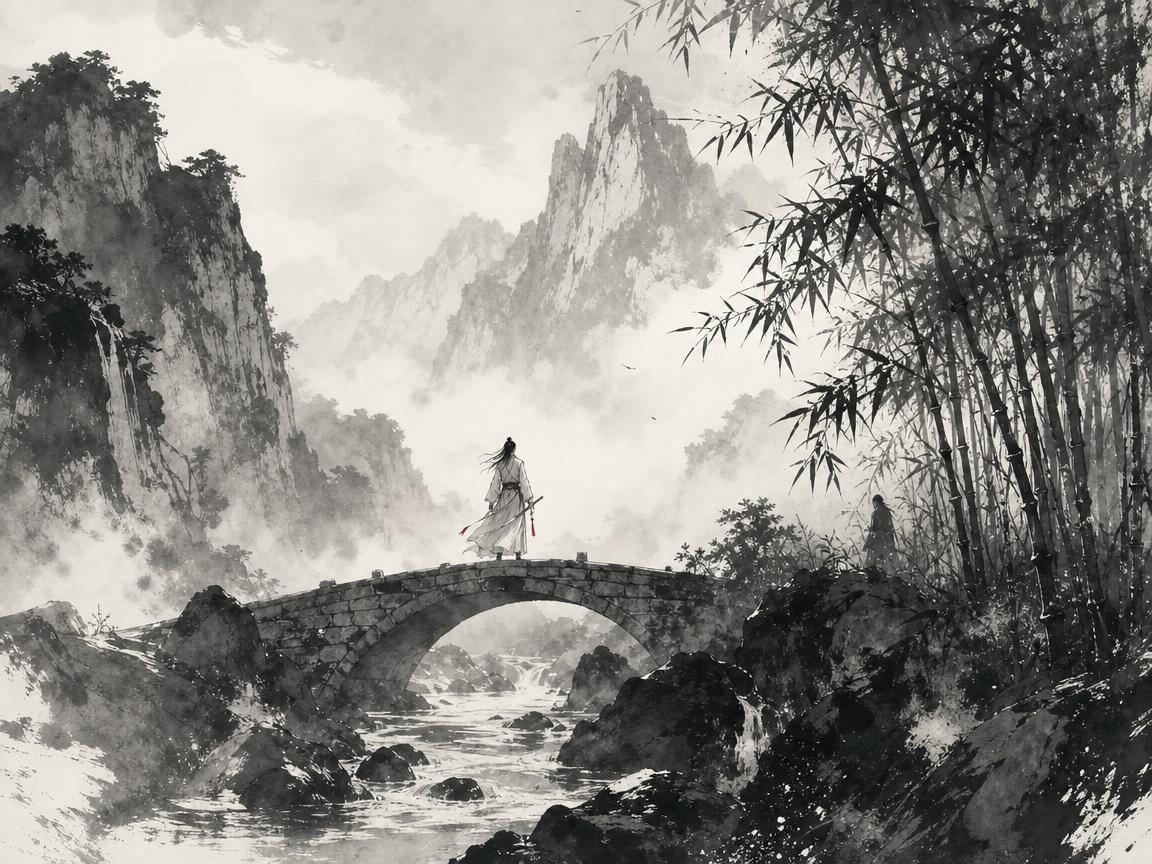 AI GENERATED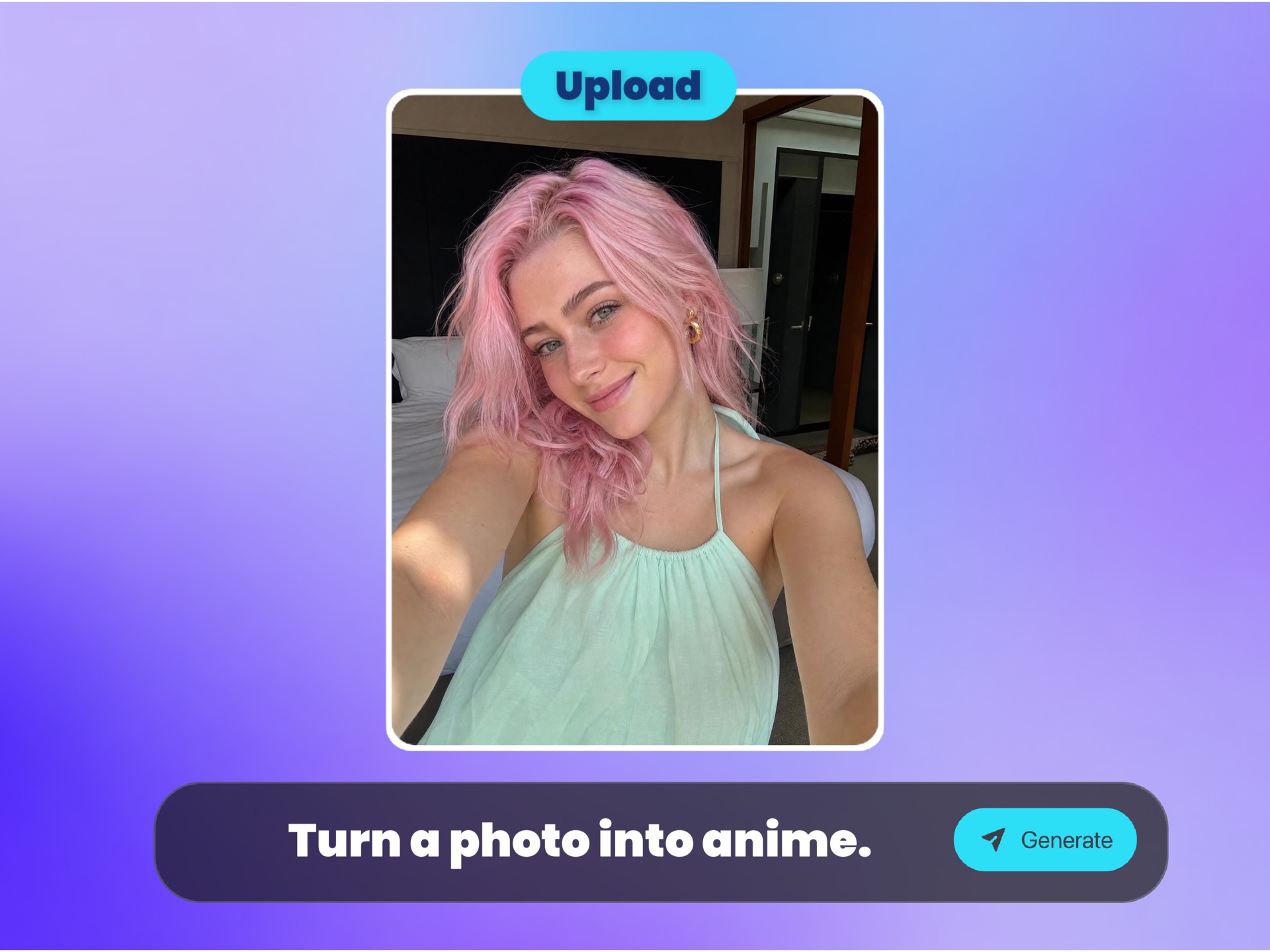
Start with a selfie, portrait, pet, product or character image where the main subject is easy to recognize. Front-facing, well-lit photos usually give the most stable anime result.
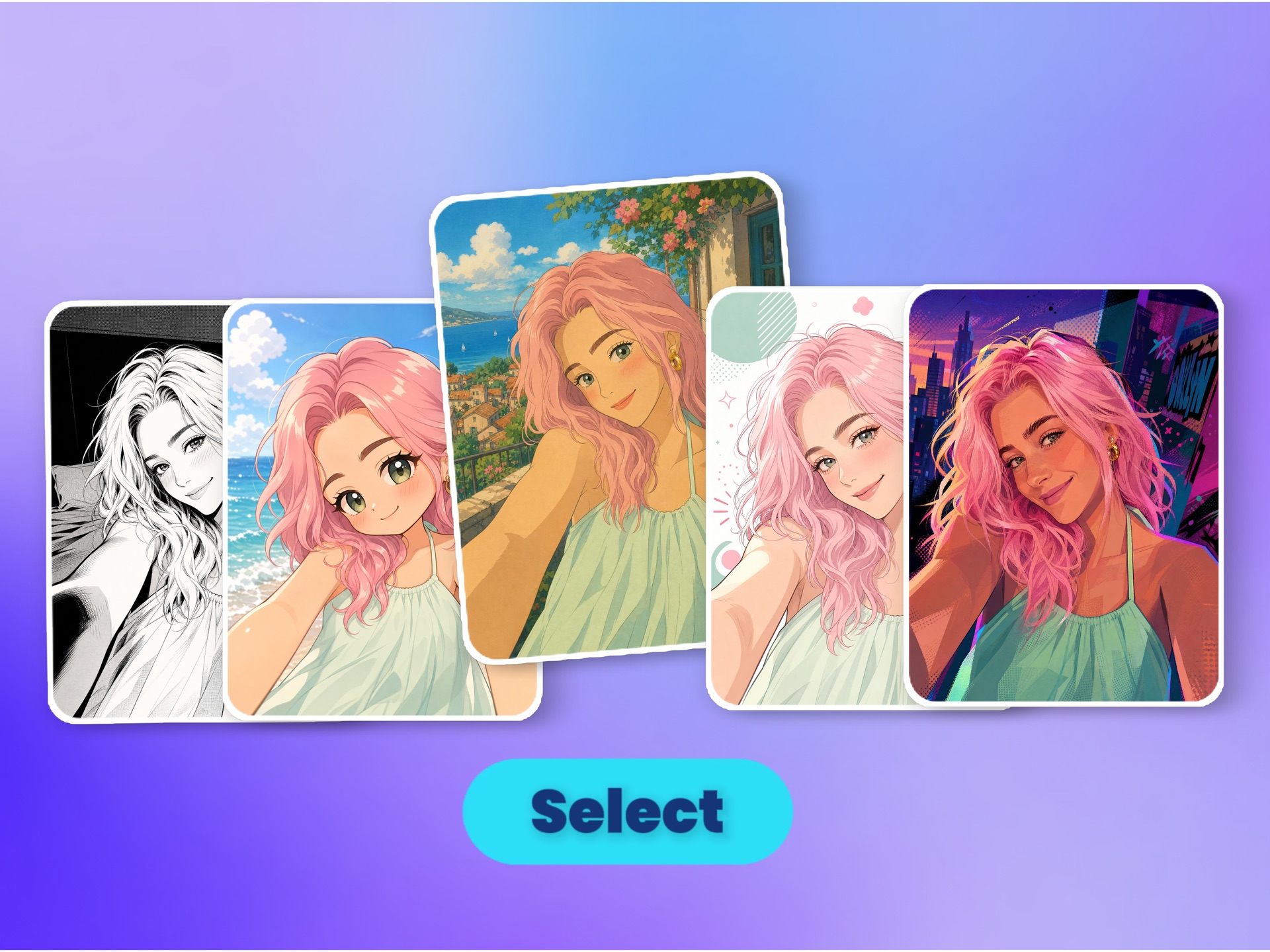
Pick Anime, Ghibli-inspired, Comic or Chibi. Each direction changes linework, color, proportions and mood while trying to keep the original subject recognizable.
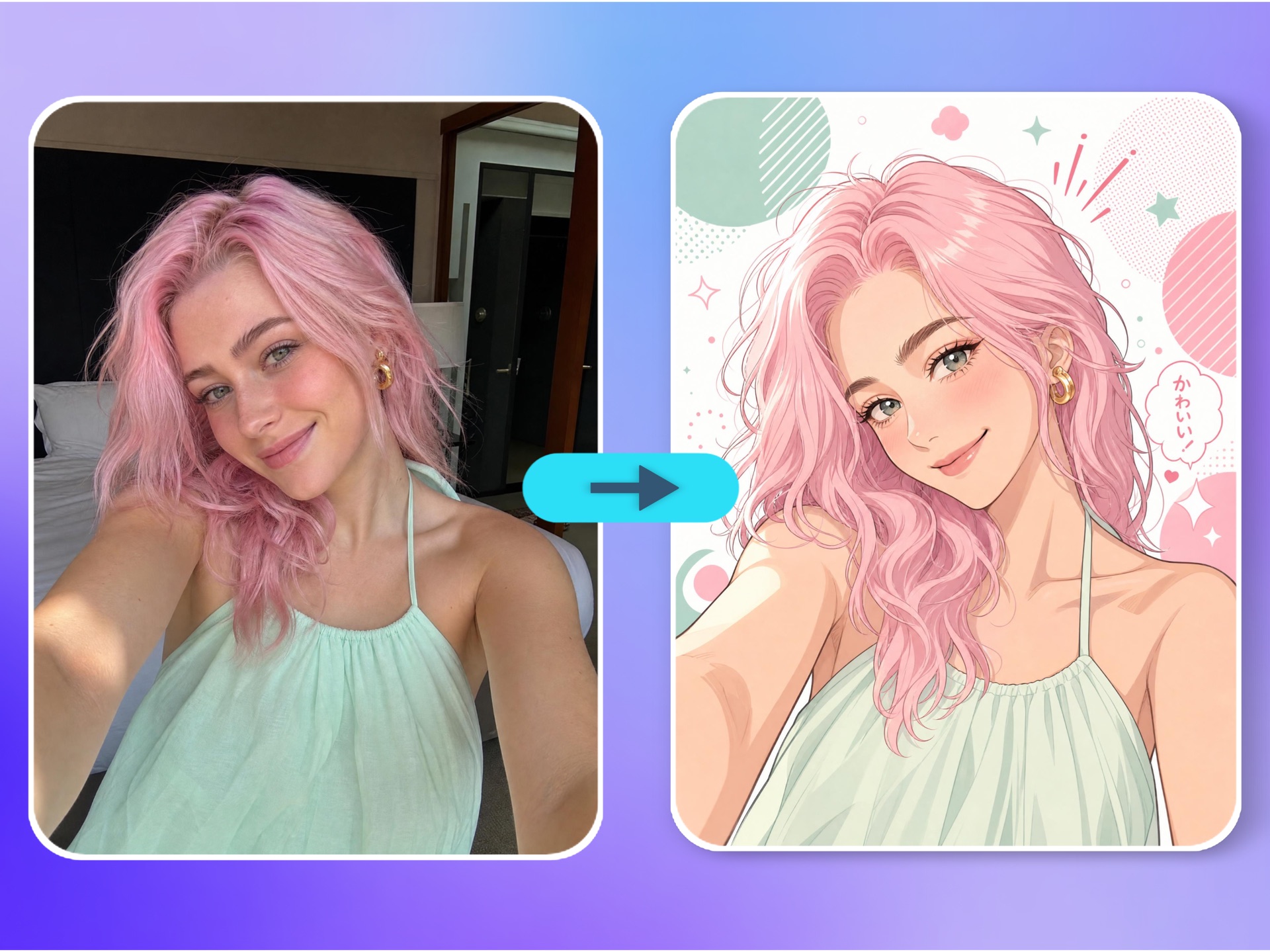
Create the image, compare it with the source photo, then switch styles or upload a better reference if you need a closer face, cleaner hair, stronger mood or a more social-ready avatar.
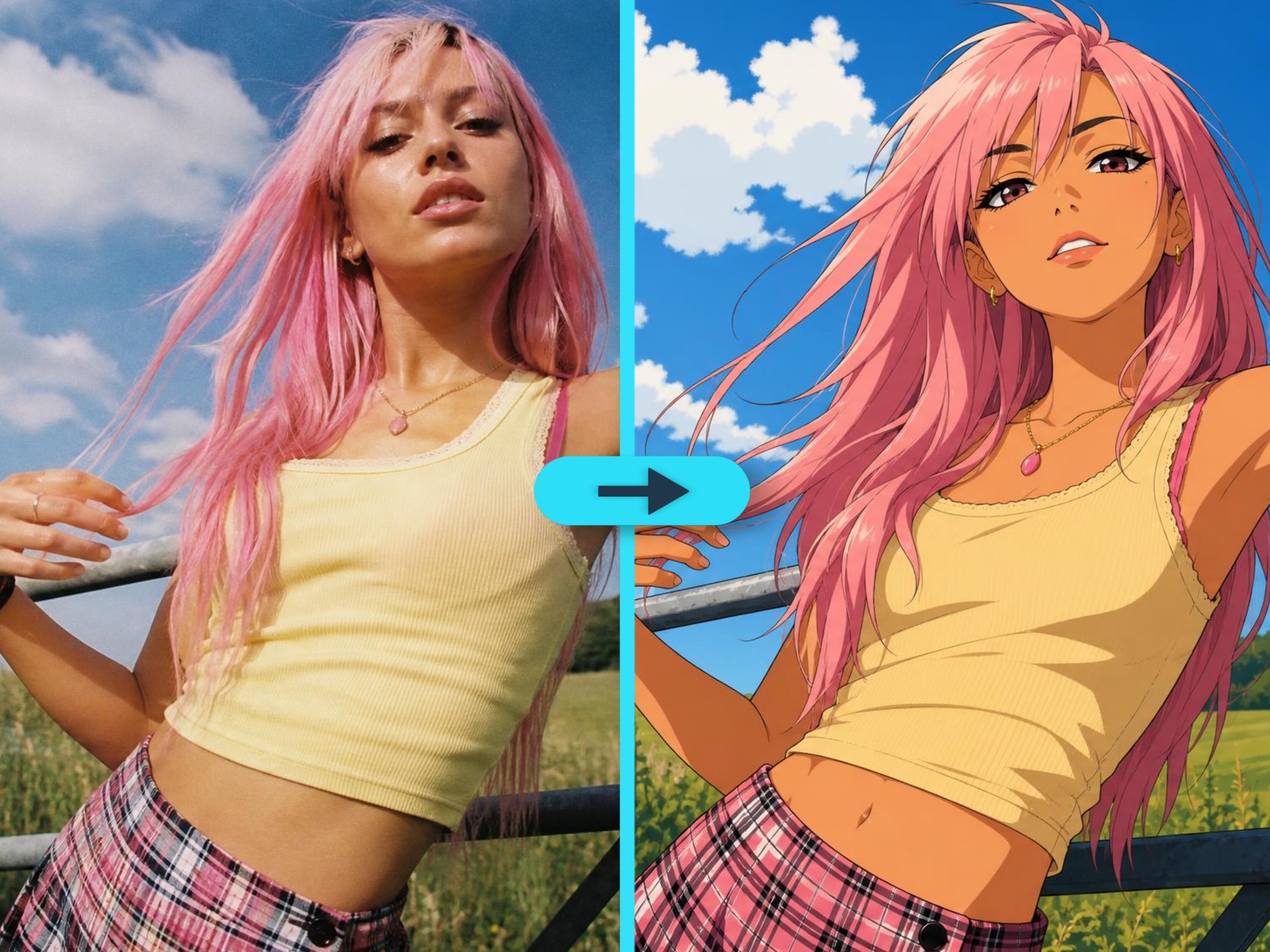
The workflow starts from your uploaded photo, so the result can follow the original face, pose, composition and key details instead of creating a random anime character.
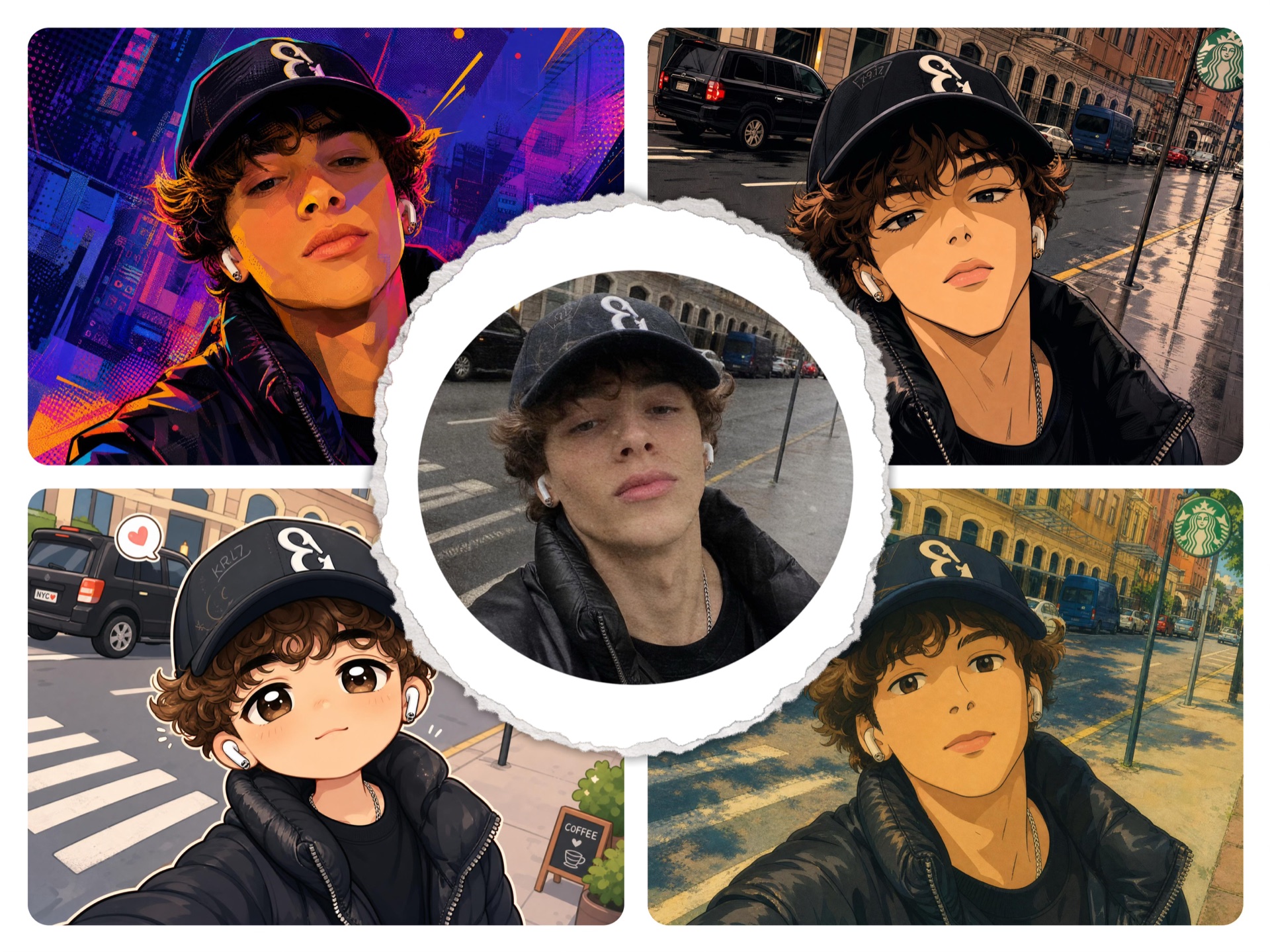
Choose clean anime, soft Ghibli-inspired, bold comic or cute chibi styling depending on whether you need a profile picture, fan edit, character draft or playful social image.
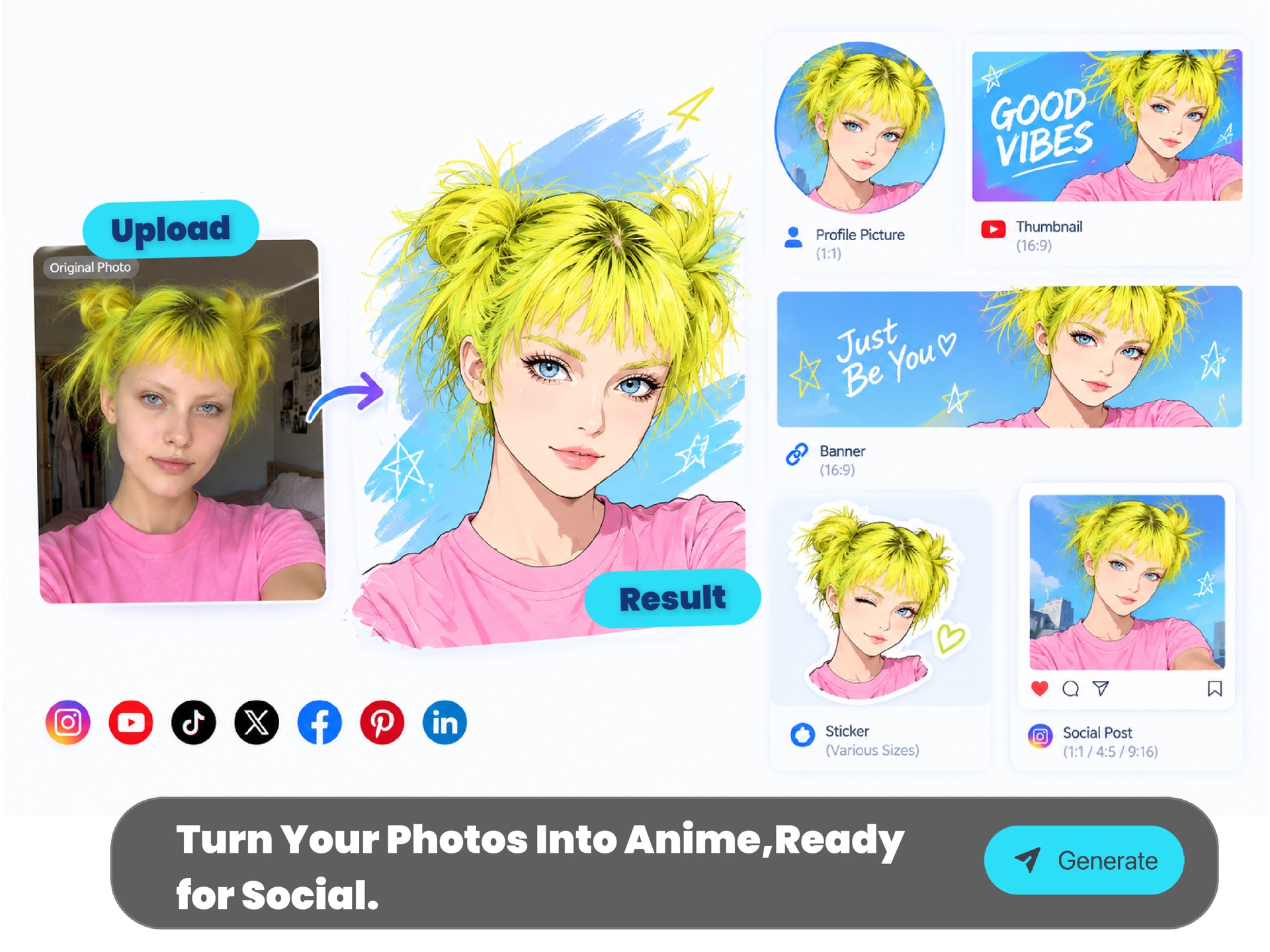
Generate images that are easy to crop into avatars, thumbnails, banners, stickers and posts. Start square for profile use, then refine the source photo and style direction.
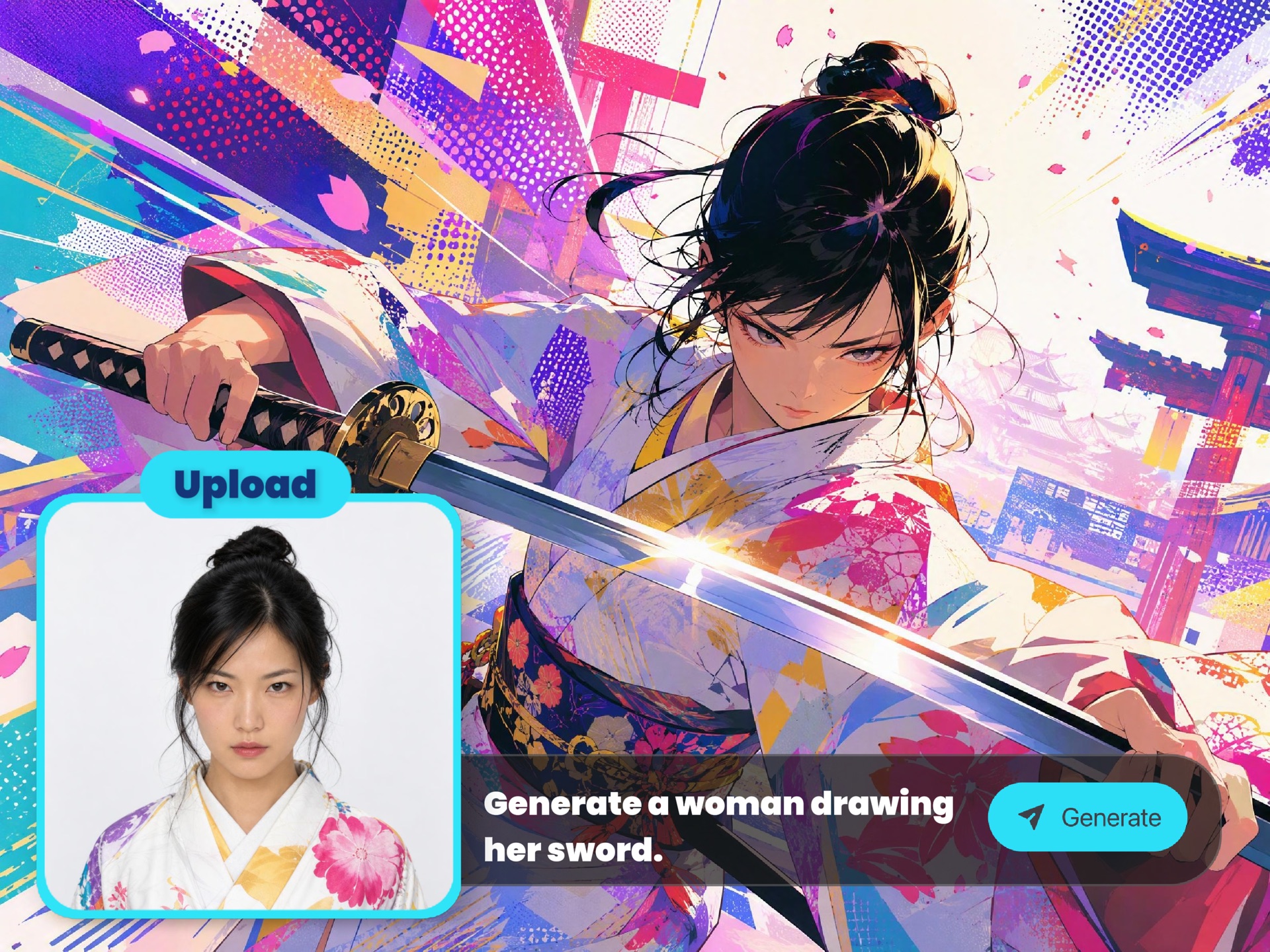
Try another photo or switch style directions to compare mood, linework, cuteness, realism and character energy without manual illustration, masking or retouching.
AI anime generation is useful when you want a stylized identity, a shareable character image or a fast visual draft without hiring an illustrator or learning a drawing workflow.
Turn a selfie or portrait into an anime avatar for Discord, TikTok, YouTube, X, Instagram, gaming profiles or creator communities while keeping the subject recognizable.
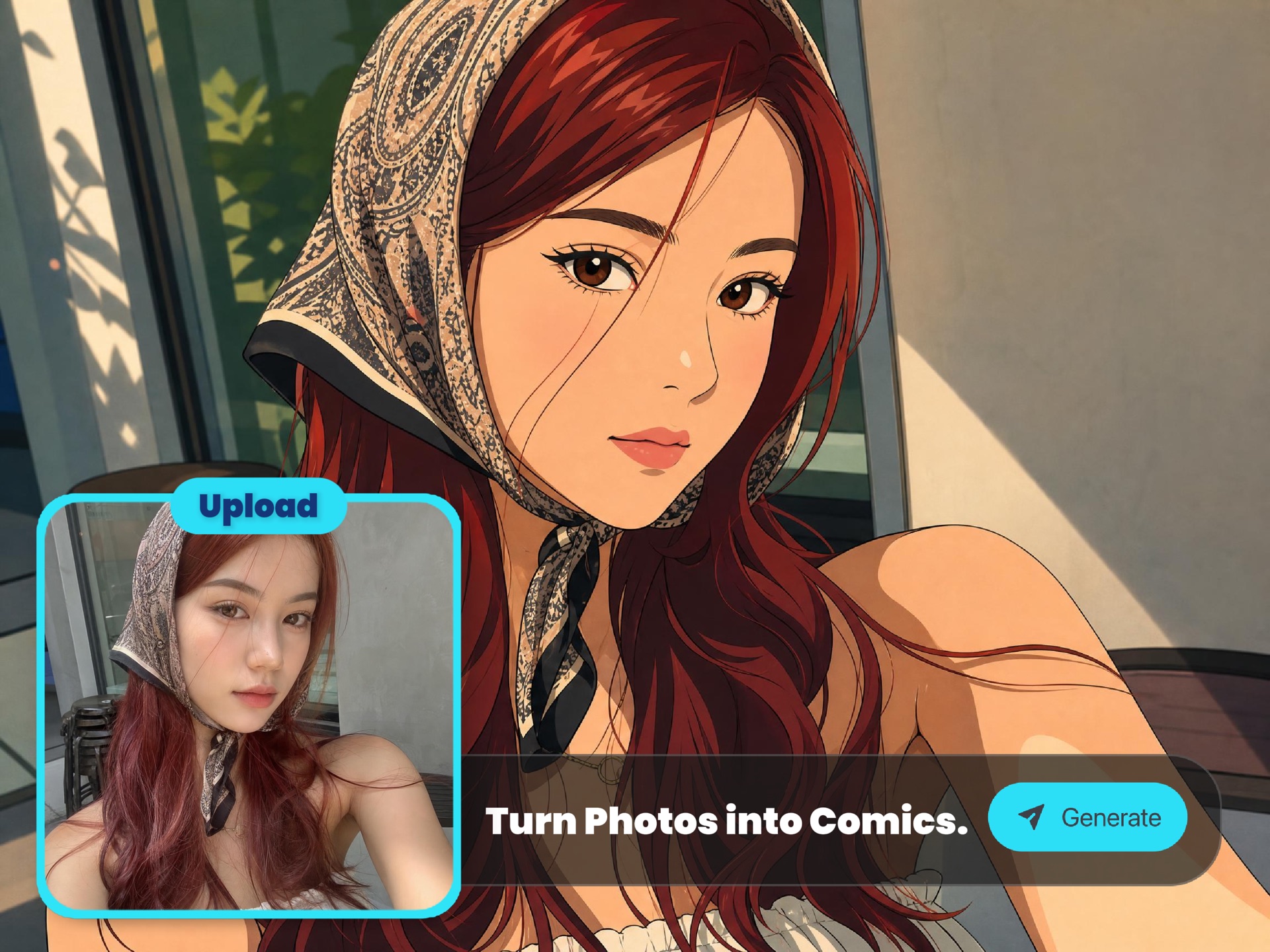
Transform everyday photos into polished anime portraits with cleaner linework, expressive eyes, stylized hair and a stronger character mood for sharing or collecting.
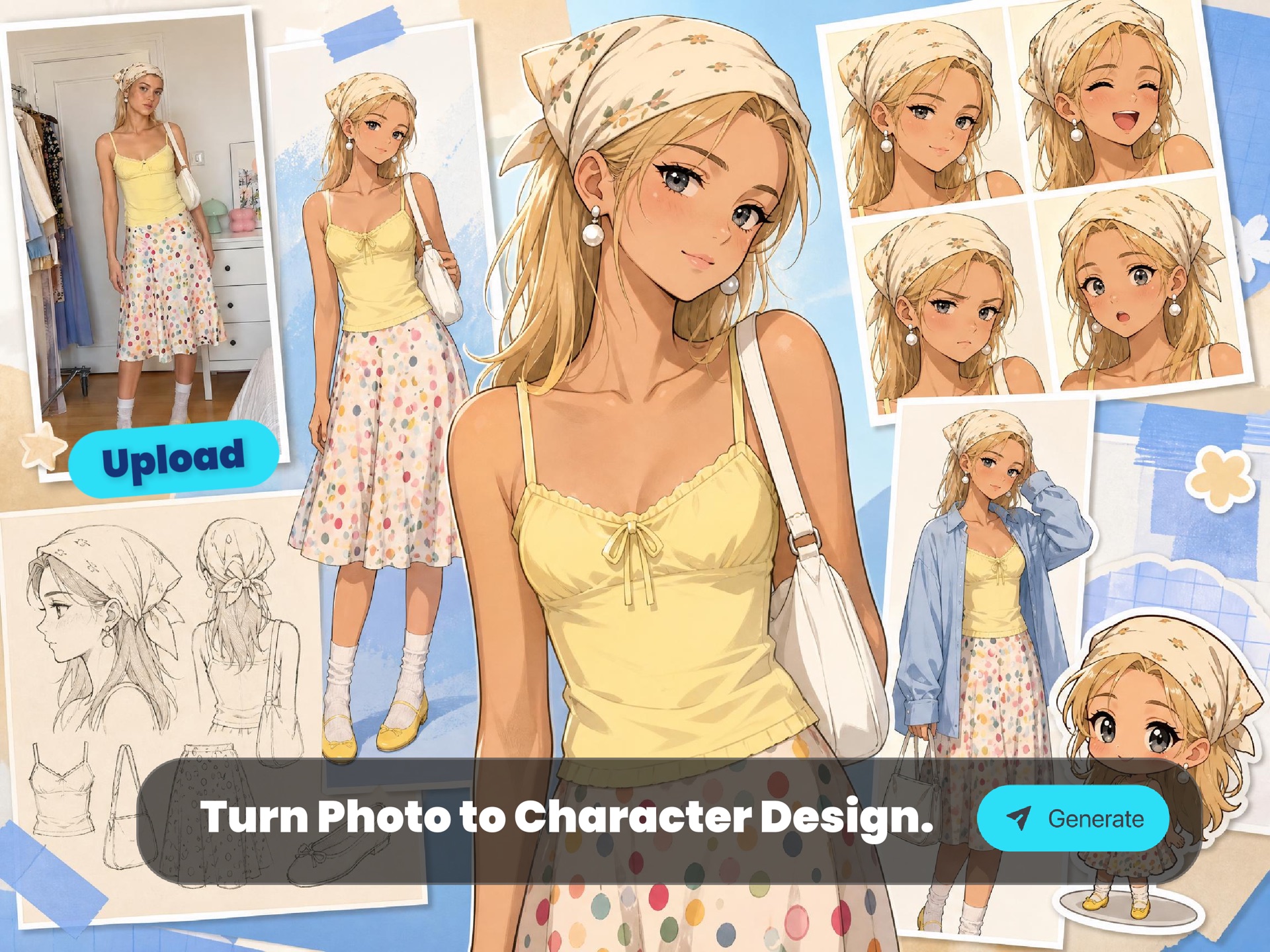
Use a photo, sketch or reference as a starting point for original characters, cosplay concepts, VTuber ideas, RPG portraits and story-world character drafts.
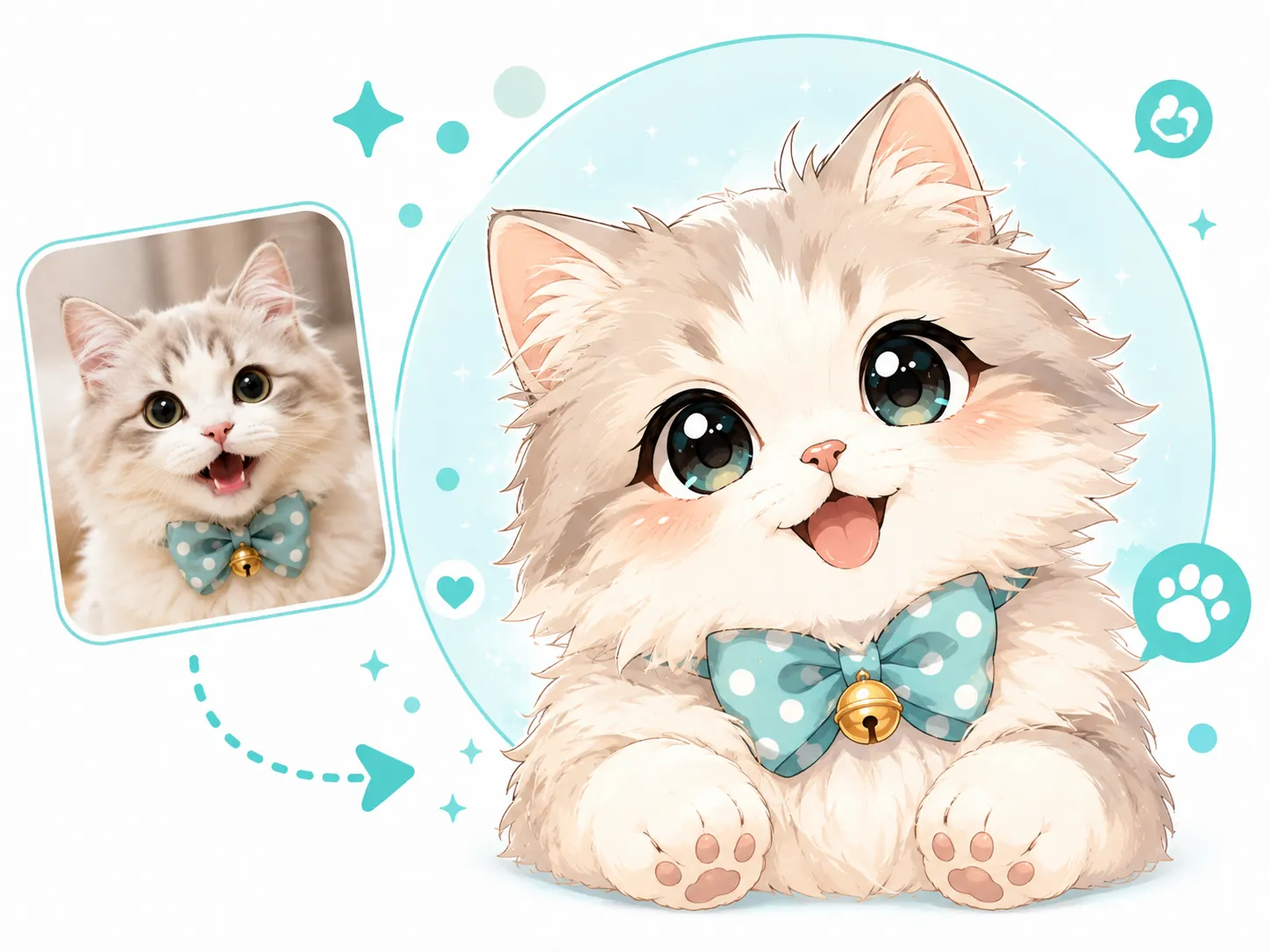
Create cute pet avatars, couple illustrations, reaction images, stickers and playful posts from clear photos you own or have permission to use.
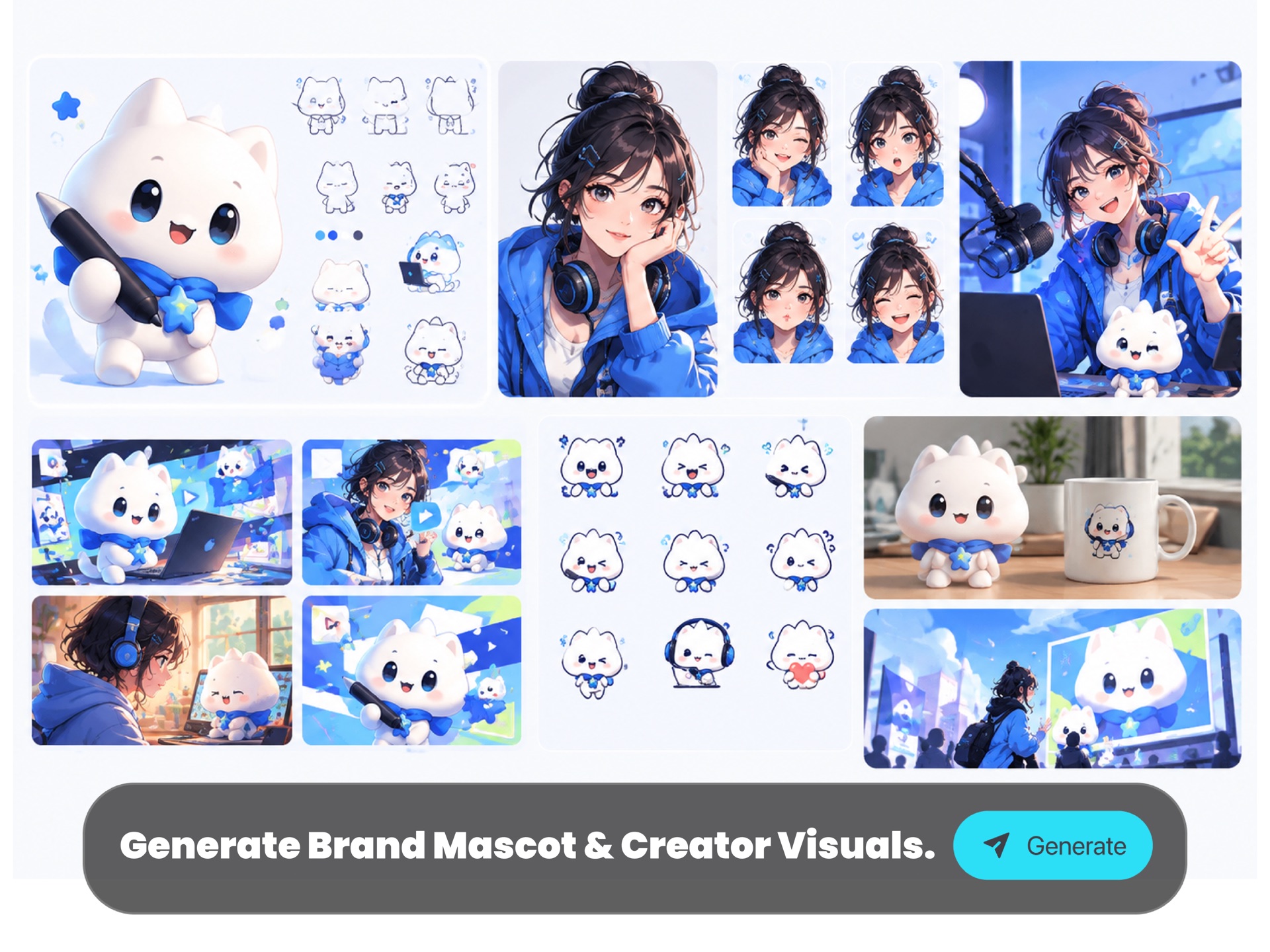
Quickly explore mascot concepts, streamer visuals, thumbnail characters and light campaign ideas before investing in final illustration or design work.
ImaStudio keeps the photo upload, style choice, generation result, download flow and community inspiration in one browser-based workflow, so casual users and creators can move from a source image to a usable anime visual quickly.
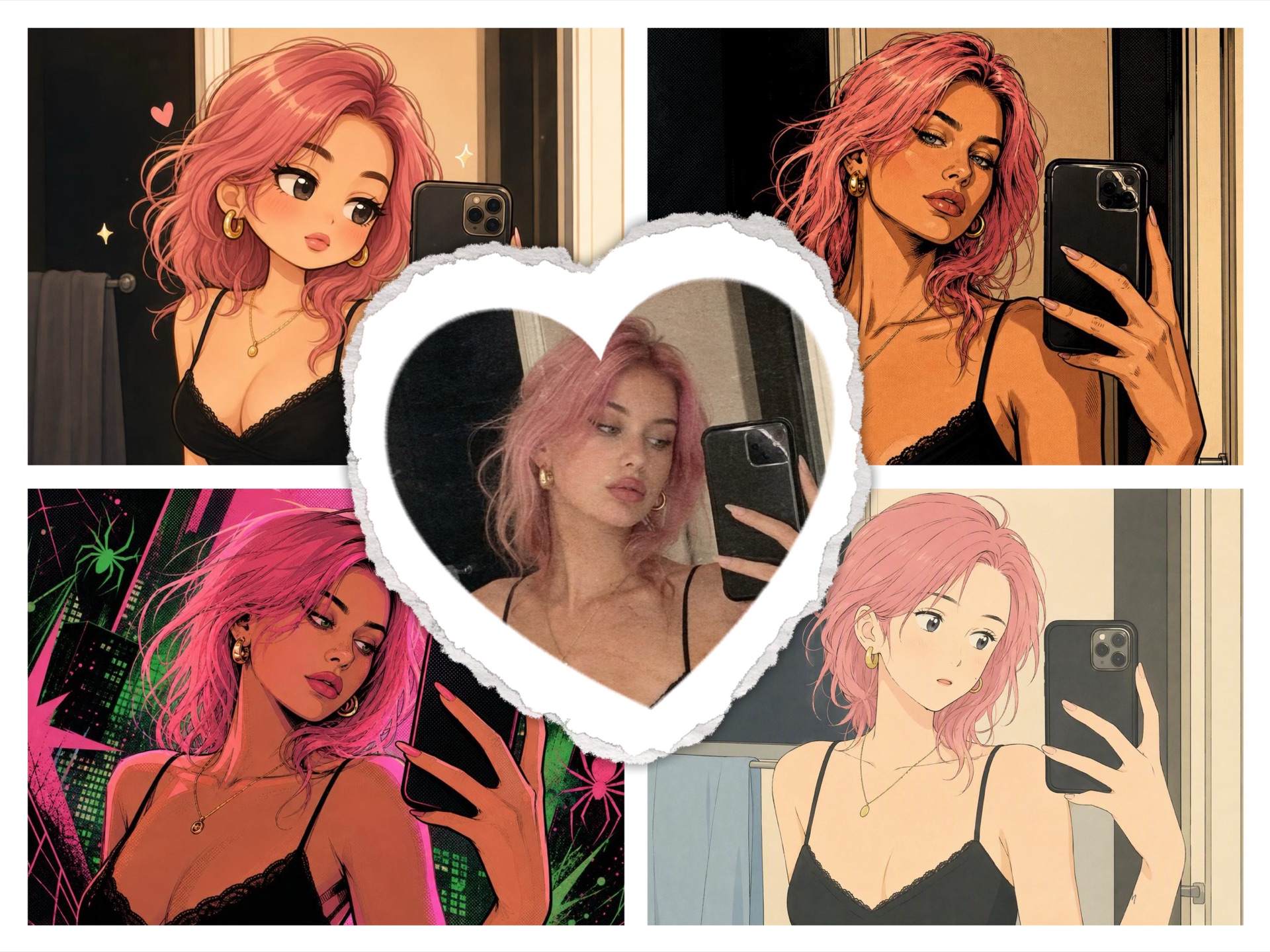
Use a real photo or reference image as the starting point instead of relying only on a text prompt.
Pick a direction first, then compare results before deciding whether you need a cleaner portrait, softer scene, bolder comic look or cuter chibi version.
Browse real ImaStudio community results to understand what prompts, references and styles can produce before you start generating.
Export generated anime images for personal profiles, creator content, concept drafts and approved marketing workflows.
Upload a clear photo, choose an anime direction and generate a recognizable anime-style image for avatars, fan edits, OC concepts, social posts or creative drafts.