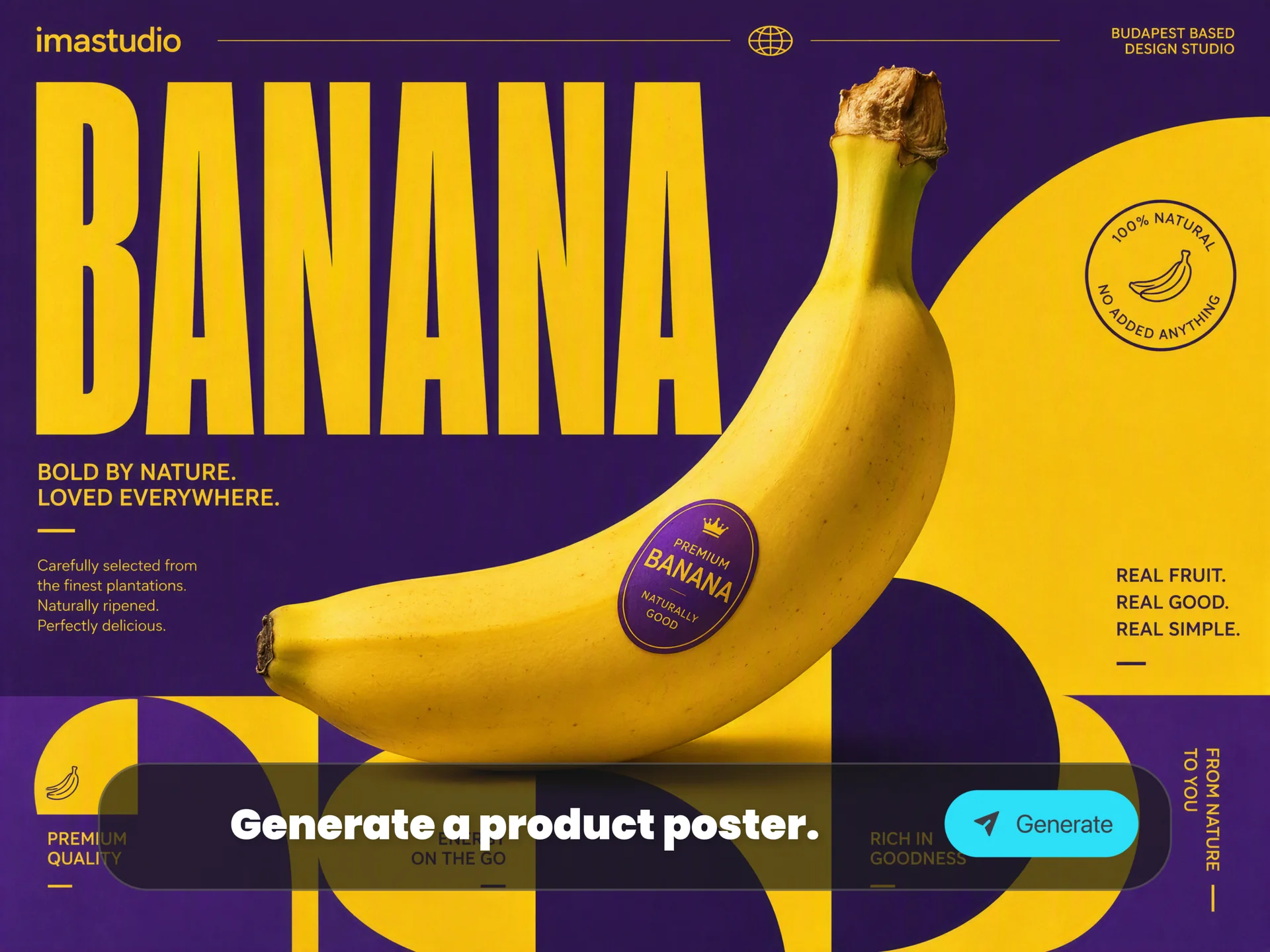
Use Unlimited Nano Banana Pro on Ima Studio
Turn any idea into a studio-quality visual with Google Nano Banana Pro (Gemini 3 Pro Image). Generate, edit and refine images with clear in-image text, real-world-aware infographics and precise creative control.
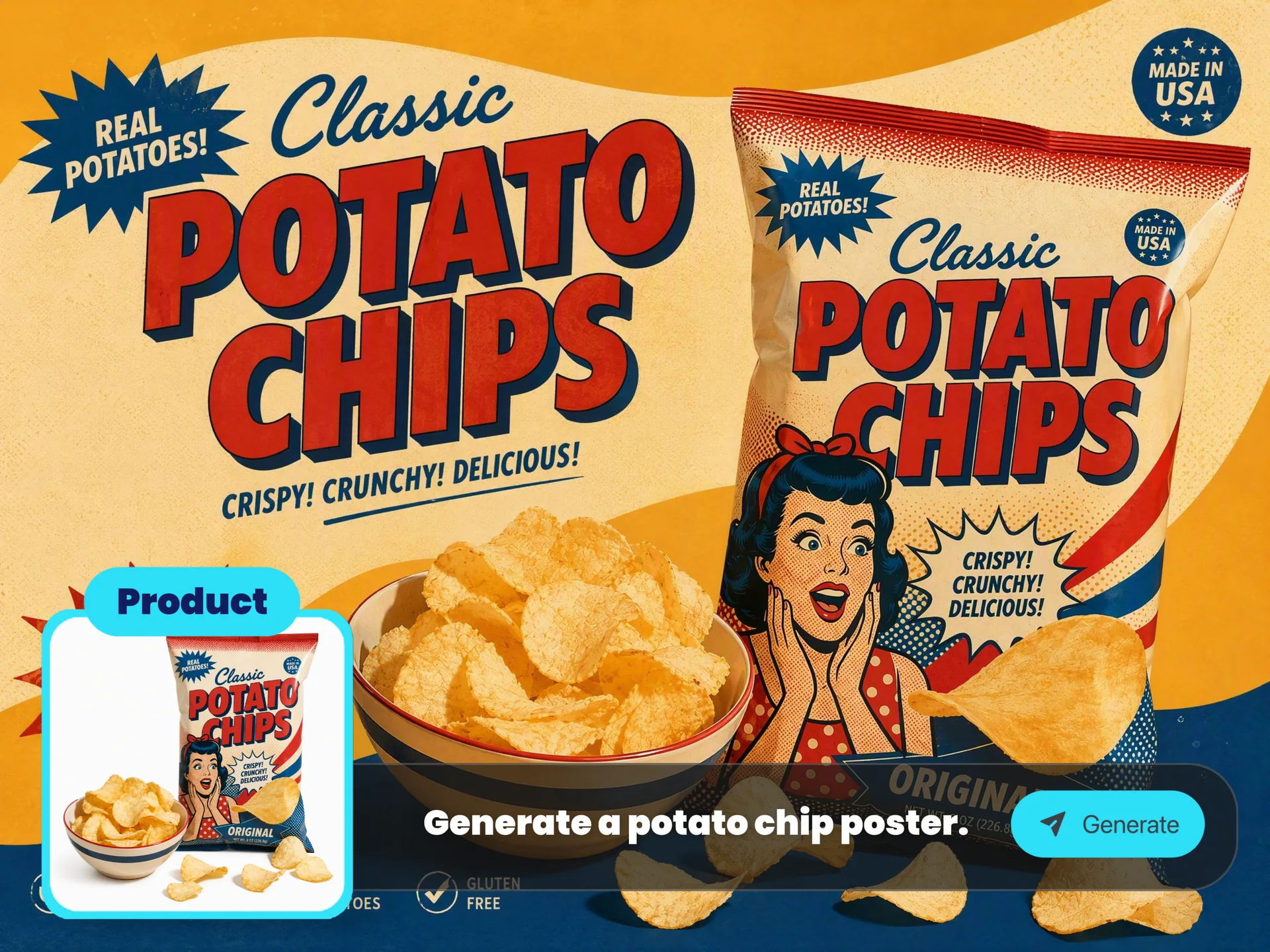
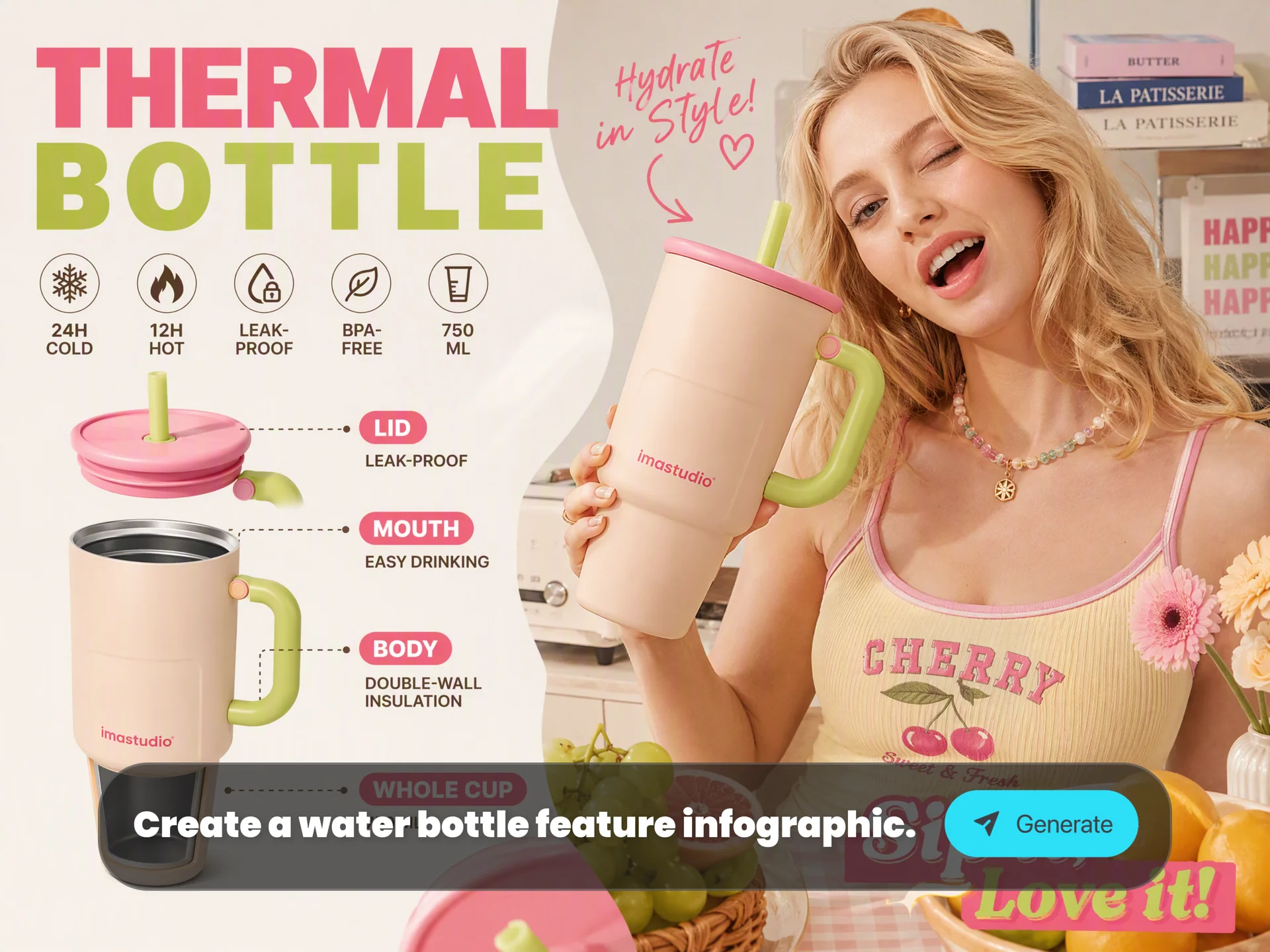
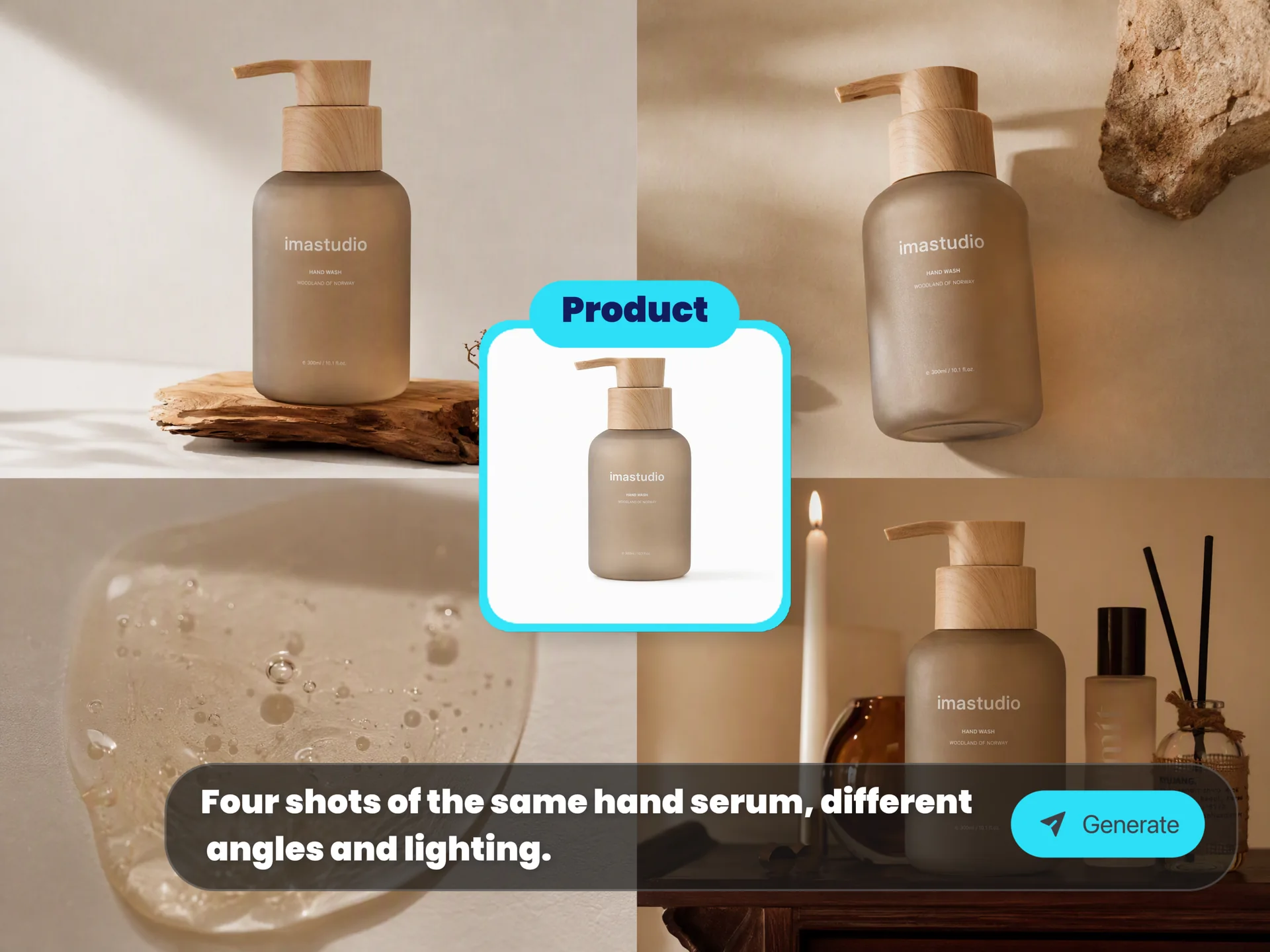
Popular Ways to Use Nano Banana Pro
Use Nano Banana Pro for practical image workflows that need strong reasoning, readable text, visual consistency and polished output.
How to Use Nano Banana Pro in Ima Studio
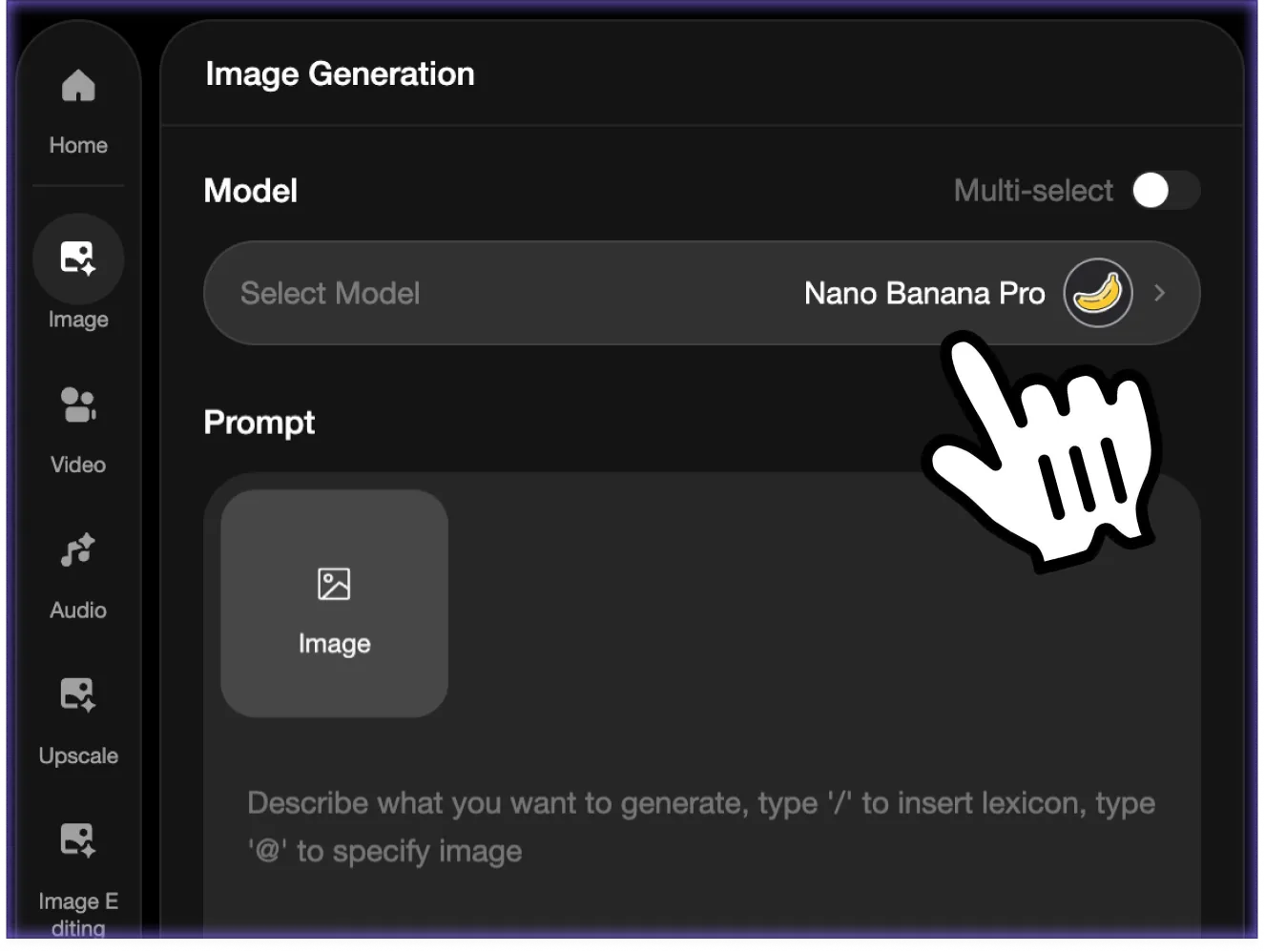 Choose Text-to-Image or Image Editing
Start from a prompt, or upload sketches, screenshots, mockups, product photos and character references for image-to-image refinement.
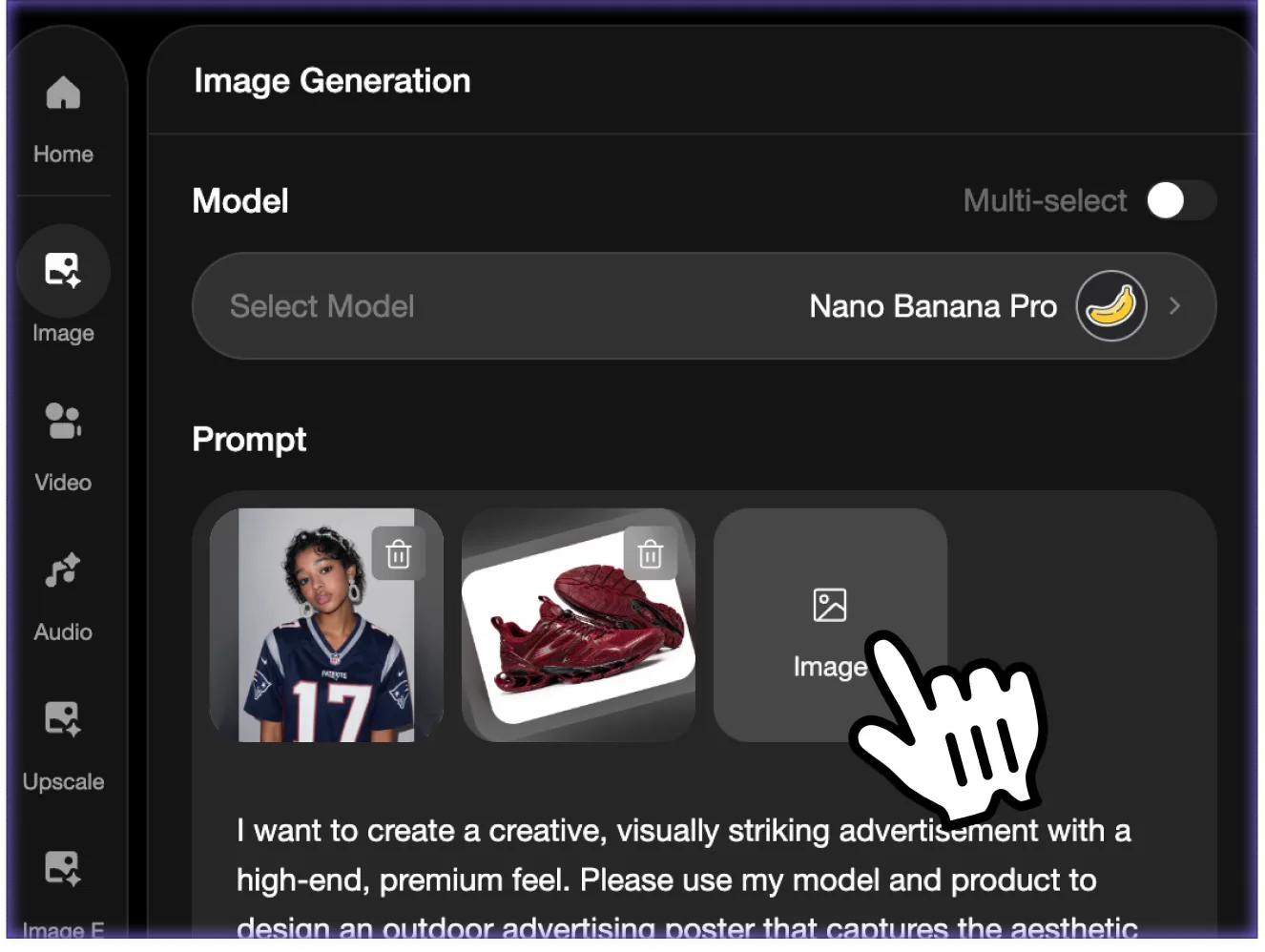 Write a Prompt or Add References
Describe the poster, infographic, logo, storyboard, product render or image edit you need. Add references when identity, layout or product details must stay consistent.
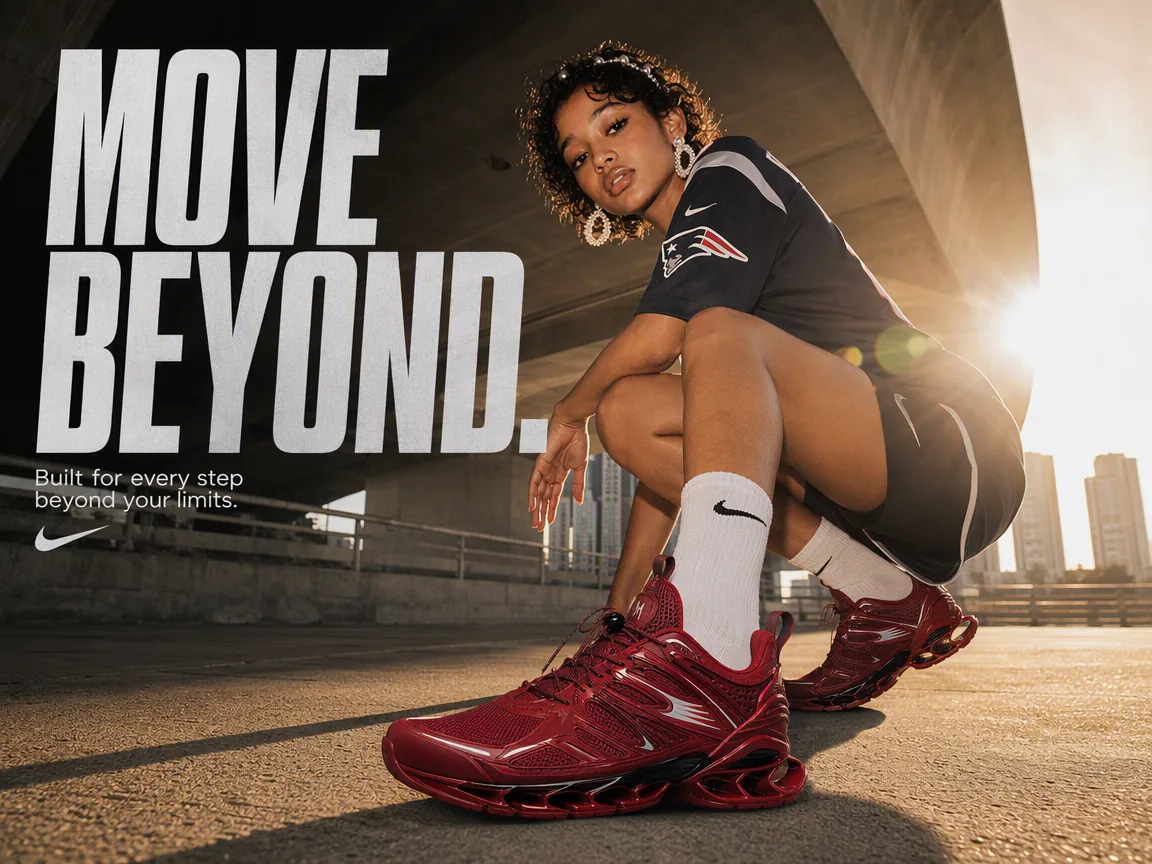 Generate and Refine the Pro Output
Set an aspect ratio, generate the image, then refine camera angle, lighting, typography, local edits, multi-image composition or subject consistency.
Nano Banana Pro Key Capabilities
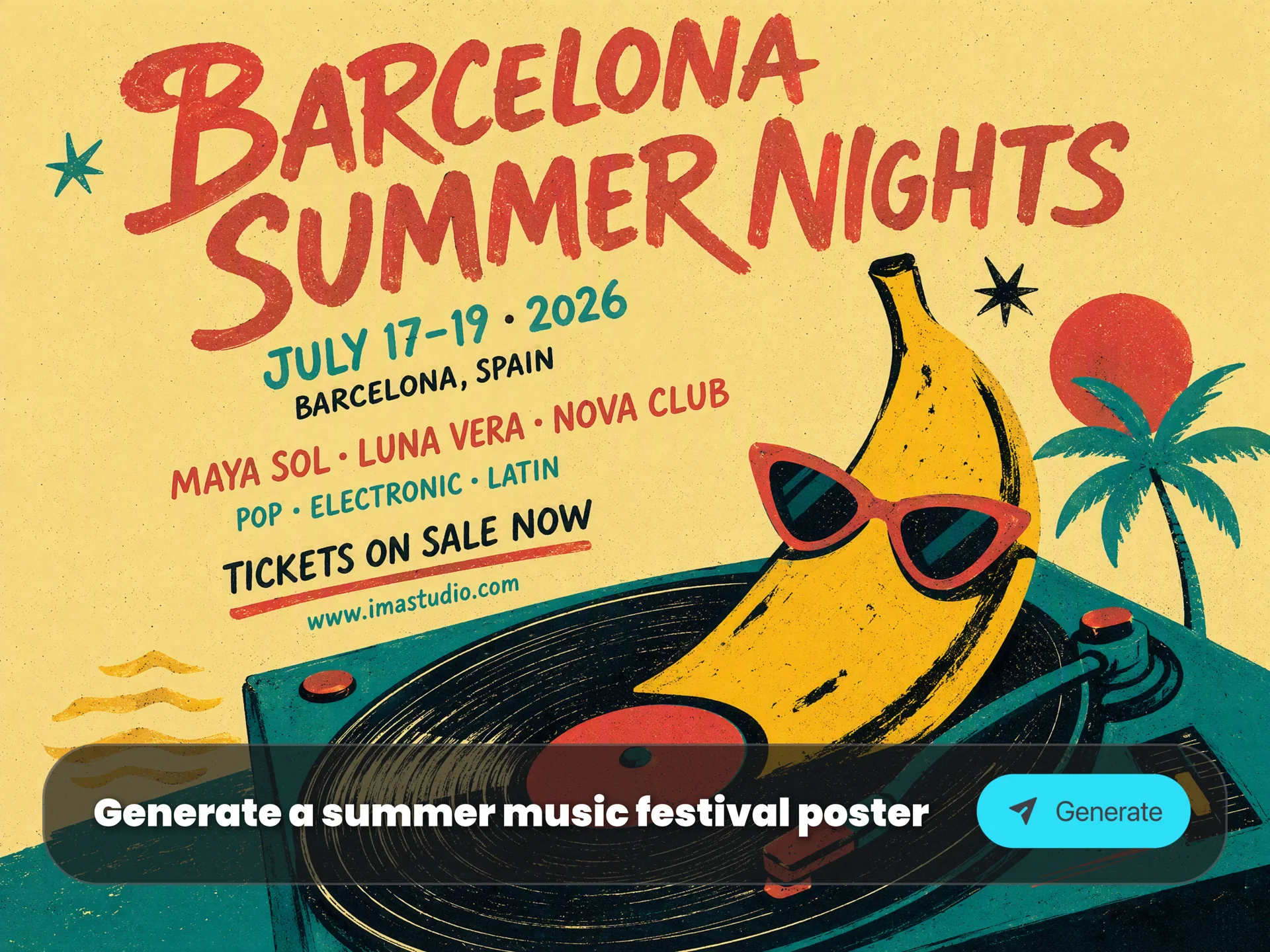
Perfect In-Image Text Rendering
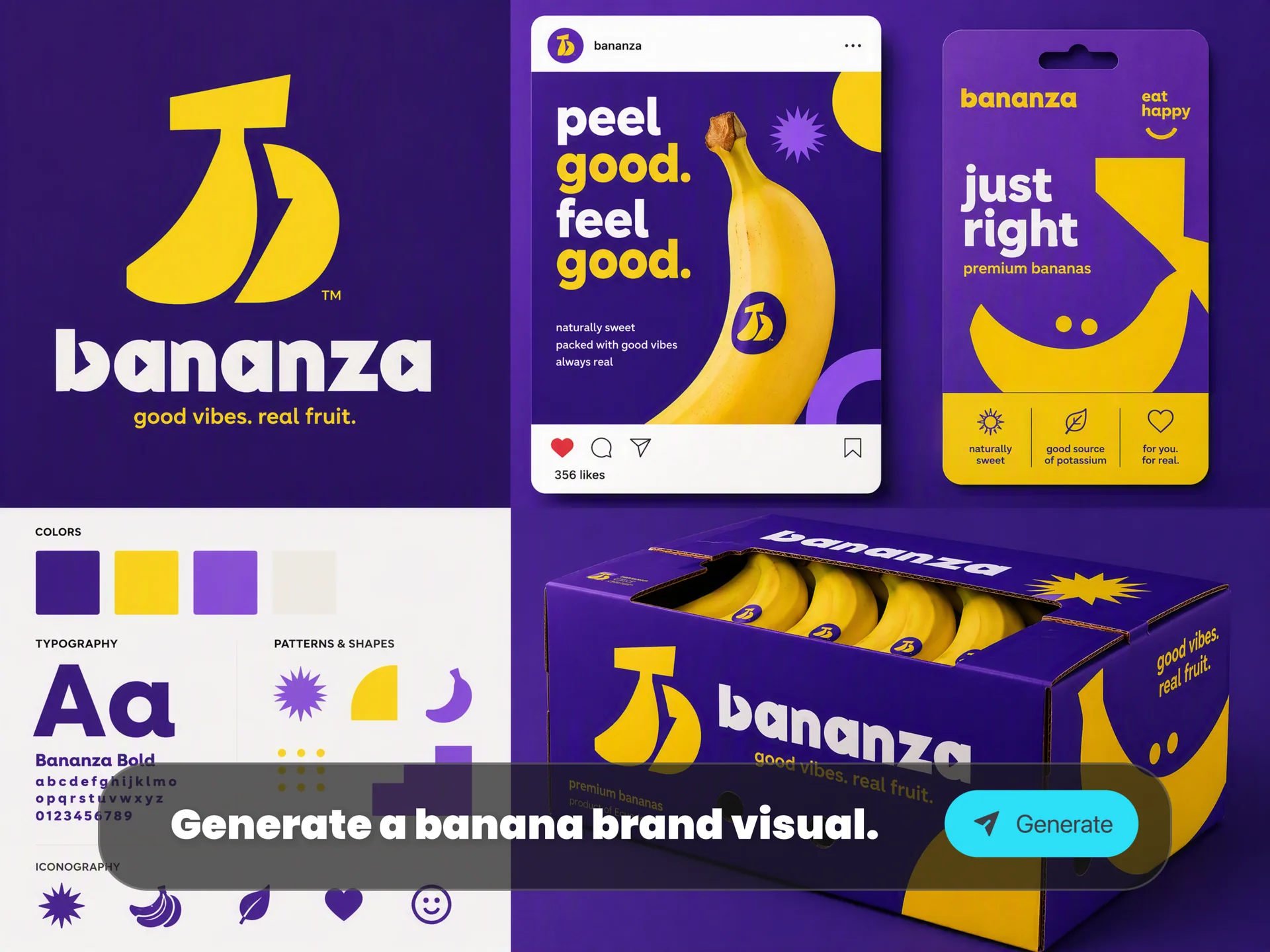
Create posters, logos, packaging mockups, storyboards, diagrams and multilingual layouts with sharper, more readable text inside the image.
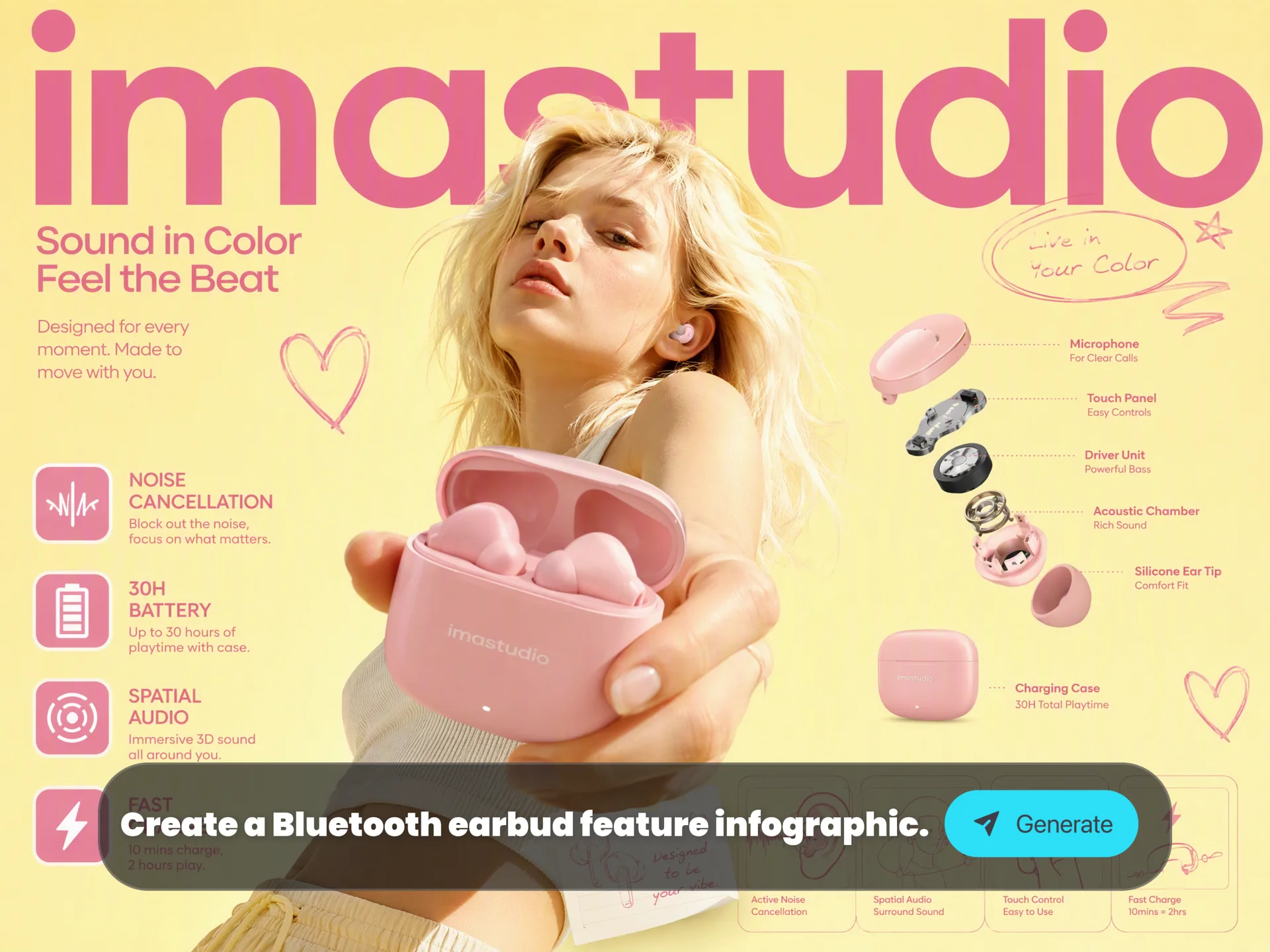
Real-World Knowledge and Infographic Thinking
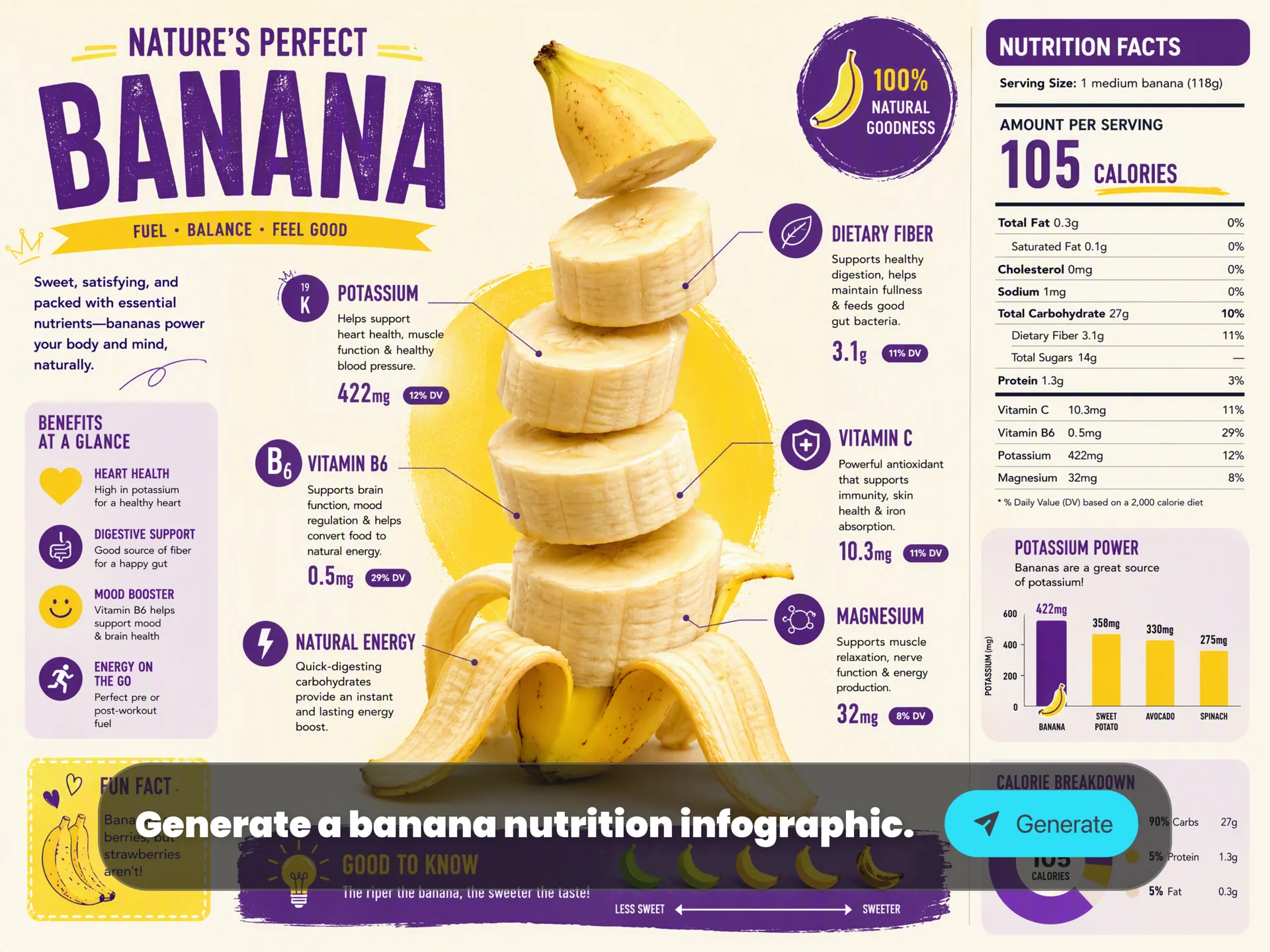
Turn data, notes, recipes, science concepts and product information into structured diagrams, step-by-step visuals and clean educational graphics.
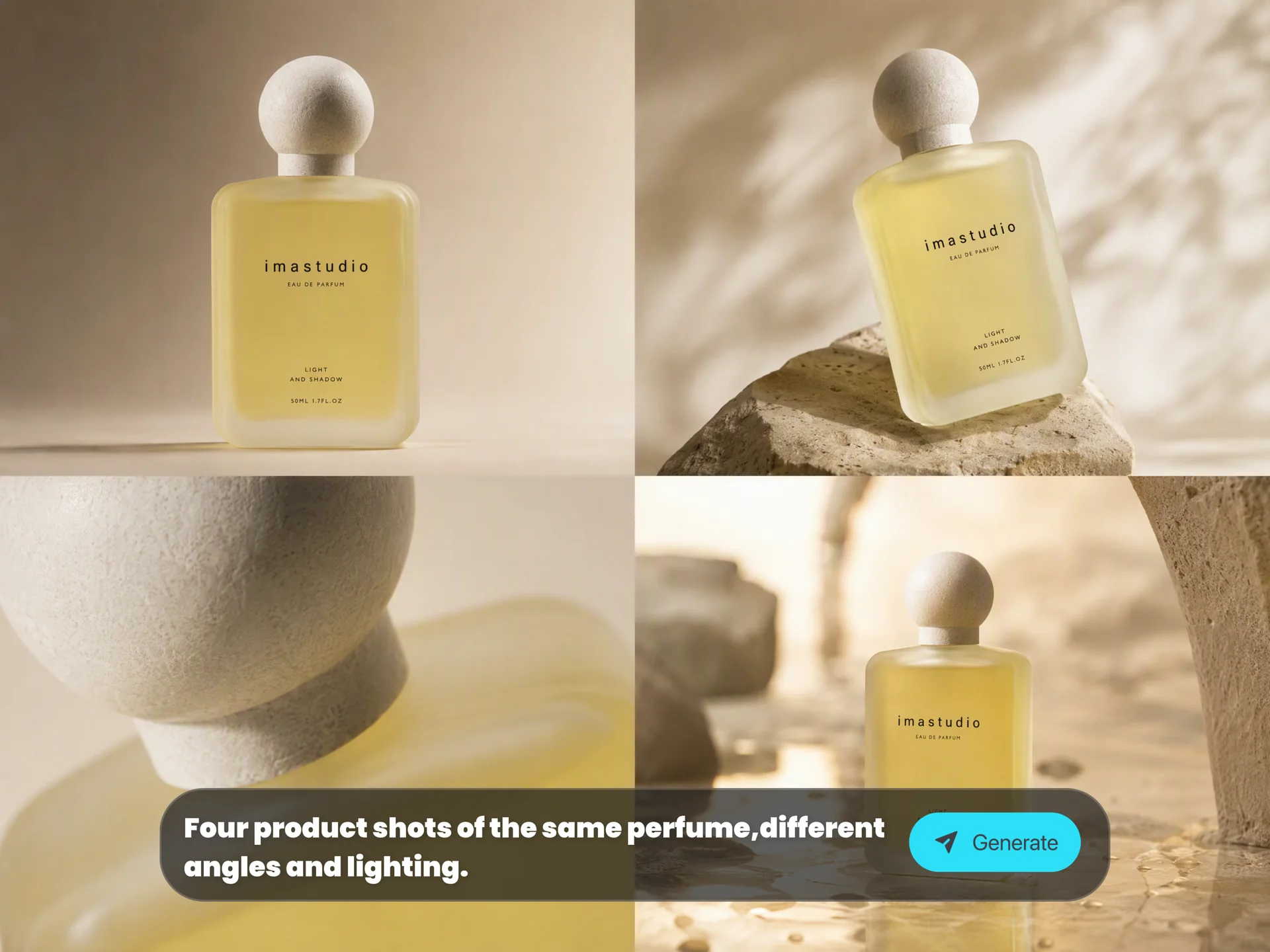
Studio-Quality Creative Control
Control camera angle, shot type, depth of field, color grading, lighting, day-to-night changes, bokeh and high-resolution outputs for polished visual direction.
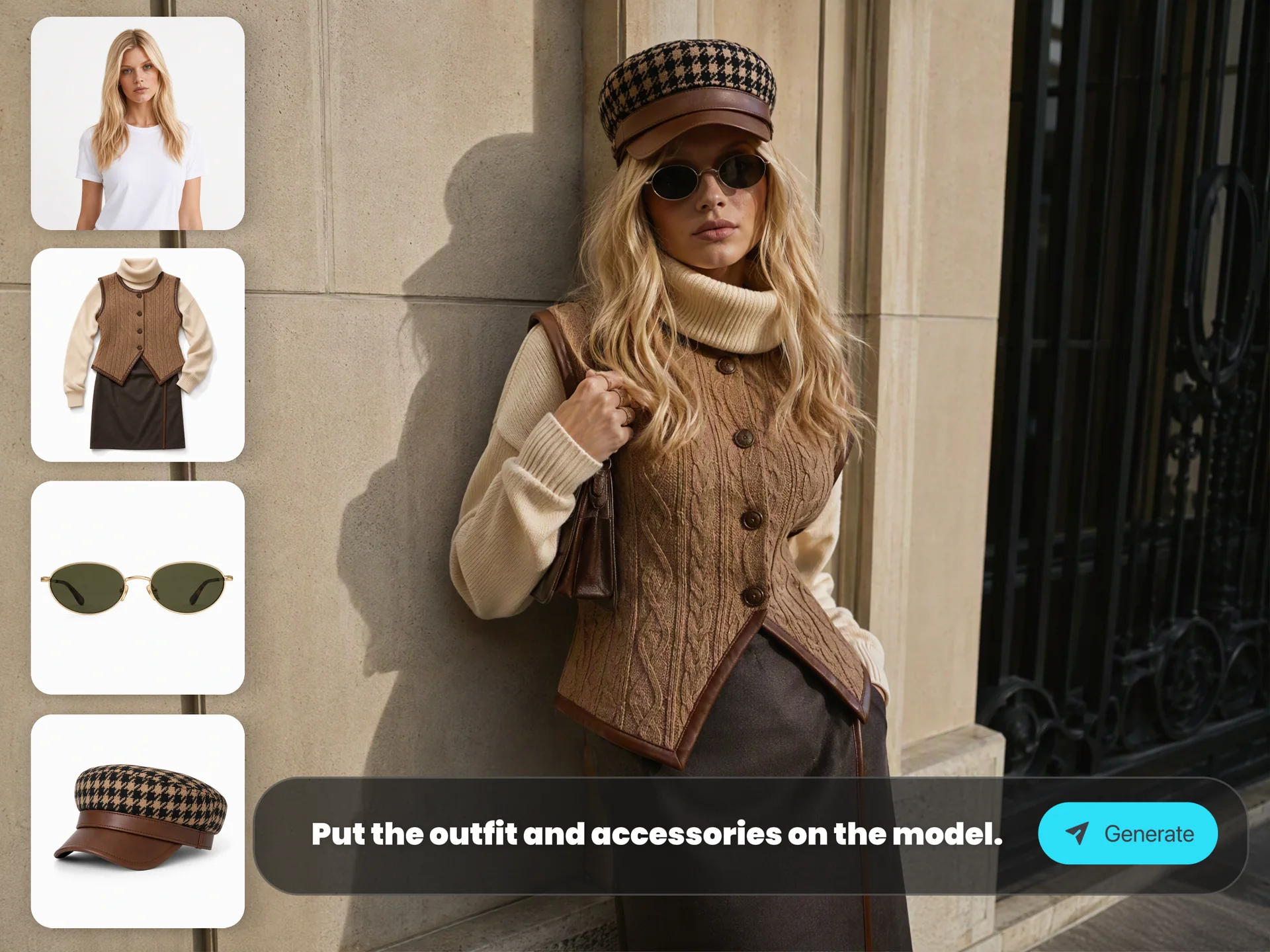
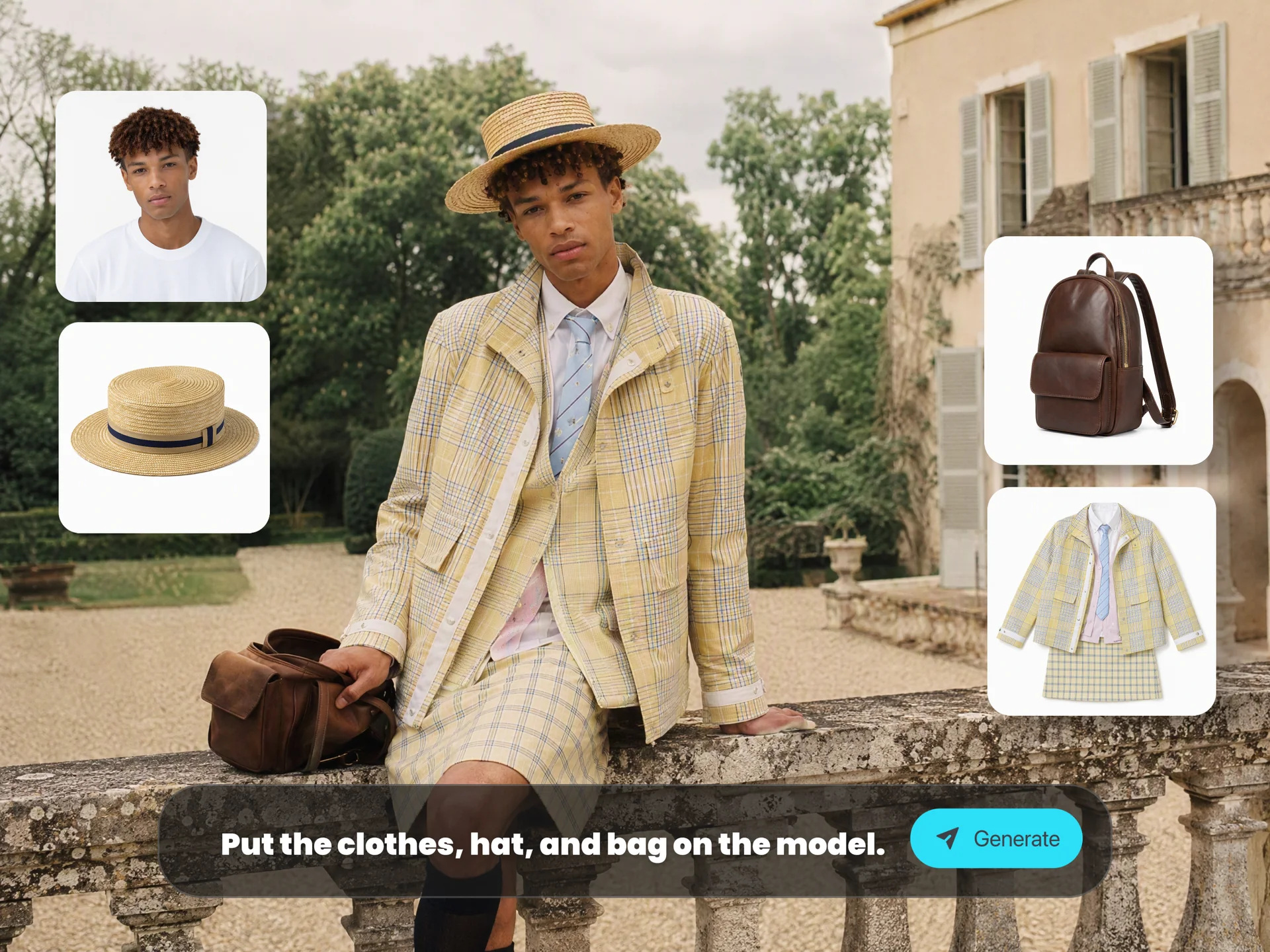
Multi-Reference Consistency
Combine multiple references while keeping people, products, outfits, proportions, style and scene logic coherent across campaign and storyboard visuals.
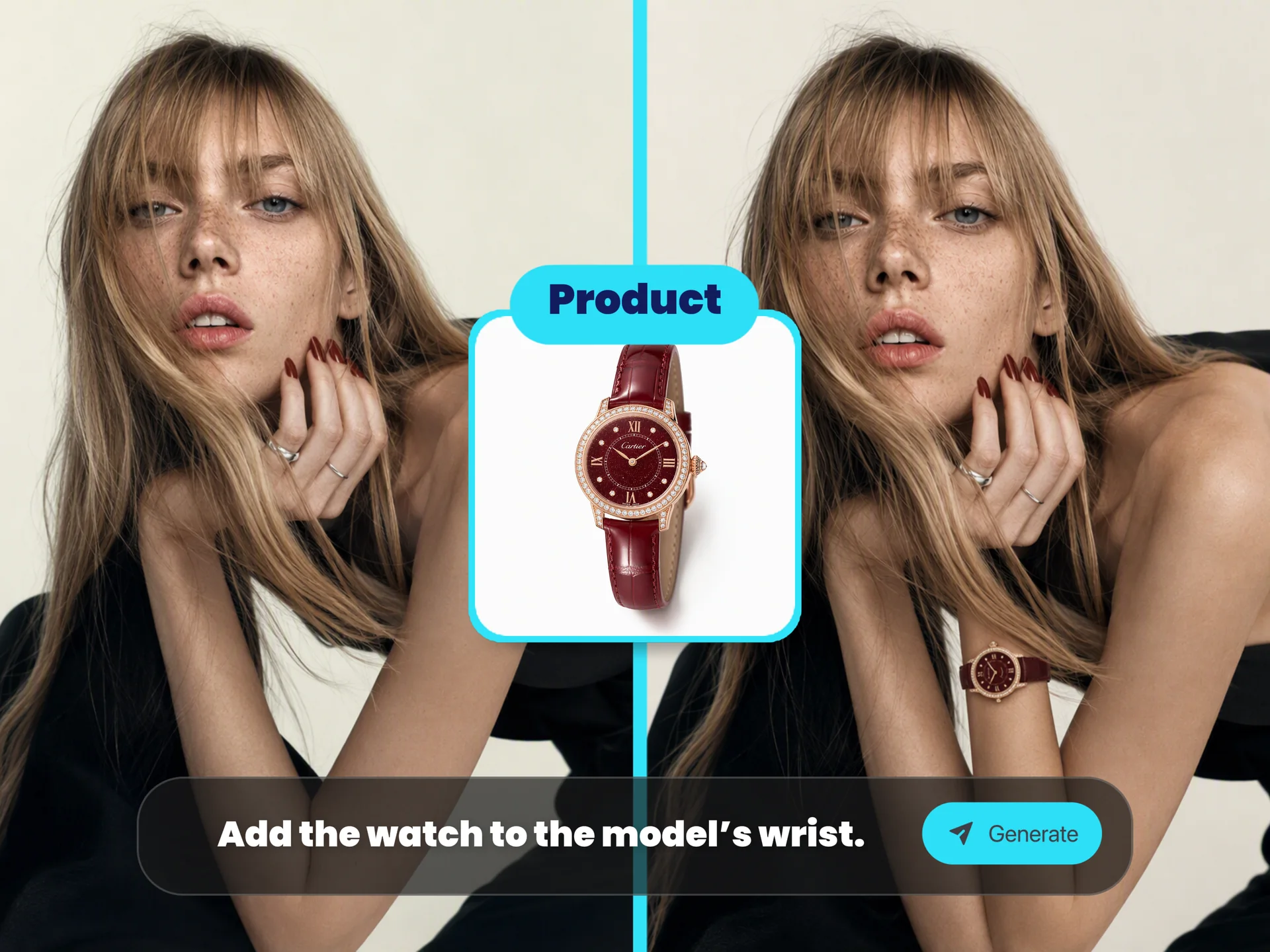
Context-Aware Image Editing
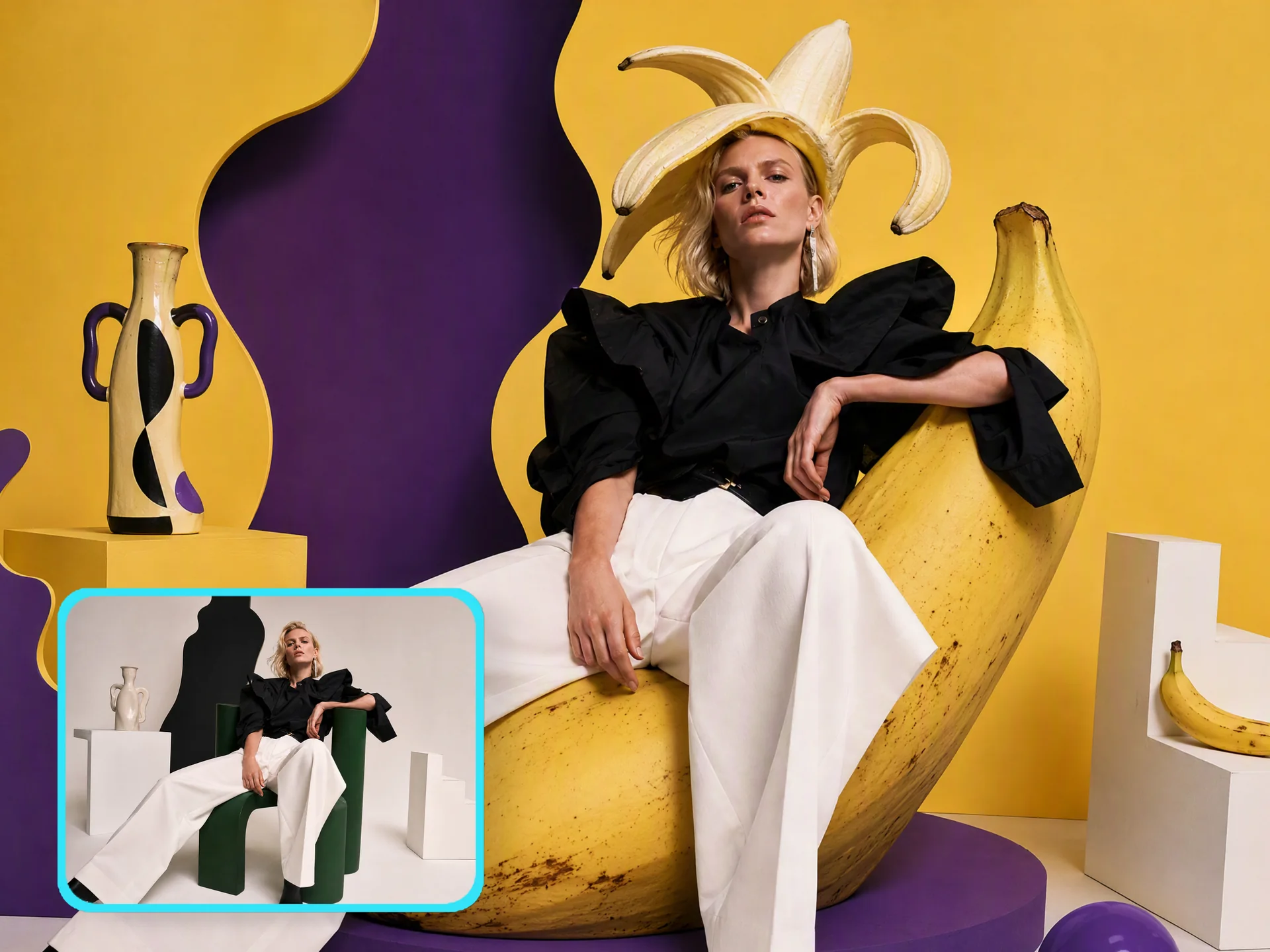
Edit local regions, change backgrounds, restore old photos, refine focus or adjust lighting while preserving the visual context of the original image.
Popular Ways to Use Nano Banana Pro
Use Nano Banana Pro for practical image workflows that need strong reasoning, readable text, visual consistency and polished output.
01
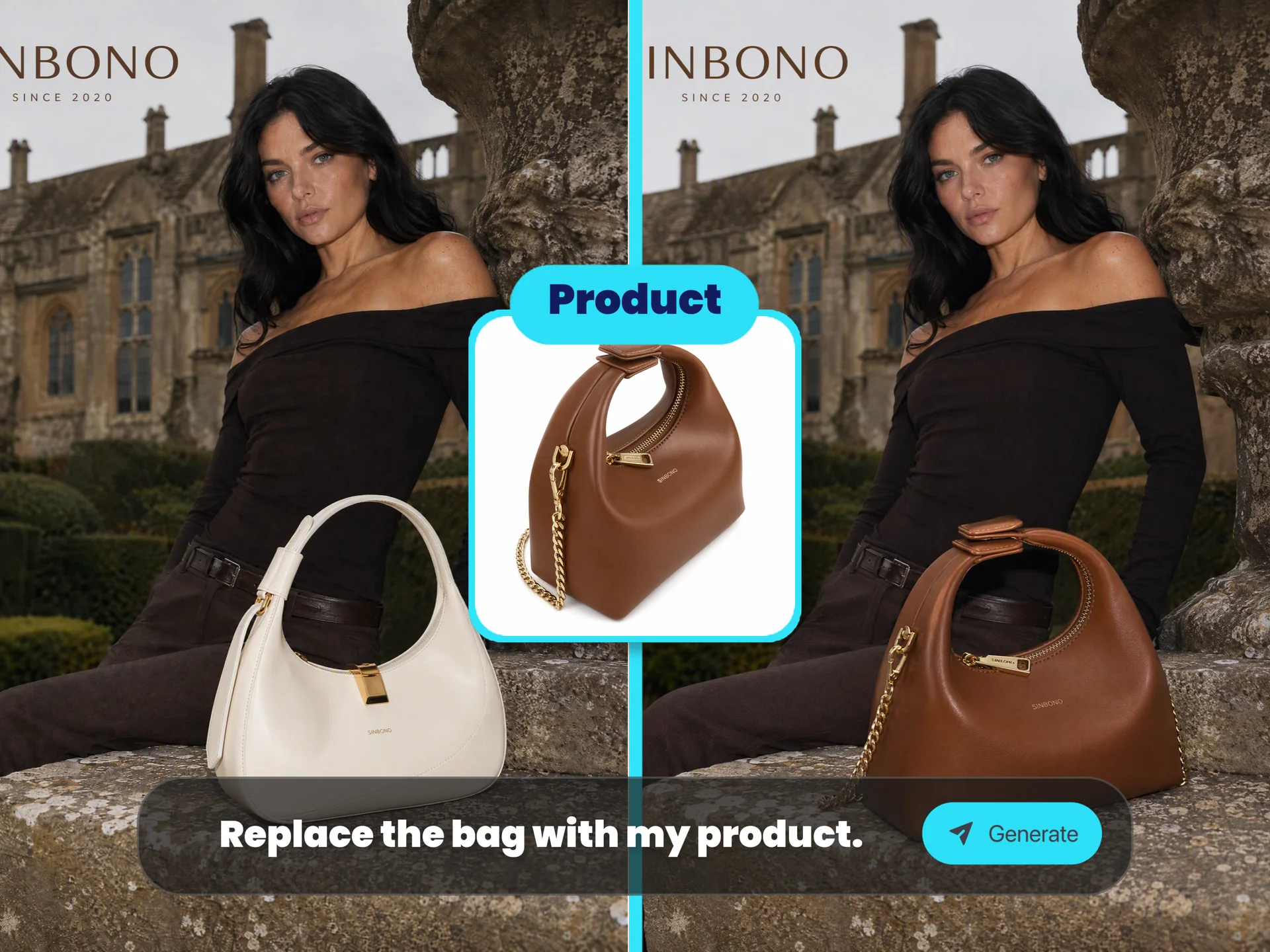
4K Campaign and Product Visuals
Create product posters, ecommerce hero images, launch visuals and polished campaign assets with clean lighting and high-resolution detail.
02
Infographics, Diagrams and Recipe Guides
Convert facts, notes, recipes and education topics into structured images with labels, arrows, icons and readable hierarchy.
03
Logos, Branding and Social Graphics
Explore logo directions, wordmarks, thumbnails, greeting cards, editorial visuals and social layouts with stronger text and composition control.
04
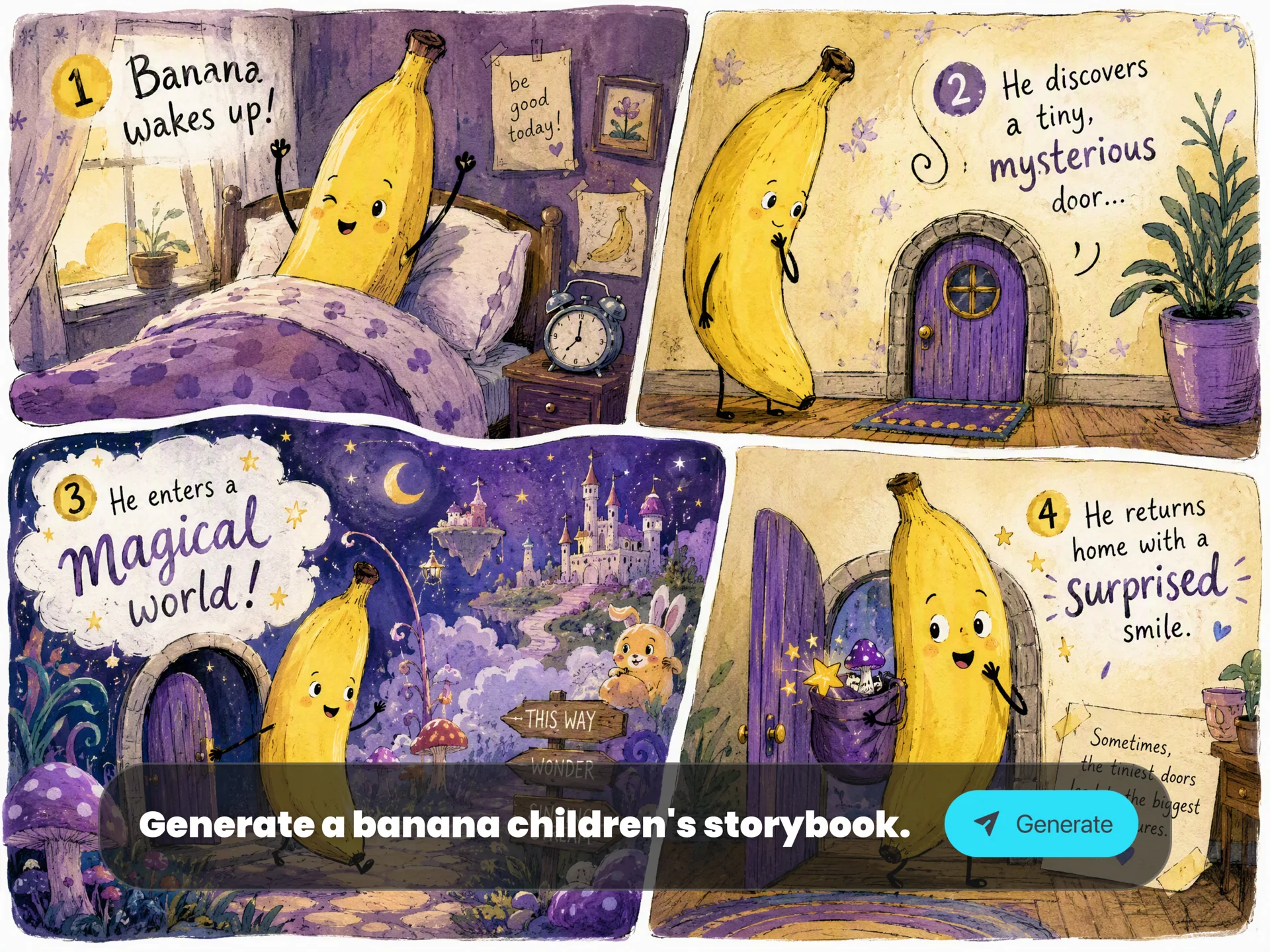
Storyboards, Comics and Multi-Frame Concepts
Generate multi-frame storyboards, comic concepts, children's book scenes and campaign variations while preserving character style and mood.
05
Photo Restoration and Context Edits
Repair old photos, replace backgrounds, transform ordinary shots into cinematic scenes and keep people or objects believable in the new setting.
Why Use Nano Banana Pro on Ima Studio?
Ima Studio turns Nano Banana Pro into a practical browser workflow for prompt creation, reference uploads, aspect ratio control, result history and continued cross-media creation.
Pro Model Ready in the Browser
Run Gemini 3 Pro Image from a focused landing page without setting up API keys, local tools or model routing.
Text and References in One Workflow
Start from a prompt, add reference images when needed, then refine the same creative direction instead of rebuilding the idea elsewhere.
Built for Production Assets
Use the output for posters, decks, thumbnails, product visuals, editorial concepts, ecommerce creatives and campaign experiments.
Continue Beyond a Still Image
Generated results stay in Ima Studio creation history, ready to reuse in image editing, video generation, design and other AI workflows.
Nano Banana Pro FAQs
Explore more AI tools and creative examples
Start Creating with Nano Banana Pro
Bring your ideas to life with a reasoning-driven image model for posters, infographics, logos, references and polished campaign visuals.