Explore Wan 3.0 Creation Workflows in Ima Studio
Review example video directions and reusable prompt structures. These Wan-style examples use migrated Wan 2.7 assets as visual placeholders until dedicated Wan 3.0 community material is available.





How to Use Ima Studio's Wan 3.0 Video Generator
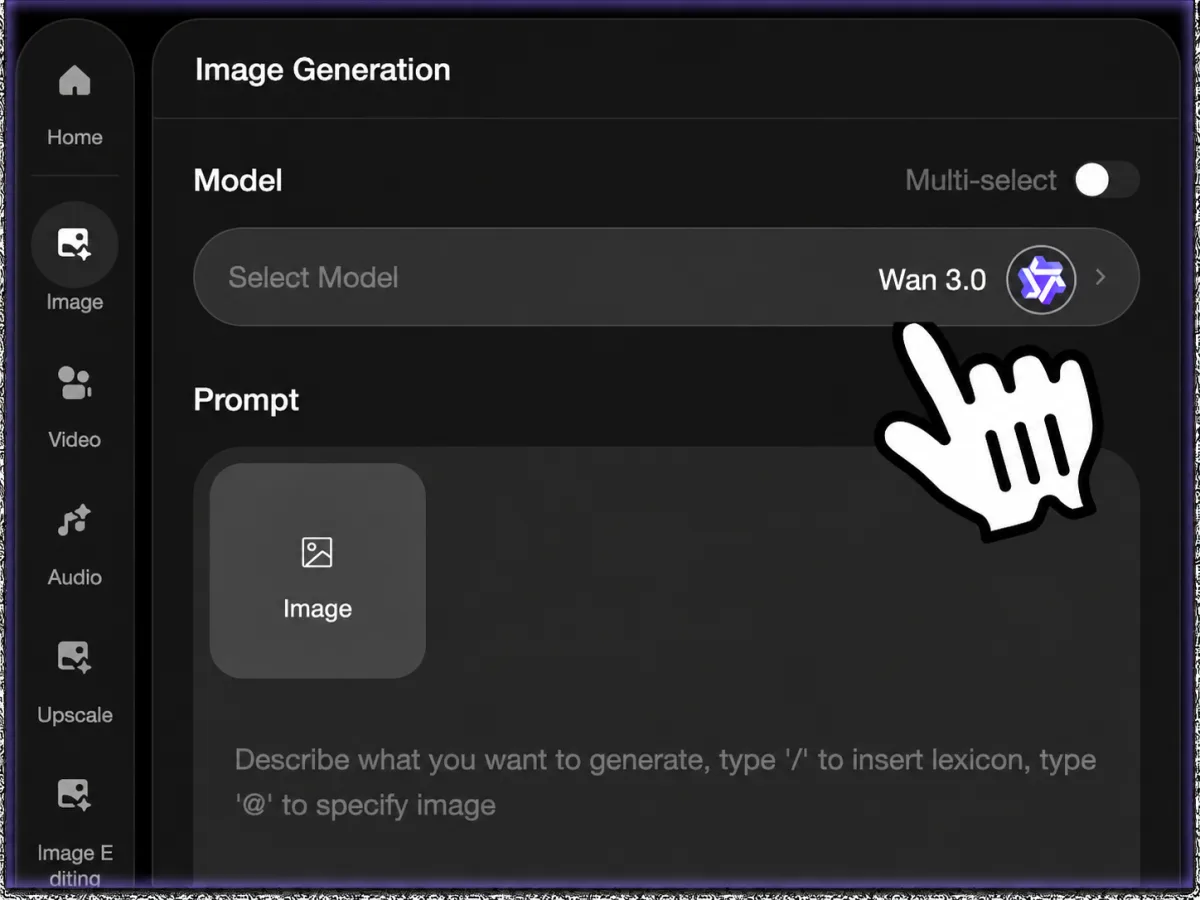 Step 1Choose Wan 3.0 or Wan 3.0 Prime
Select the Wan 3.0 model mode for your creative goal. Use the standard model for flexible generation, or Prime when you want the highest available quality mode.
 Step 2Add prompt and references
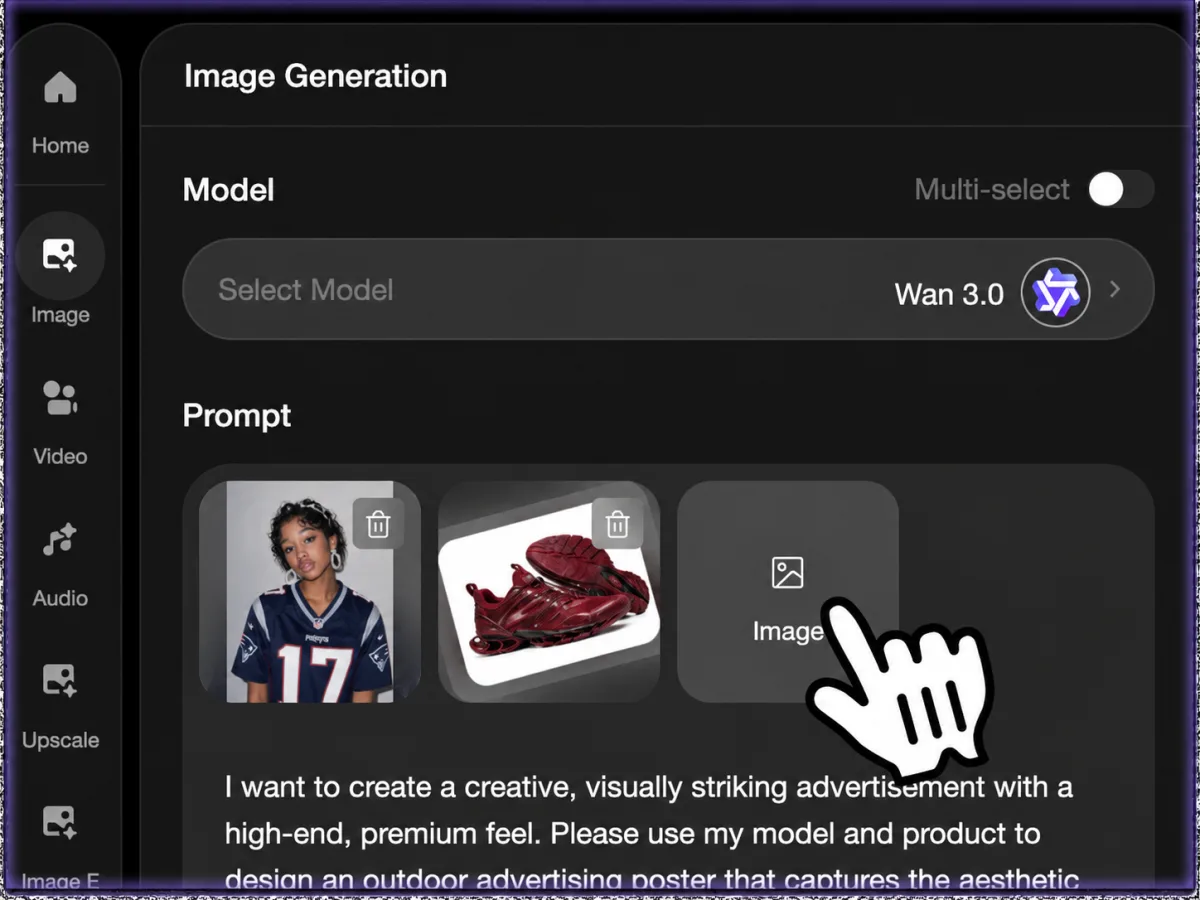
Start from text, upload images, or provide video references. Describe characters, camera motion, sound direction, dialogue, product behavior, and the exact scene structure.
- Step 3Generate and refine
Create the video, review motion, audio, identity, and pacing, then keep iterating in Ima Studio with new prompts or reference changes.
Wan 3.0 Key Capabilities
All-in-One AI video workflow
Wan 3.0 is presented by Alibaba Cloud as an all-in-one video generation model family, covering text-to-video, image-to-video, first/last-frame style control, editing, and extension workflows.
Native audio generation
Official Wan 3.0 guidance highlights synchronized native audio, including ambient sound, music, effects, and dialogue-style direction when the selected model mode supports it.
Up to 30-second, 30fps output
Wan 3.0 model documentation lists duration options up to 30 seconds and 30fps generation, making it better suited for short-form story beats and product videos than tiny clips only.
Multi-reference direction
The official API supports multiple reference media inputs, with guidance around up to 20 materials. Use references to guide subject identity, style, shot logic, and scene continuity.
First/last frame and video adaptation
Use reference frames or source video direction to control openings, endings, motion transitions, edits, and extensions for more directed video production.
Cinematic camera and scene control
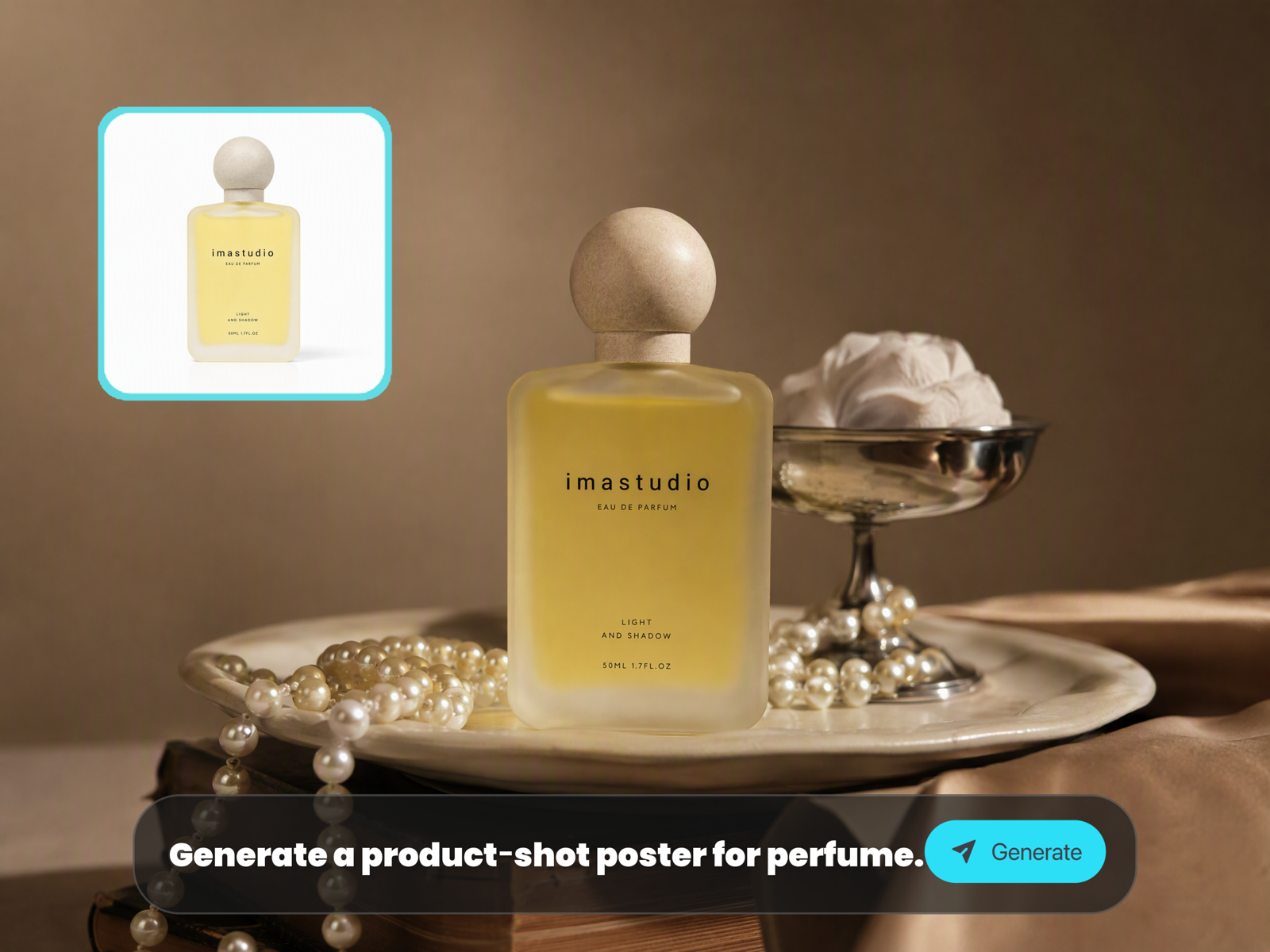
Write camera movement, lens language, lighting, motion rhythm, and scene intent directly in the prompt so Wan 3.0 can build a more planned video result.
What to Create with Wan 3.0
Wan 3.0 is useful when the output needs more than a silent moving image: it can support story, sound direction, reference control, and longer short-form pacing.
01
Cinematic story clips
Create short scenes with character action, camera movement, atmosphere, and sound direction from one structured prompt.
02
Product demo videos
Show a product reveal, use case, feature highlight, or lifestyle scene with motion and optional audio cues.
03
UGC and social ads
Generate short-form concepts for TikTok, Reels, Shorts, and paid social before committing production budget.
04
Character and avatar scenes
Use image references and prompt direction to test identity, performance, framing, and dialogue-ready movement.
05
Video extension and edits
Use source videos or frame references to explore continuations, alternate endings, or localized scene changes.
06
Storyboard validation
Turn shot descriptions into motion tests so directors, marketers, and designers can check timing before production.
Why Create Wan 3.0 Videos on Ima Studio?
Wan 3.0 adds stronger model-level video capabilities, but creators still need a practical page to upload references, choose settings, preview results, and keep iterating. Ima Studio keeps that workflow in one place.
Prompt and reference together
Combine plain-language direction with optional images or videos instead of splitting the production plan across multiple tools.
Designed for short-form outputs
Use longer duration settings, native audio direction, and model controls for social clips, demos, avatar scenes, and campaign tests.
Reusable visual workflow
The page keeps Wan 3.0 generation connected to prompt iteration, preview, download, and history-based comparison.
Clearer production review
Evaluate motion, audio fit, reference consistency, and shot structure before moving the result into downstream creative production.
30sOfficial max duration option
30fpsMotion generation target
20 refsOfficial multi-reference guidance
Wan 3.0 Video Generator FAQ
Explore more AI tools and creative examples
Create Wan 3.0 Videos Online
Write a prompt, add optional reference media, choose Wan 3.0 settings, and generate a video workflow ready for review.