Inpaint Product Photos, Social Graphics & Campaign Assets with AI
Upload an image, describe the change you want, and turn existing visuals into polished assets for ecommerce, ads, social posts, campaigns, presentations, and creative testing.
Or try a sample:
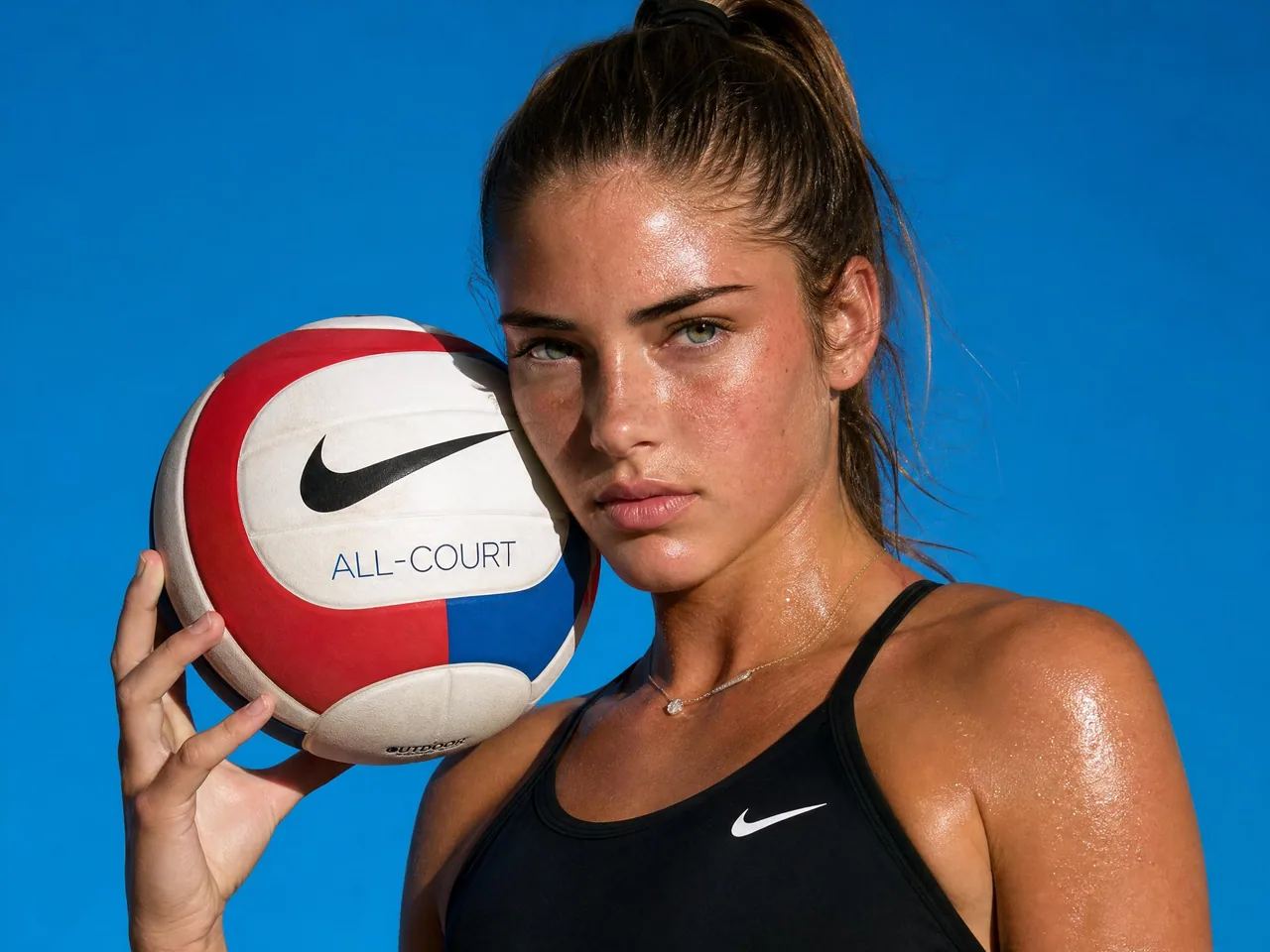
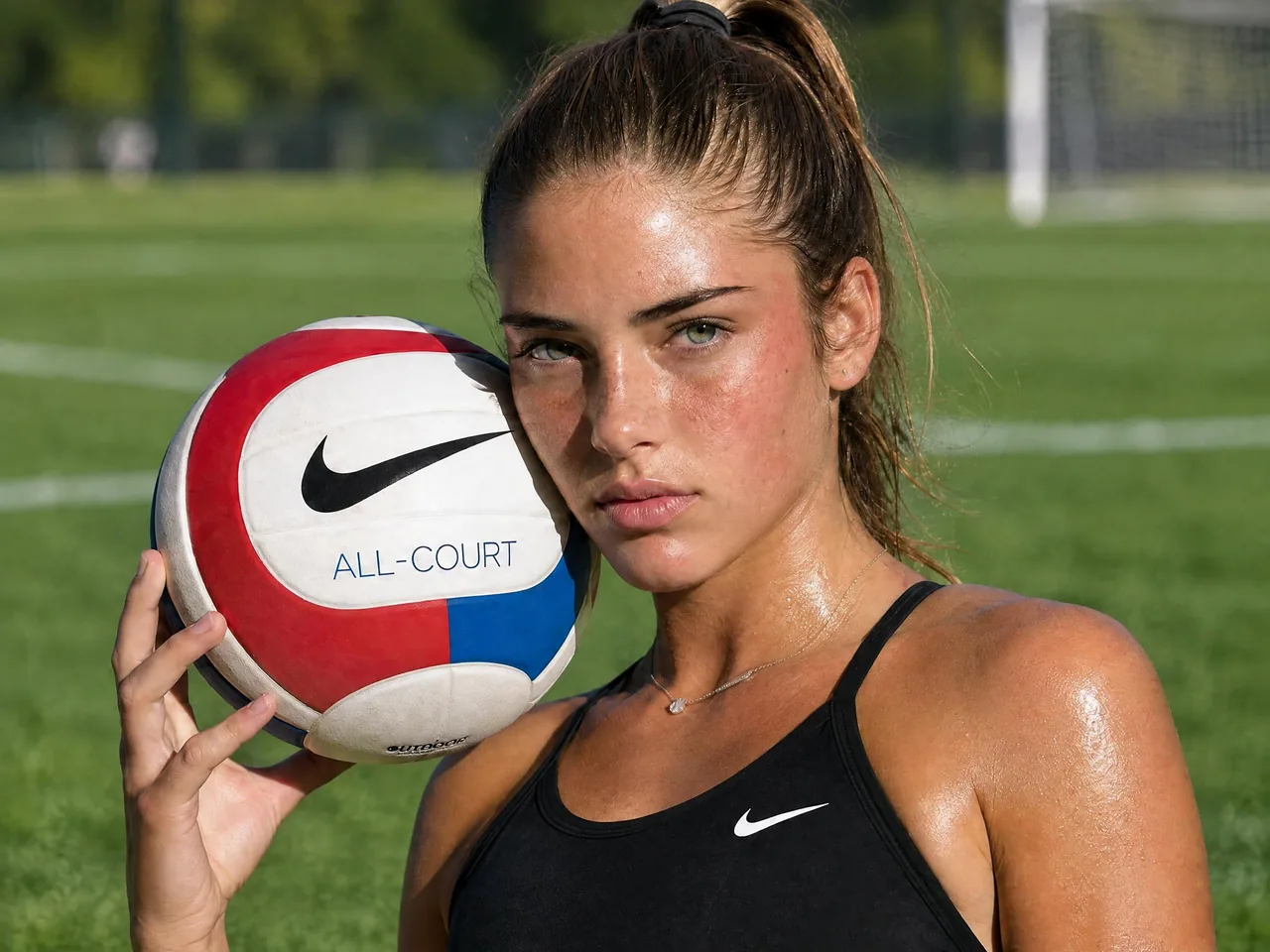
Best Photo Editing Use Cases for ImaStudio's AI Image Editor
Use AI image editing when you already have a useful photo, but it needs a better background, cleaner composition, localized copy, seasonal styling, object cleanup, or platform-ready creative variation. These scenarios help teams create many publishable images from existing assets.
How to Use ImaStudio's AI Image Editor
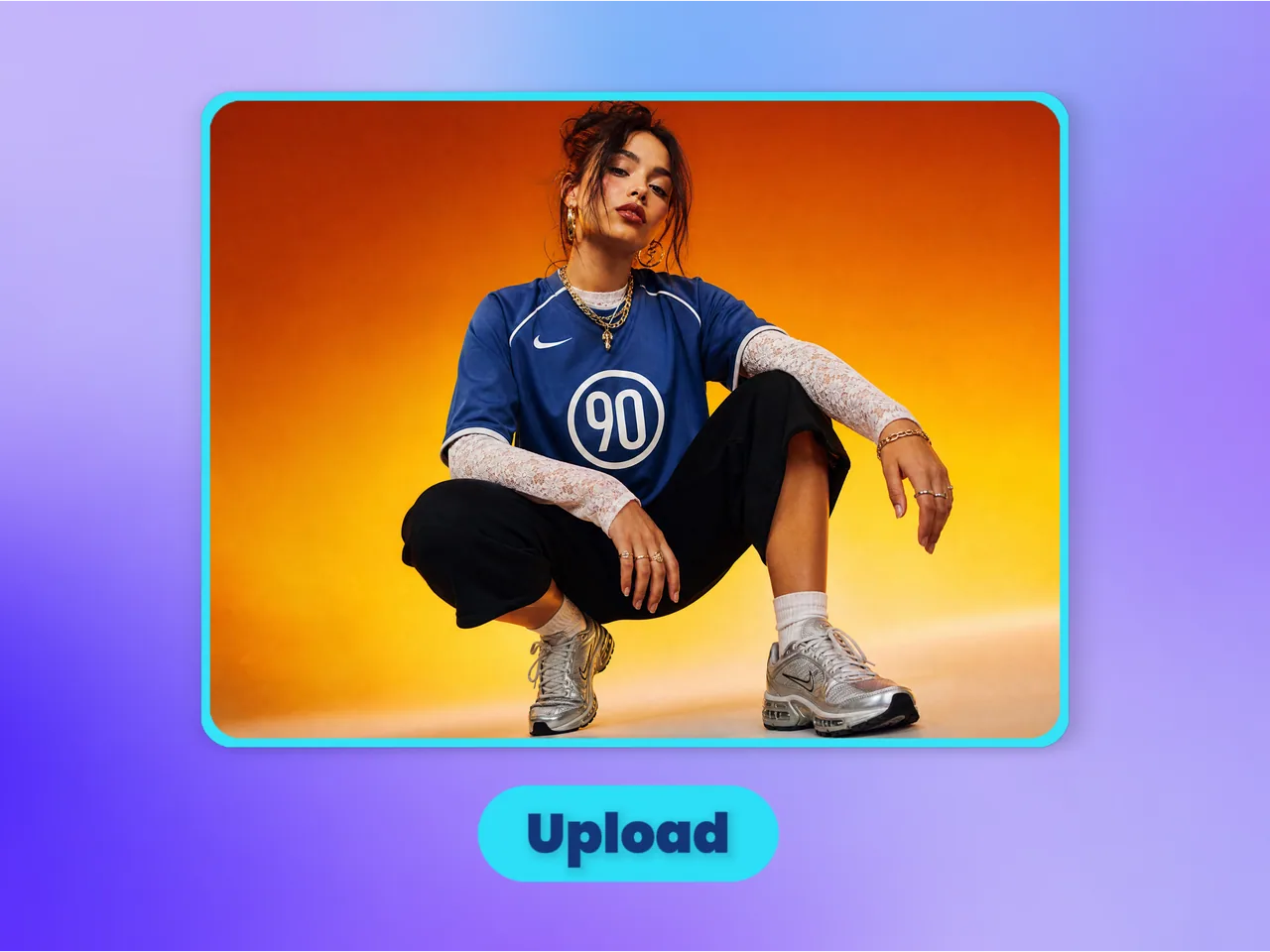 Step 1Upload the Image You Want to Edit
Start with a product photo, portrait, poster, AI-generated image, social graphic, or creative asset that needs a specific change.
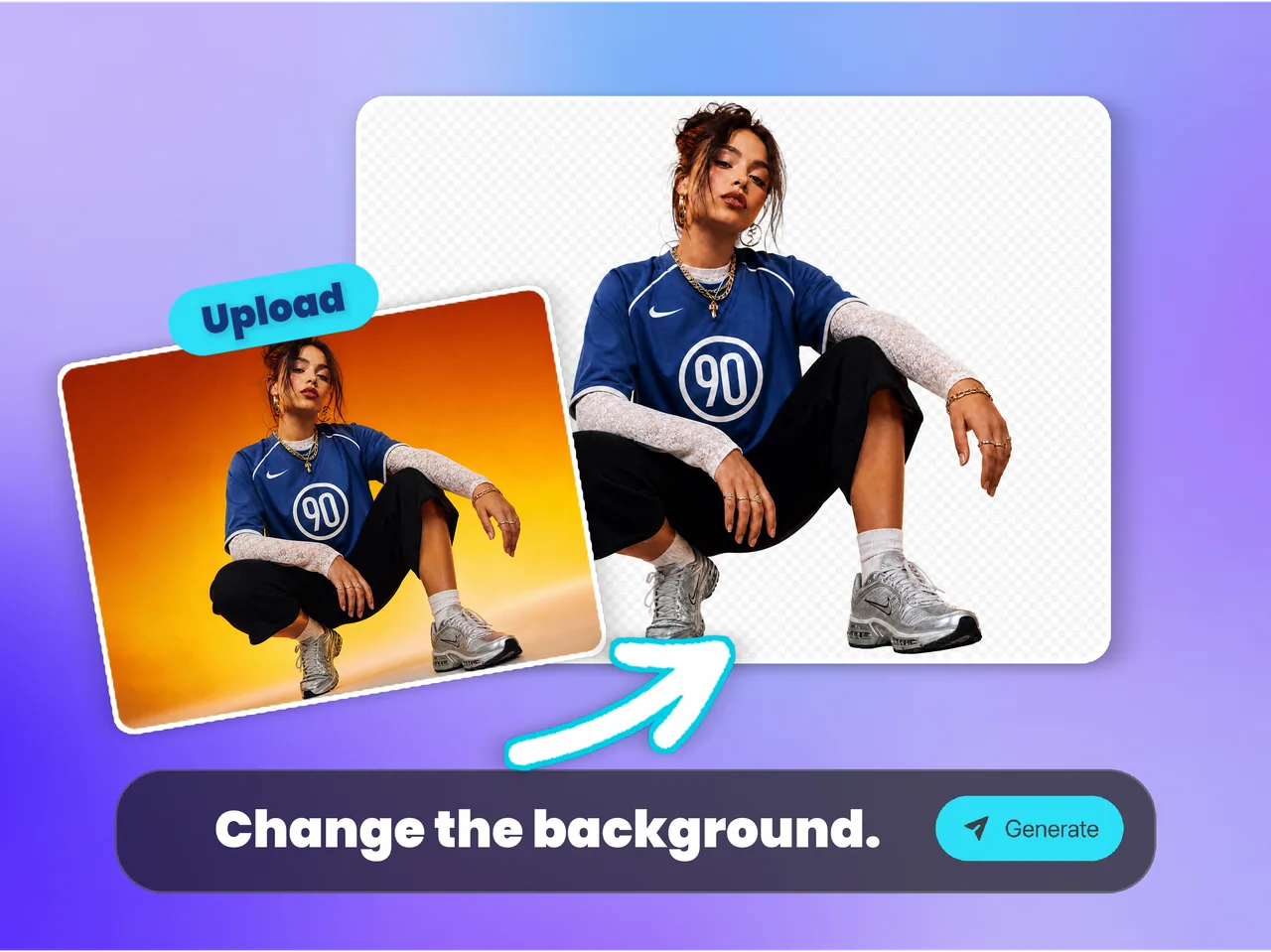 Step 2Describe the Edit in Plain Language
Tell the AI what to change, such as replacing a background, adjusting a scene, refining details, or creating a new visual direction while keeping the subject recognizable.
- Step 3Export a Ready-to-Use Image
Download a clean edited image for ecommerce pages, ads, social media, campaigns, websites, presentations, or client-facing creative work.
Why Choose ImaStudio's AI Image Editor?
AI Image Editing Built for Real Creative Assets
Change backgrounds, refine product photos, adjust campaign images, update AI art, and create more usable variants without starting from scratch.
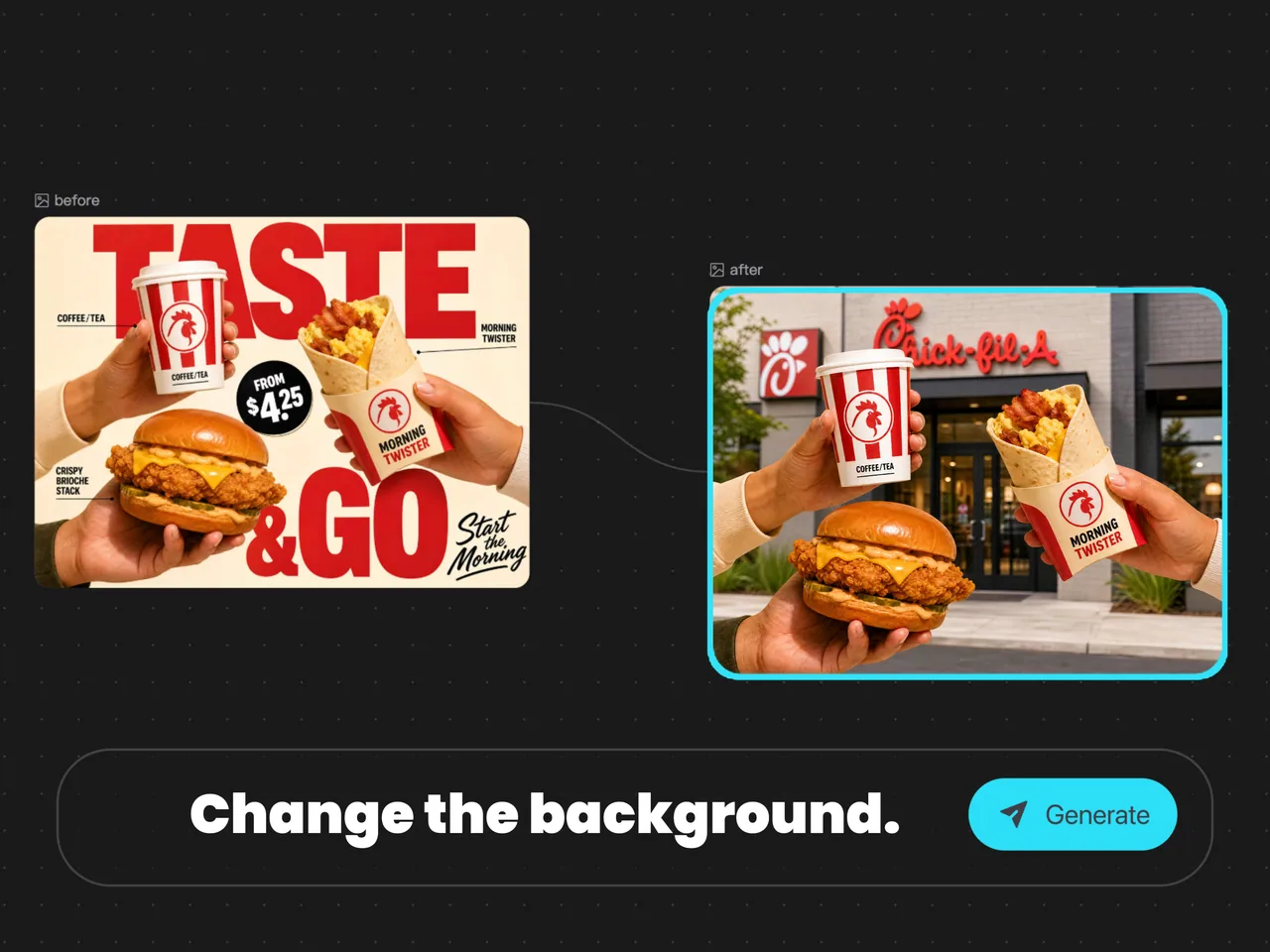
Edit More in One Workflow
Handle product photos, portraits, posters, AI art, social graphics, and ad creatives from one workspace instead of switching between tools.
Preserve the Core Visual Direction
Make targeted changes while keeping the original subject, composition, and style recognizable when that matters.
Turn Existing Images into Polished Creative Assets
ImaStudio's AI Image Editor is built for teams who already have a visual and need a better version fast. Match edits to ecommerce listings, social posts, landing pages, ads, presentations, and client previews based on how each asset will be used.
Upload an image and describe exactly what you want to change in plain language.
Create sharper, cleaner assets for ecommerce, ads, and social media.
Upload privately and keep your creative workflow inside one workspace.
Download clean edited images for campaigns, presentations, storefronts, and client-facing work.
FAQs About ImaStudio's AI Image Editor
Explore more AI tools and creative examples
Start Editing Images With Ima Studio
Upload an existing product photo, social image, AI artwork, or creative asset and edit it with a simple prompt for ecommerce, ads, social posts, websites, presentations, and campaigns.