AI Real Estate Video Generator

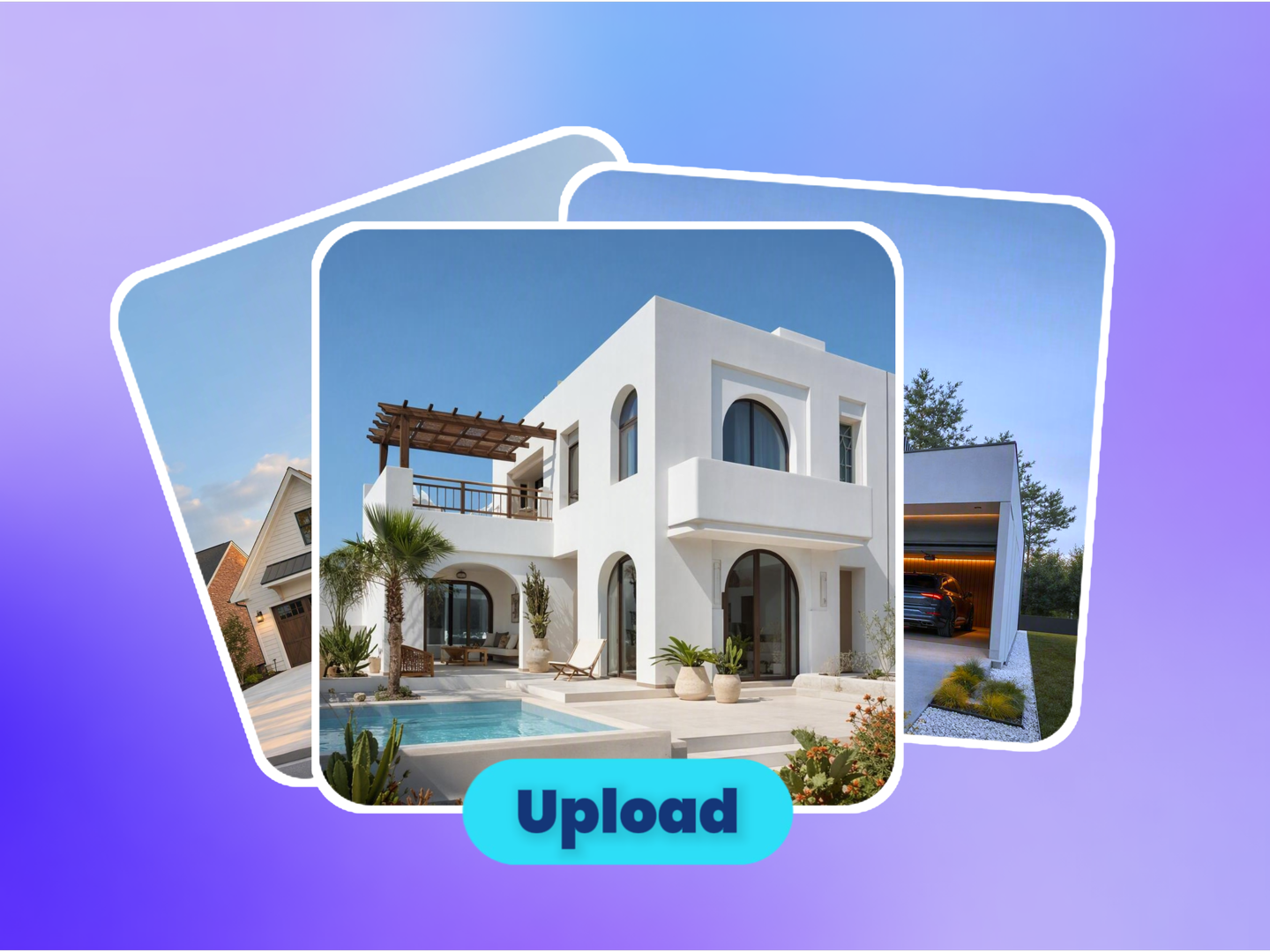
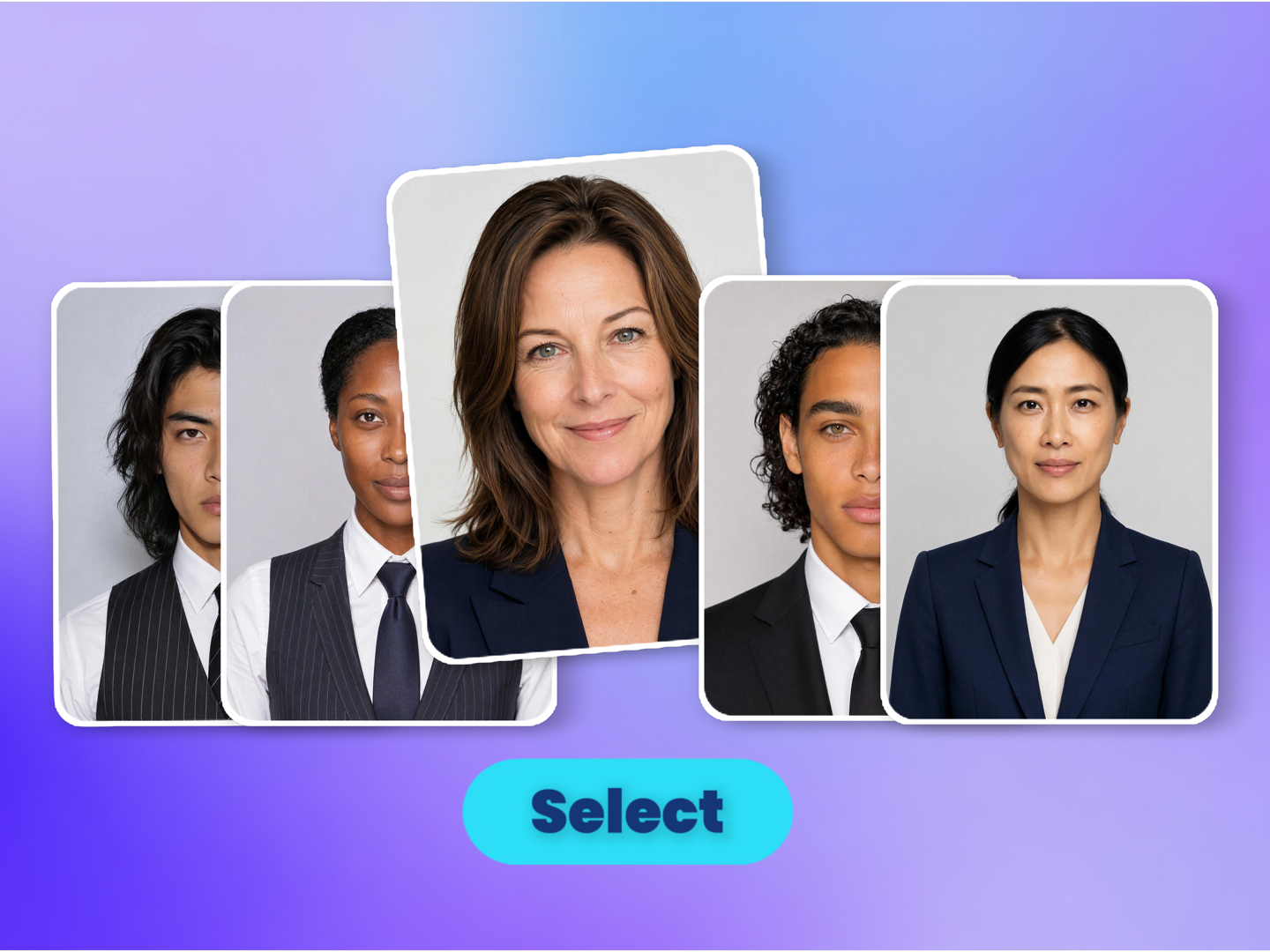
Upload one property photo, optionally add an agent reference photo, and choose how the listing should be presented. The AI agent uses the room image, presenter mode, platform, language and visible selling points to create a real estate listing video with script, shots and voiceover.

Made with this tool

AI Real Estate Video Examples

Explore listing-video ideas such as agent introductions, voiceover property tours, room highlights, rental promos, open-house clips and vertical social videos generated from property photos.

AI GENERATED
Create Listing Videos from One Property Photo

Real estate agents can upload a clear room photo, choose the room type and select visible selling points. The AI uses the property image and listing details to create a short video that introduces the space for listing pages, open-house promotion or buyer follow-up.

AI GENERATED
Create Agent-on-Camera Property Introductions

Agents and brokerages can add an agent reference photo and choose agent-on-camera mode. The AI combines the presenter direction with the property image so the video can introduce a room, explain the key benefit and keep the agent's personal brand present.

AI GENERATED
Create Voiceover-Only Property Tours

Property managers and rental teams can choose voiceover-only mode when the space should be the focus. Upload a property photo, select the platform and language, and generate a narrated listing video without placing a presenter in the frame.

AI GENERATED
Create Social Listing Clips

Marketing teams can turn a listing photo into vertical clips for TikTok, Instagram Reels or YouTube Shorts. Select 9:16 or 4:5, choose a short duration and ask the AI to lead with the strongest visible selling point.

AI GENERATED
Create Rental and Airbnb Promo Videos

Short-stay hosts and rental operators can highlight visible amenities such as pool views, city views, high ceilings, smart-home features or outdoor areas. The AI turns the selected space and amenity list into a concise video for booking pages or social posts.

AI GENERATED
Create Website and Portal Listing Assets

Brokerages and developers can create 16:9 or square listing videos for property websites, Zillow-style pages, Realtor pages, landing pages and client presentations. Use the same photo and settings to adapt the video for several placements.

How to Use the AI Real Estate Video Generator

  1. Add Your Property Photo
    Step 1Add Your Property Photo

    Upload one clear photo of the room, outdoor area, lobby, pool, office or full unit you want to promote. The uploaded image gives the AI the visual context for the space, furniture, lighting and visible details.

  2. Choose Listing Settings
    Step 2Choose Listing Settings

    Select agent on camera, voiceover only or tour-only mode. Then choose room type, duration, aspect ratio, target platform, voiceover language and the visible selling points you want the video to mention.

  3. Step 3Generate and Refine

    The AI agent turns your property image and settings into a listing video direction, including opening hook, scene flow, narration and voiceover. Continue in canvas to ask for a different pace, shorter script, new language or another presentation style.

Why Choose ImaStudio's AI Real Estate Video Generator?

Property Photo to Listing Video Workflow

Start from one property photo instead of a full video shoot. The uploaded image gives the AI the room, furniture, lighting and visible detail context it needs to plan a short listing video.

Presenter, Voiceover and Tour Modes

Choose agent-on-camera mode when the agent should introduce the listing, voiceover-only mode when narration is enough, or tour-only mode when the property should stay visually central. This lets different real estate teams use the same page with different workflows.

Listing Controls for Platform, Room and Selling Points

Set the room type, duration, aspect ratio, target platform, voiceover language and visible selling points before generation. These structured inputs help the AI create a more relevant listing narrative for social channels, portals, rental pages or websites.

Canvas Refinement After Generation

After submission, canvas keeps the property image, agent reference, platform, language and selling points in context. Ask for a shorter opening, a calmer tone, a stronger callout, a different language or a new presenter mode without rebuilding the workflow.

Refine in Canvas

AI Real Estate Video Generator Use Cases

Use the AI Real Estate Video Generator when a property photo needs to become a listing video, social clip, agent introduction, rental promo or website asset without starting from a full video shoot.

01

Create Listing Videos from One Property Photo

Real estate agents can upload a clear room photo, choose the room type and select visible selling points. The AI uses the property image and listing details to create a short video that introduces the space for listing pages, open-house promotion or buyer follow-up.

02

Create Agent-on-Camera Property Introductions

Agents and brokerages can add an agent reference photo and choose agent-on-camera mode. The AI combines the presenter direction with the property image so the video can introduce a room, explain the key benefit and keep the agent's personal brand present.

03

Create Voiceover-Only Property Tours

Property managers and rental teams can choose voiceover-only mode when the space should be the focus. Upload a property photo, select the platform and language, and generate a narrated listing video without placing a presenter in the frame.

04

Create Social Listing Clips

Marketing teams can turn a listing photo into vertical clips for TikTok, Instagram Reels or YouTube Shorts. Select 9:16 or 4:5, choose a short duration and ask the AI to lead with the strongest visible selling point.

05

Create Rental and Airbnb Promo Videos

Short-stay hosts and rental operators can highlight visible amenities such as pool views, city views, high ceilings, smart-home features or outdoor areas. The AI turns the selected space and amenity list into a concise video for booking pages or social posts.

06

Create Website and Portal Listing Assets

Brokerages and developers can create 16:9 or square listing videos for property websites, Zillow-style pages, Realtor pages, landing pages and client presentations. Use the same photo and settings to adapt the video for several placements.

Who Is the AI Real Estate Video Generator For?

ImaStudio's AI Real Estate Video Generator is designed for agents, brokerages, property managers, rental operators, Airbnb hosts, developers and real estate marketing teams that want to turn property photos into listing videos, tour clips and social assets.

Real Estate Agents

Create listing videos, agent introductions and open-house clips from room photos, especially when a property needs video content before a full shoot is scheduled.

Brokerages and Marketing Teams

Produce reusable video concepts for new listings, social campaigns, portal pages, email follow-ups and local market promotions while keeping room type, platform and selling points structured.

Property Managers and Rental Teams

Turn apartment, condo, office, lobby or amenity photos into narrated rental videos that explain the space and visible benefits faster than a static image gallery.

Airbnb and Short-Stay Hosts

Create promotional clips for rooms, pool areas, outdoor spaces and city-view listings, then adapt the tone and ratio for booking pages or short social posts.

Developers and Real Estate Creators

Prepare quick video concepts for new developments, staged interiors, property explainers and listing previews before investing in a larger production workflow.

1 Photoproperty image input
3 Modesagent, voiceover or tour
4 Ratios16:9, 9:16, 1:1 and 4:5

AI Real Estate Video Generator FAQs

Explore more AI tools and creative examples

Create Your First AI Real Estate Video

Upload a property photo, choose presenter mode, platform, ratio, language and visible selling points, then let ImaStudio turn the listing into a video you can refine in canvas.