01
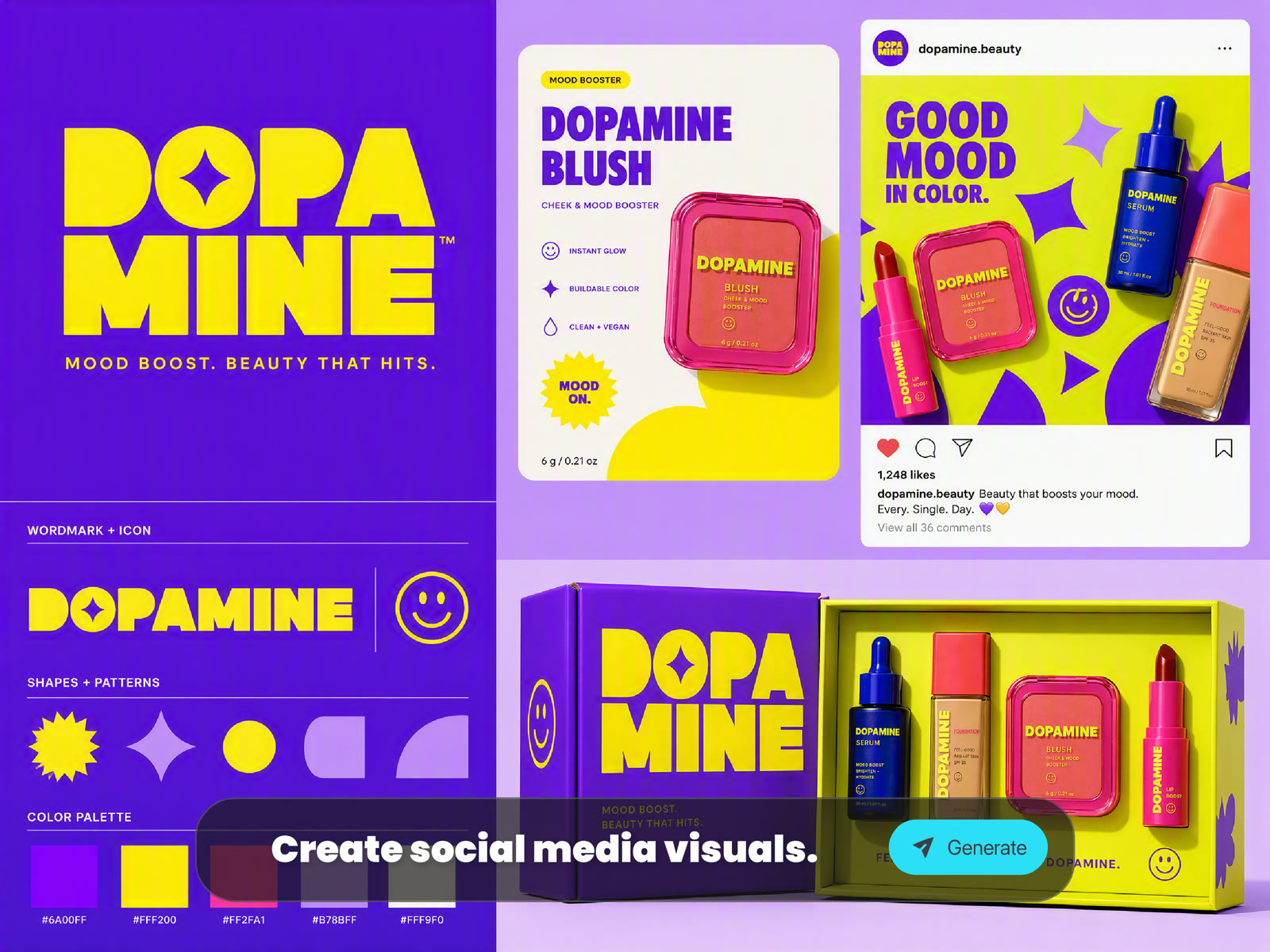
Create Social Media Visuals and Thumbnails
Generate eye-catching images for TikTok, YouTube, Instagram, blogs, newsletters, and ads. Test layouts, color moods, subject framing, and creative hooks before publishing.
Run Seedream 5.0 directly in your browser. Generate original images from prompts, transform references, explore visual styles, and create social, marketing, and concept assets.
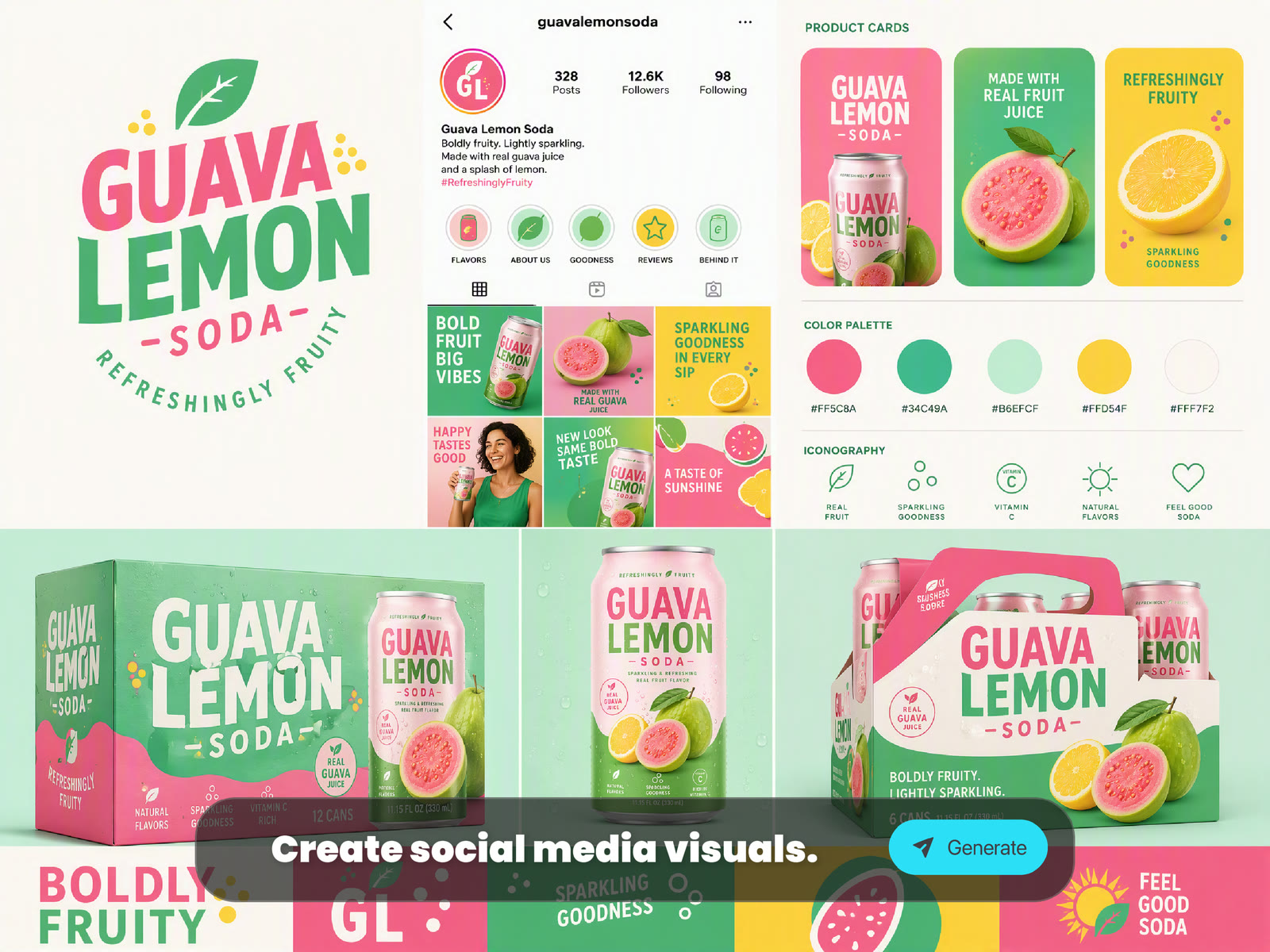
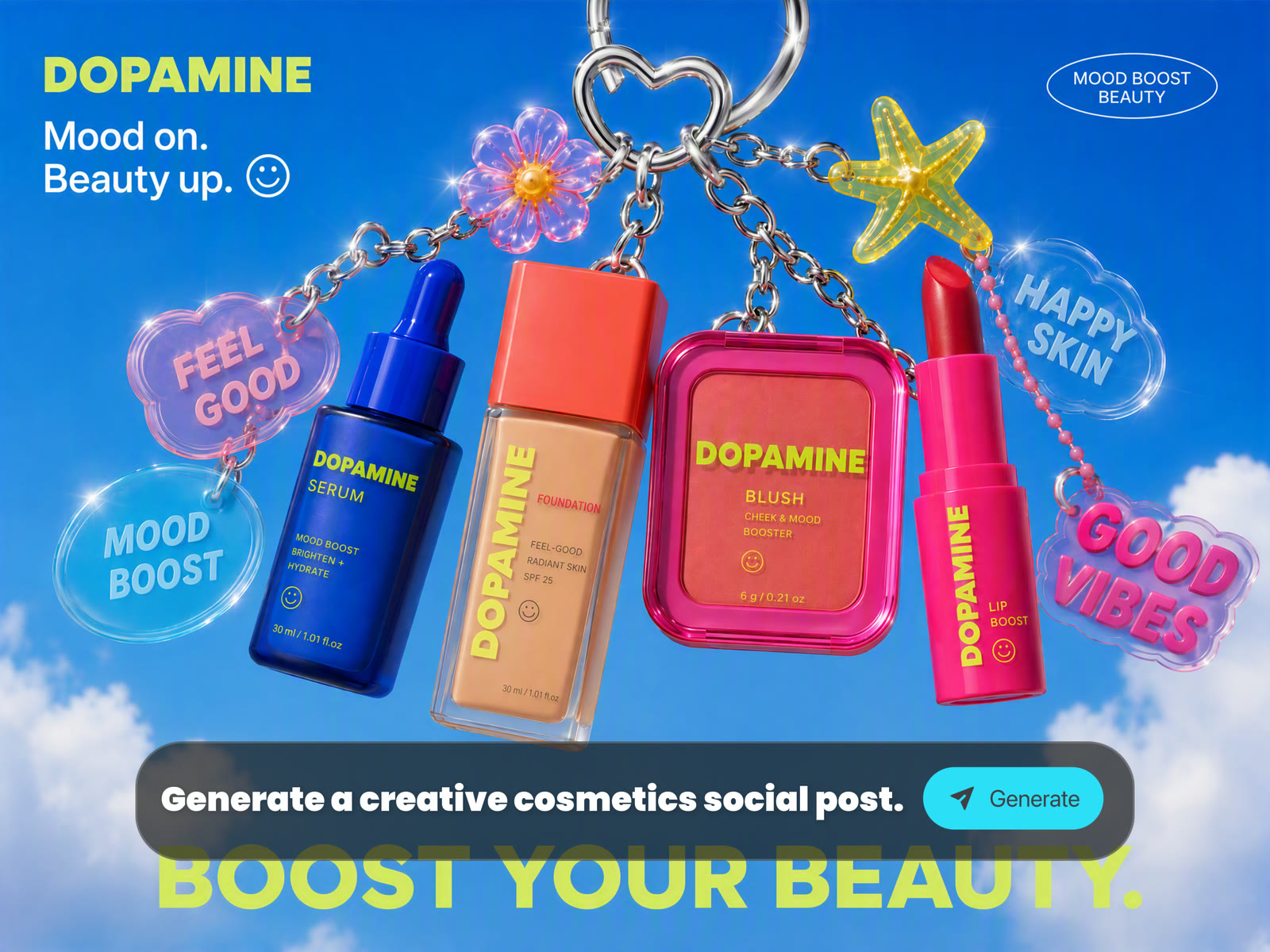
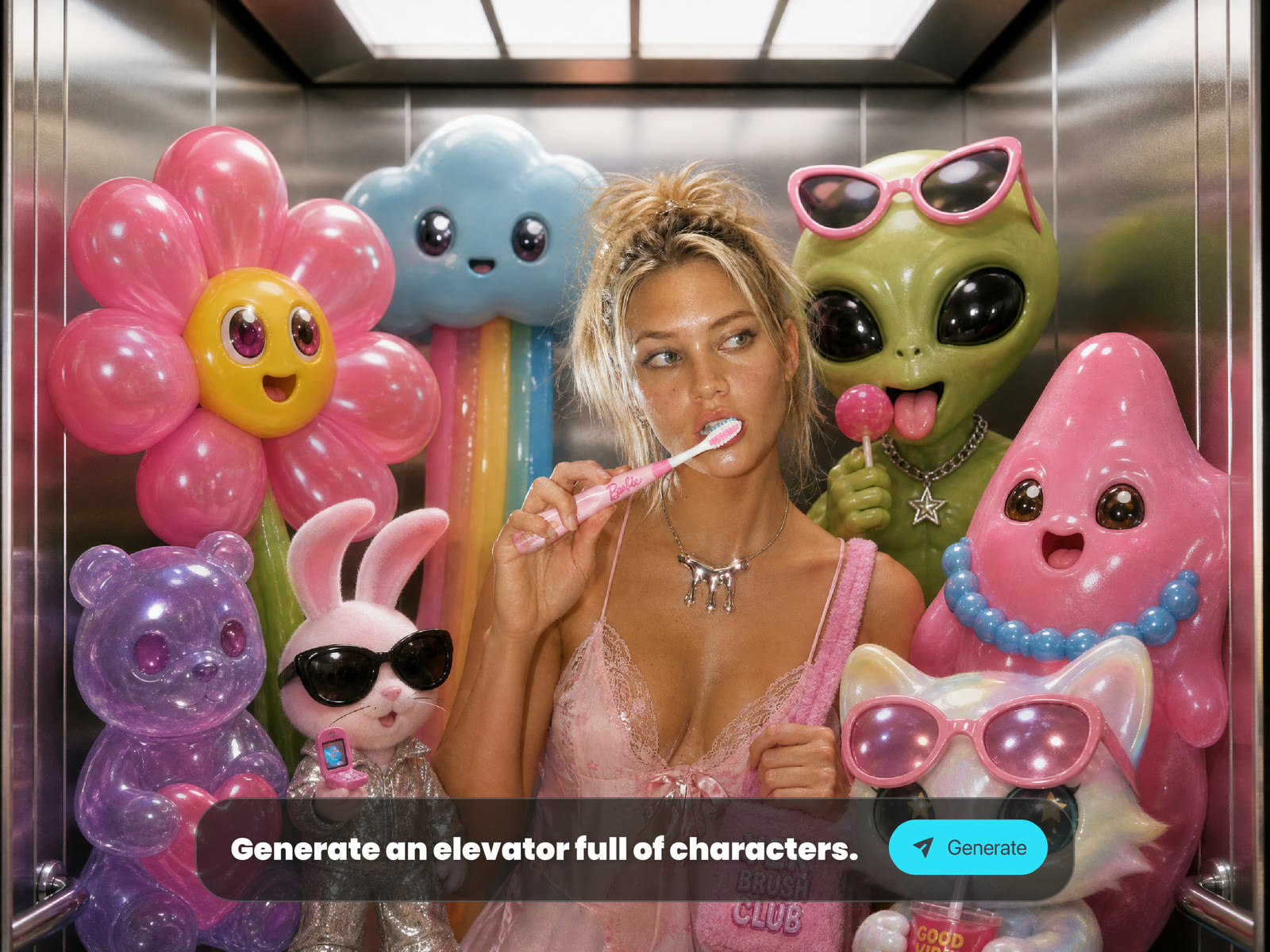
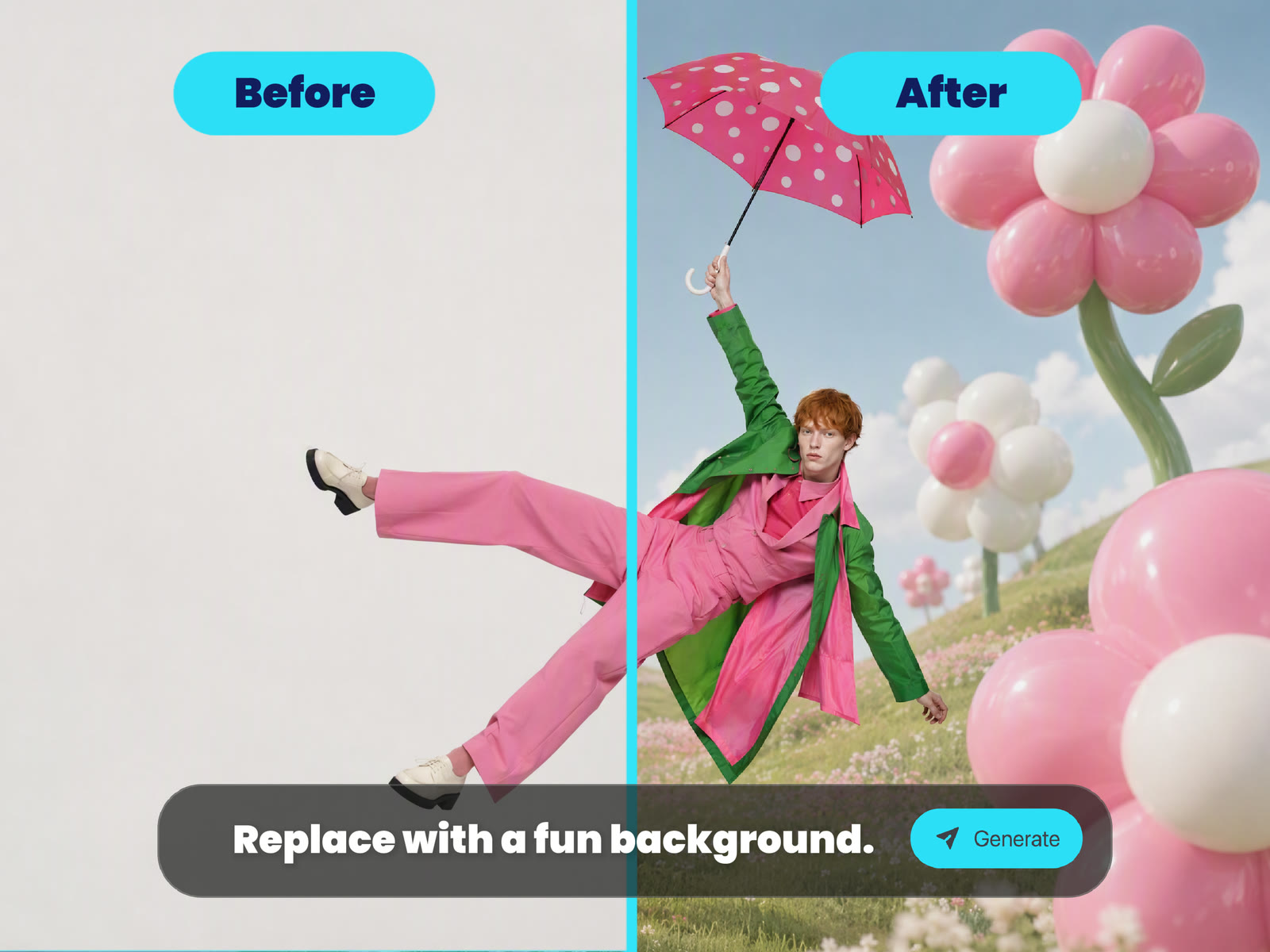
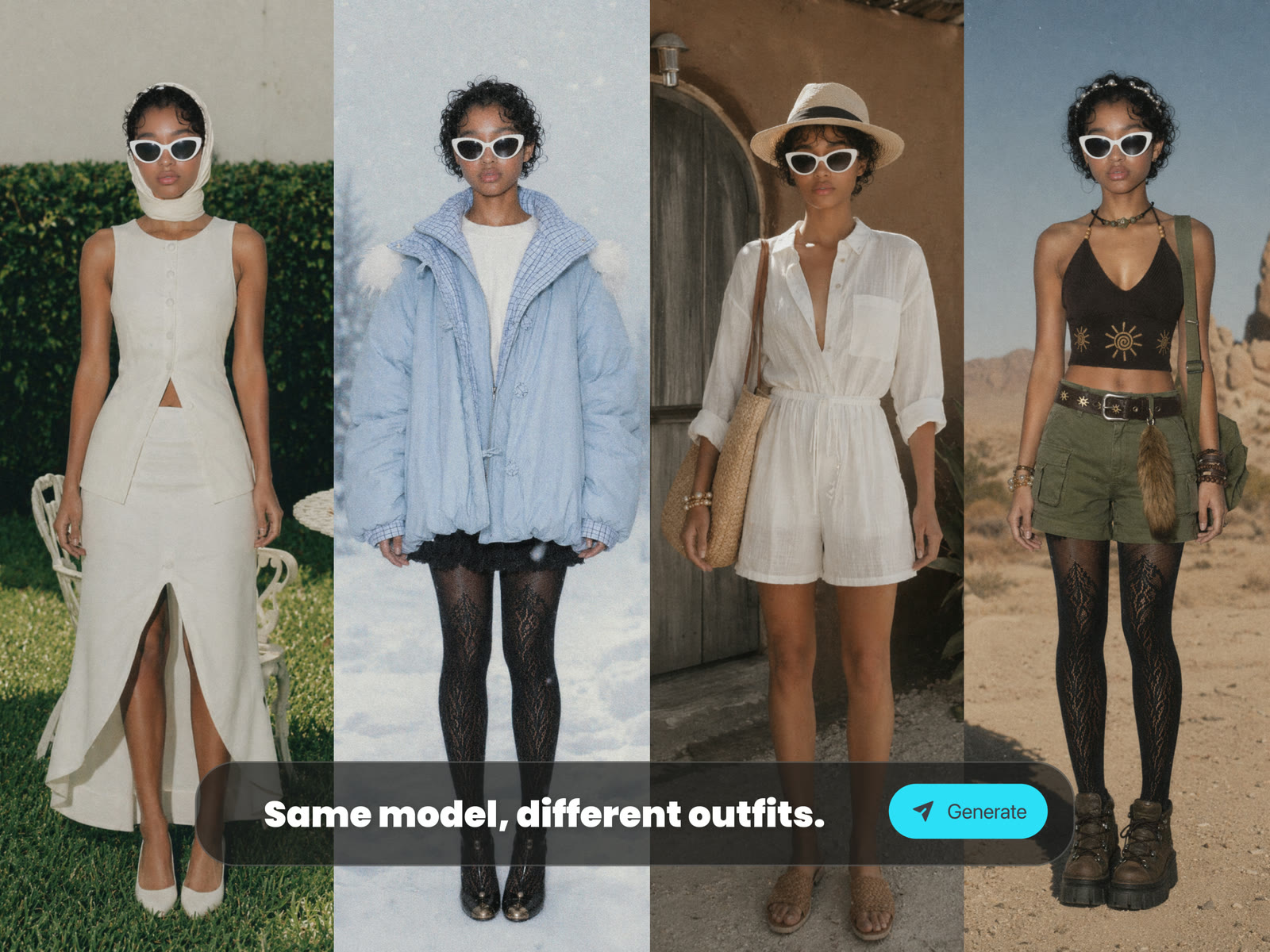
Browse standout community generations made with Seedream 5.0. Click any card to view the prompt, remix the idea, and reuse it instantly in Ima Studio.
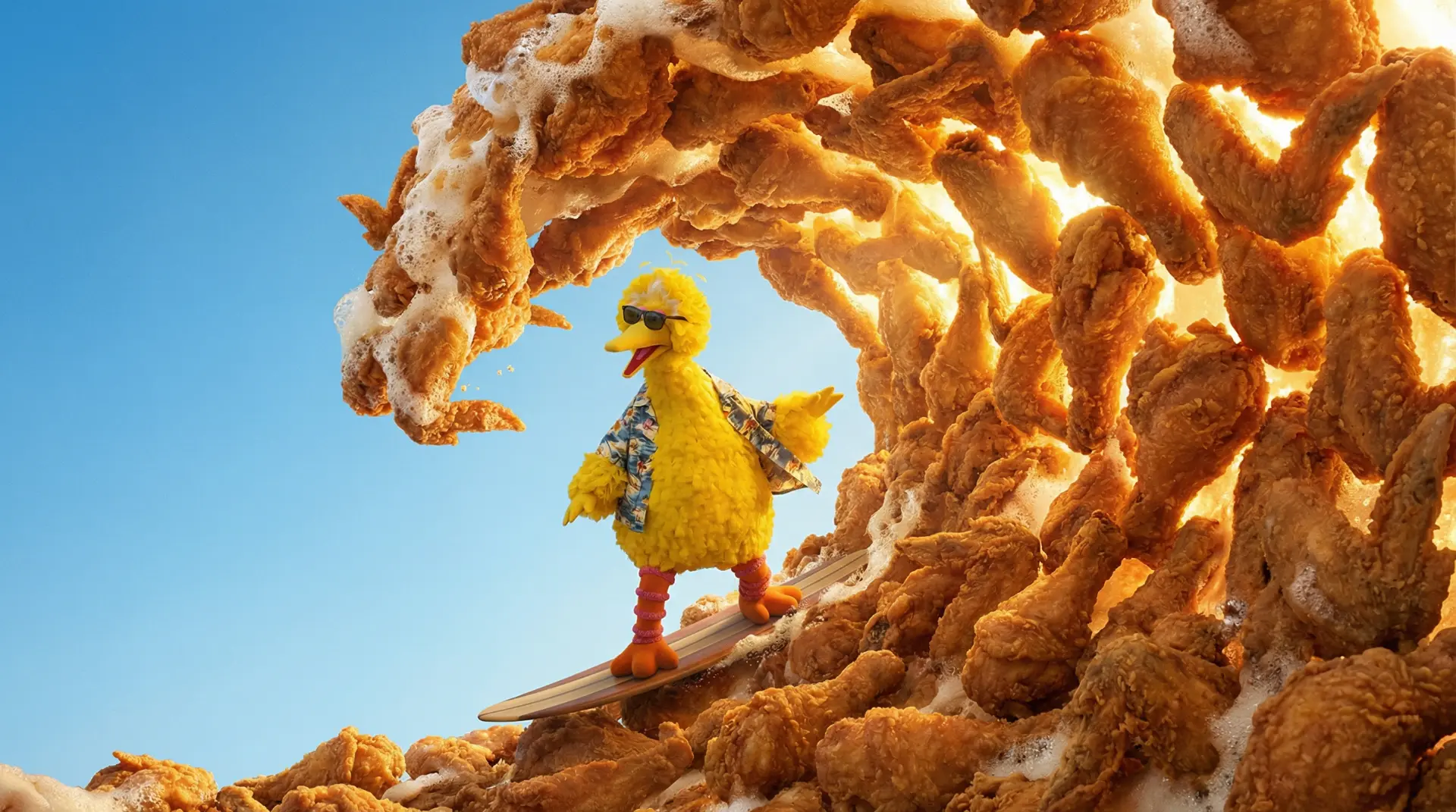 AI GENERATED
Generate eye-catching images for TikTok, YouTube, Instagram, blogs, newsletters, and ads. Test layouts, color moods, subject framing, and creative hooks before publishing.
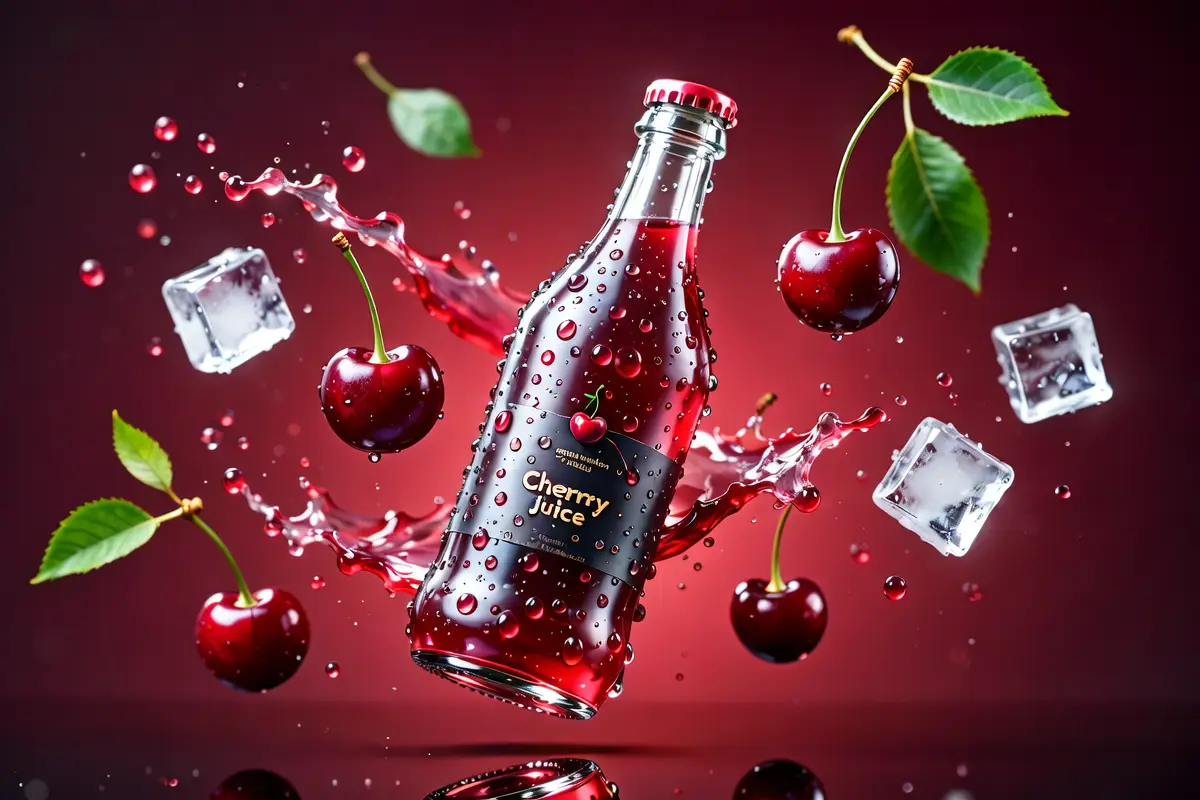 AI GENERATED
Create product-style visuals, campaign concepts, lifestyle scenes, packaging ideas, or ecommerce-inspired images from a simple text brief.
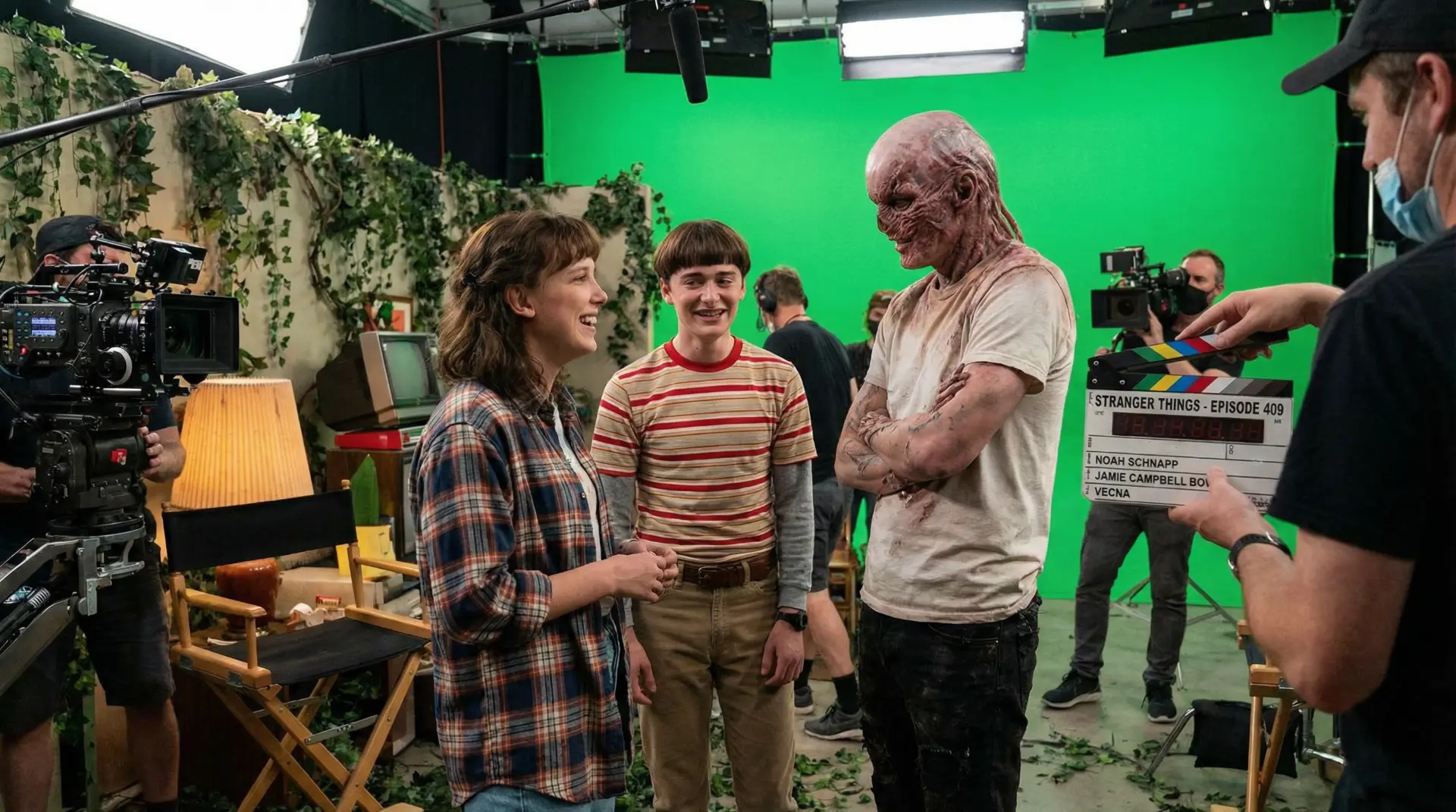 AI GENERATED
Design characters, anime scenes, stylized portraits, fantasy worlds, surreal concepts, or cinematic frames without manual illustration setup.
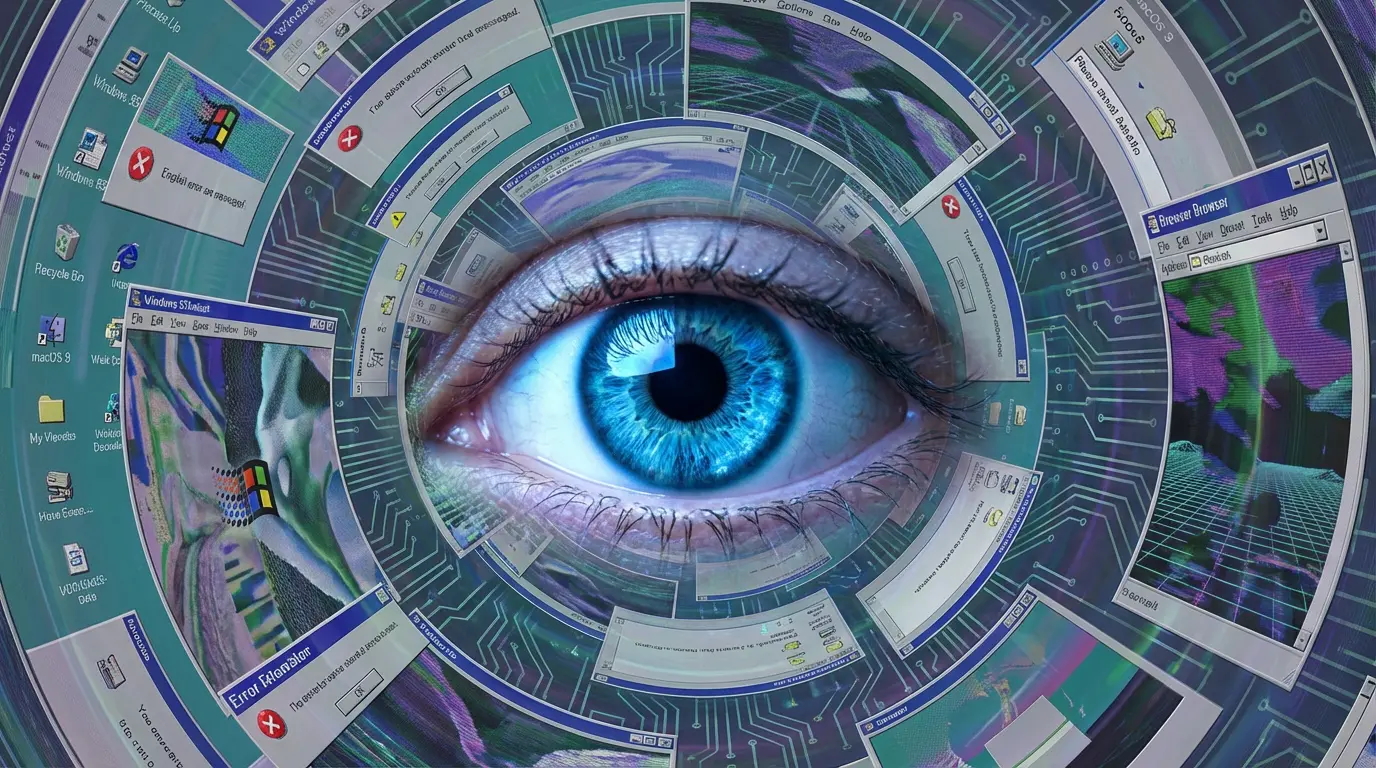 AI GENERATED
Upload a starting image and ask Seedream 5.0 to change the style, background, composition, or creative direction for stronger drafts and references.
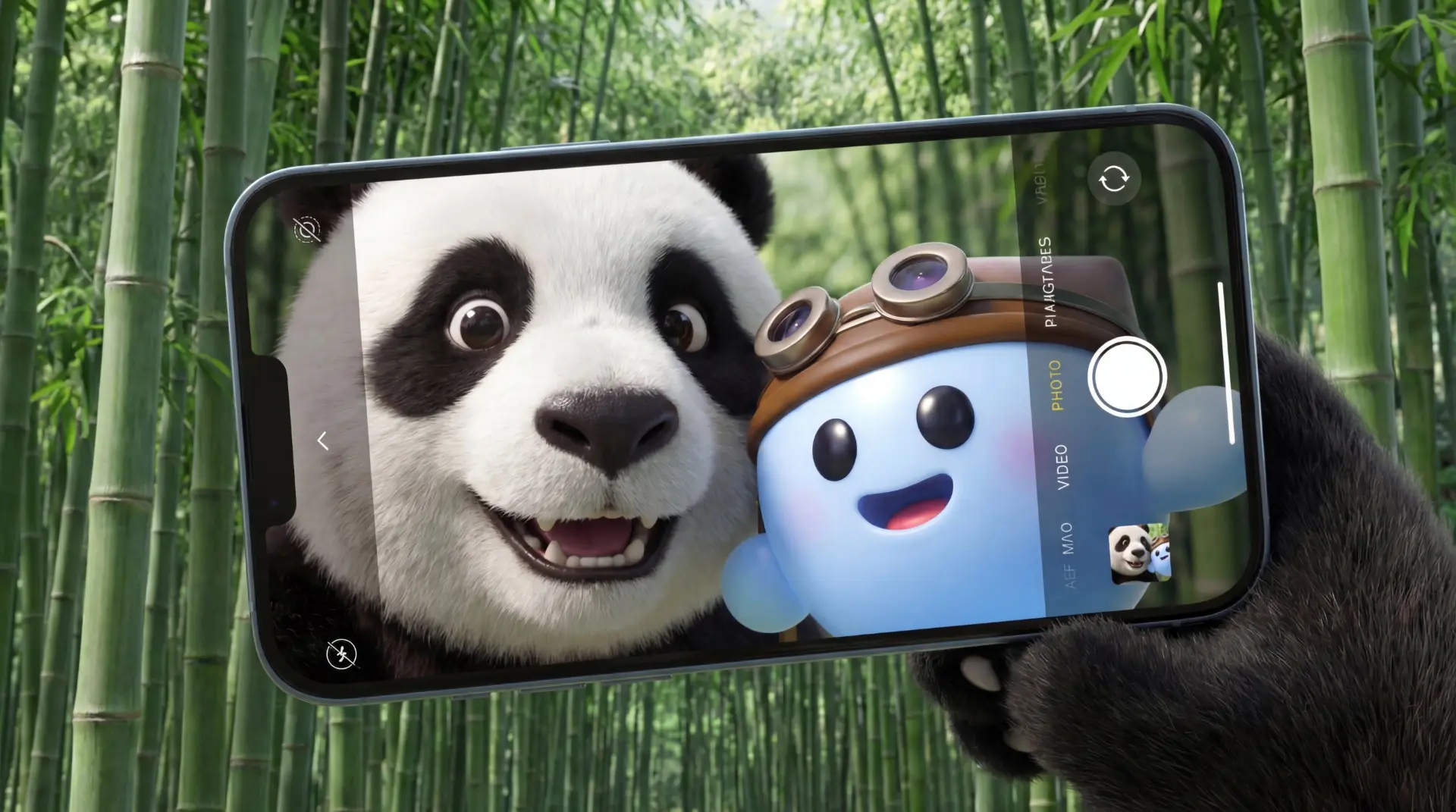 AI GENERATED
Compare layouts, color palettes, lighting, subject position, aspect ratios, and style directions to choose the strongest final image.
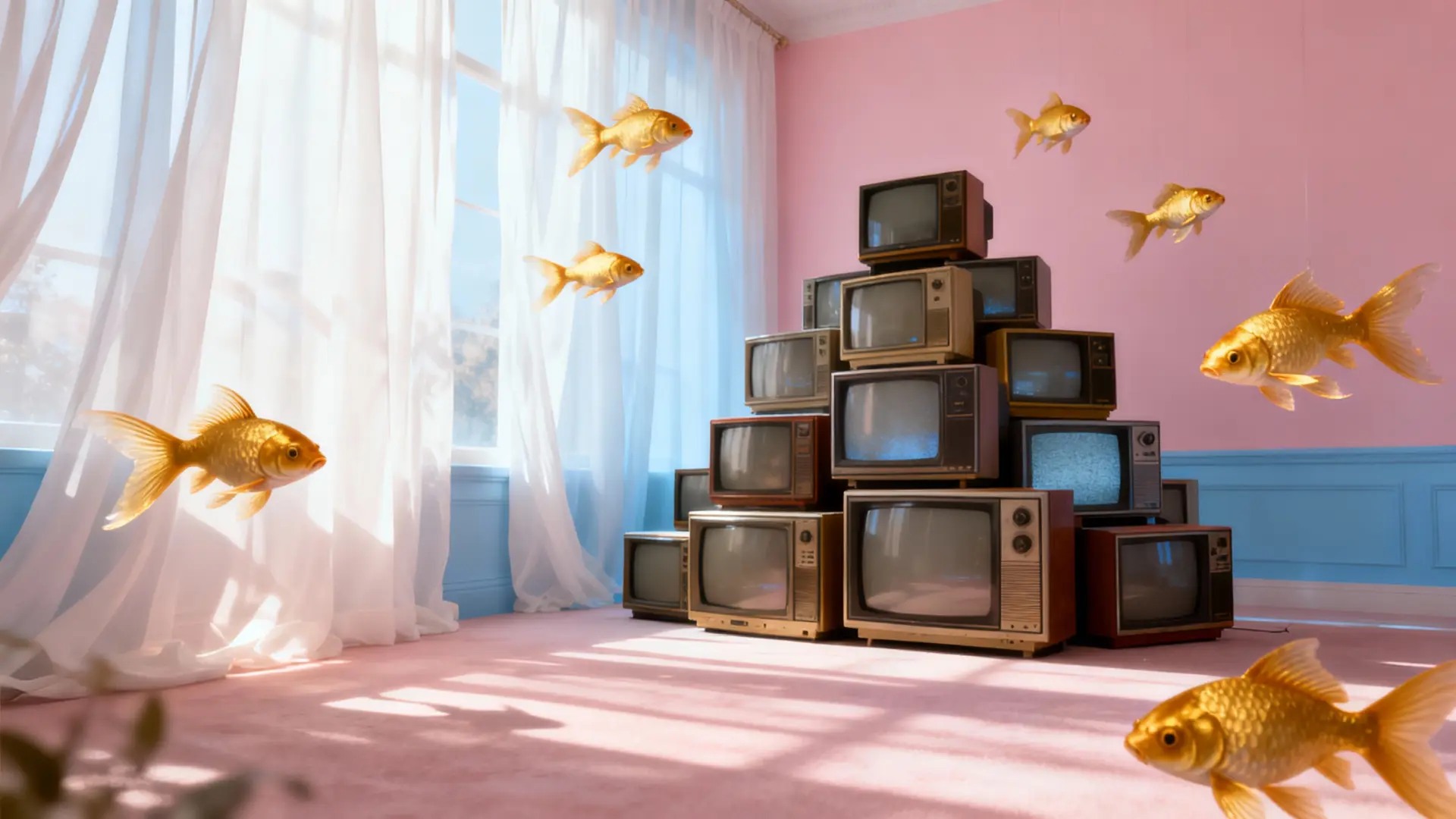 AI GENERATED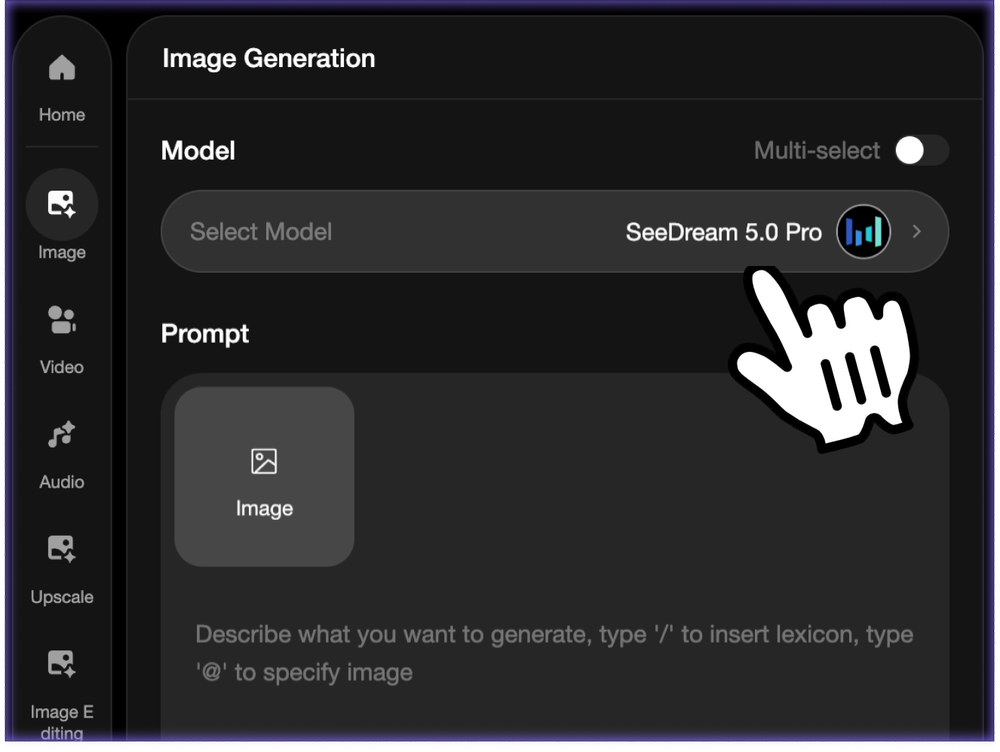
Start with a text prompt or upload a reference image. For original generation, describe the scene in detail. For image editing, add your source image and explain what should change.
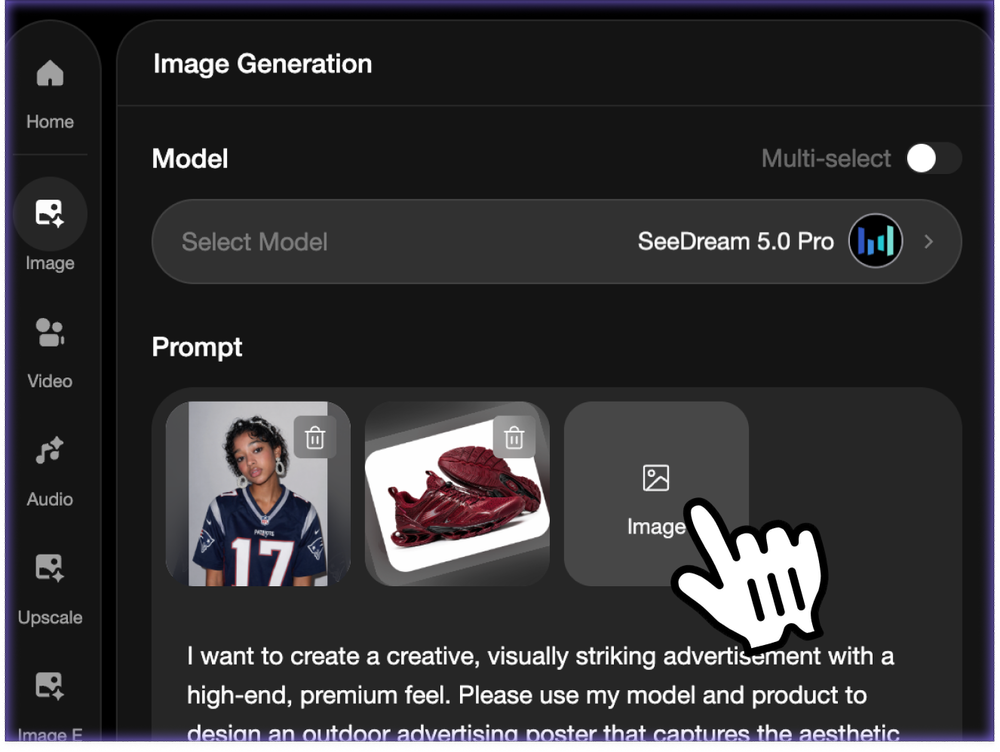
Choose the visual direction, output ratio, and generation settings. Create vertical social posts, square graphics, wide thumbnails, cinematic frames, character art, product scenes, or campaign visuals.
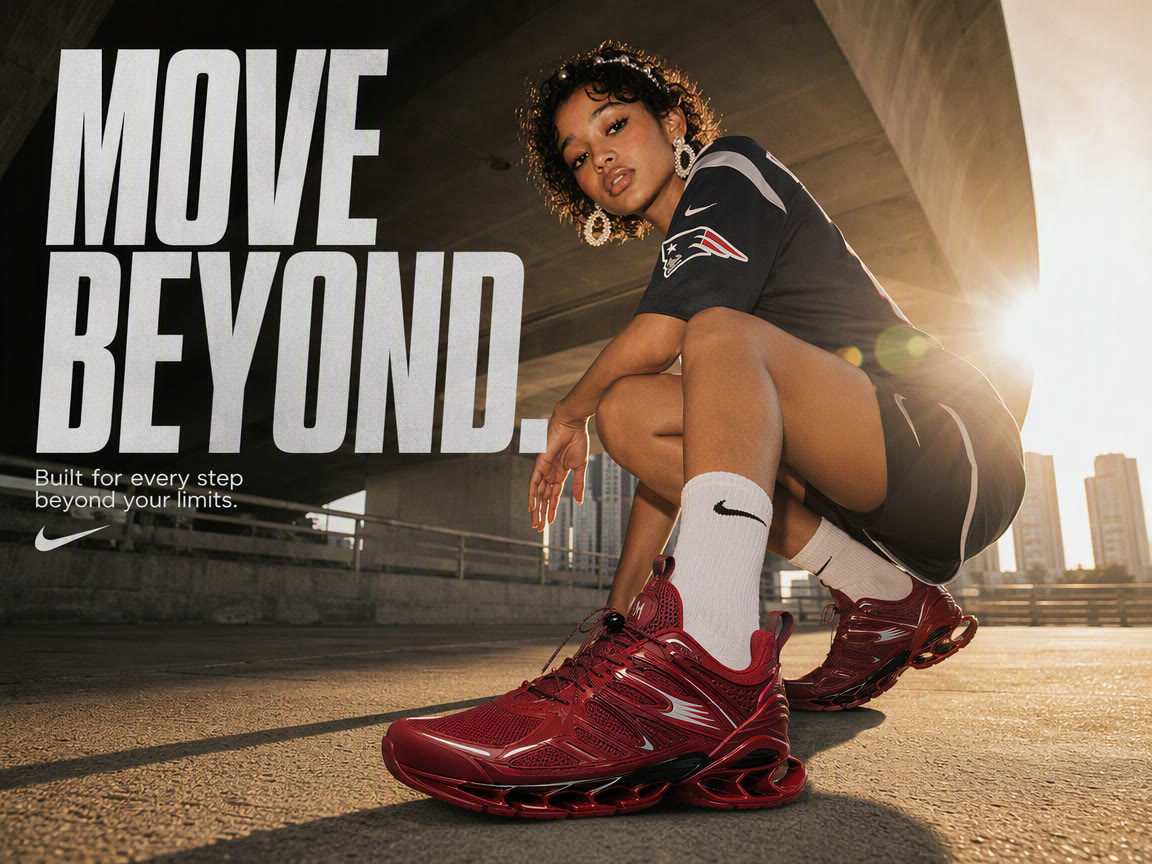
Click Generate to create your Seedream 5.0 image. Review the result, download it, or refine your prompt for another version to improve composition, lighting, detail, and style.
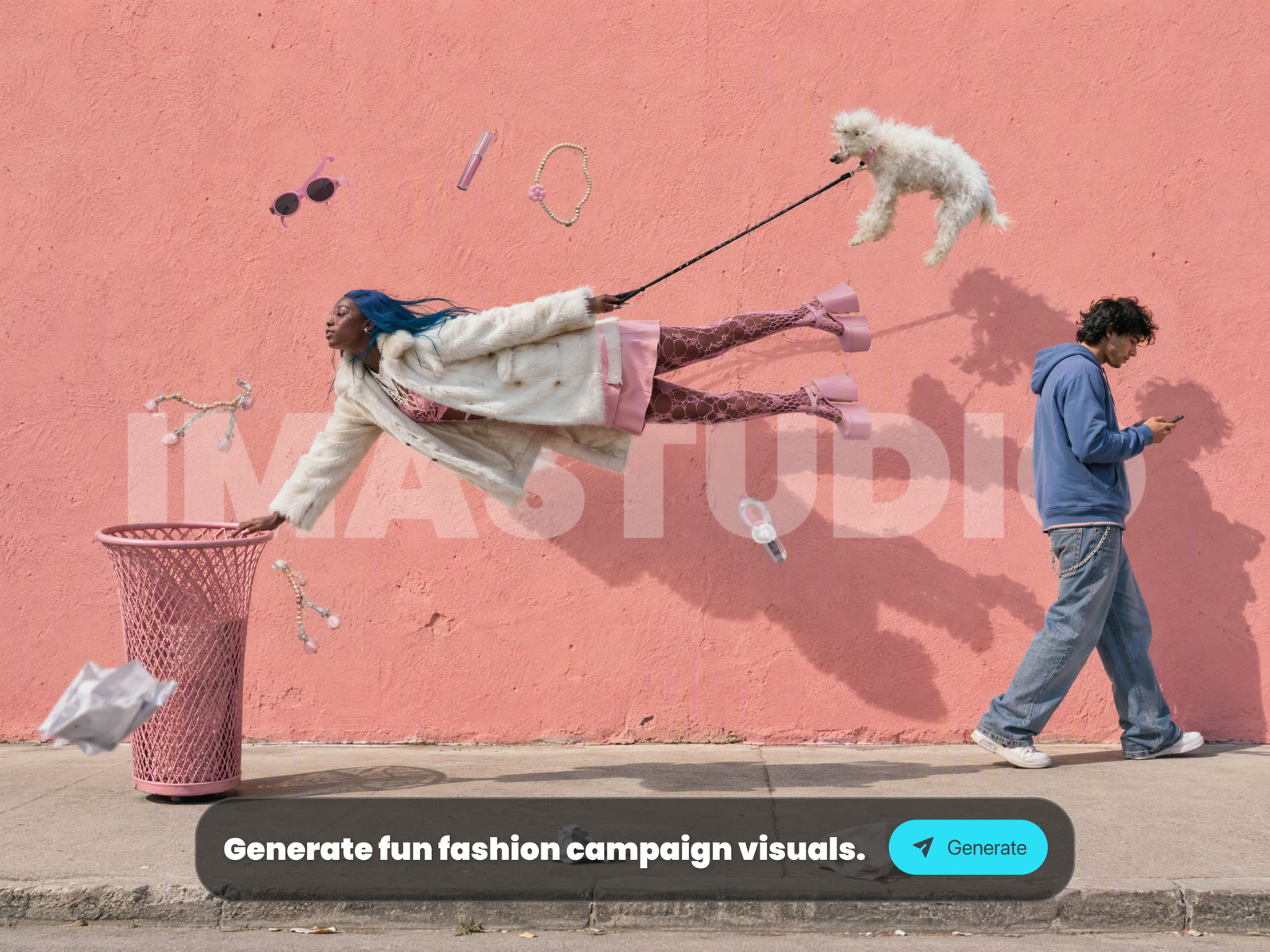
Seedream 5.0 is built for both text-to-image and image-to-image creation. Turn prompts into stylized images, transform existing visuals, expand ideas into new compositions, and explore cinematic, product, character, and social concepts.
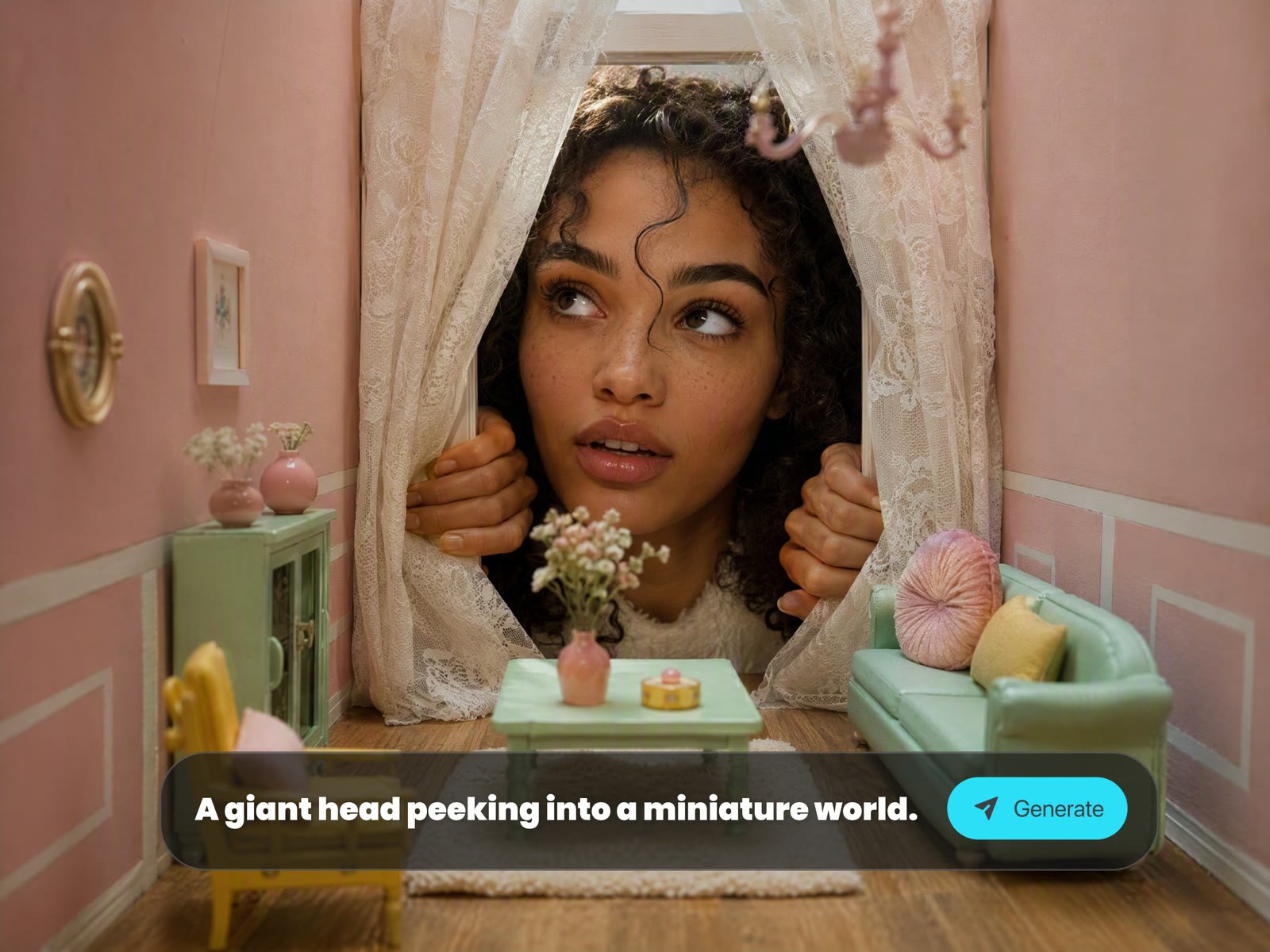
Describe the scene, mood, style, composition, and details you want. Seedream 5.0 can create original images for posters, thumbnails, concept art, campaign visuals, fantasy scenes, character shots, and product ideas.
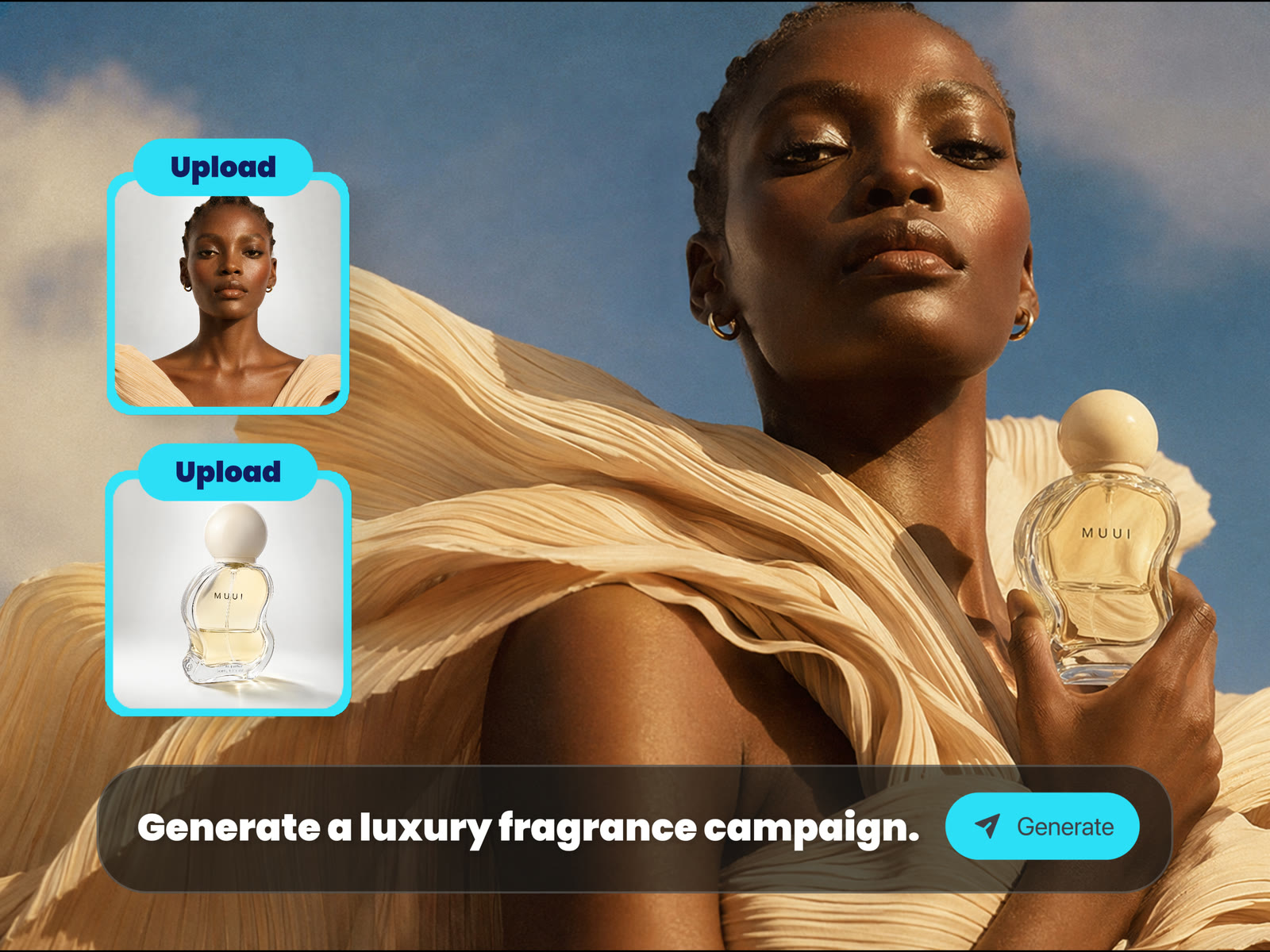
Upload an image and describe how it should change. Restyle, extend, transform, or remix existing visuals while keeping the core idea visible.
Seedream 5.0 works across realistic photography, anime art, fantasy scenes, product concepts, editorial images, posters, and surreal creative experiments.
Seedream 5.0 is useful whenever you need fast visual exploration, image transformation, or stylized output. Use it to create social content, product mockups, character ideas, editorial graphics, concept art, and more.
Generate eye-catching images for TikTok, YouTube, Instagram, blogs, newsletters, and ads. Test layouts, color moods, subject framing, and creative hooks before publishing.
Create product-style visuals, campaign concepts, lifestyle scenes, packaging ideas, or ecommerce-inspired images from a simple text brief.
Design characters, anime scenes, stylized portraits, fantasy worlds, surreal concepts, or cinematic frames without manual illustration setup.
Upload a starting image and ask Seedream 5.0 to change the style, background, composition, or creative direction for stronger drafts and references.
Compare layouts, color palettes, lighting, subject position, aspect ratios, and style directions to choose the strongest final image.
Seedream 5.0 on Ima Studio gives you an online creative workflow for fast image generation, visual editing, style exploration, and reusable media production without complicated setup.
Use Seedream 5.0 directly in your browser without installing software or setting up an API workflow.
Start from a blank prompt or continue from an uploaded image. The same page supports generation, restyling, concept expansion, transformation, and iteration.
Generate realistic portraits, cinematic scenes, anime-style art, product concepts, posters, thumbnails, design references, and surreal visuals from one model workflow.
Prompt, generate, review, adjust, and try again quickly when you need to explore multiple directions before choosing the final look.
Use Ima Studio to generate original images, edit references, explore visual styles, and turn ideas into creative assets with Seedream 5.0 online.