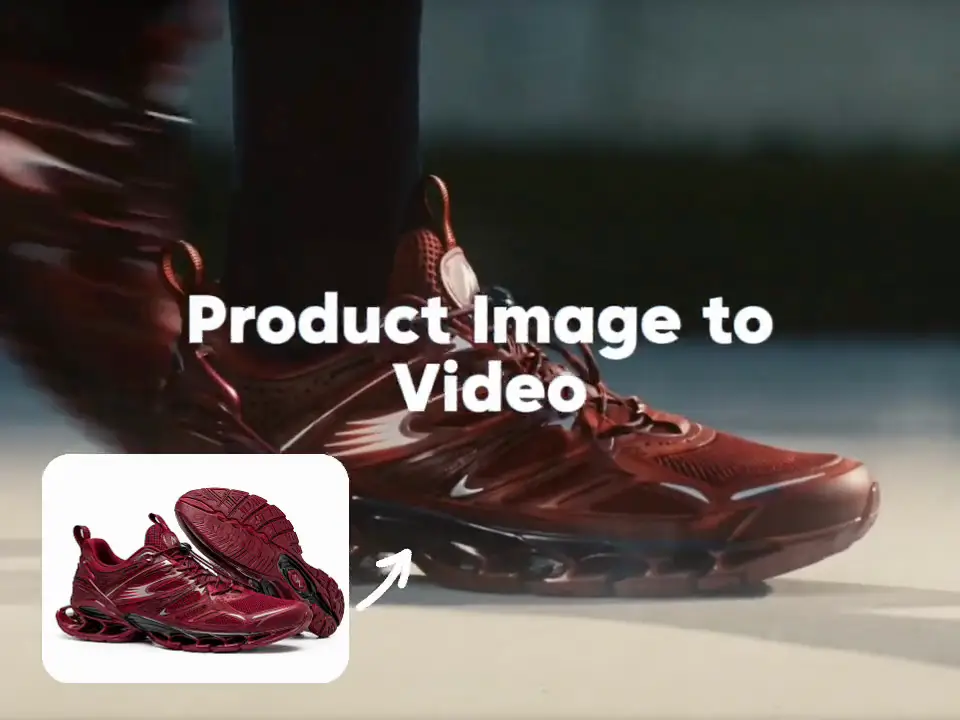
AI Product Video Examples
Browse product image to video examples, UGC-style clips, demos, unboxing ideas, product reveals and social ad concepts created with ImaStudio.
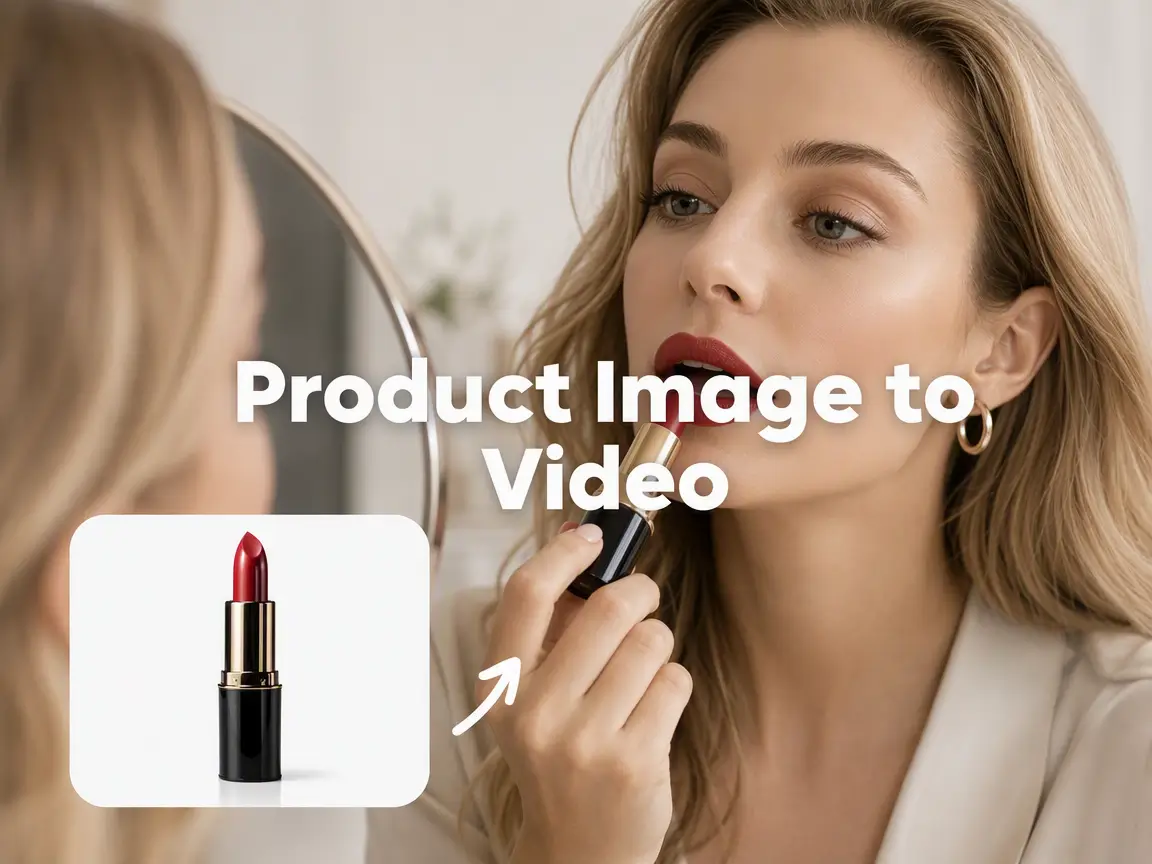
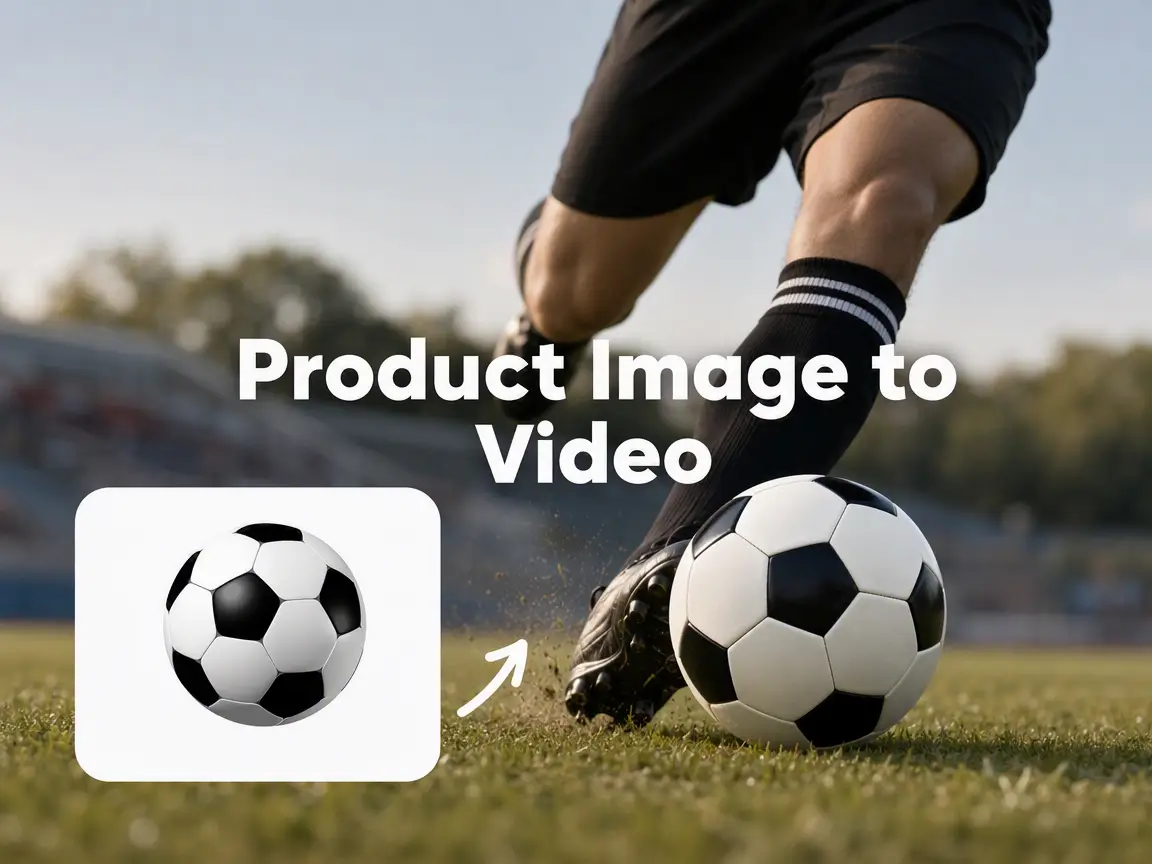
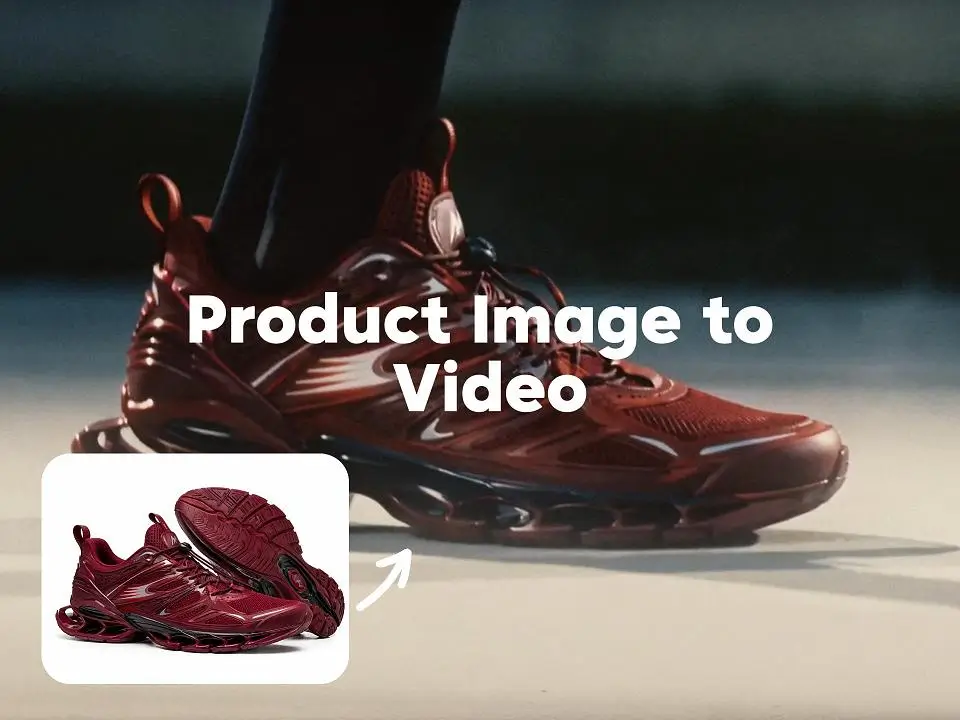
How to Use the AI Product Video Generator
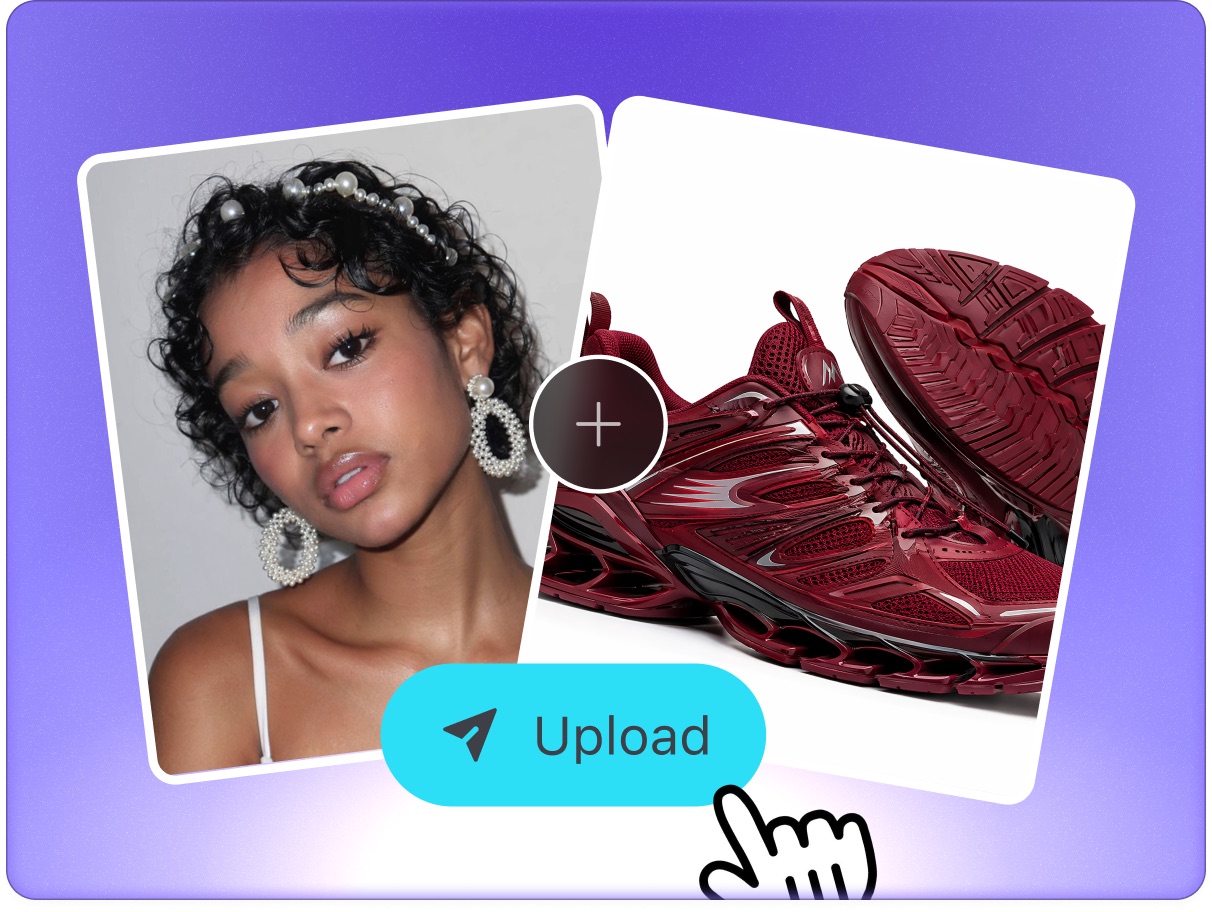 Step 1Add Your Product
Start with one clear product photo, ecommerce listing image, packaging shot or product URL. Add more references when the AI needs to understand angles, texture, color, labels or key details.
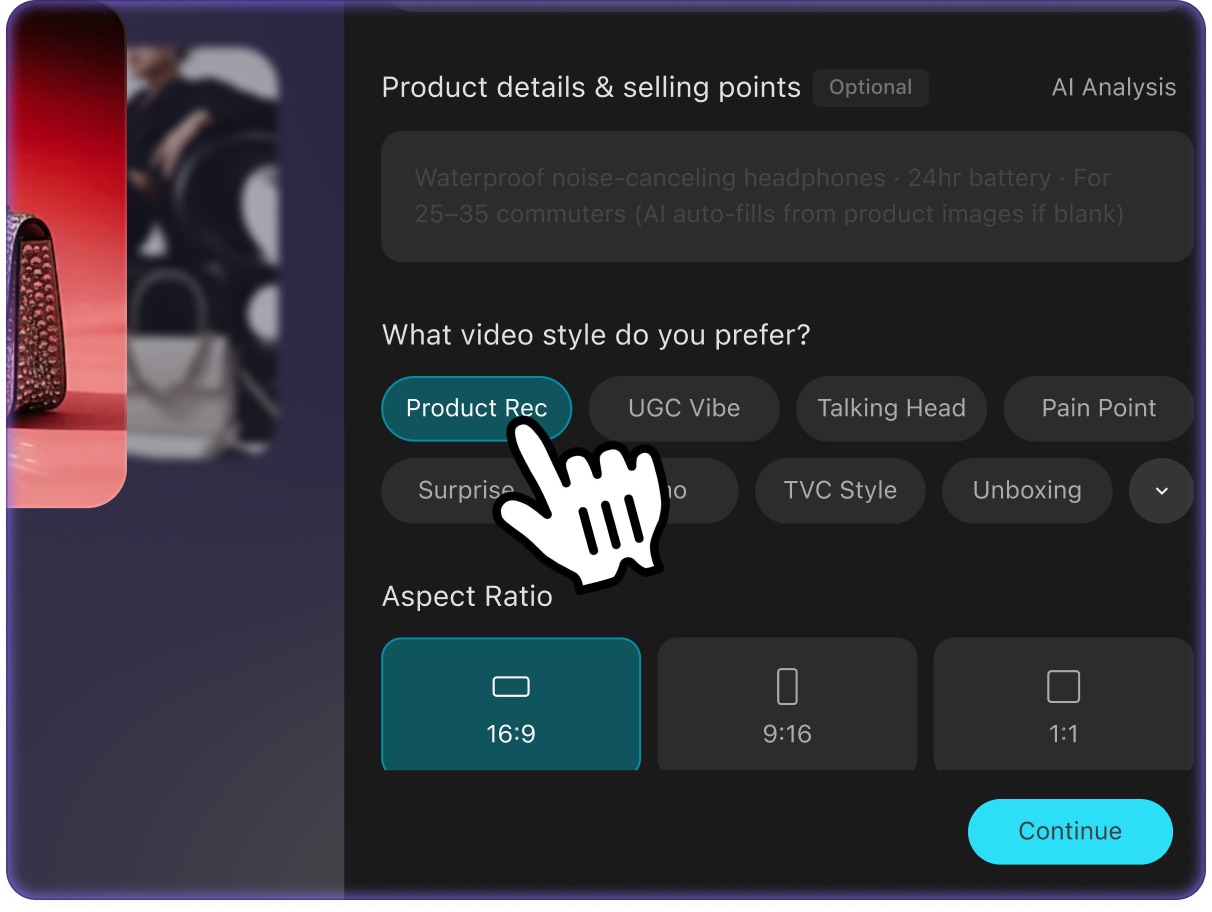 Step 2Choose the Video Style
Select a product recommendation, UGC clip, product narration, pain-point solution, surprise reaction, product demo, TVC, unboxing or before-and-after style, then choose 9:16, 16:9 or 1:1 for the channel.
- Step 3Generate and Adapt
The AI agent uses your product reference and brief to draft the script, build shots, create motion, assemble the edit and add voiceover. Continue in canvas to adjust the hook, pace, scene or narration.
Why Choose ImaStudio's AI Product Video Generator?
Product Image to Video Workflow
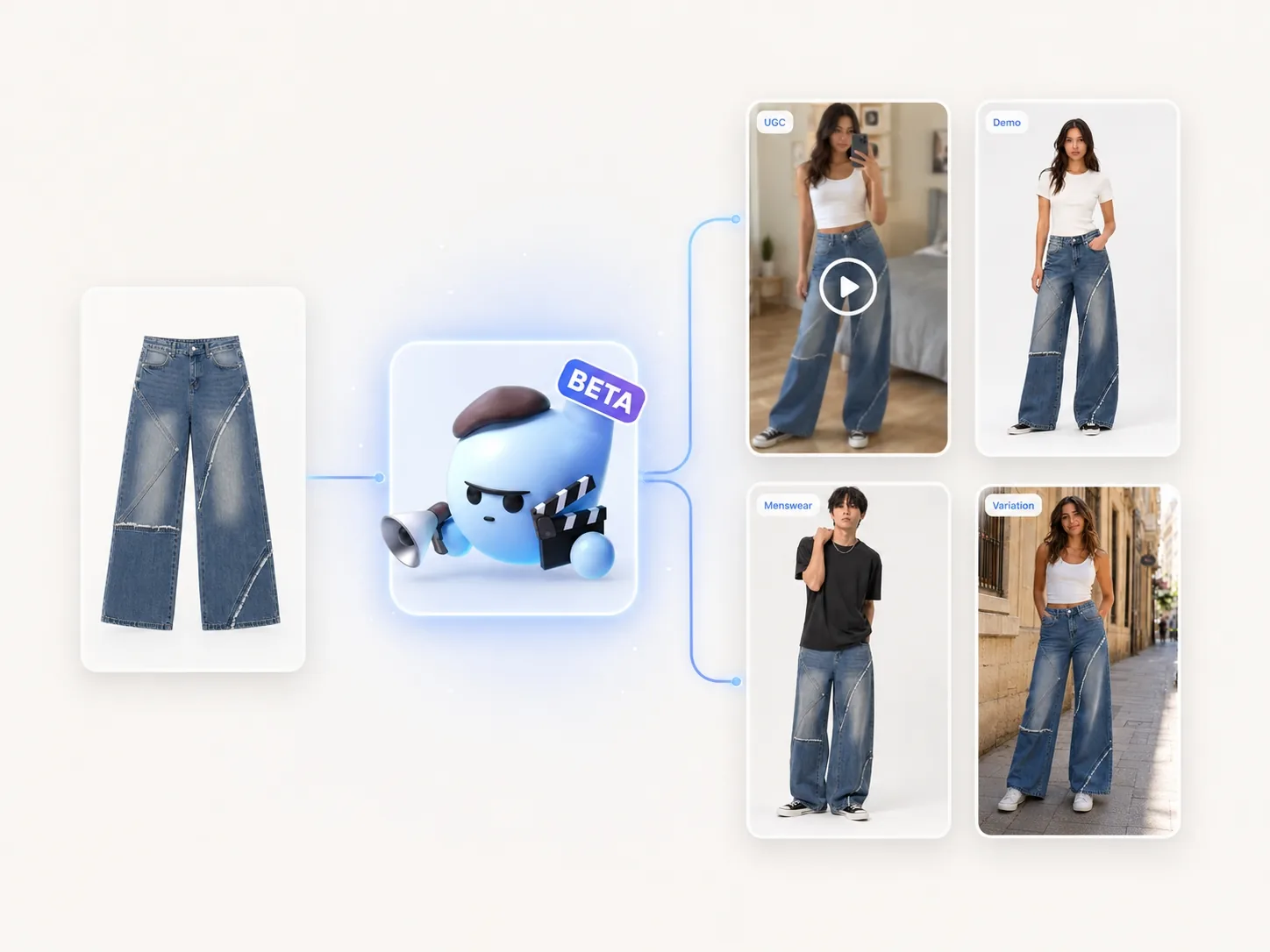
Upload one or more product images or a product URL to give the AI clear visual direction. This is useful when you need a product video but only have catalog shots, packaging photos or supplier assets to start with.
Video Style and Ratio Controls
Choose from product recommendation, UGC, product narration, pain-point solution, surprise reaction, product demo, TVC, unboxing and before-and-after styles. Select 9:16 for social feeds, 16:9 for wider placements or 1:1 for square ad formats.
AI Script, Shots, Edit and Voiceover
The AI agent turns your product brief into a structured video direction: hook, selling points, scene flow, shot plan, edit and voiceover. This helps teams move from product photo to first video concept without writing every production note manually.
Canvas Refinement After Generation
After submission, the canvas keeps your product, style and brief in context. Ask for a stronger opening, different pace, clearer benefit, new narration or another creative direction without rebuilding the workflow from scratch.
Refine in CanvasProduct Consistency and Pre-Publish Checks
Use the generated video as a production draft, then review packaging text, logo placement, hands, labels, claims, and fine product details before publishing. AI can preserve product references, but final ads still need brand and platform checks.
AI Product Video Generator Use Cases
Use the AI Product Video Generator when a static product asset needs to become a short video for ads, product pages, social posts, launch campaigns, demos or UGC-style creative tests.
01Beauty / UGC / 9:16 / TikTok ads
Create UGC Product Review Videos
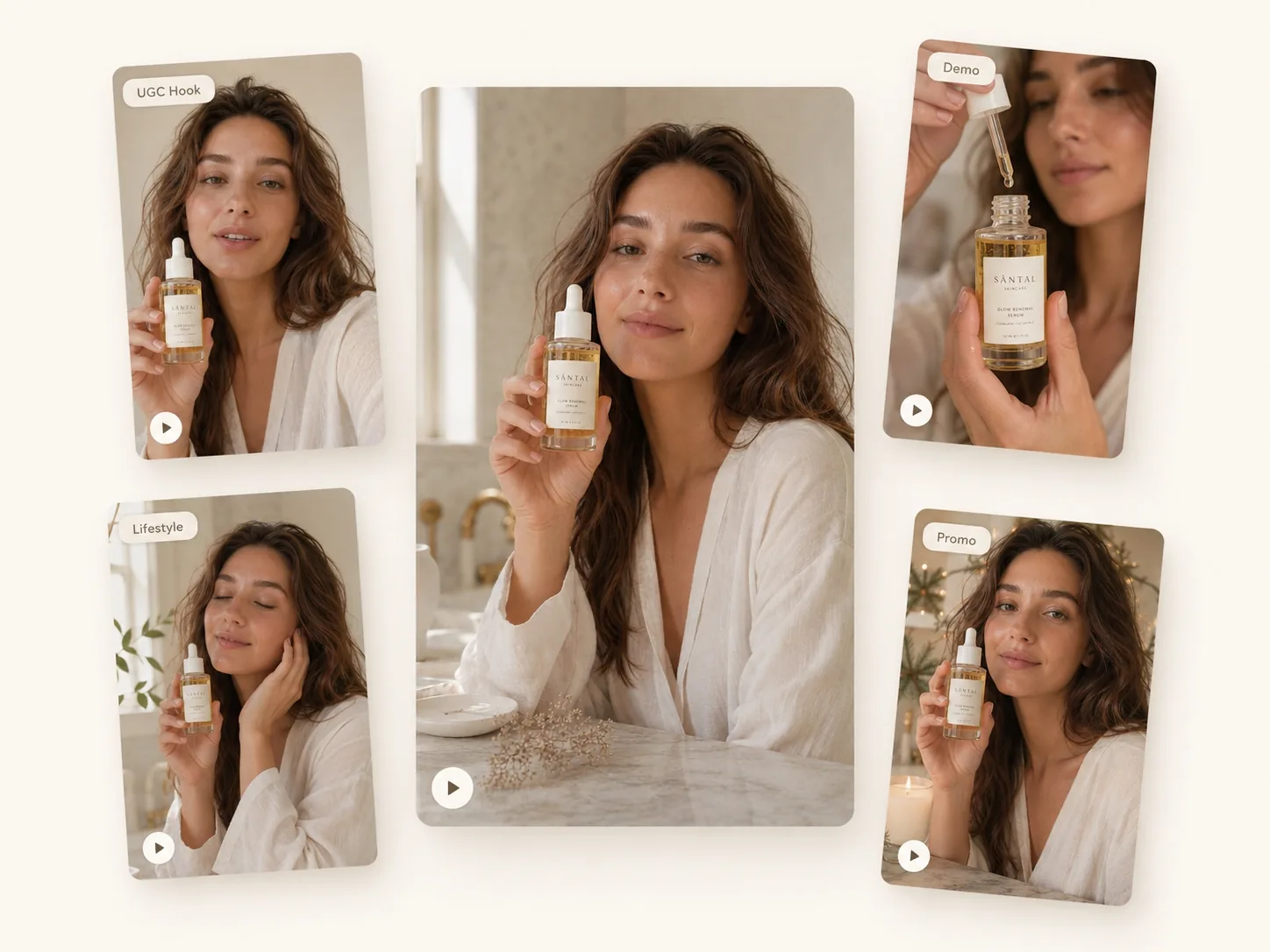
Ecommerce sellers and social media teams can upload product images, choose a UGC style and describe a testimonial angle. The AI turns the product reference and brief into a short review-style video for TikTok, Reels, Shorts or paid creative testing.
02Consumer tech / Demo / 1:1 / Product page
Create Product Demo Videos
Marketers can show what the product does without arranging a full shoot. Upload product references, describe the feature sequence, choose a product demo style and generate a video that explains usage, benefits and key details.
03Packaging / Unboxing / 9:16 / Launch
Create Unboxing and Product Reveal Clips
DTC brands, Shopify stores and marketplace sellers can create unboxing or reveal concepts from packaging photos and product shots. The AI builds a short scene around the product, pacing the reveal for social feeds and launch pages.
04Home goods / Problem-solution / 9:16 / Paid ads
Create Pain-Point Solution Ads
Performance marketers can describe a customer problem, the product benefit and the desired callout. The AI uses the product reference to create a short before-and-after or problem-solution video concept for campaign testing.
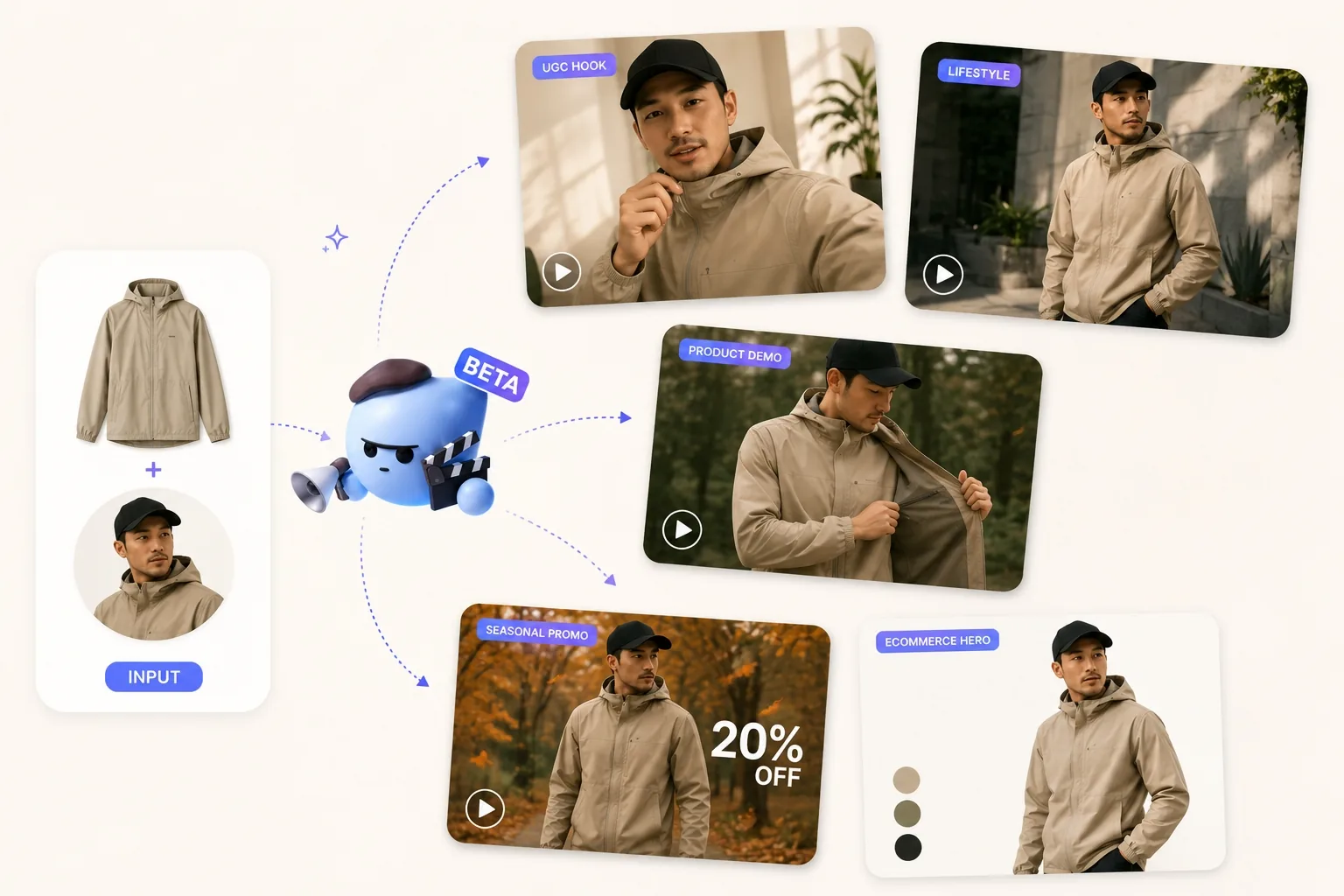
05DTC SKU / Launch promo / 16:9 / Landing page
Create Launch and Promotion Videos
Founders and brand teams can turn one product asset into announcement videos for new drops, seasonal campaigns, bundles, discounts or product updates. Add the offer, tone and platform, then refine the hook in canvas.
06Ecommerce / Product showcase / 1:1 / Listing gallery
Create Product Videos for Listings
Ecommerce teams can generate short product videos for listing galleries, landing pages and product detail pages. Use product photos, choose a square, vertical or horizontal ratio and create clips that explain the product faster than static images alone.
Who Is the AI Product Video Generator For?
ImaStudio's AI Product Video Generator is designed for ecommerce sellers, marketers, social media creators, agencies and founders who need short product videos from product photos and plain-language briefs.
Ecommerce Sellers
Turn product photos into videos for Shopify, Amazon, TikTok Shop, landing pages and product detail pages, especially when static listing images do not explain the product fast enough.
Social Media Creators
Create UGC-style reviews, product recommendations, unboxing clips and short social posts from a product image and a simple content angle.
Marketing Teams
Generate product ad concepts for launches, campaign refreshes, A/B tests, seasonal promotions and paid creative testing before committing budget to a full production.
Agencies and Designers
Explore multiple visual directions for client products, compare hooks and prepare video concepts that can be refined into campaign assets.
Founders and Small Teams
Create first product videos without coordinating scriptwriting, filming, editing and voiceover as separate tasks.
6hero video directions
39:16, 1:1, and 16:9
Before runcredit usage shown
AI Product Video Generator FAQs
Explore more AI tools and creative examples
Create Your First AI Product Video
Upload product images, describe the selling point, choose a style and let ImaStudio turn your product reference into a short video for ads, ecommerce or social content.