AI Video Upscale Use Cases: Make Existing Footage Look Sharper
Use AI video upscale when your source footage is good enough in concept but not sharp enough for distribution. Improve UGC ads, product demos, old footage, social videos, and presentation assets before publishing.
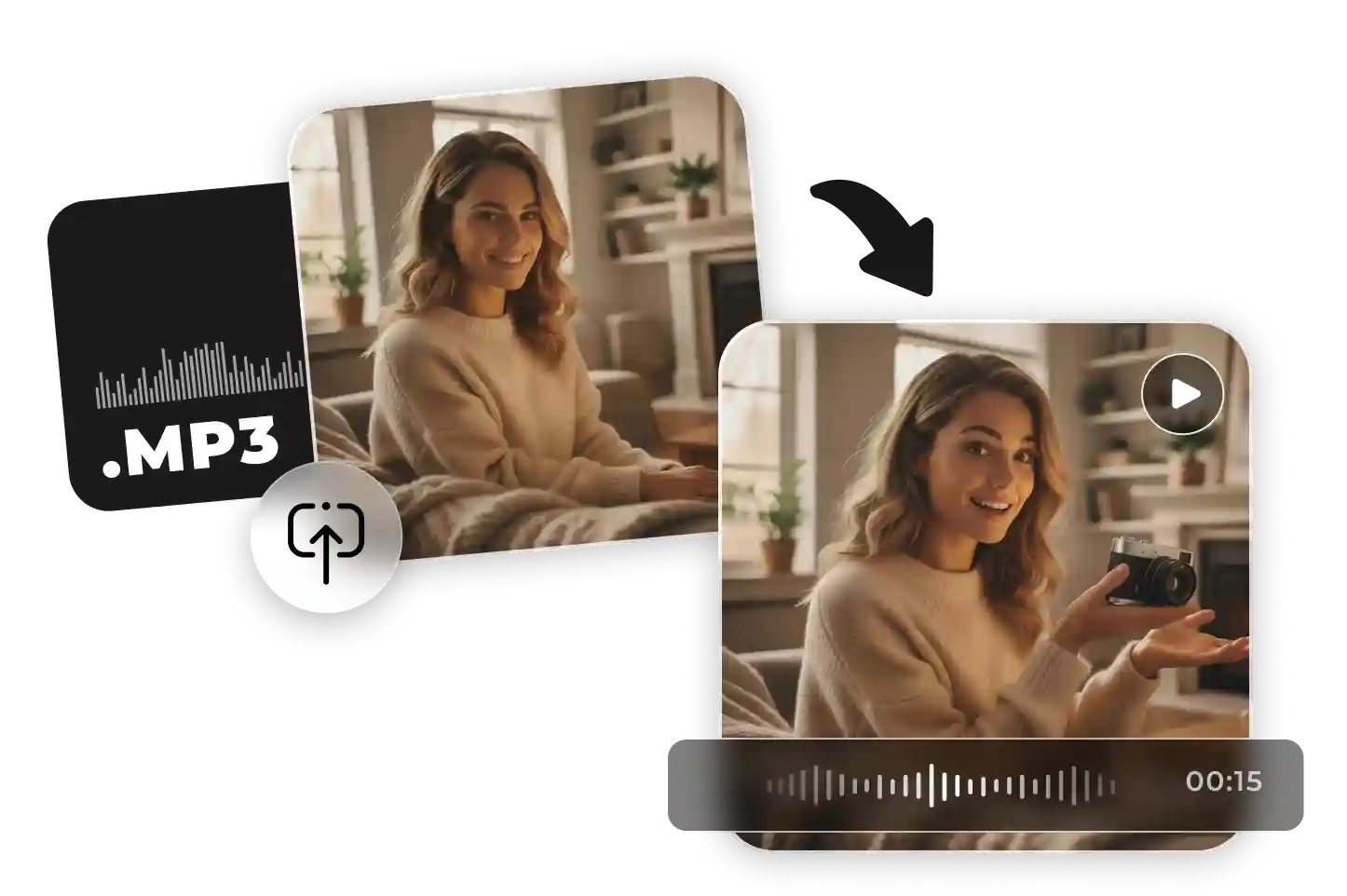 AI GENERATED
Clean up mixed-quality creator footage so it can be reused for paid ads, landing pages, and social campaigns.
 AI GENERATED
Make product features easier to see in ecommerce demos, app walkthroughs, before-after clips, and product explainers.
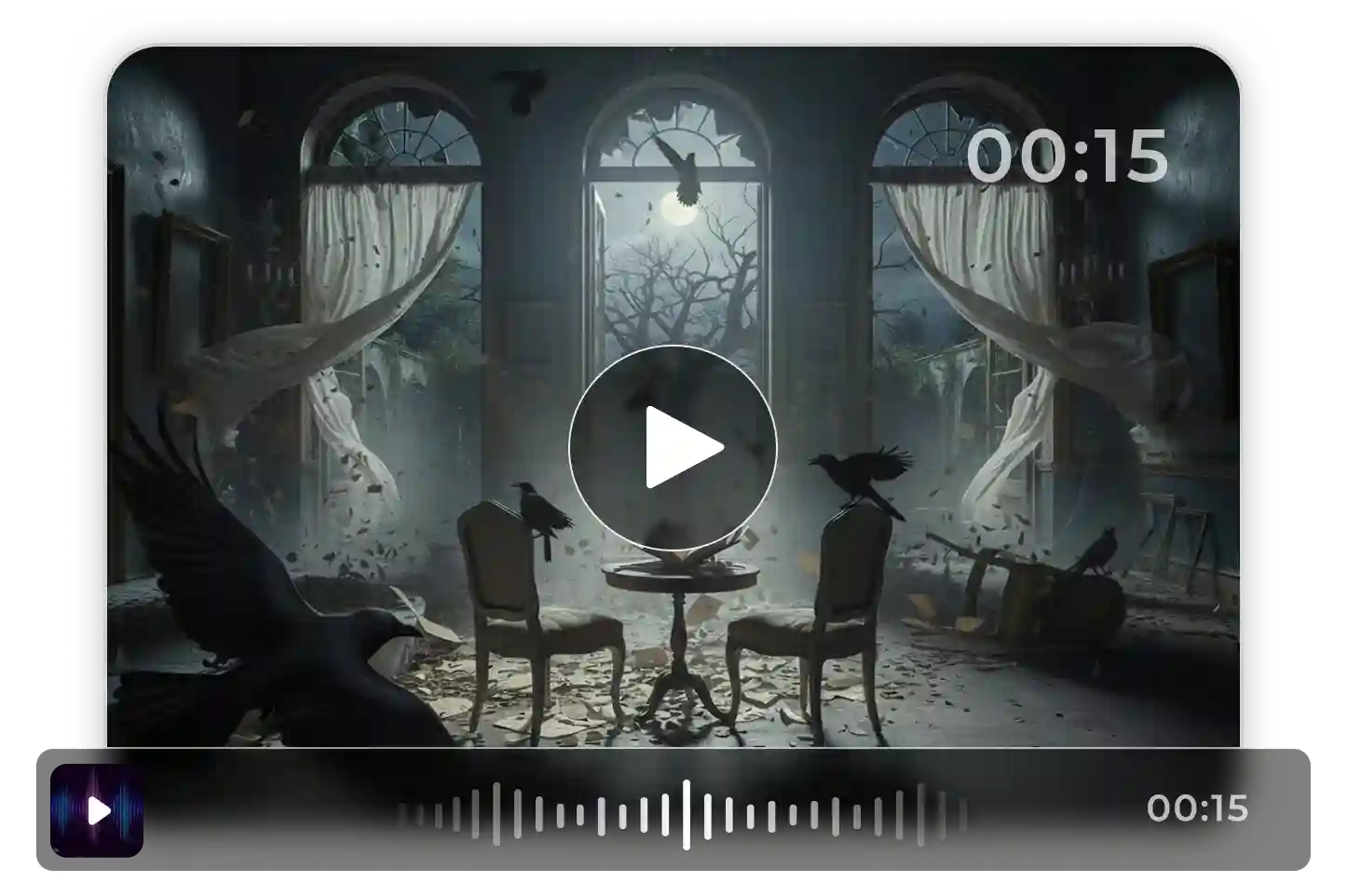 AI GENERATED
Bring older footage, downloaded clips, or compressed assets closer to modern viewing quality by improving detail and reducing blur.
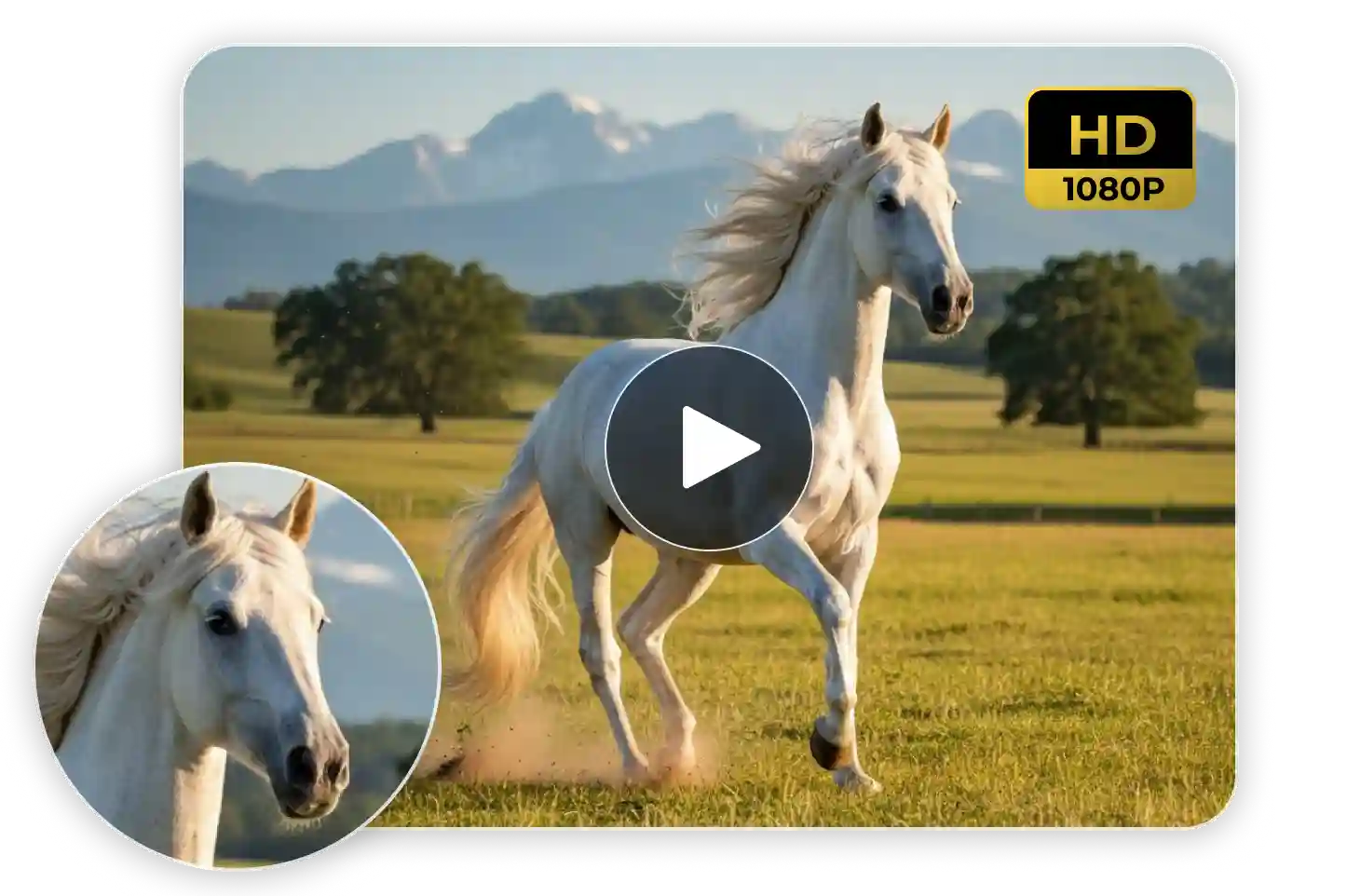 AI GENERATED
Repurpose short-form videos for TikTok, Instagram Reels, YouTube Shorts, and ads with cleaner visuals and higher perceived production value.
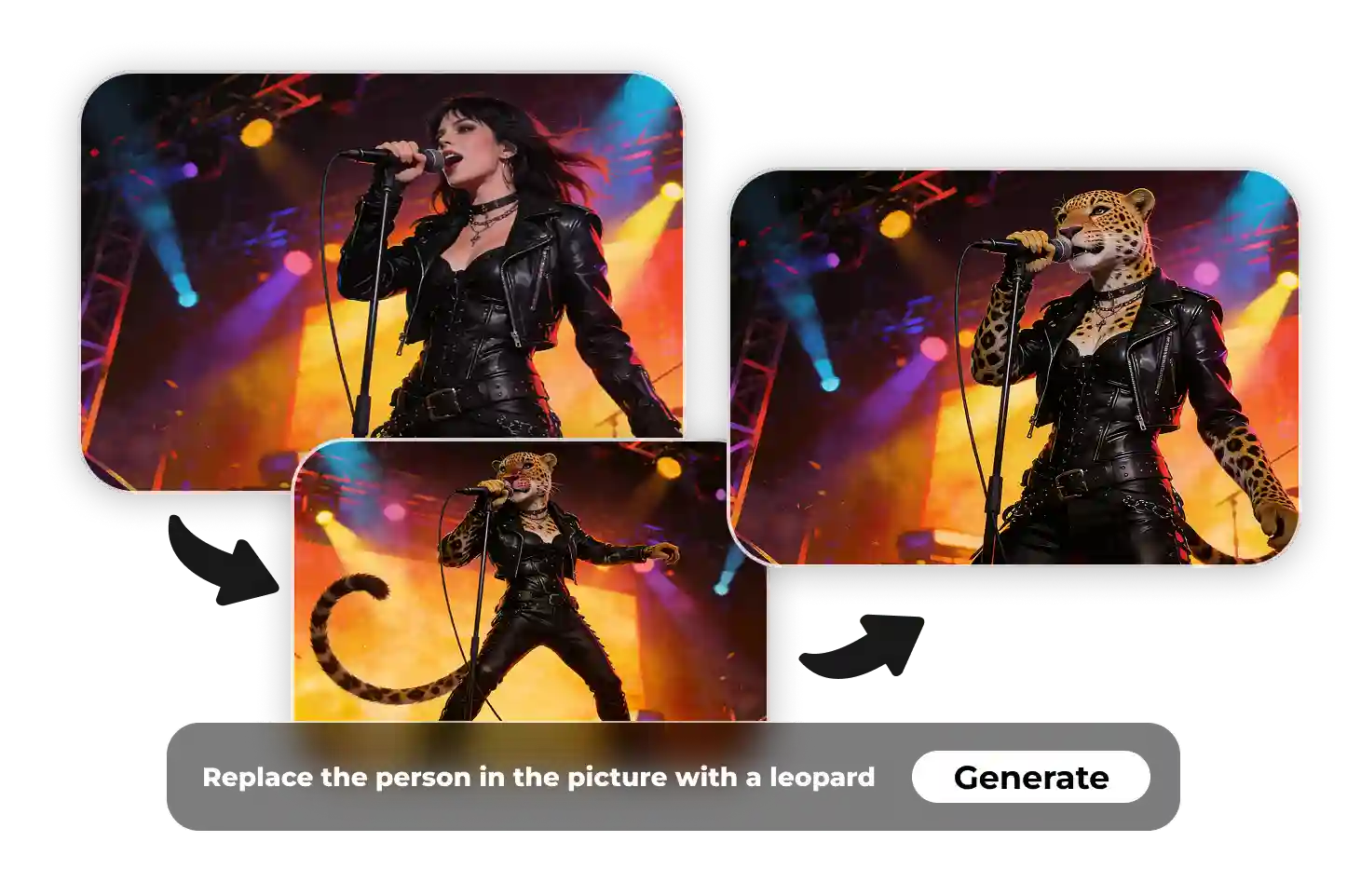 AI GENERATED
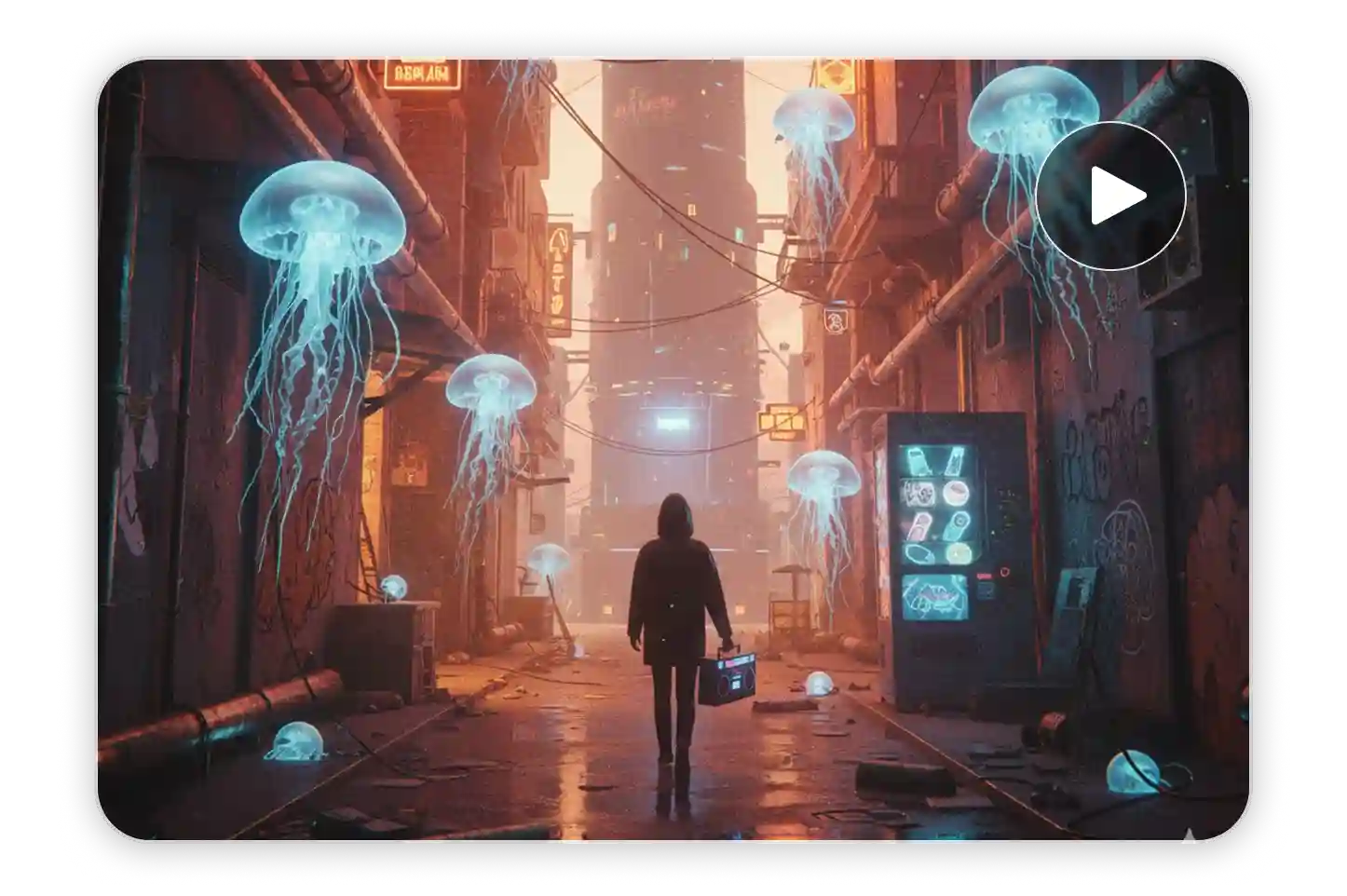
Improve footage for landing pages, presentations, pitch decks, trade-show screens, and large displays.
 AI GENERATED
Turn older videos into sharper variants instead of reshooting from scratch, extending the life of existing creative assets.
How to Use ImaStudio's AI Video Upscale Tool
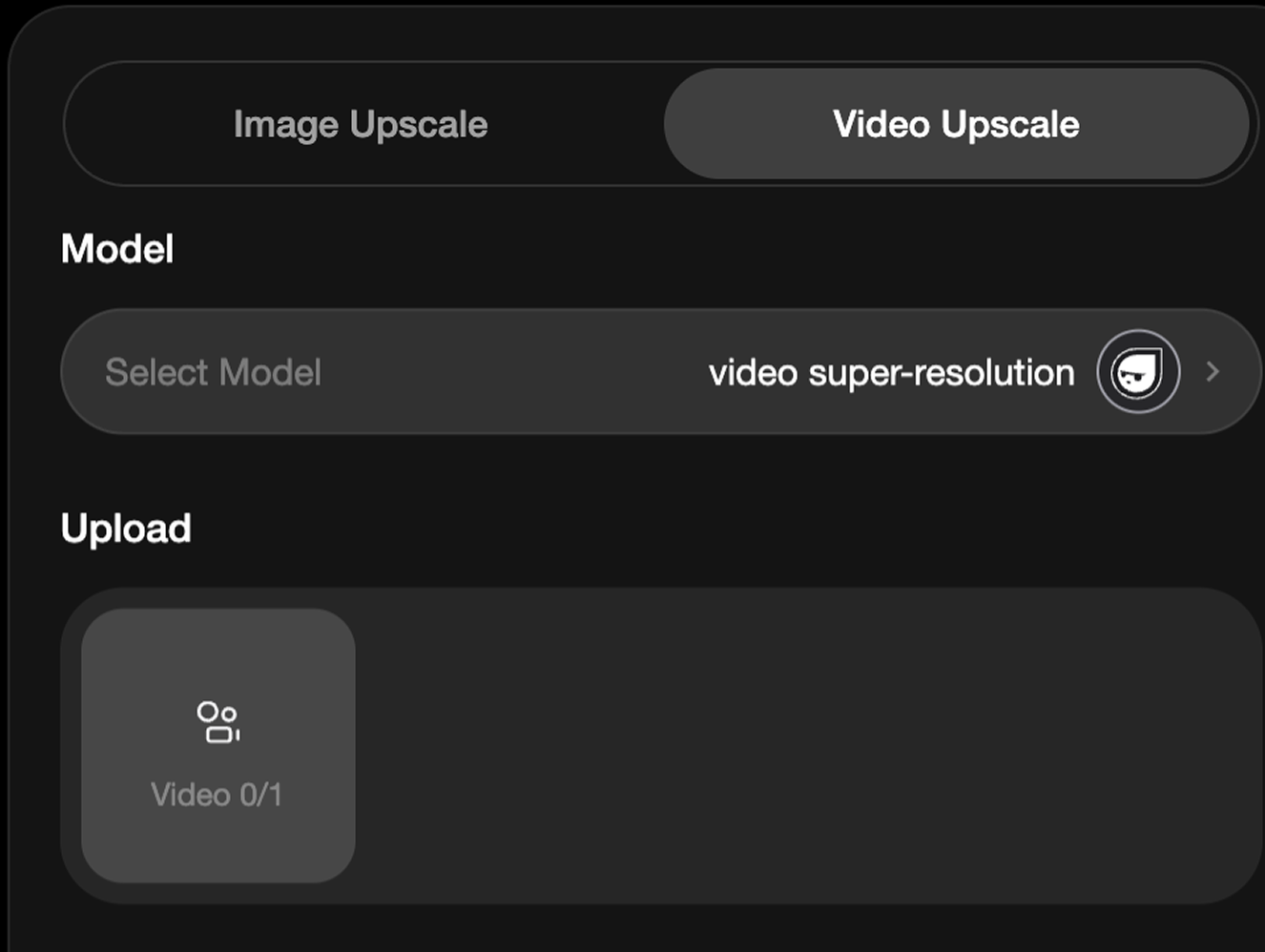 Step 1Upload or Choose Your Video
Start with a low-resolution, compressed, blurry, old, or platform-downloaded video that needs a sharper output.
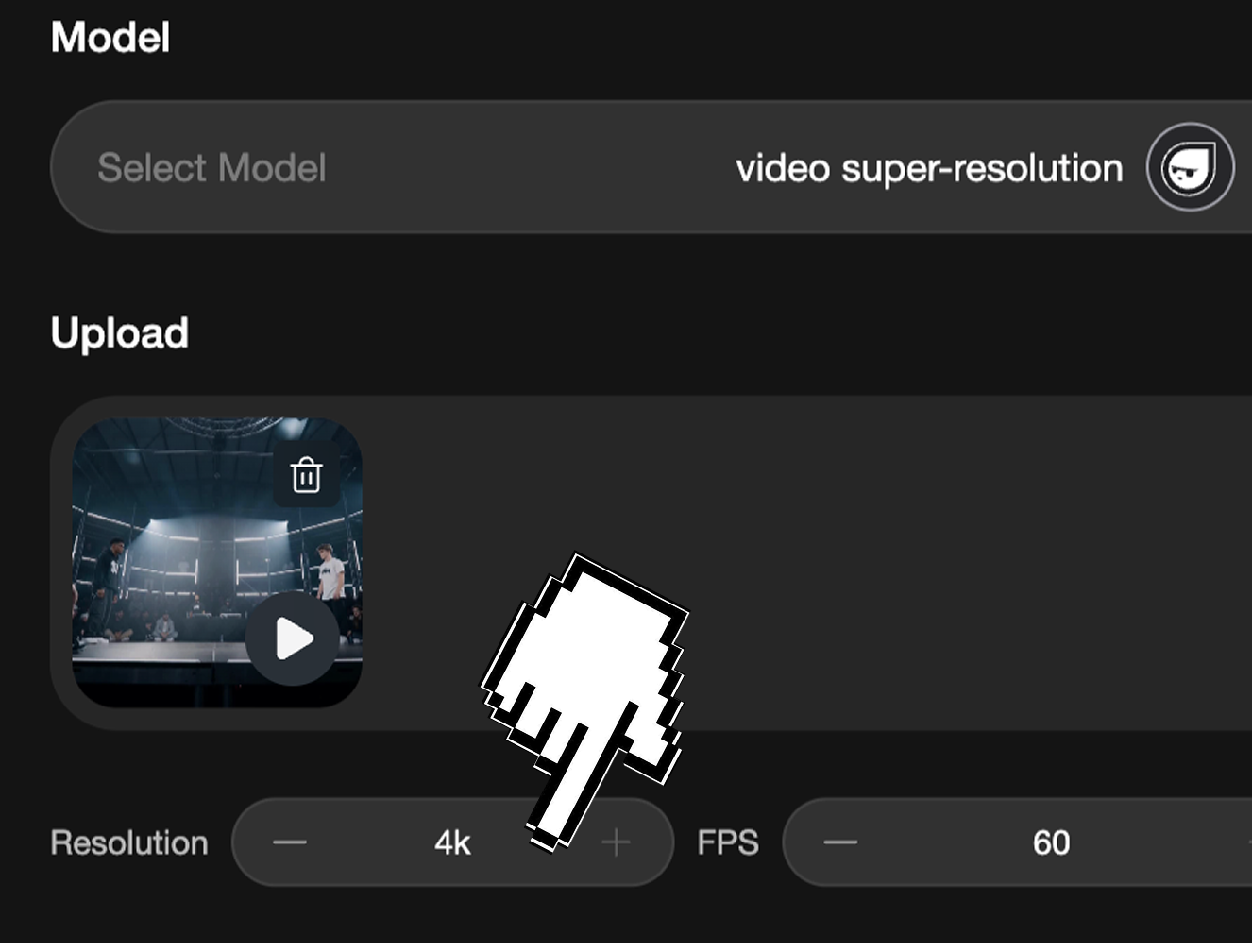 Step 2Choose 4K Upscale or Motion Enhancement
Select the target quality based on your publishing need: sharper 4K output, smoother motion, social posts, ecommerce pages, ads, or large-screen playback.
- Step 3Upscale and Export Fast
Let ImaStudio enhance clarity, rebuild detail, and prepare a cleaner video that is ready for editing, sharing, or publishing.
AI Video Upscale Key Capabilities
2K, 4K, 8K & 60fps AI Enhancement
Upscale videos for sharper viewing across modern screens. Choose higher-resolution targets and smoother motion workflows when supported by the selected settings.
Sharper Details, Cleaner Motion & Reduced Blur
Improve visual clarity, recover edge detail, reduce compression artifacts, and make older or lower-quality footage more usable for publishing.
Made for Creators, Marketers & Ecommerce Teams
Improve UGC ads, product demos, influencer clips, tutorials, reels, testimonials, and repurposed video assets without complicated editing software.
Why Choose ImaStudio for AI Video Upscale?
Private upload, practical enhancement controls, and a fast browser workflow help teams turn existing footage into sharper, more usable video assets.
Upload product footage, client videos, internal assets, and unpublished creative materials in a private workflow.
Improve videos for modern screens, ecommerce pages, ads, presentations, and smoother playback.
Move from rough video to sharper output quickly, so teams can test, review, and publish more assets with less editing friction.
Get more value from UGC, product demos, old videos, compressed clips, social posts, and ad creatives you already have.
FAQs About ImaStudio's AI Video Upscale Tool
Explore more AI tools and creative examples
Create With Ima Studio
Everything in one workspace - images, video, and agents.