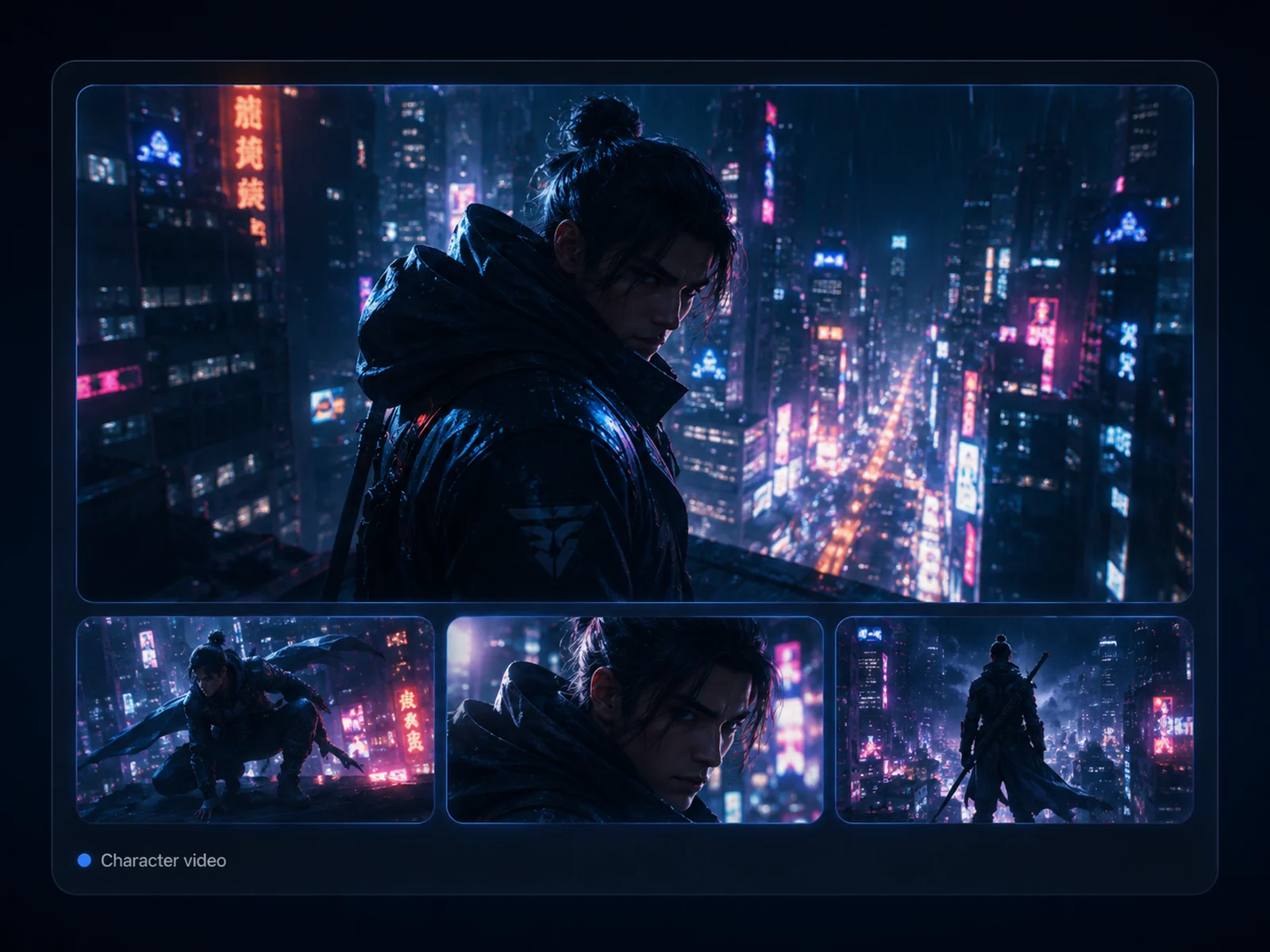
MiniMax H3 Video Examples From the Community
Browse video ideas and generated clips related to MiniMax H3. Open any community card in a new tab to inspect the prompt, reference setup, and final result.
How to use MiniMax H3 online
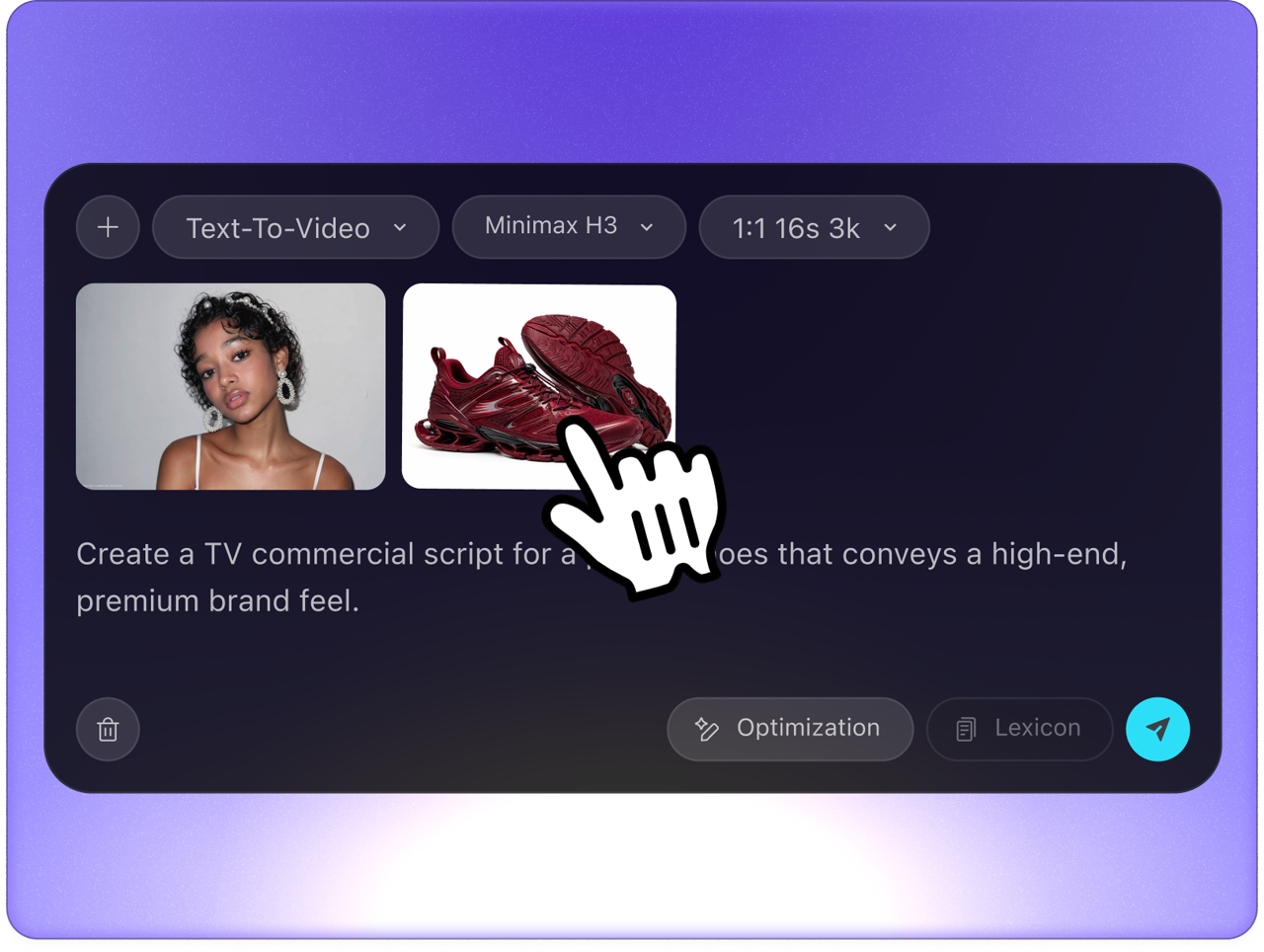 Step 1Describe your video
Type what you want to see - a scene, camera movement, style or story beat. Reference media is optional: add it to lock characters, products or styles across the clip.
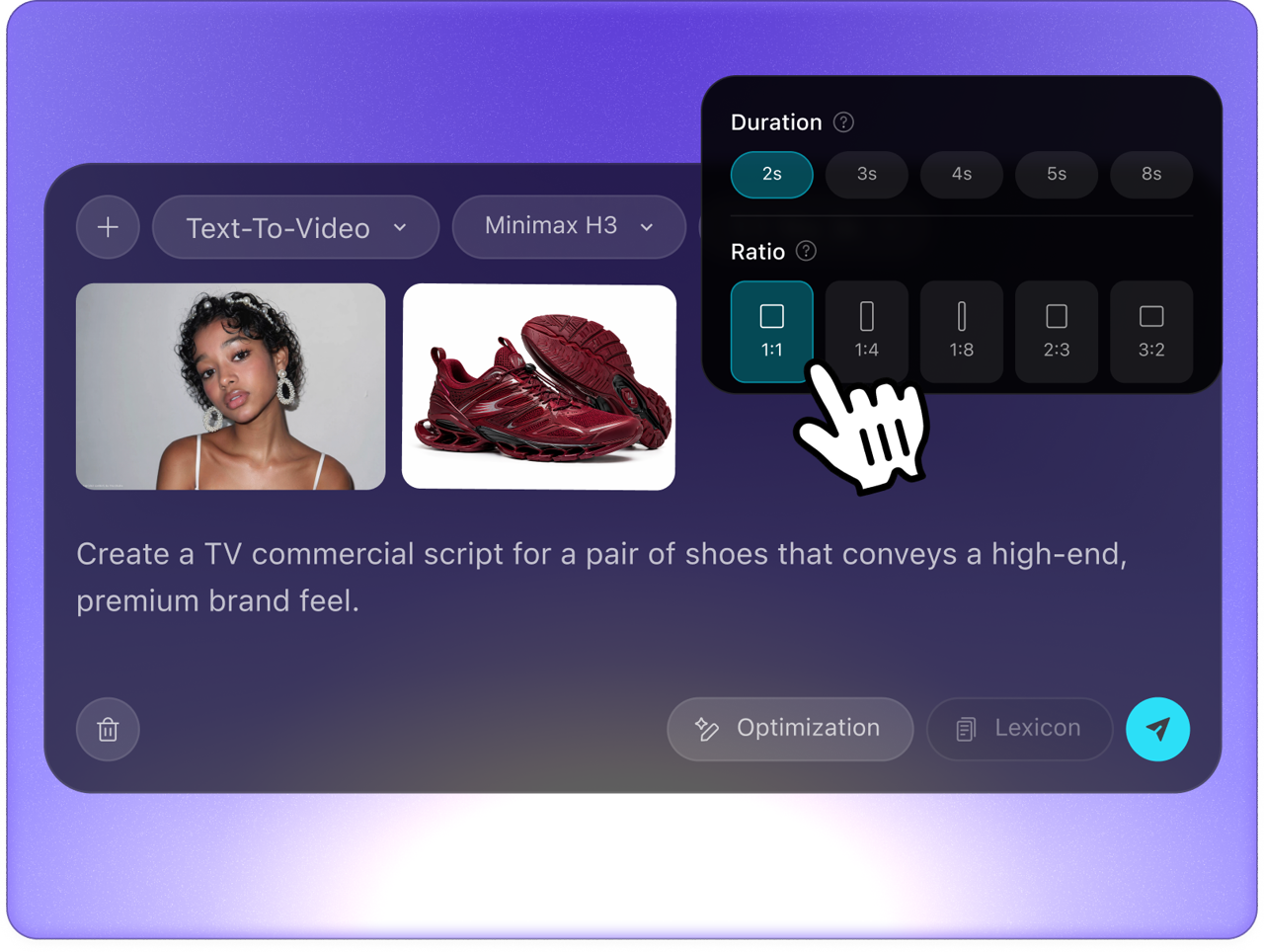 Step 2Set ratio and duration
Pick an aspect ratio from 16:9 to 21:9 and set the length anywhere from 4 to 15 seconds - the credit cost updates on the button as you change it.
- Step 3Generate and download
The video renders in minutes at up to 2K. Preview it right on the page, then download or find it later in your creation history.
MiniMax H3 Model Capabilities
Multimodal Understanding and Generation
MiniMax H3 can understand text, images, video, and audio together, then merge those inputs into one AI video generation task. Use a movie clip as camera reference, a character image as identity reference, and music as audio direction to create a unified video output.
Precise Prompt Following for Complex Scenes
Describe the complete creative idea in natural language instead of splitting character, scene, camera, action, and sound into separate tasks. H3 can interpret how people, environments, movement, camera language, and audio relate to each other.
2K Video Quality with Native Stereo Audio
MiniMax H3 supports up to 2K video generation and native stereo audio output, helping brands and ecommerce teams reduce separate post-production steps for visuals, music, ambience, and sound design.
Video-to-Video Motion Transfer and Reference Editing
Use one video as motion reference and another image or character asset as the target. H3 can transfer movement style into the target content, such as turning a dancer reference clip and a brand model image into a commercial motion video.
What You Can Create with MiniMax H3 Online
Use MiniMax H3 for AI ads, ecommerce product videos, game and UI motion concepts, film openings, storyboards, and other commercial video workflows.
01
AI Ads and Brand Marketing
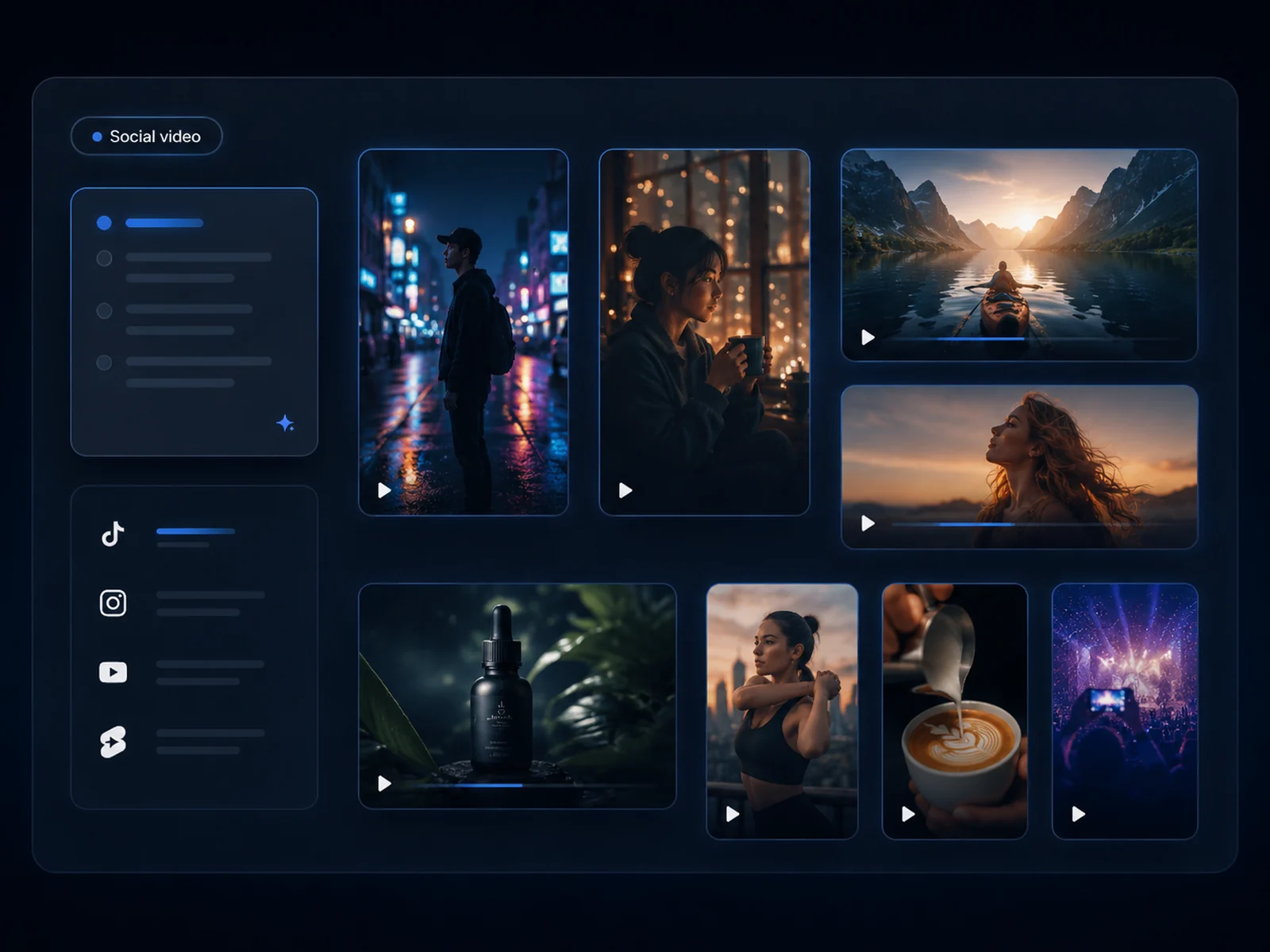
Move from a brand idea to a complete advertising video. Upload product images, logos, character references, and visual direction, then describe the campaign in natural language. A fashion brand can turn clothing photos and model references into street runway shots, close-ups, and product showcases for TikTok, Instagram, YouTube Shorts, and paid ads.
02
Ecommerce Product Videos
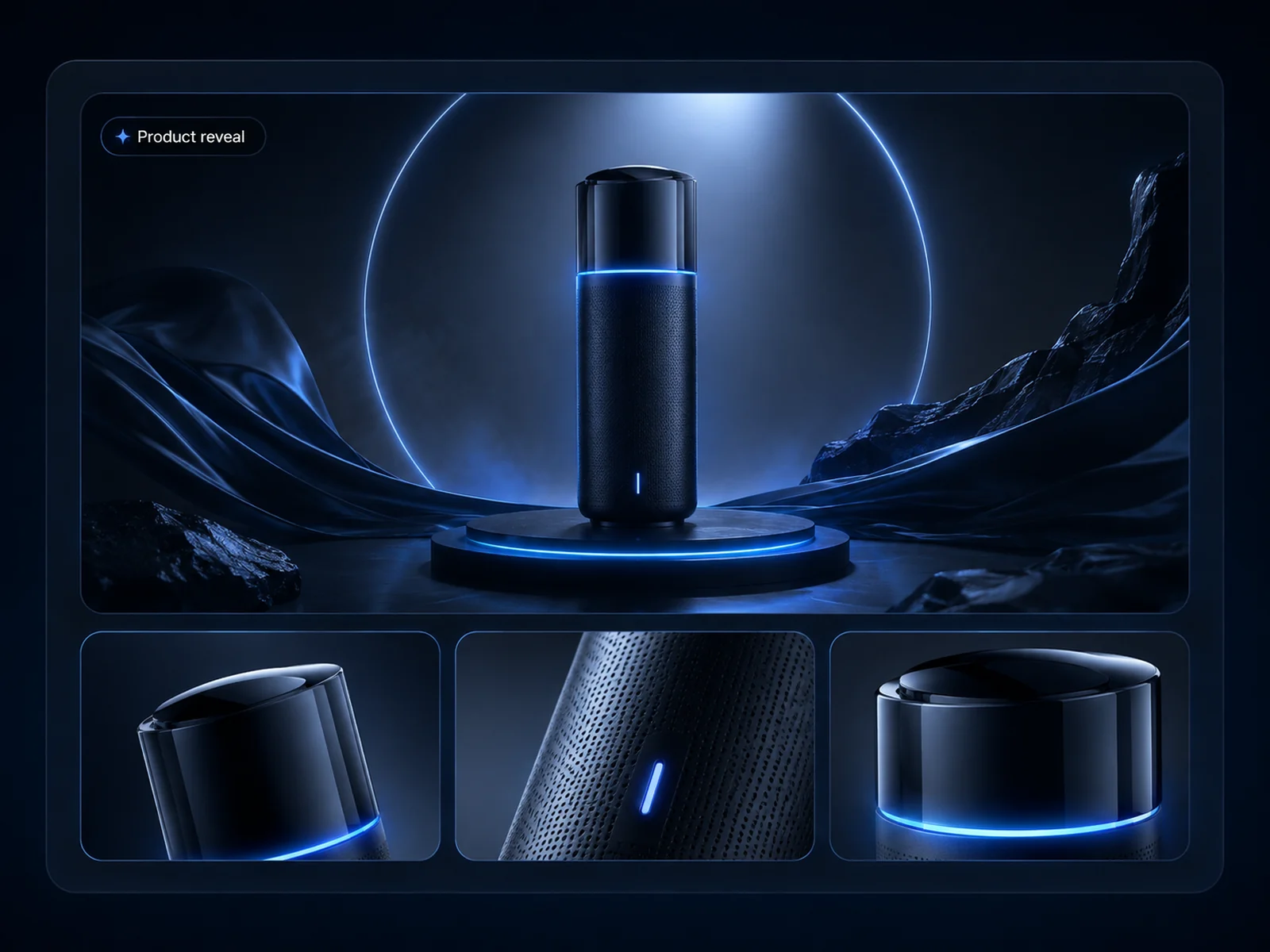
Turn one product image into a dynamic product video. For a skincare product, MiniMax H3 can create bottle rotation, liquid texture close-ups, model usage shots, and polished ecommerce listing videos from a static image and prompt.
03
Game, UI, and UX Visual Motion
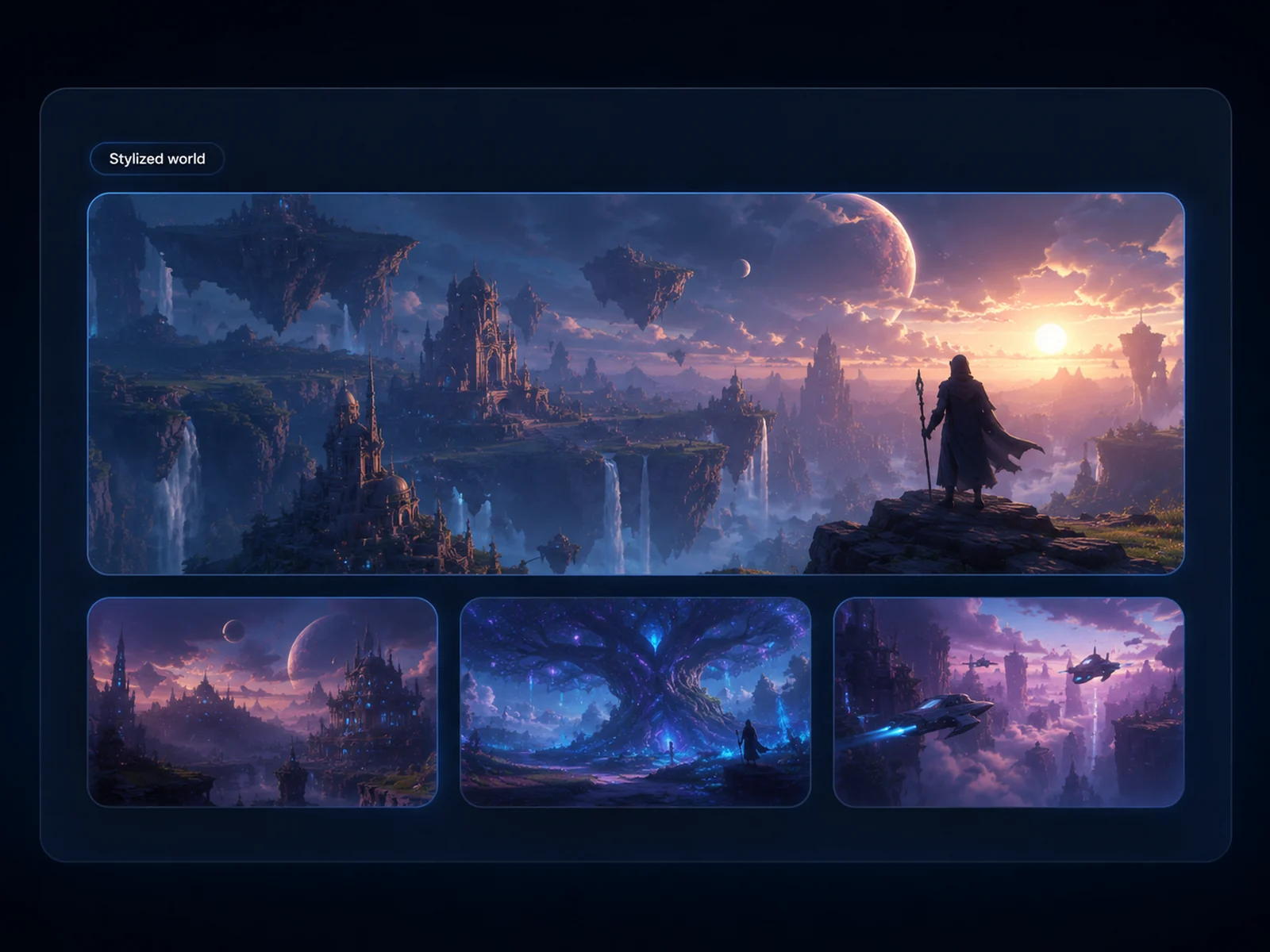
Animate game characters, scene concepts, and UI assets from design references. A game team can upload a character sheet, generate a skill-cast animation, then combine scene references and sound direction into a game trailer or UI motion concept.
04
Film and Creative Content Production
Use multimodal understanding, multi-shot generation, and reference editing to align characters, scenes, camera movement, and sound in one workflow. Filmmakers can create movie openings, concept previews, storyboards, and visual development tests before production.
MiniMax H3 for Fast High-Quality AI Video Tests
Use Ima Studio to test MiniMax H3 in a practical online workflow: write prompts, add multimodal references, compare variations, control output settings, and keep every result in one creation history.
One Workspace for Text, Image, Video, and Audio
Bring your creative brief, product image, character reference, motion clip, and audio direction into the same generation workflow.
Faster Campaign and Product Tests
Generate ad concepts, product showcases, social hooks, and brand previews before committing to filming or a larger production pipeline.
Model Controls Without Setup
Use MiniMax H3 online with ratio, duration, and reference controls exposed in the page, without installing software or managing API setup.
Results Saved for Iteration
Preview, download, and revisit generated H3 videos from Ima Studio creation history so teams can compare prompts and refine directions.
2KVideo output
4-15sClip duration
Text + refsInput modes
MiniMax H3 FAQ
Explore more AI tools and creative examples
Generate MiniMax H3 Videos Online
Start with a prompt, add optional references, choose ratio and duration, then create a 2K AI video in Ima Studio.