01
Bold Portraits and Beauty Visuals
Create expressive portraits, fashion editorials, beauty concepts, and lifestyle visuals with controlled lighting, texture, pose, and mood.
Create expressive, realistic, and high-impact AI images with Seedream 4.5 on Ima Studio. Start from text or reference images, explore bold portraits, fashion visuals, characters, products, and cinematic concepts with a smoother online workflow.
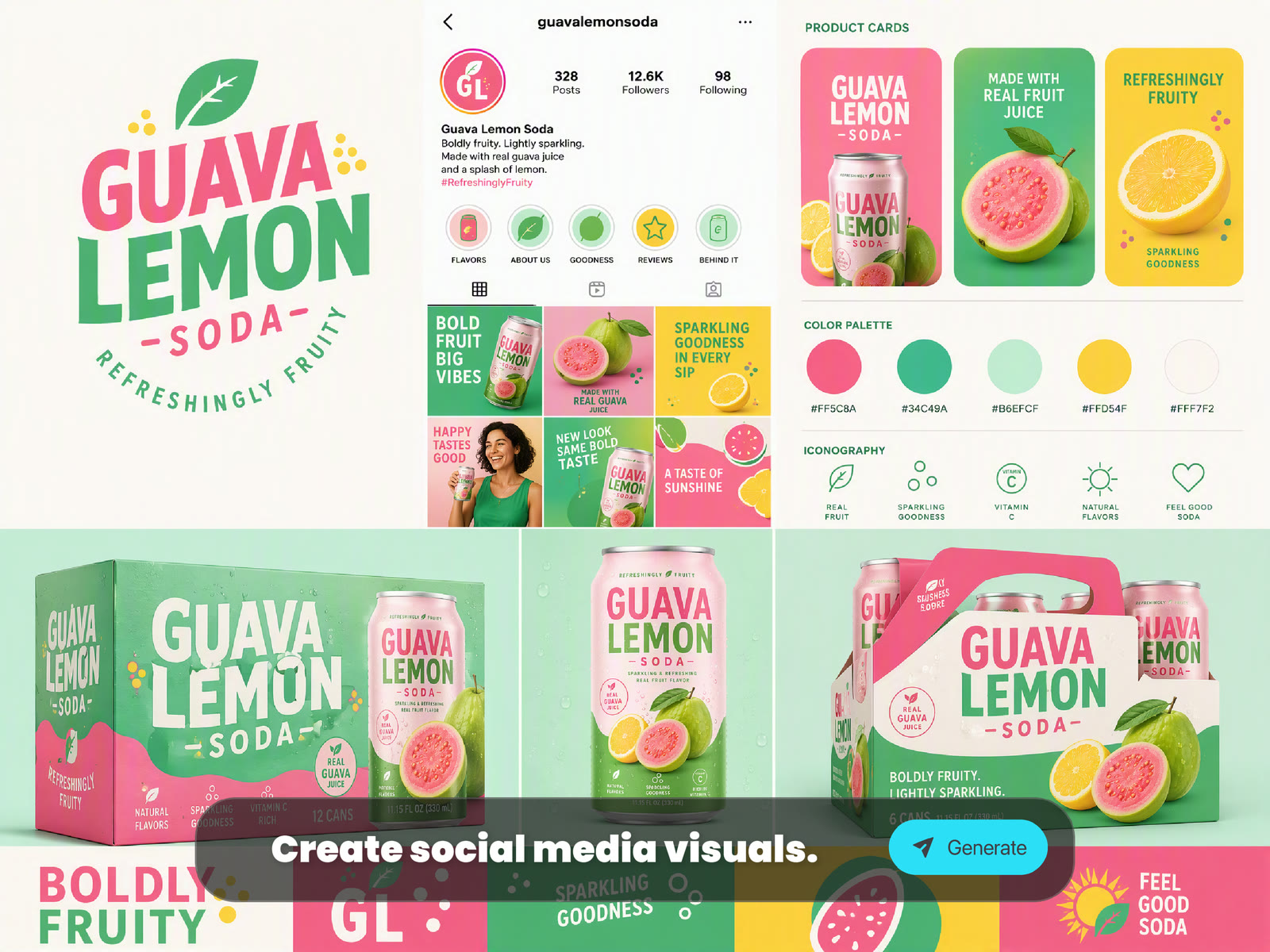
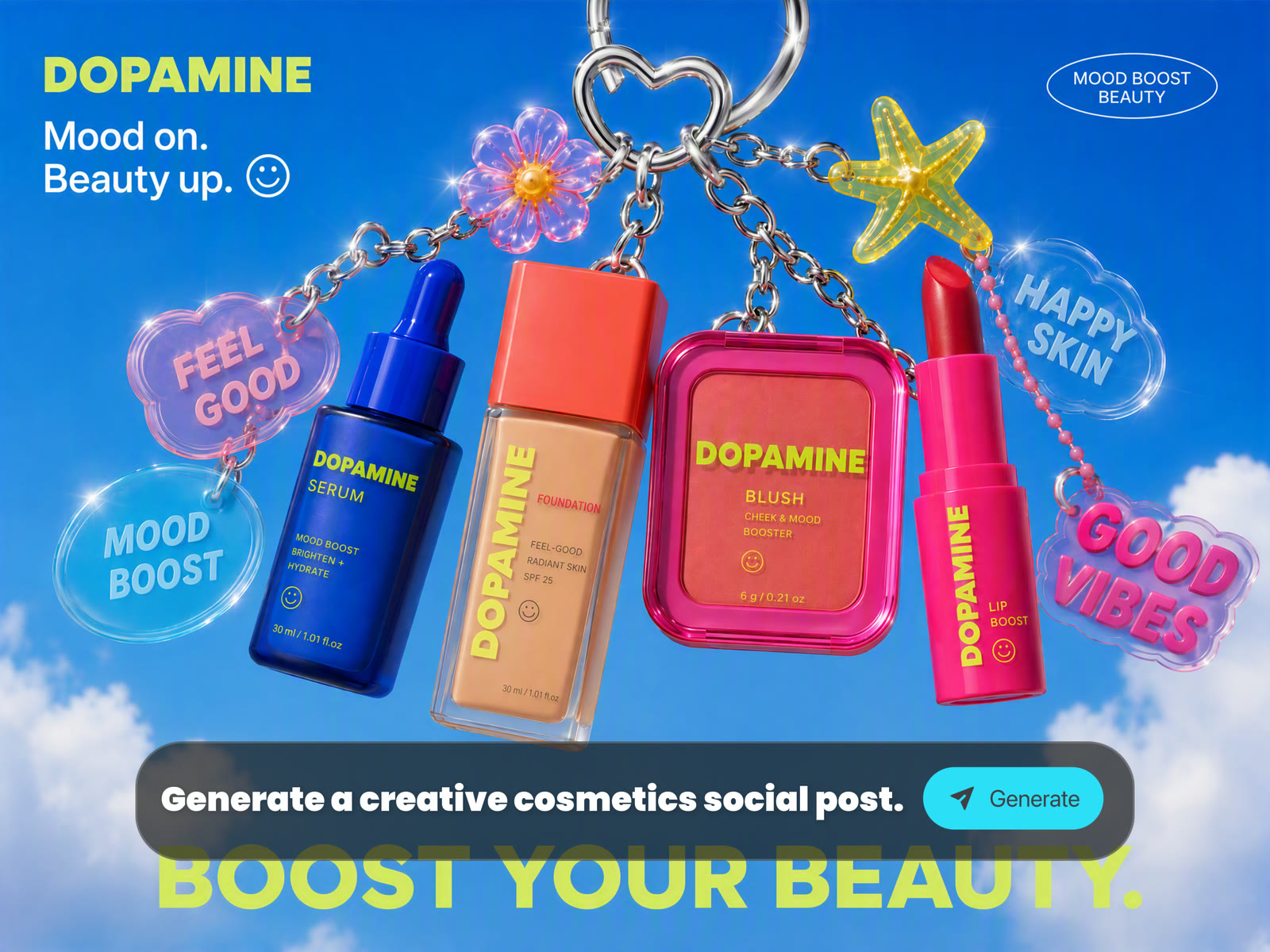
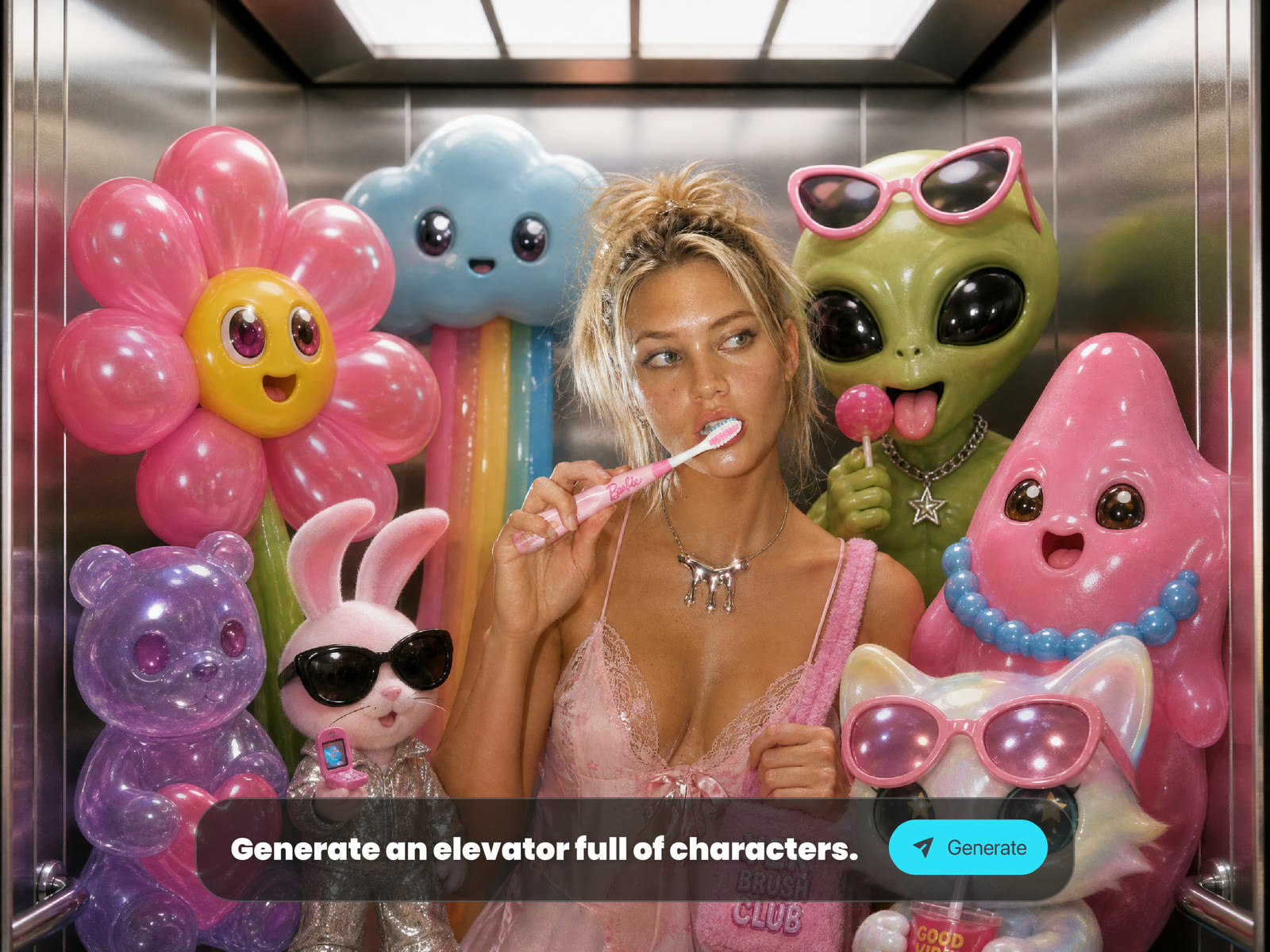
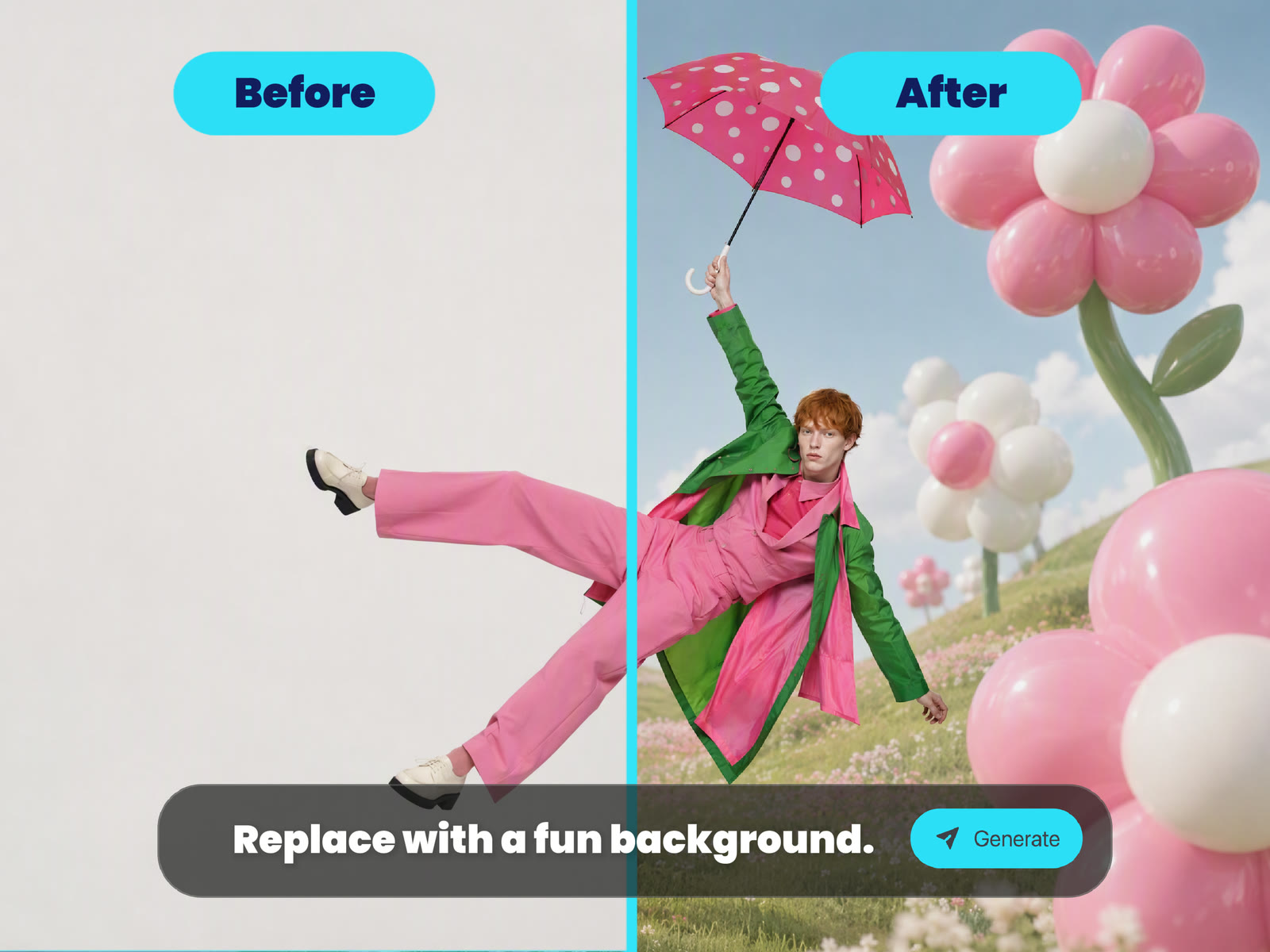
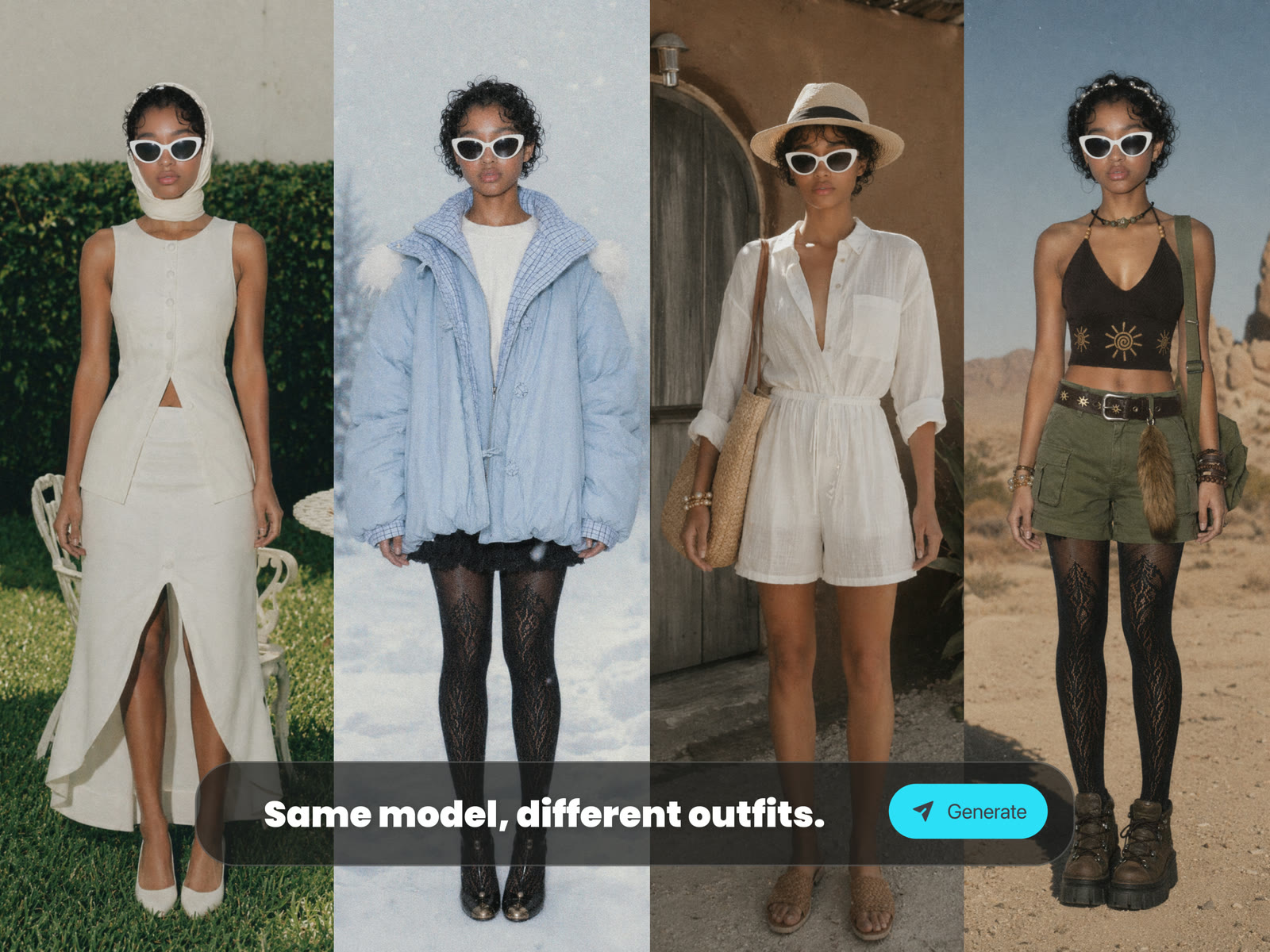
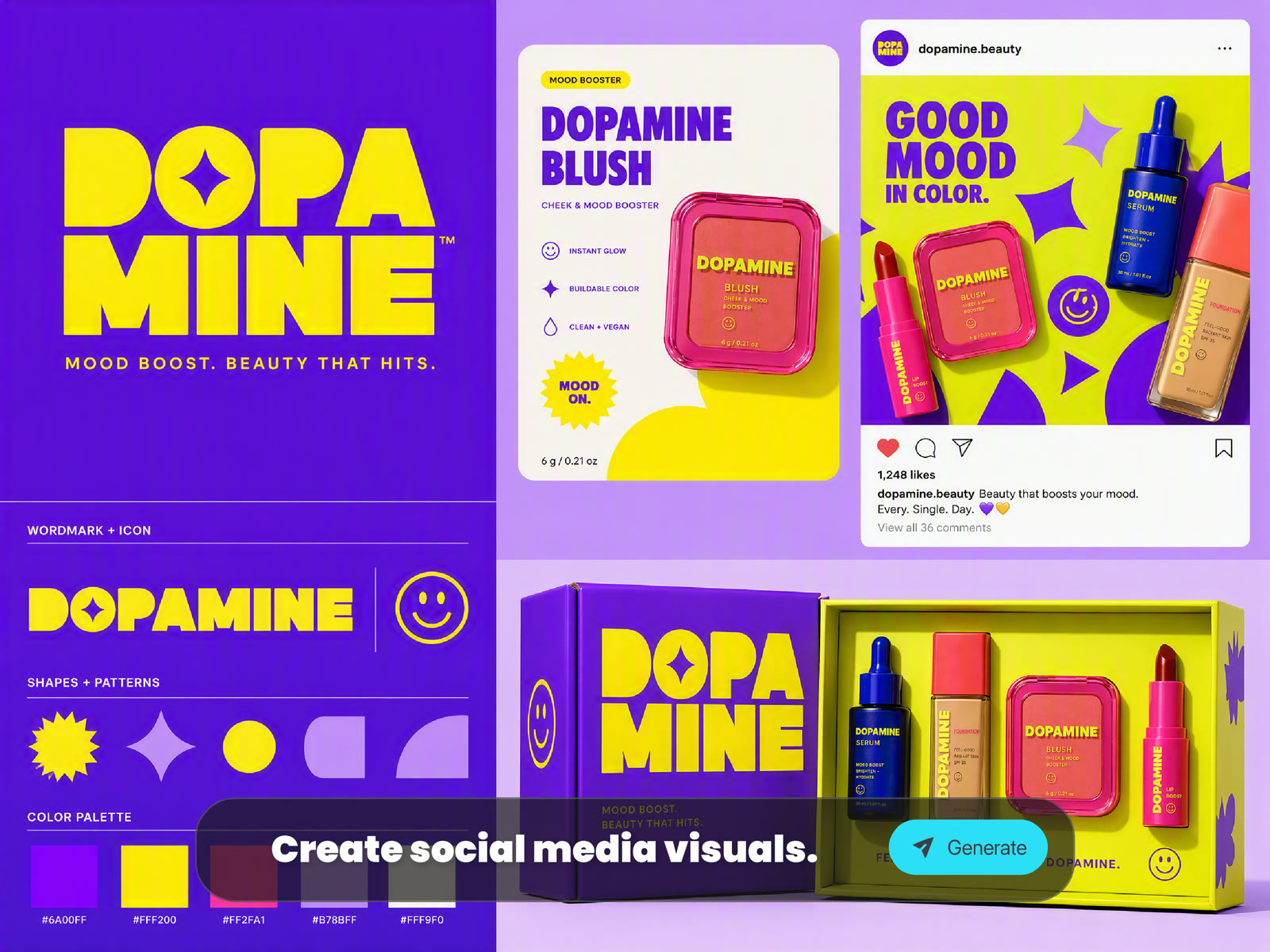
Browse community images related to Seedream 4.5, portraits, fashion visuals, character concepts, product scenes, and cinematic image ideas. Click any card to view the prompt and continue creating.
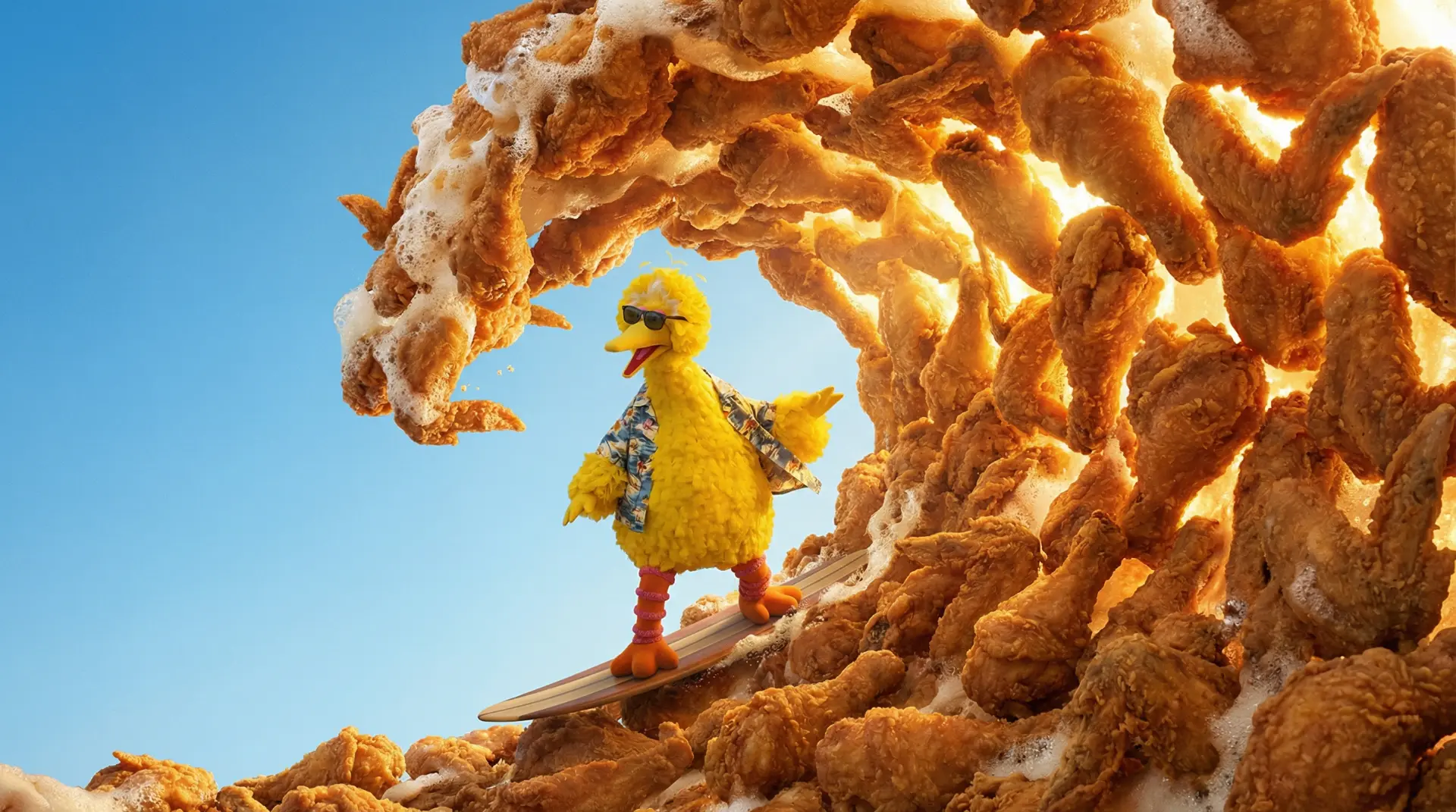 AI GENERATED
Create expressive portraits, fashion editorials, beauty concepts, and lifestyle visuals with controlled lighting, texture, pose, and mood.
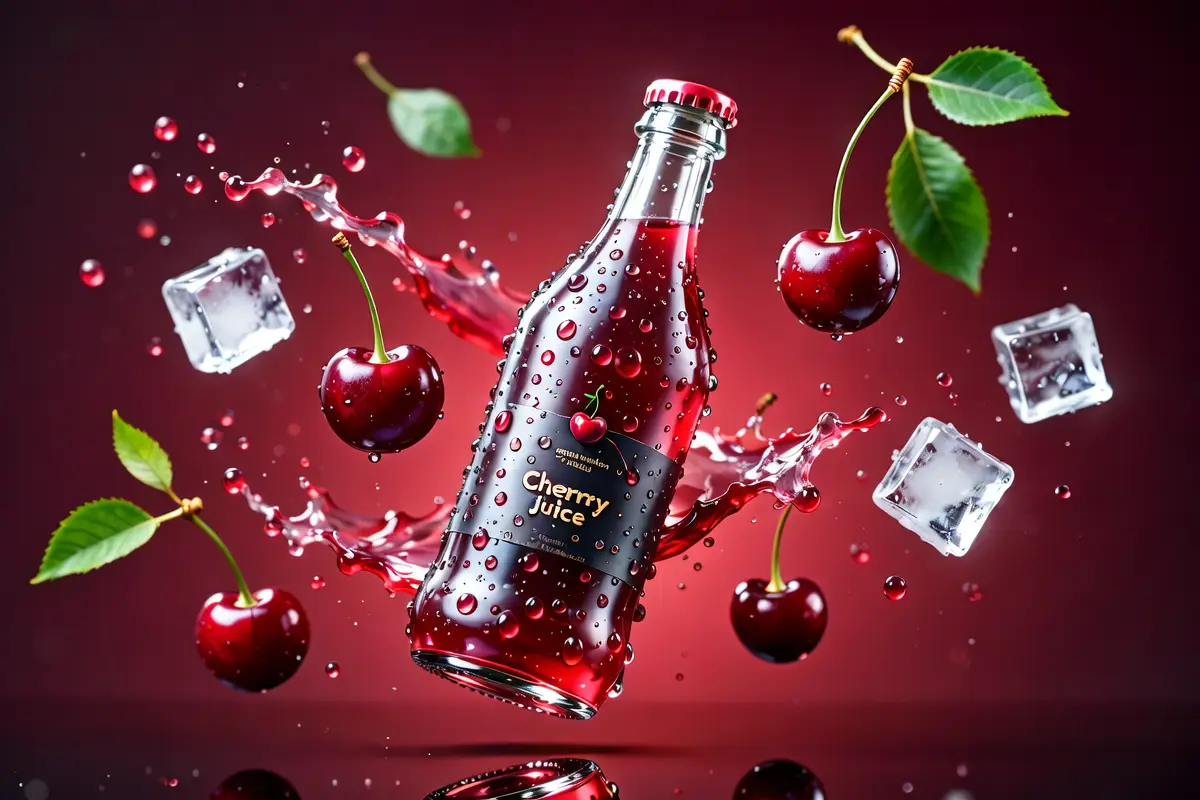 AI GENERATED
Explore outfits, character identities, pose direction, visual styling, and consistent image directions for creative tests or campaign concepts.
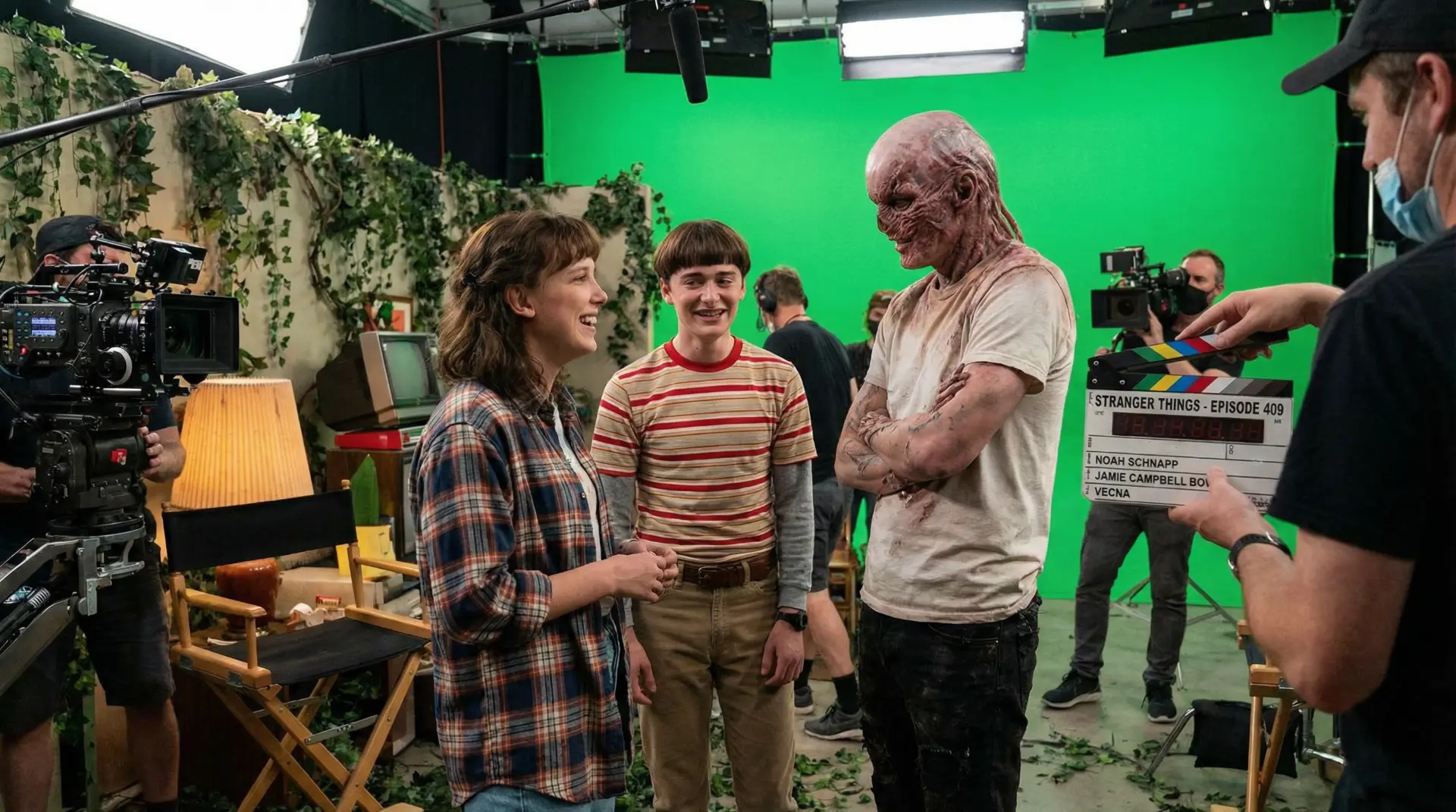 AI GENERATED
Generate ecommerce visuals, branded product scenes, commercial concepts, social ads, poster ideas, and campaign-ready image drafts from text or references.
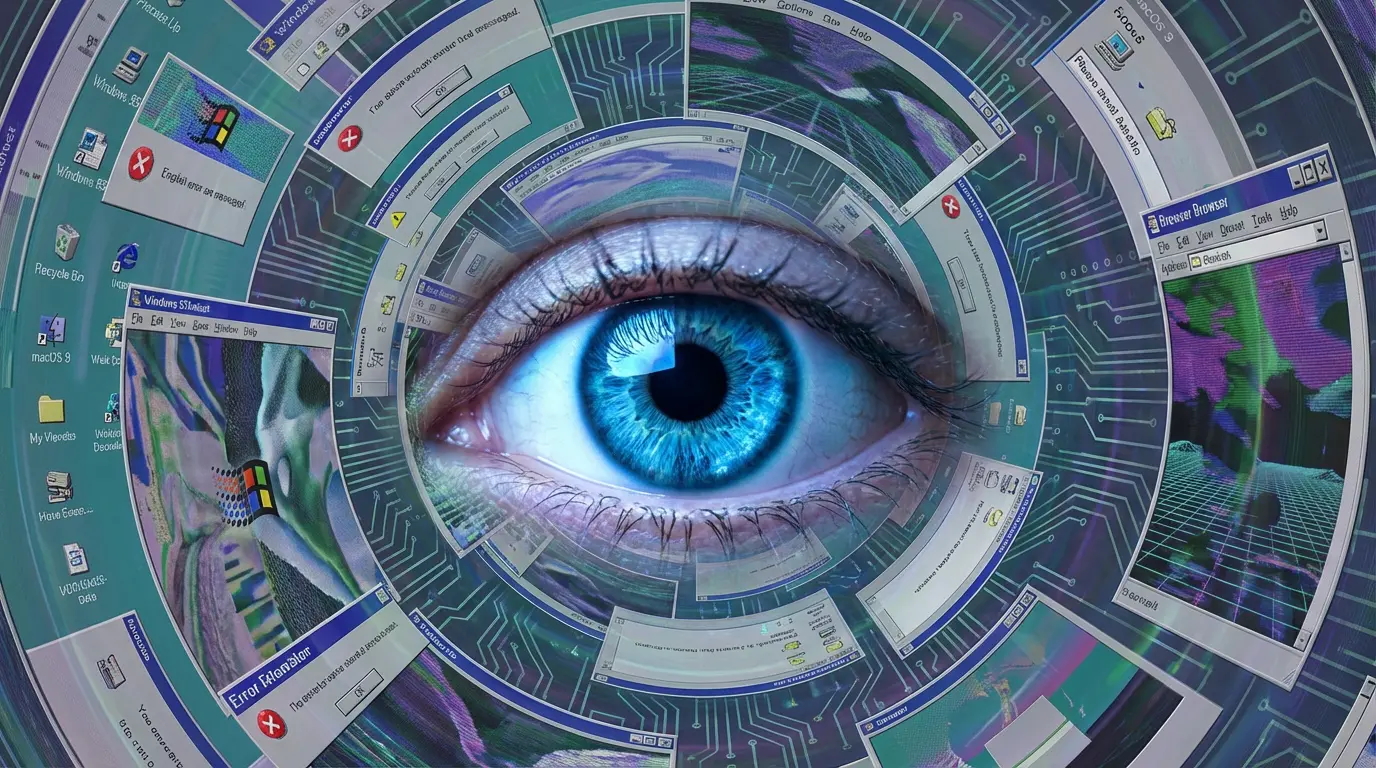 AI GENERATED
Turn a short idea into cinematic frames, social media graphics, thumbnail concepts, surreal images, or mood-rich visual stories.
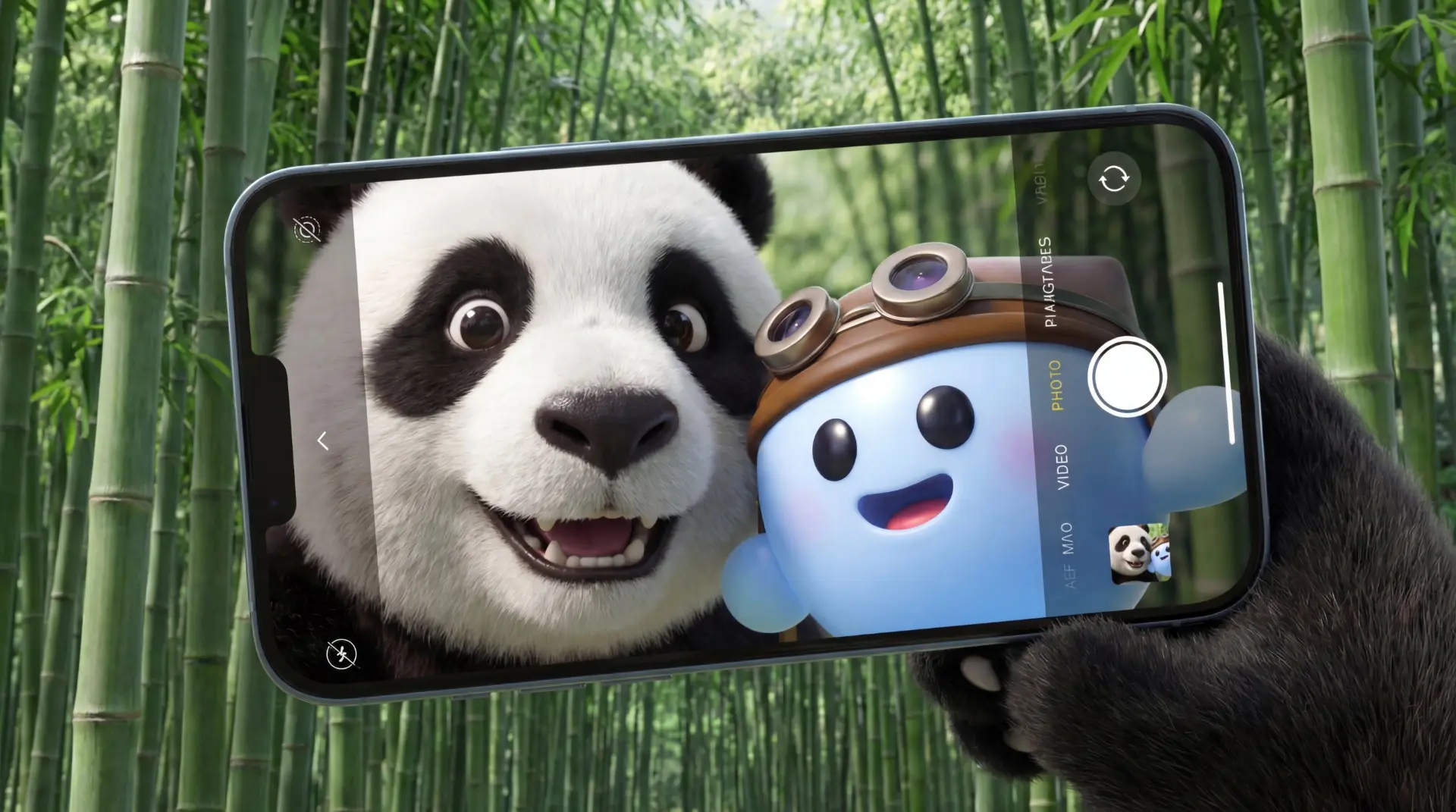 AI GENERATED
After the first generation, keep refining prompts, compare variations, upscale strong results, and reuse references for a more consistent final set.
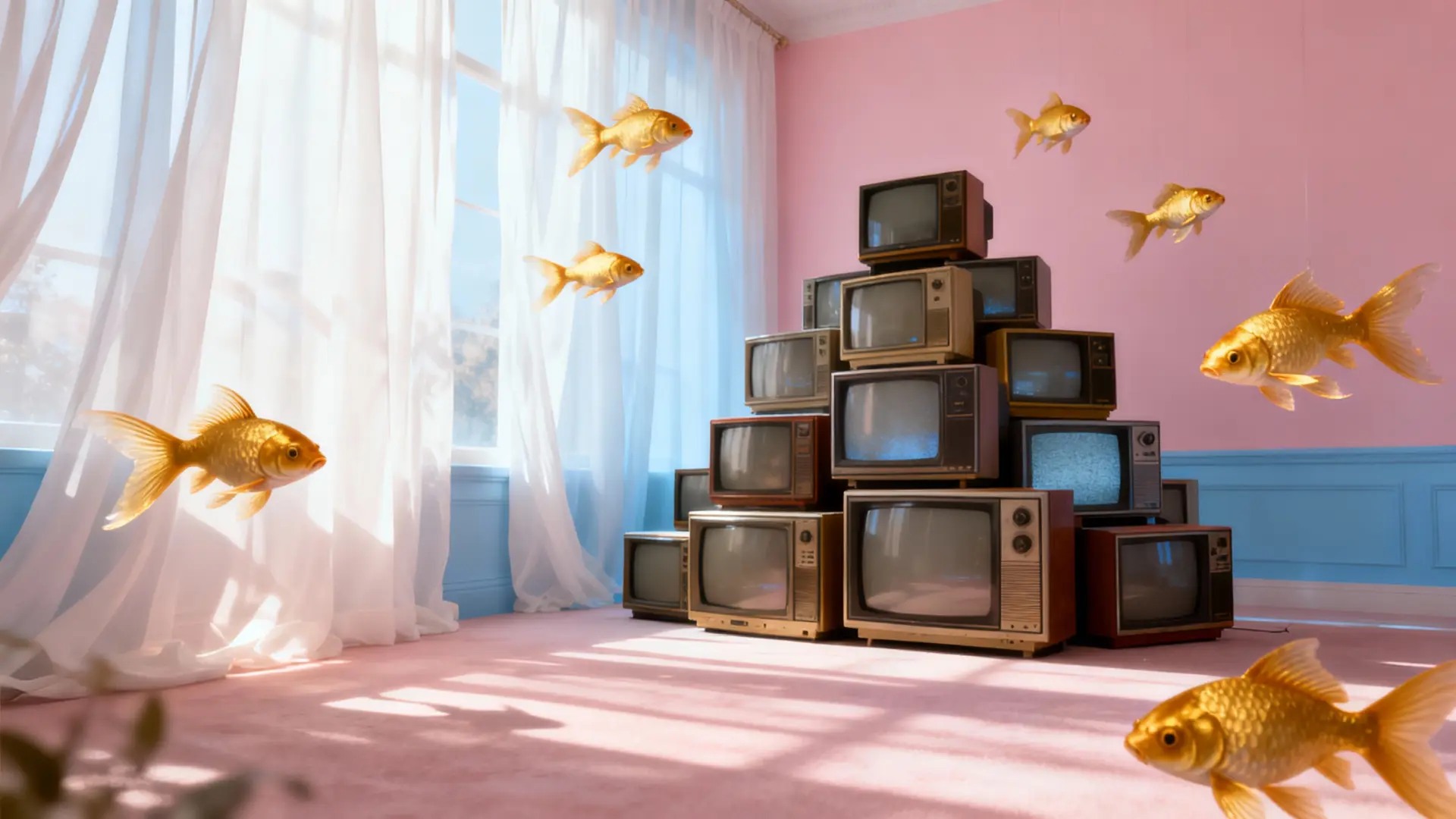 AI GENERATED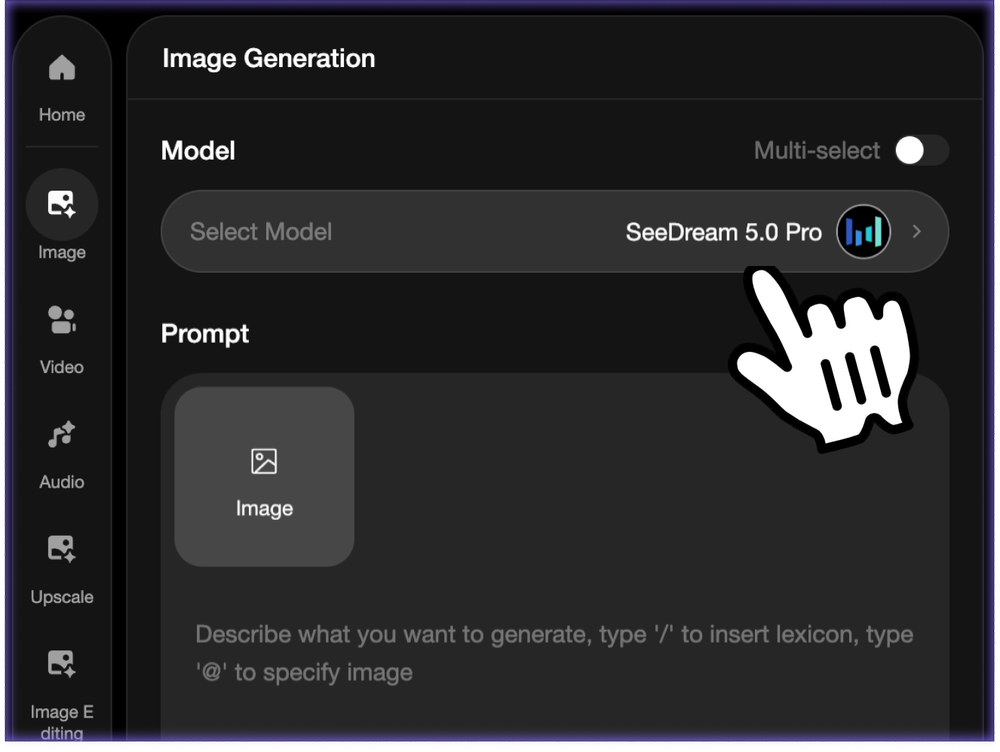
Open the Seedream 4.5 Image Generator on Ima Studio. Start from a text prompt, upload a reference image, or continue from an existing creative idea you want to develop.
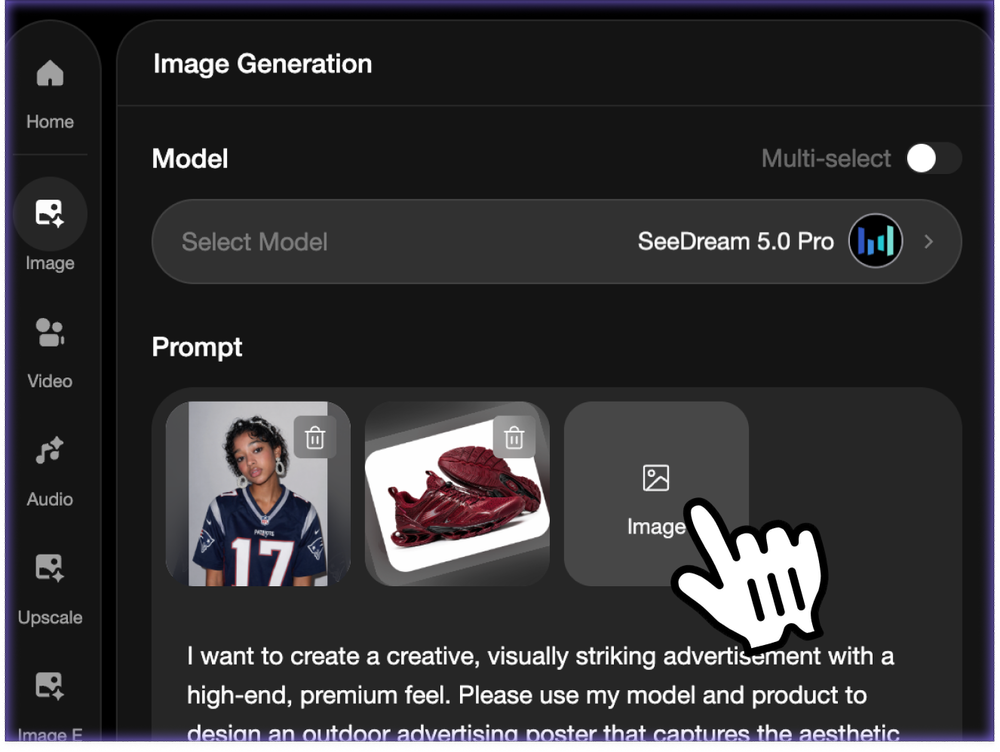
Write a detailed prompt or add reference images to guide character identity, product appearance, style, outfit, pose, lighting, composition, and visual mood.
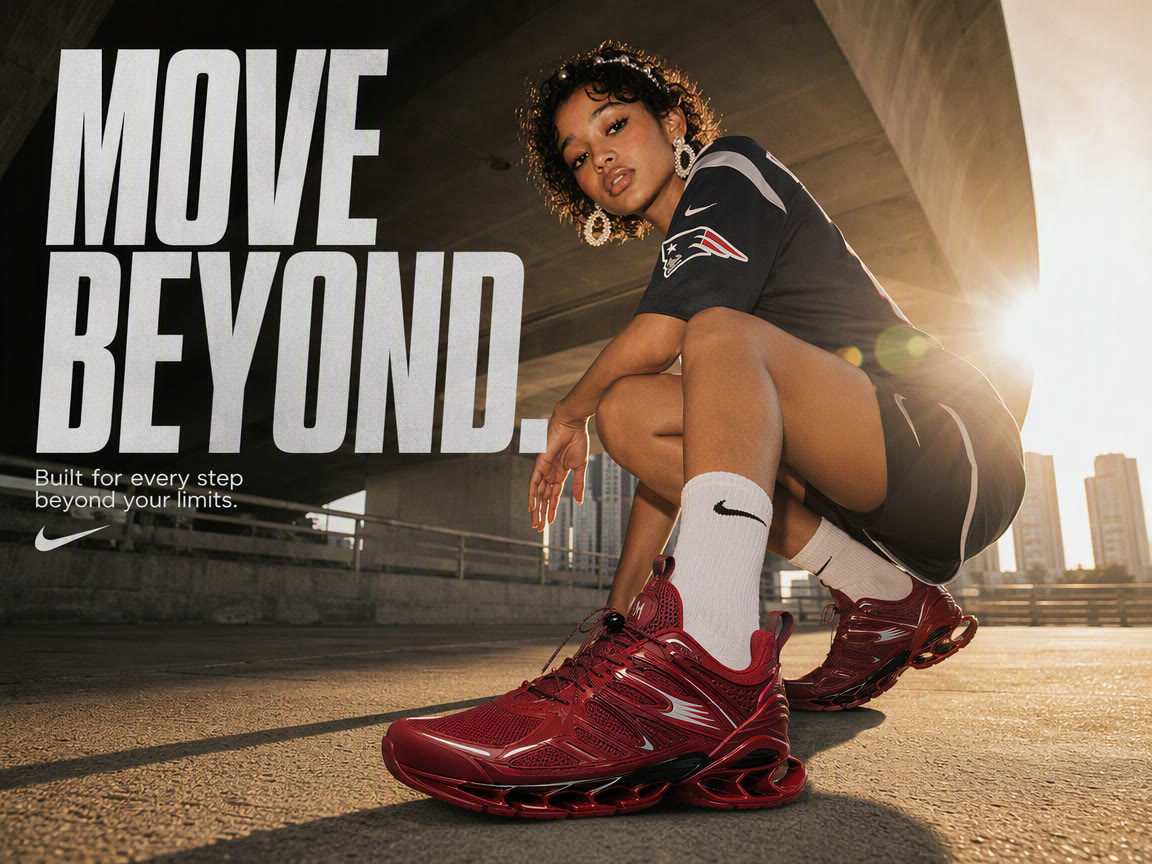
Create high-quality Seedream 4.5 images, review the result, and continue with editing, upscaling, variations, or image-to-video handoff inside Ima Studio when needed.
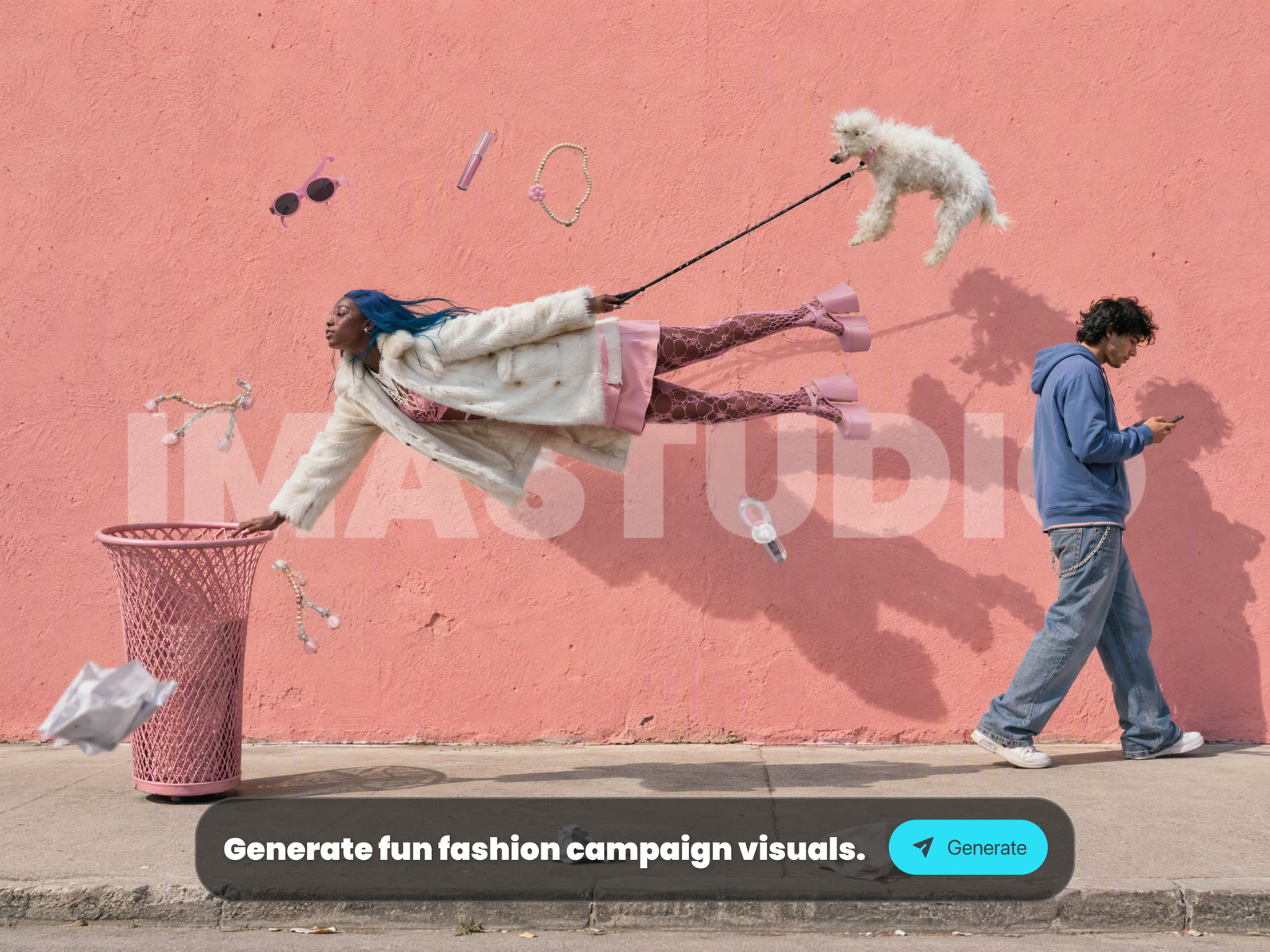
Start from a prompt, a reference image, or both. Seedream 4.5 can follow visual references while still giving you room to describe style, lighting, composition, and details.
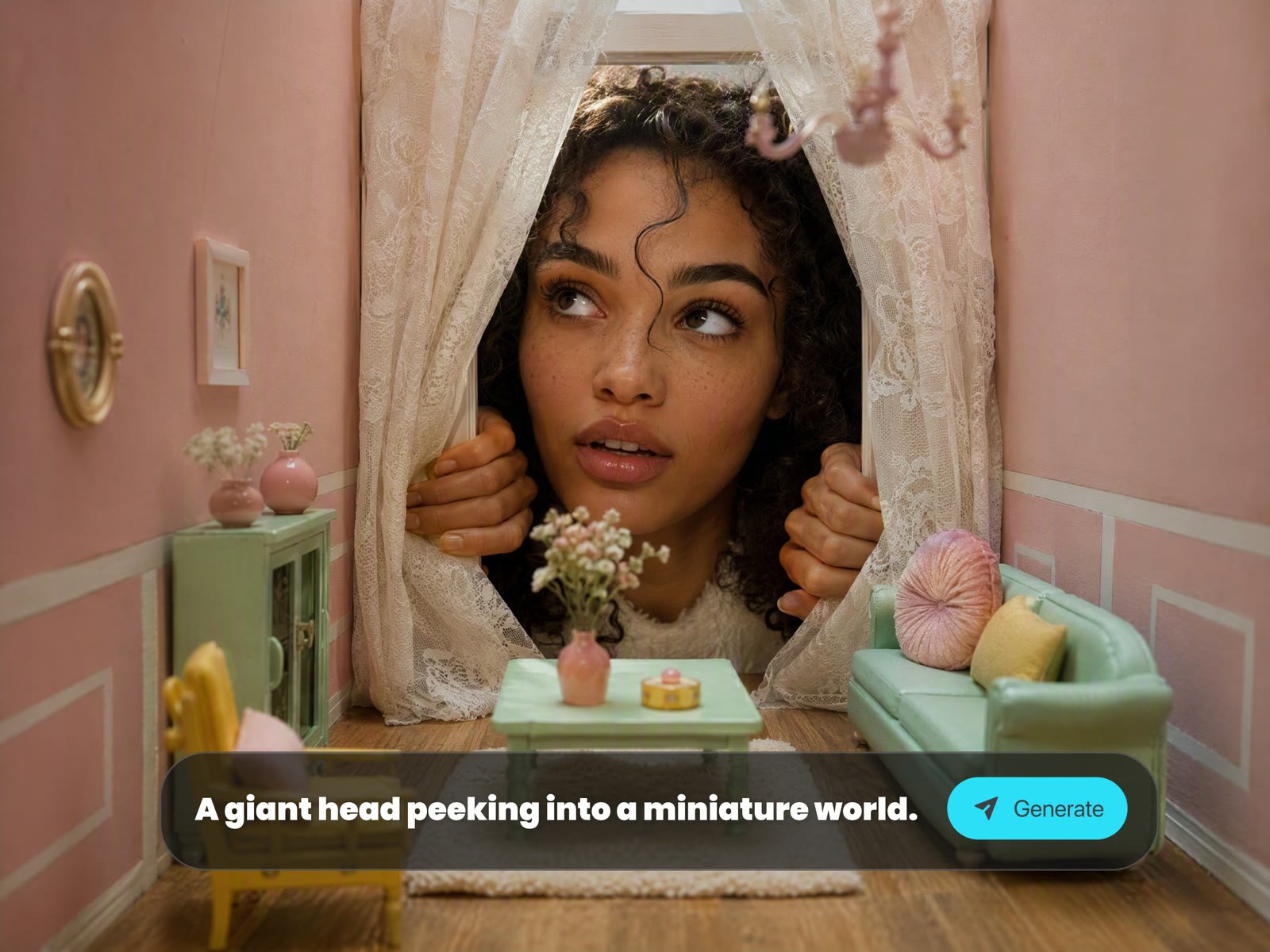
Create expressive portraits, fashion looks, beauty visuals, character concepts, product scenes, and commercial images without breaking your workflow into several tools.
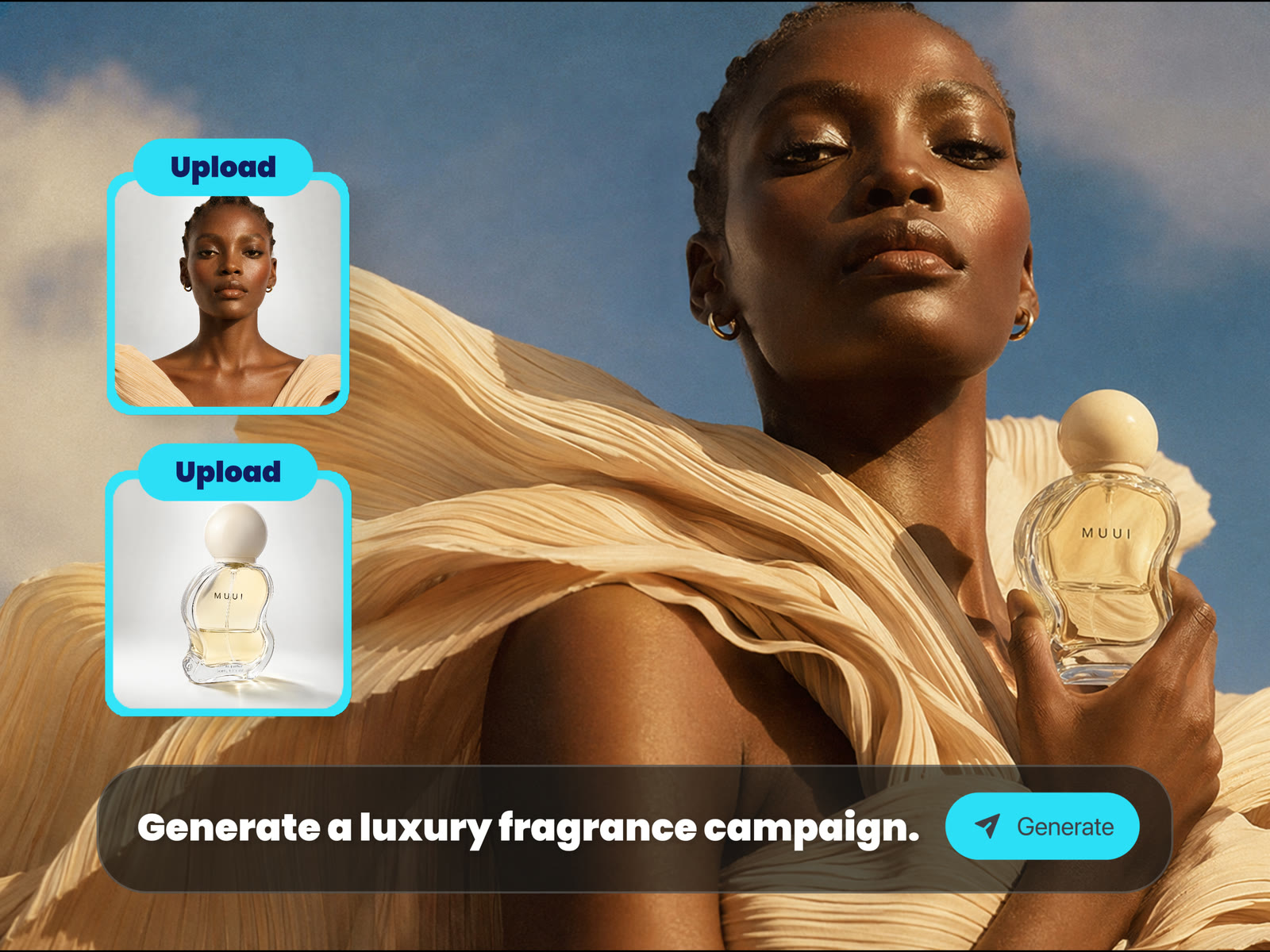
When you need to test many directions, Seedream 4.5 helps you create more usable drafts, compare visual options, and move quickly from idea to asset.
Use the generated image as a starting point for image editing, upscaling, variation generation, or image-to-video workflows in the same creative workspace.
Use Seedream 4.5 for bold portraits, fashion visuals, beauty images, character concepts, product campaign assets, cinematic scenes, social posts, and consistent visual sets.
Create expressive portraits, fashion editorials, beauty concepts, and lifestyle visuals with controlled lighting, texture, pose, and mood.
Explore outfits, character identities, pose direction, visual styling, and consistent image directions for creative tests or campaign concepts.
Generate ecommerce visuals, branded product scenes, commercial concepts, social ads, poster ideas, and campaign-ready image drafts from text or references.
Turn a short idea into cinematic frames, social media graphics, thumbnail concepts, surreal images, or mood-rich visual stories.
After the first generation, keep refining prompts, compare variations, upscale strong results, and reuse references for a more consistent final set.
Seedream 4.5 on Ima Studio gives creators a practical online workflow for image generation, reference-based creation, visual iteration, and final asset preparation.
Use Seedream 4.5 directly in your browser without installing plugins, setting up API keys, or routing through a separate model tool.
Generate from a blank prompt or guide the output with uploaded images for character identity, product details, visual style, and composition.
Create portraits, fashion visuals, ecommerce images, social creatives, branded concepts, product scenes, and campaign drafts from one focused page.
Prompt, generate, review, refine, upscale, and continue across Ima Studio tools when you need more than a single first draft.
Use Ima Studio to turn prompts and reference images into expressive portraits, fashion visuals, character concepts, product scenes, and cinematic AI images with Seedream 4.5 online.