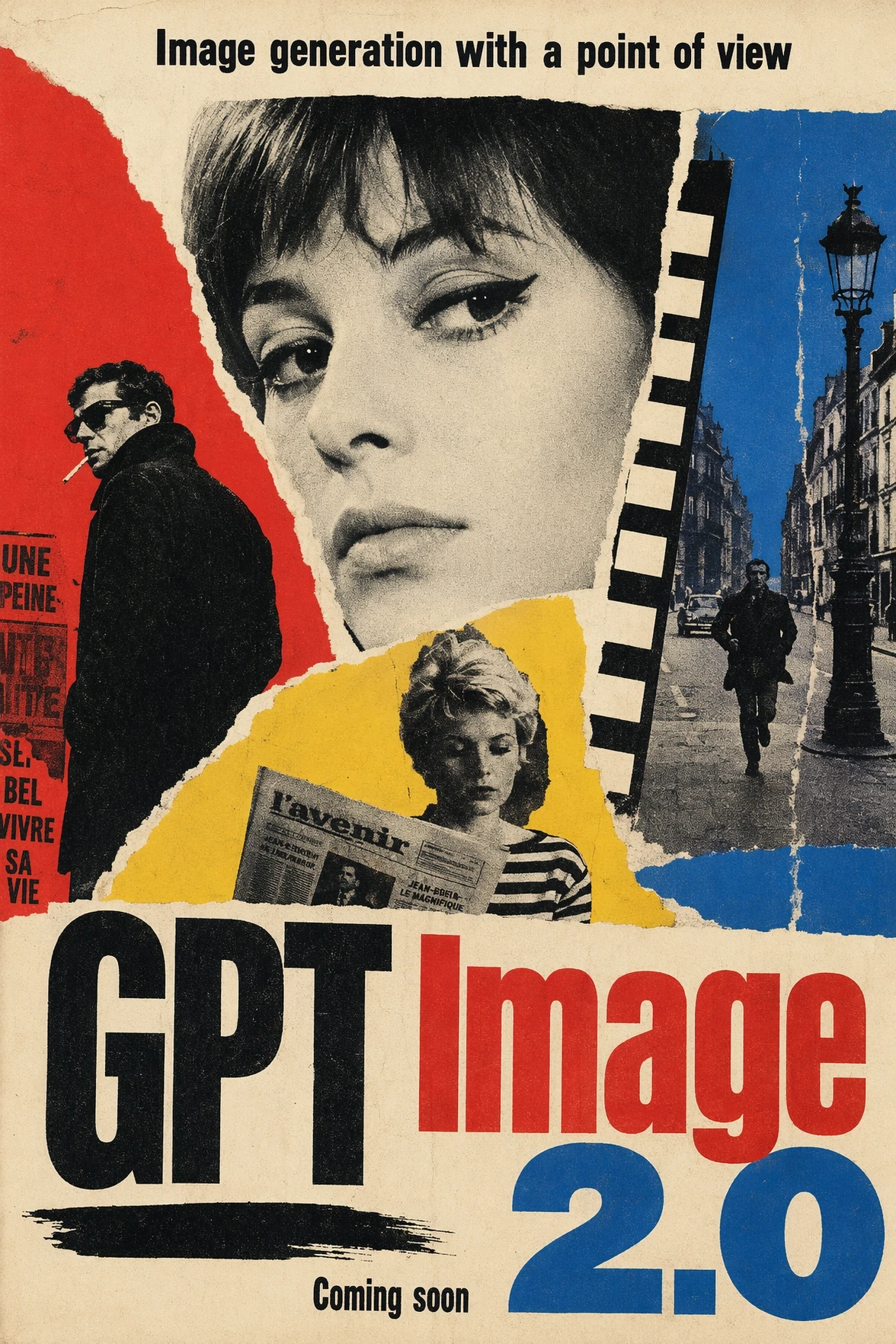
Turn Repetitive Image Tasks Into AI Workflows
GPT Image 2.5 brings more precise editing, stronger reference consistency, better multi-turn control, and faster iteration into ImaStudio. Instead of starting every image task from scratch, teams can reuse approved assets, make targeted changes, and produce campaign-ready variations faster.
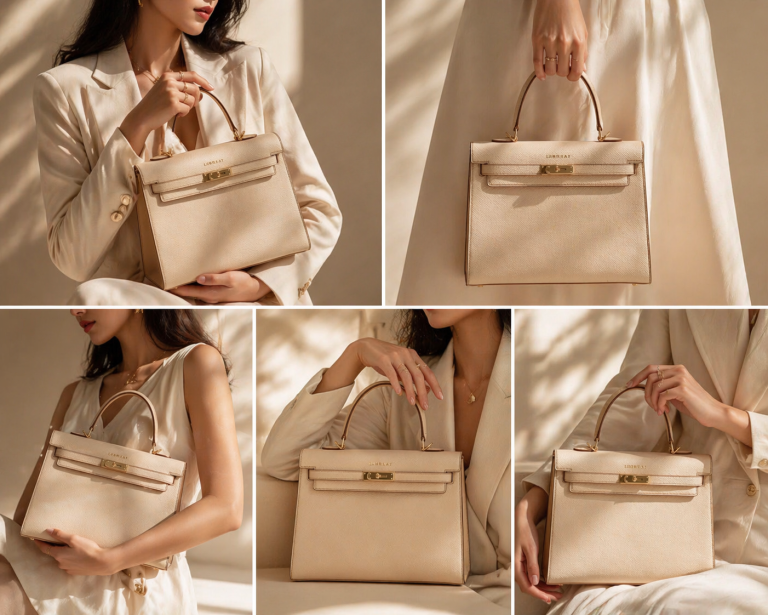
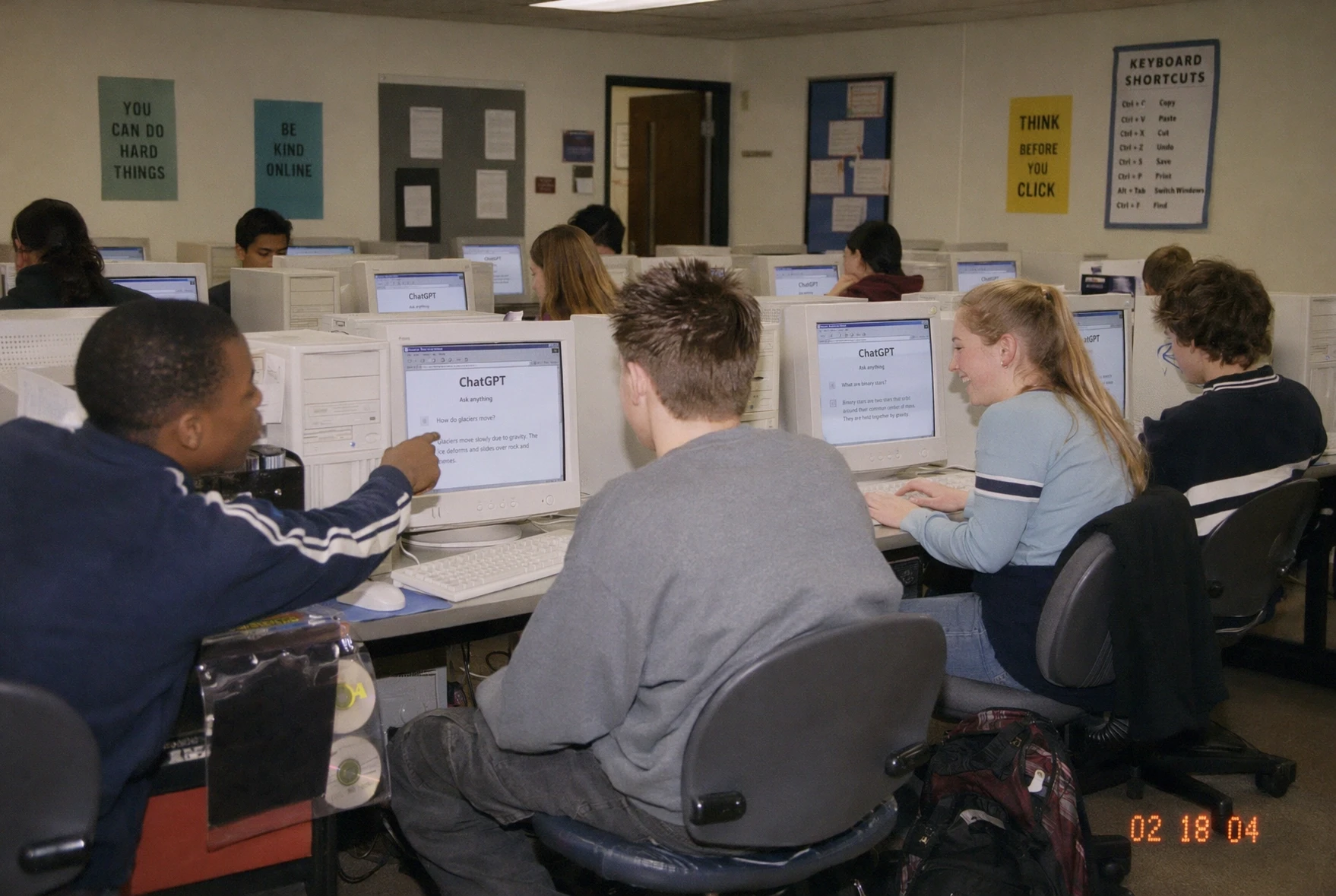
How to Use GPT Image 2.5 in ImaStudio
 Step 1Start From a Real Creative Task
Open GPT Image 2.5 in ImaStudio with a product shot, character reference, fashion image, poster idea, ecommerce brief, ad concept, or plain text prompt.
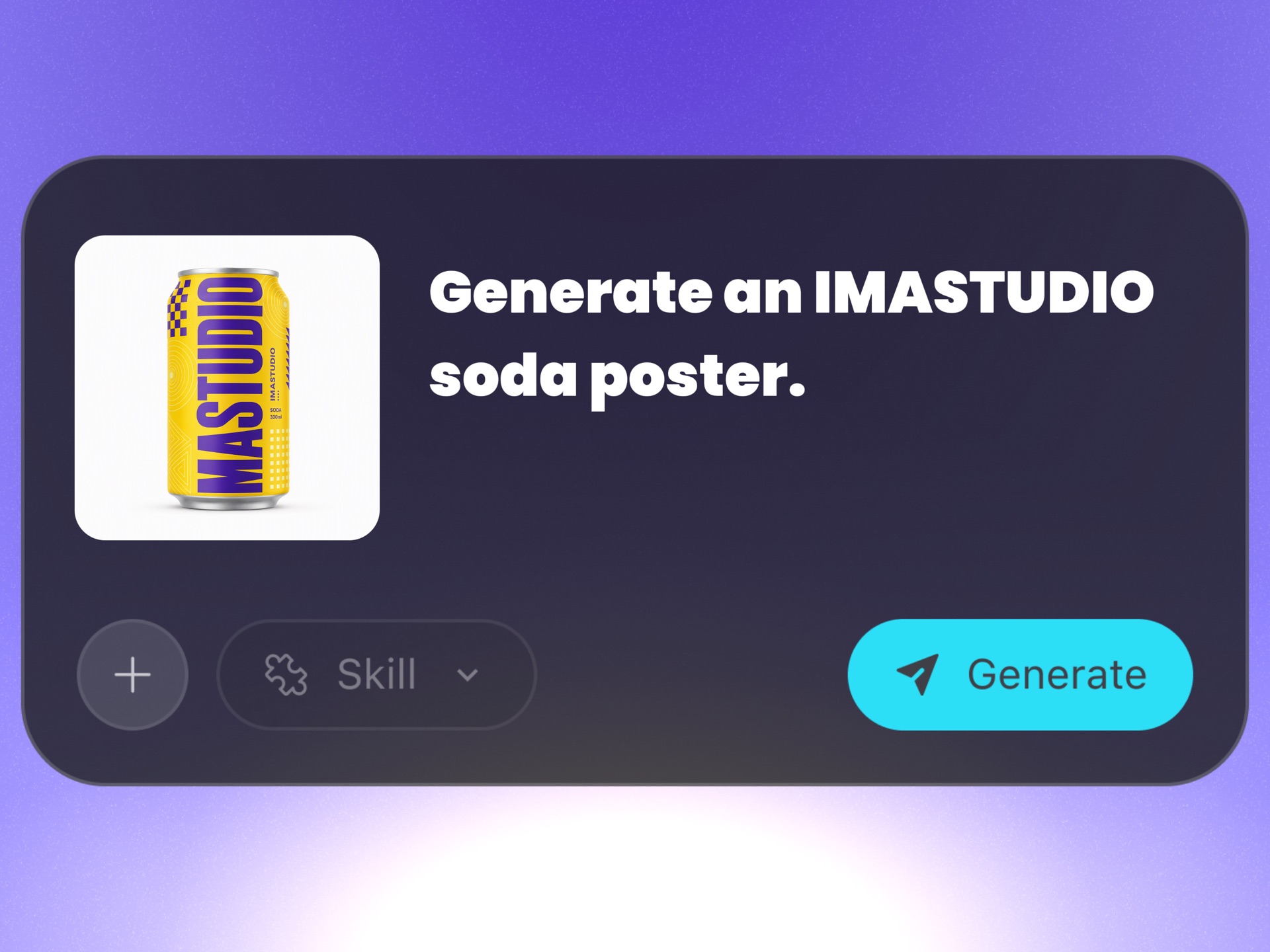 Step 2Choose the Model and Add Context
Use Flare for faster iteration or Sunburst for higher-fidelity output. Add reference images and aspect ratio settings so GPT Image 2.5 knows what should stay consistent.
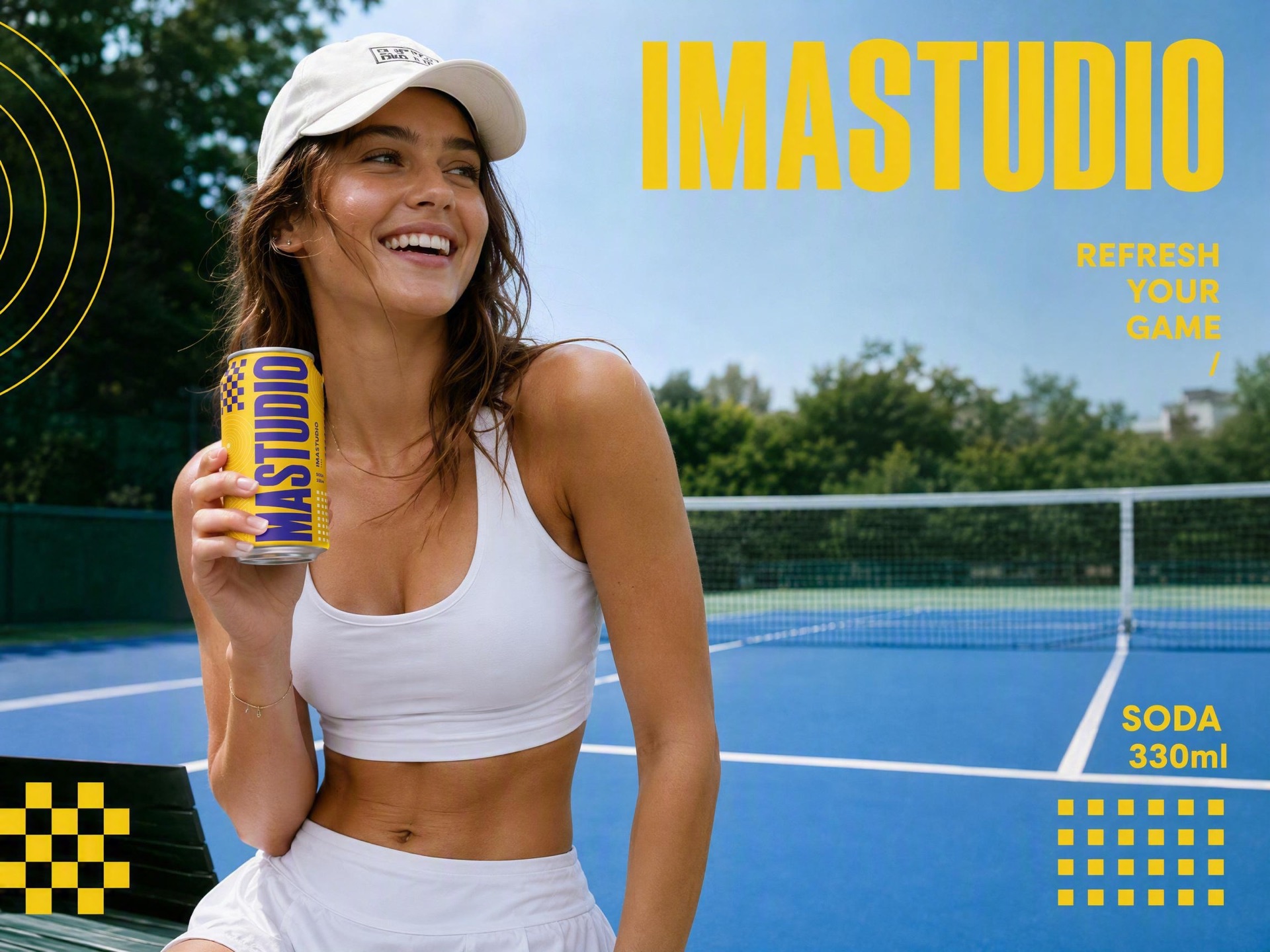 Step 3Generate, Save, and Reuse
Send the job into ImaStudio's creation workflow, review the result, download it, keep it in history, or reuse the direction for ads, posters, product photos, and social variants.
GPT Image 2.5 Capabilities for Real Image Workflows
Precise Image Editing
Change only what you asked for and keep the rest of the image stable. GPT Image 2.5 is built for edits like swapping clothes without changing the face, replacing the background without losing the subject, recoloring a product while keeping the packaging structure, fixing text without breaking the layout, or removing one element without redrawing the whole scene.
Stronger Reference Fidelity
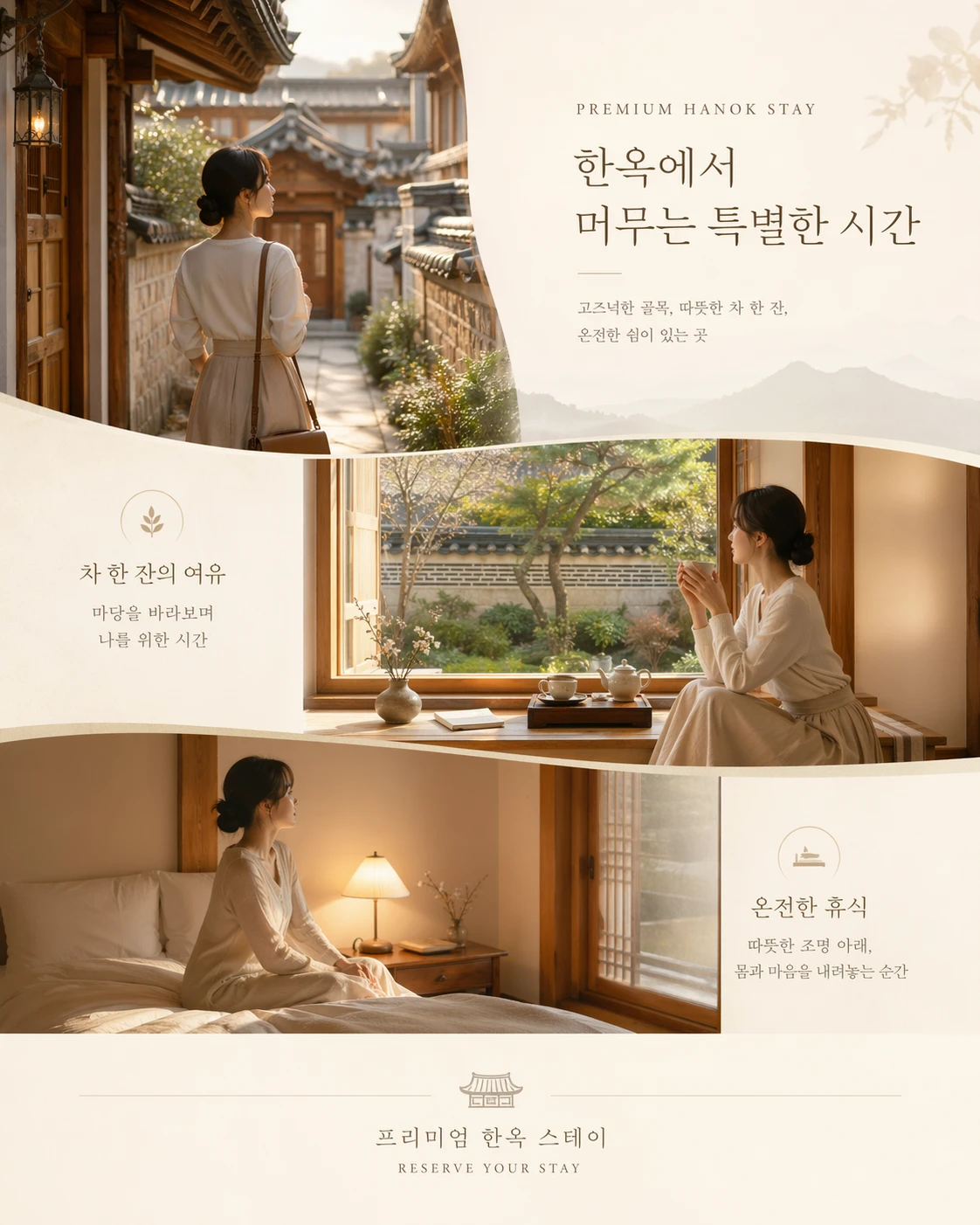
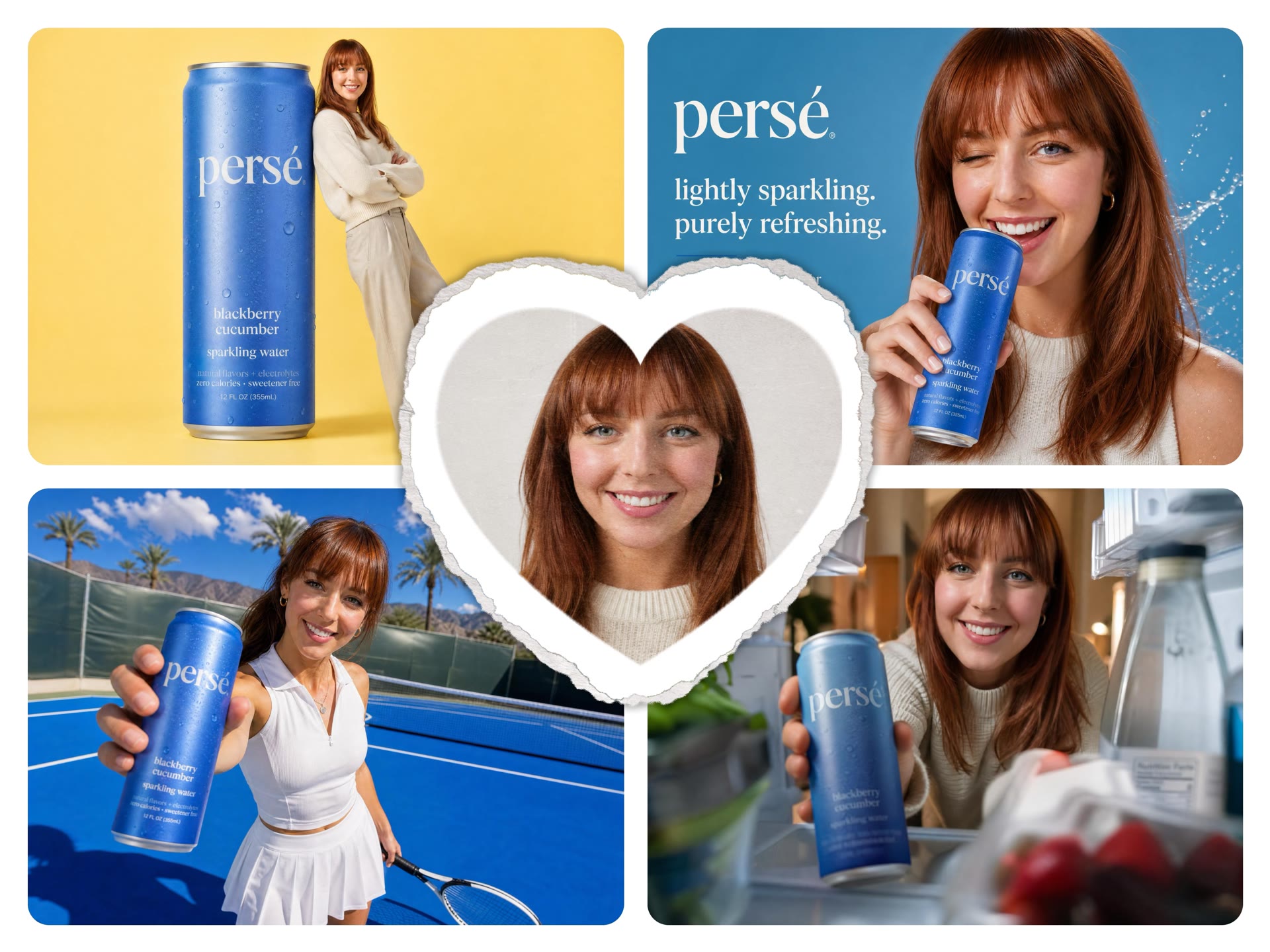
Use a reference image as the visual anchor. GPT Image 2.5 is better at preserving faces, identity cues, pets, products, poses, silhouettes, and key brand elements when moving the same subject into a new scene, style, lighting setup, or campaign format.
Multi-Turn Editing Consistency
Keep editing the same image instead of starting over every round. Start with a product photo, then change the background, add a model, update the headline, crop it for 1:1 and 9:16 ads, and tune the lighting while the product shape, logo, packaging details, and approved composition stay consistent across revisions.
Better Prompt & Visual Understanding
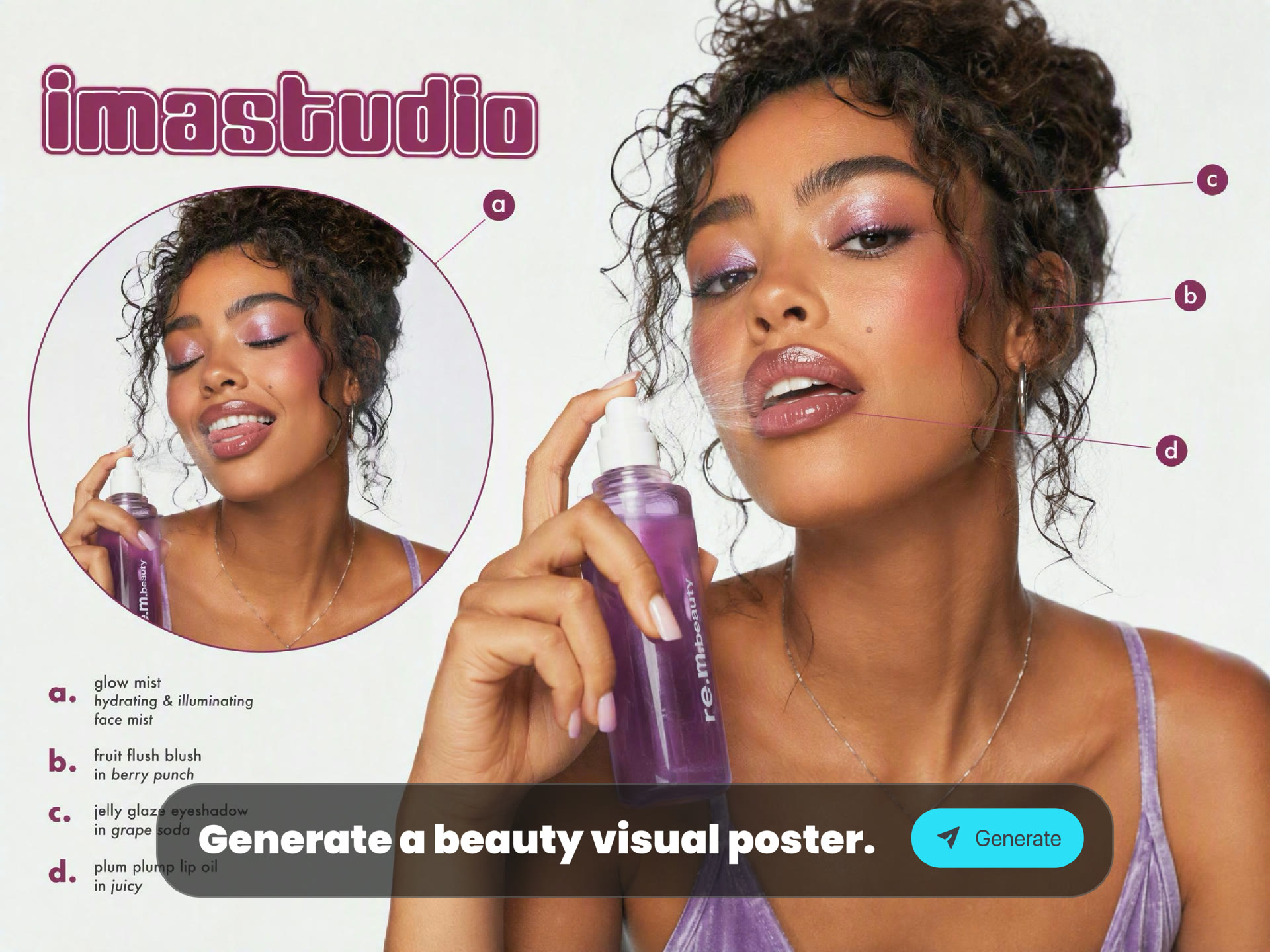
GPT Image 2.5 is stronger at understanding visual intent from simple sketches, diagrams, rough layouts, and composition notes. Use it to turn a sketch into a finished image, interpret spatial relationships, follow layout constraints, organize text blocks, and build posters, infographics, UI concepts, or marketing visuals with clearer structure.
Turn Repetitive Image Tasks Into AI Workflows
GPT Image 2.5 brings more precise editing, stronger reference consistency, better multi-turn control, and faster iteration into ImaStudio. Instead of starting every image task from scratch, teams can reuse approved assets, make targeted changes, and produce campaign-ready variations faster.
01
Product Ads & Ecommerce Visuals
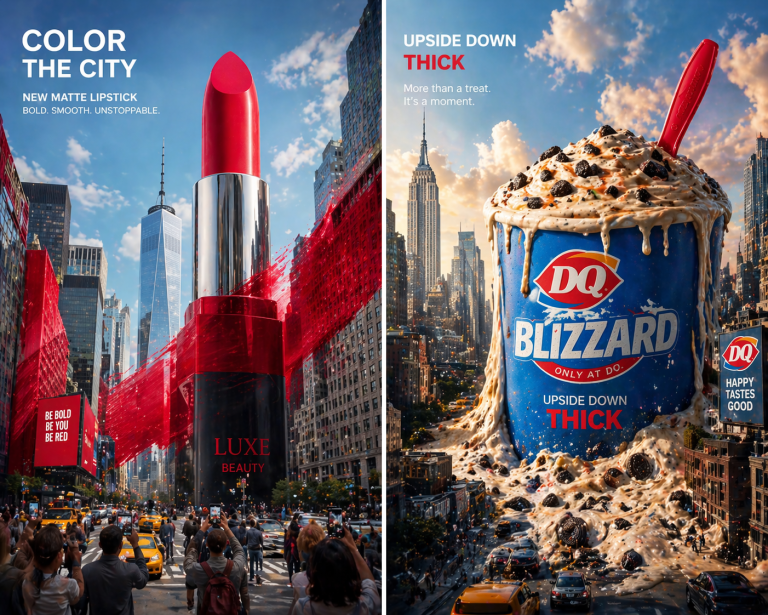
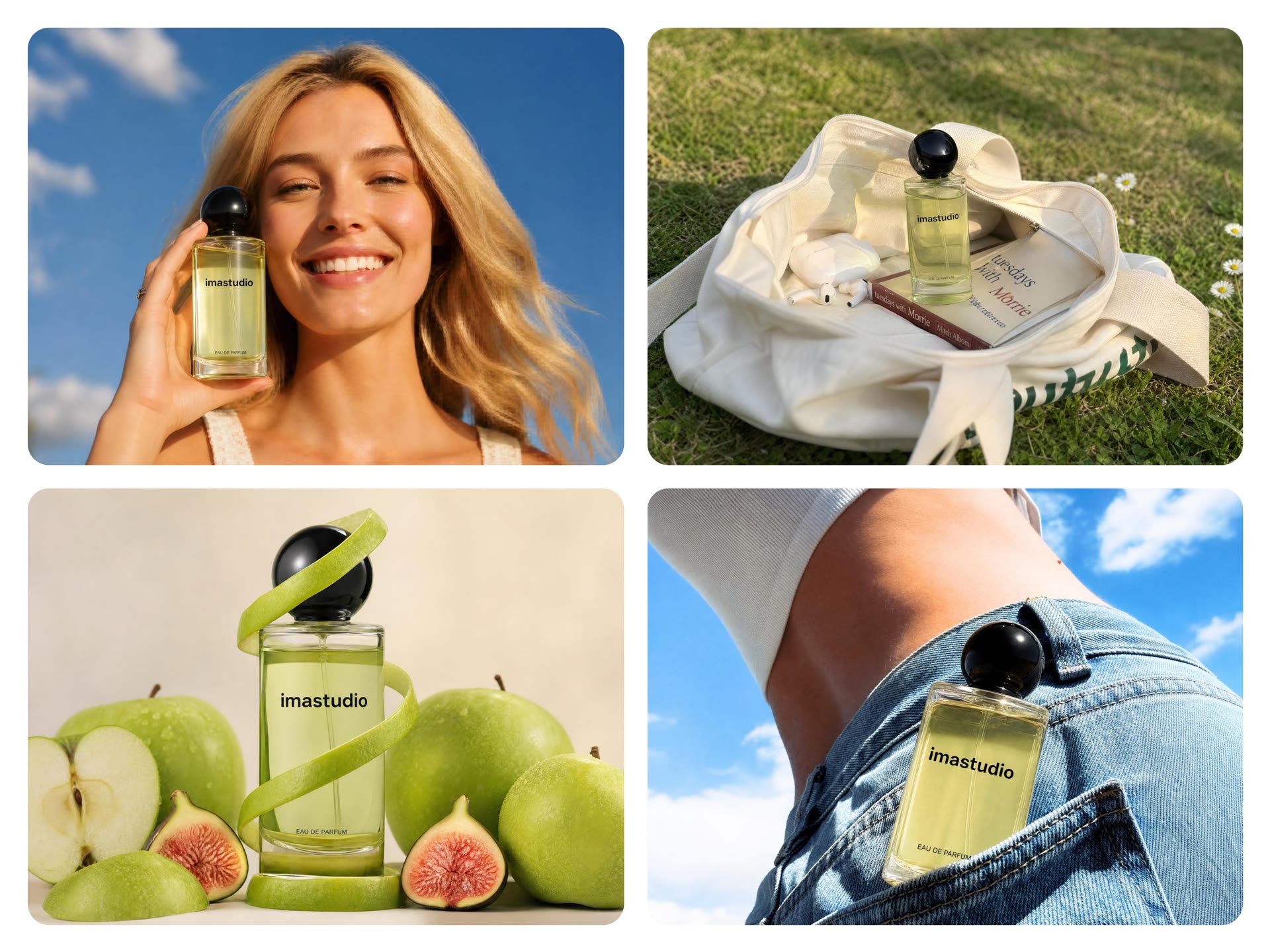
Turn one product photo into multiple ecommerce scenes, hero images, launch visuals, packaging previews, and paid social creatives while keeping the product recognizable. Replaces: basic product retouching, background replacement, recoloring, mockups, and early product photography concepts. Best for: ecommerce, product launches, paid ads, marketplace listings.
02
Fashion & Portrait Variations
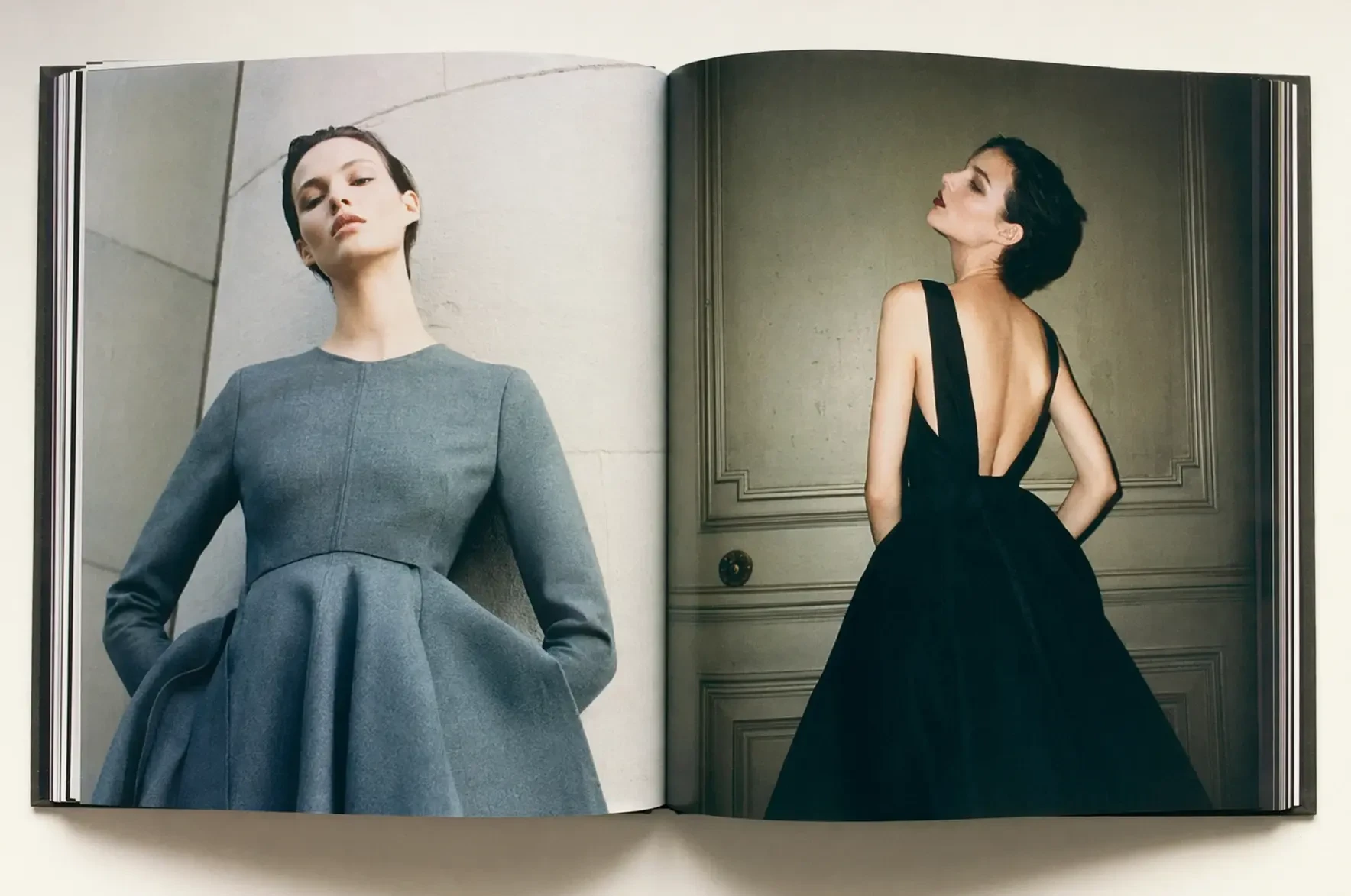
Keep the same face, outfit, pose, or silhouette while testing new backgrounds, styling, lighting, locations, and creative directions. Replaces: repeated portrait compositing, manual cutouts, outfit mockups, and early fashion concept shoots. Best for: fashion campaigns, beauty content, lookbooks, creator visuals.
03
UGC & Social Ad Variations
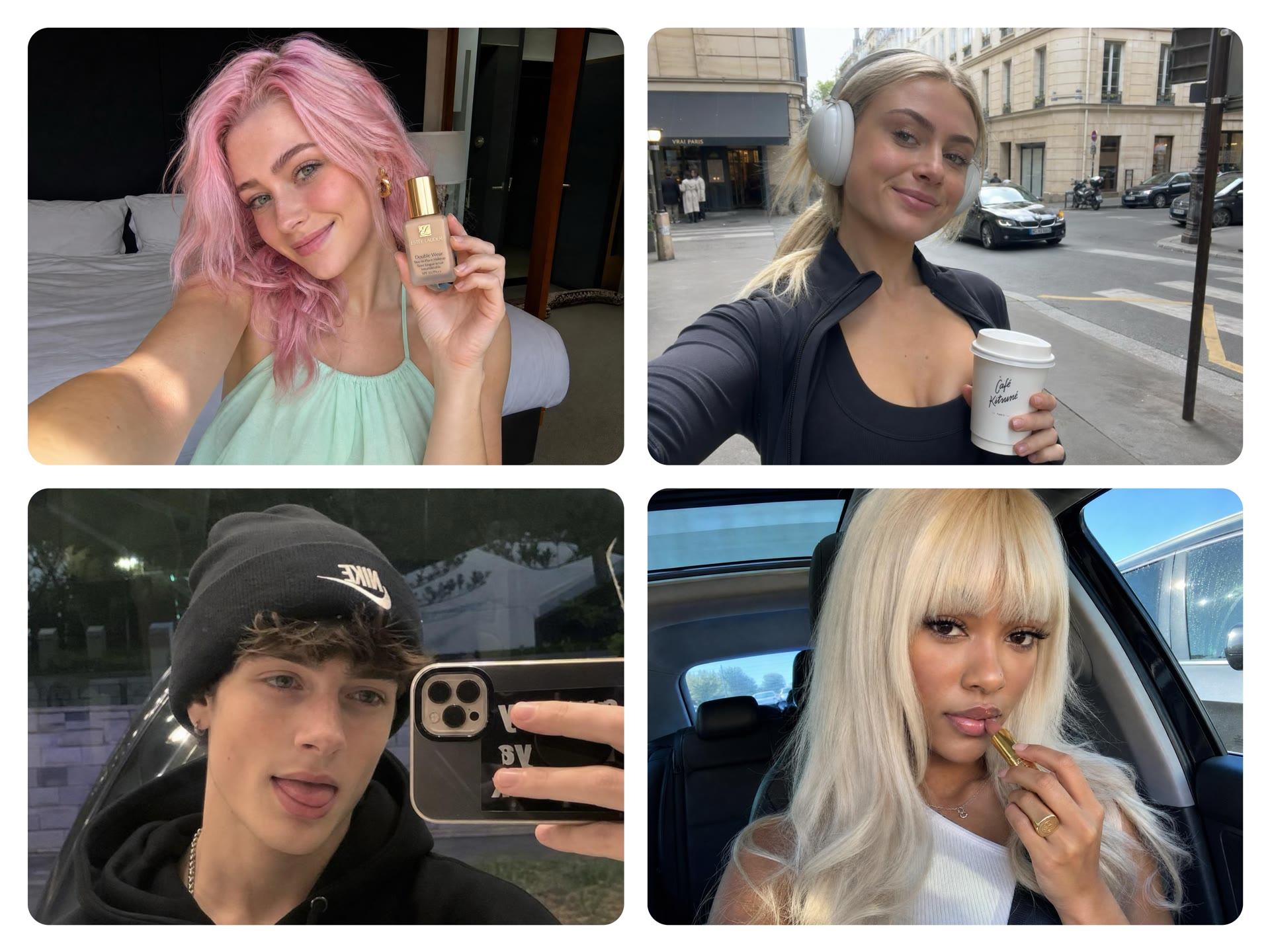
Start from one product or creator reference and quickly produce multiple mobile-first ad concepts, creator-style scenes, testimonial layouts, hooks, and platform-specific formats. Replaces: manually rebuilding every ad variation and producing separate drafts for each channel. Best for: TikTok ads, Instagram creatives, UGC campaigns, social testing.
04
Posters, Infographics & Marketing Visuals
Describe the headline hierarchy, layout, text, visual structure, and composition rules, then generate usable first drafts for posters, thumbnails, infographics, and campaign graphics. Replaces: rough layout sketches, first-pass poster designs, and repeated composition experiments. Best for: event posters, thumbnails, infographics, campaign graphics, multilingual creatives.
05
Character & Brand Asset Consistency
Use the same mascot, character, pet, spokesperson, or branded visual across new poses, expressions, environments, and campaign scenes without recreating the identity from scratch. Replaces: repeated character redraws, manual compositing, and inconsistent one-off generations. Best for: mascots, IP characters, brand storytelling, recurring campaign assets.
06
Campaign Iteration & Localization
Keep an approved visual direction and change only what matters: copy, language, product version, background, format, audience, or region. Continue editing the same asset instead of restarting every feedback round. Replaces: duplicated design files, repeated revisions, manual localization, and rebuilding each campaign variation. Best for: A/B testing, regional campaigns, multilingual ads, client revisions, large-scale creative production.
Why Use GPT Image 2.5 Through ImaStudio
The model is only one part of the job. ImaStudio connects GPT Image 2.5 to the practical parts of image production: input setup, references, model choice, saved outputs, downloads, and follow-up creative work.
No API Setup
Use GPT Image 2.5 from the page without managing API keys, endpoints, model IDs, or developer configuration.
Built for Output, Not News
This page is not a launch summary. It is an ImaStudio tool page for creating usable images for ads, ecommerce, fashion, posters, social media, and campaigns.
Model Strengths Mapped to Tasks
Precise editing, reference fidelity, multi-turn consistency, and faster Flare generation are framed around the jobs ImaStudio users actually do.
Connected to ImaStudio History
Outputs can be saved, downloaded, compared, and reused from the creation workflow instead of disappearing after a single generation.
PromptStart from a creative brief
RefUpload image references
SaveKeep results in history
GPT Image 2.5 FAQs
Explore more AI tools and creative examples
Create With Ima Studio
Everything in one workspace - images, video, and agents.