 Image + video
 Halloween AI Trends · A little seasonal magic
Your Halloween, reimagined with AI.
Dream up a costume. Dress up your pet. Give your products a seasonal twist. Turn one idea into Halloween images and videos.
1 / 7
LET THE MAGIC BEGIN
What will you create this Halloween?
Pick a scene, add your details, and bring your idea to the creation studio.
Inspiration photo
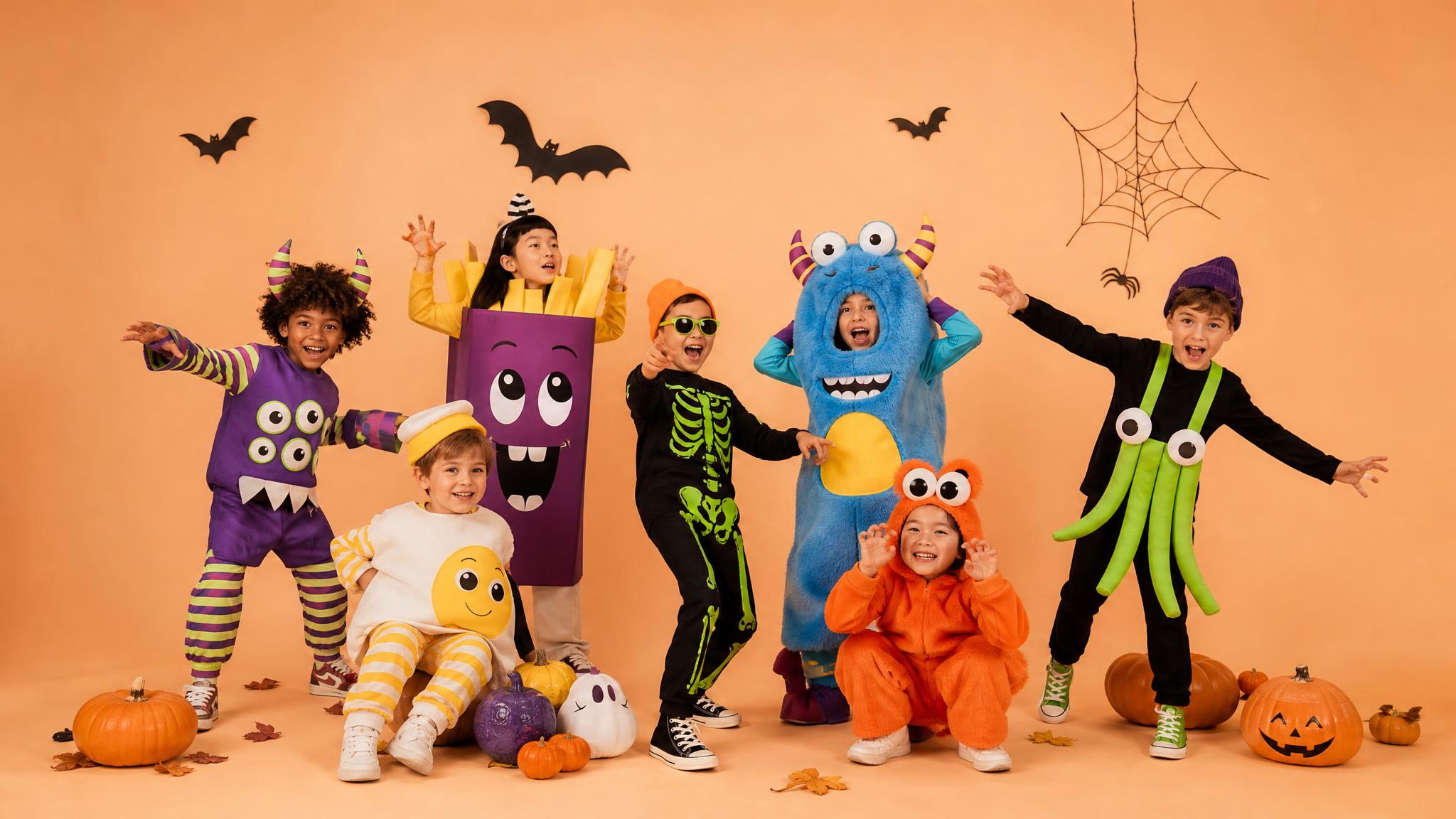
Kids’ costumes
Little witches, pumpkin explorers and friendly ghosts. Dream up a playful costume portrait.
Create a still imageONE HOLIDAY. ENDLESS POSSIBILITIES.
Halloween AI Trends for every scene
From family memories to your next seasonal campaign.
Image + video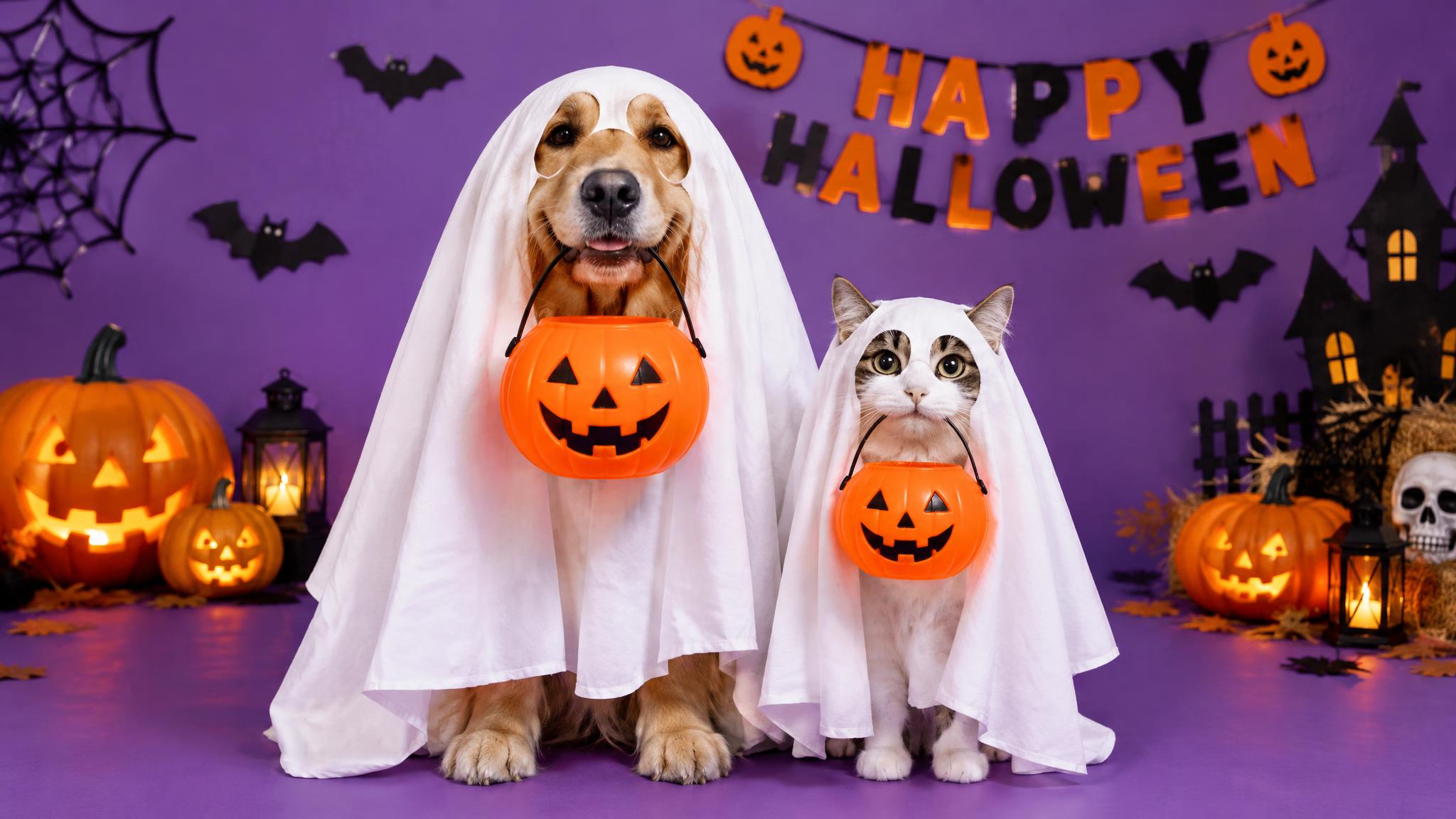 Image + video
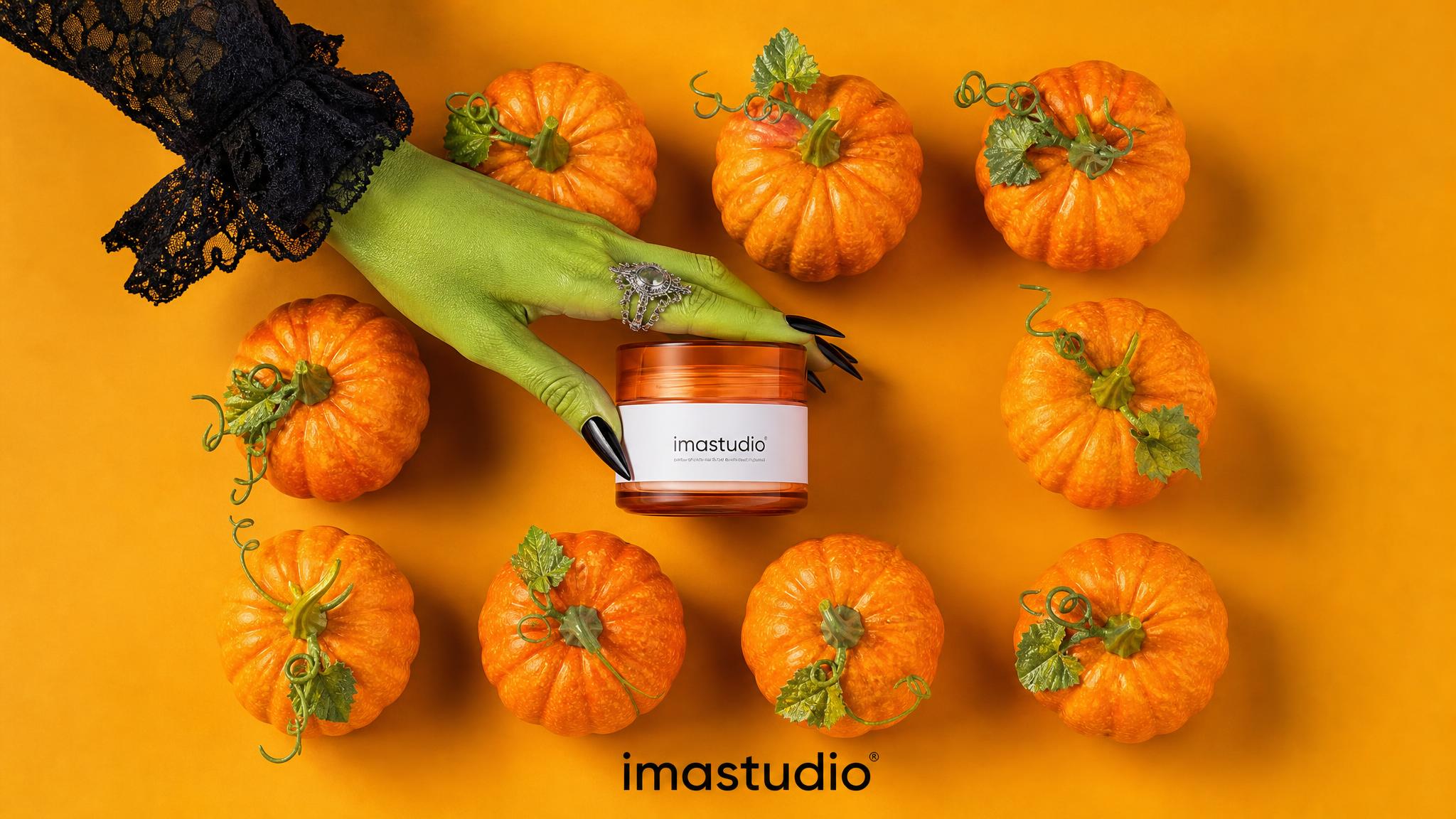 Image + video
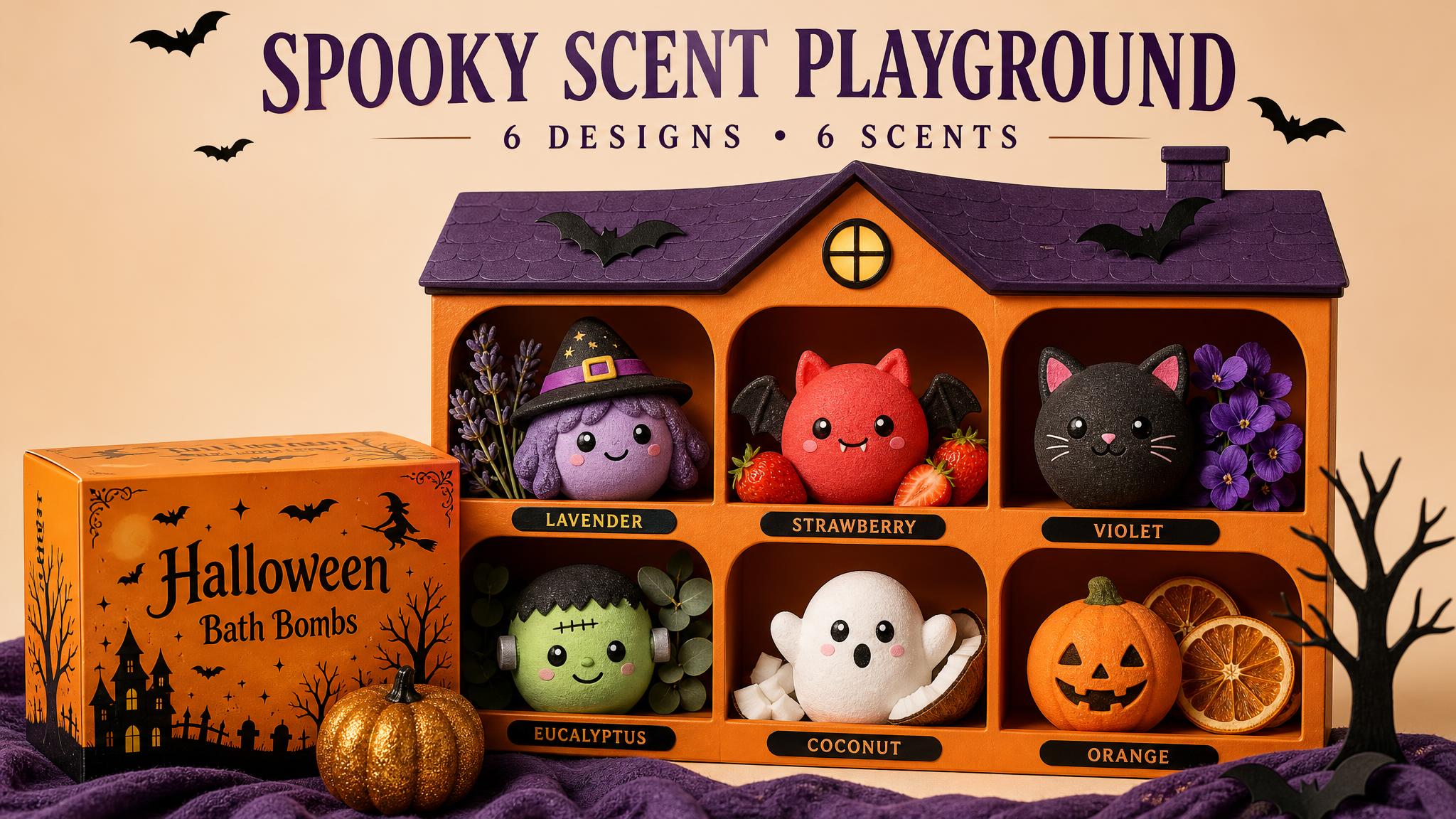 Image + video
 Image + video
 Image + video
 Image + video
 Image + video
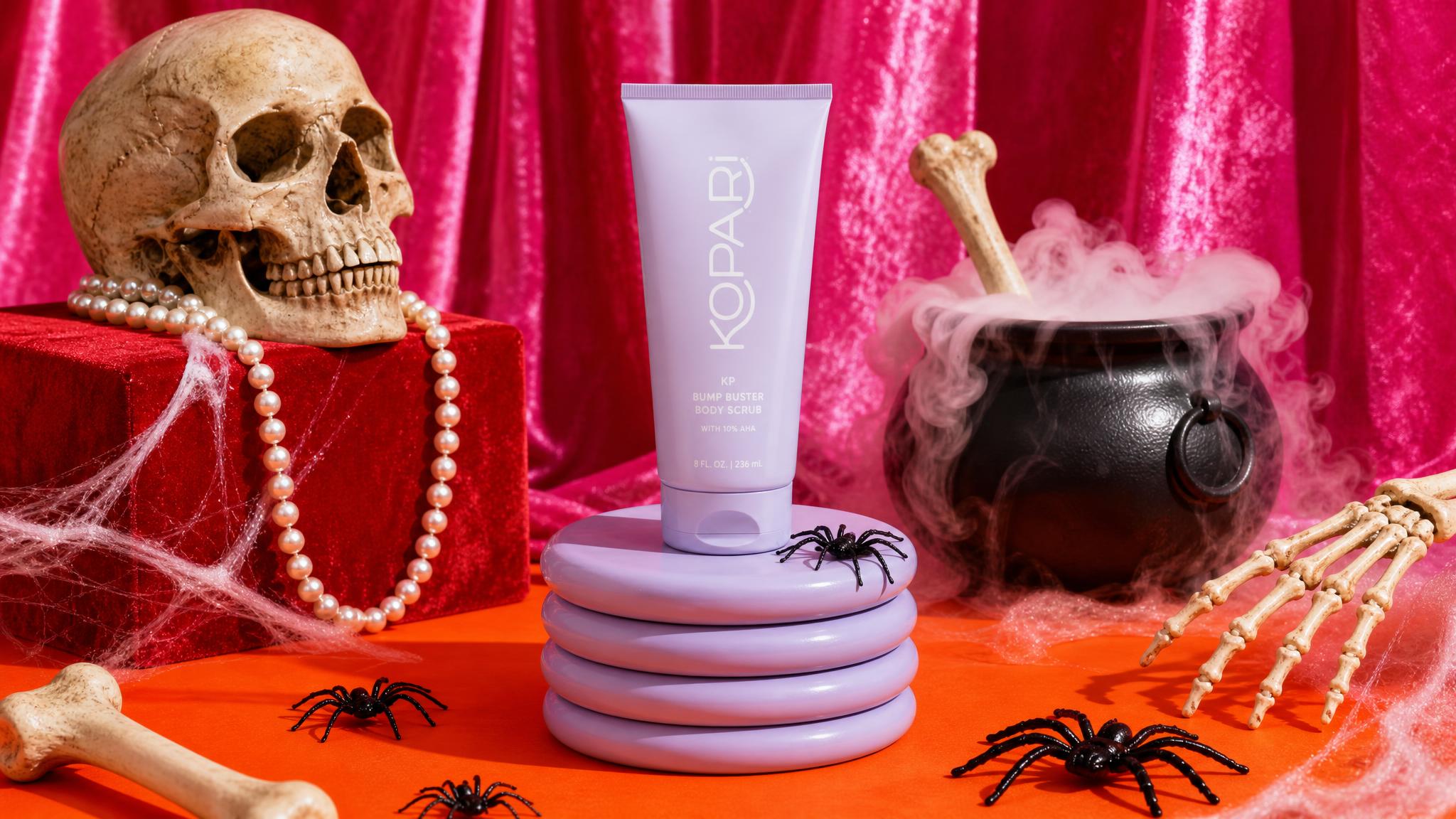 Image + video
 Image + video
From an idea to Halloween magic
01
Choose a scene
Pick images or videos, choose a scene, and add a reference photo if you have one.
02
Make it your own
Choose a mood and aspect ratio. Add costume, background, product or campaign details.
03
Create & refine
Continue to the creation studio, review the model and credit cost, then generate and refine your result.
Halloween AI Trends: Questions & Answers
Explore Halloween AI Trends for costumes, pets, product visuals and short videos, with practical guides from our blog and clear links to privacy and service terms.
Ideas & creation
Explore costume portraits, pumpkin-inspired pets, coordinated family looks, seasonal product visuals and short videos. Image mode prepares a still-image workflow; Video mode offers costume reveals, product showcases, character greetings and animated invitations. Choose the format that fits the idea before continuing to the studio.
Read more:Halloween costume ideas
You can start with text alone. To guide a person, pet or product’s appearance, use one clear JPG, PNG or WebP image up to 20 MB. Avoid heavy blur and make important details visible. Selecting a photo here creates a local preview; the creation workflow handles uploading and generation.
Describe the subject, costume, setting, framing, lighting and details to preserve. For example: “My dog in a small pumpkin cape, beside autumn leaves, warm window light; preserve its brown-and-white markings.” For a shop banner, provide exact wording and specify where to leave space for it. Refine one detail at a time.
Read more:Prompt writing guide
Have an appropriately authorized adult manage children’s photos and choose friendly, age-appropriate ideas. The Terms require users to be at least 13; eligible minors need parental or guardian supervision and must meet local requirements. The Privacy Policy also describes additional regional protections for children’s personal data.
Add a clear pet reference and describe its breed, fur color and distinctive markings. Specify what should change, such as the costume or background, and what should stay. Our pet-clothing blog shows how reference photos and clear outfit descriptions can guide a result. Check the face, coat pattern and garment details afterward.
Read more:Pet clothing photo guide
Start with a clear product reference. Define the product’s real color, shape, packaging and approved copy, then add seasonal props and lighting. For covers, ask for space for a headline and CTA. Check the product, text and final dimensions before use; a generated concept still needs review for the destination platform.
Choose Video and describe a short action sequence, such as a costume close-up, a turn and a wave. Add camera movement, lighting and a desired final frame. Our Halloween blog includes transformation and reveal ideas. Review duration and other supported settings in the creation studio; the reference clips on this page are not output guarantees.
Read more:Halloween costume ideas
Try 9:16 for a vertical short, 1:1 for a square post or product creative, and 16:9 for a landscape banner or video. Image mode also offers 3:4 and 4:3. Each mode remembers its selected ratio. Confirm model support and inspect the exported dimensions before adapting the result to a placement.
Credits & commercial use
The model and output settings determine the applicable credit cost. Review the estimate in the studio before generating. Subscription allowances, included features and any current offers are governed by the current plan details and Terms of Service. This landing page does not promise a fixed free quota.
The Terms leave ownership of submitted and generated content with you, while legal rights in AI output depend on applicable law. For commercial use, verify permissions for references, likenesses, brands and other assets. Check product accuracy, copy, model conditions and the destination platform’s rules before publishing.
They are inspiration photos and playable reference clips. They illustrate creative directions and do not predict a specific result. Your selected scene, style, reference and additional details guide a new creation in the studio; choosing an inspiration card does not submit the stock sample as your own reference.
Privacy & your content
Visibility depends on the relevant privacy and publication settings. Publicly shared work can be seen by other users, and the Terms describe an additional license for displaying, distributing and promoting public content. Review the sharing scope and permissions when you publish or share a creation.
Read more:Terms of Service
The Privacy Policy limits facial-data processing to requested functionality, not identity checks, facial recognition or biometric templates. Contracted AI processors may not use facial data for independent purposes such as model training. These statements concern facial data; consult the complete policy for other information.
Read more:Privacy Policy
Section 5.2 describes deletion of uploaded content and associated facial data after delivery of the requested output, generally within 30 days, with exceptions for legally required retention. Other records can have different retention periods. Read the policy for the scope and exceptions instead of treating 30 days as a universal deadline.
Read more:Privacy Policy
Use the applicable account controls or contact support@imastudio.com or legal@imastudio.com. The Privacy Policy describes access, correction, deletion and other rights subject to your jurisdiction. Identity verification may be needed, and legal, security or dispute-related retention can limit deletion.
Make this Halloween your own.
One idea. A costume, a story, or a seasonal campaign. Start with a little imagination.