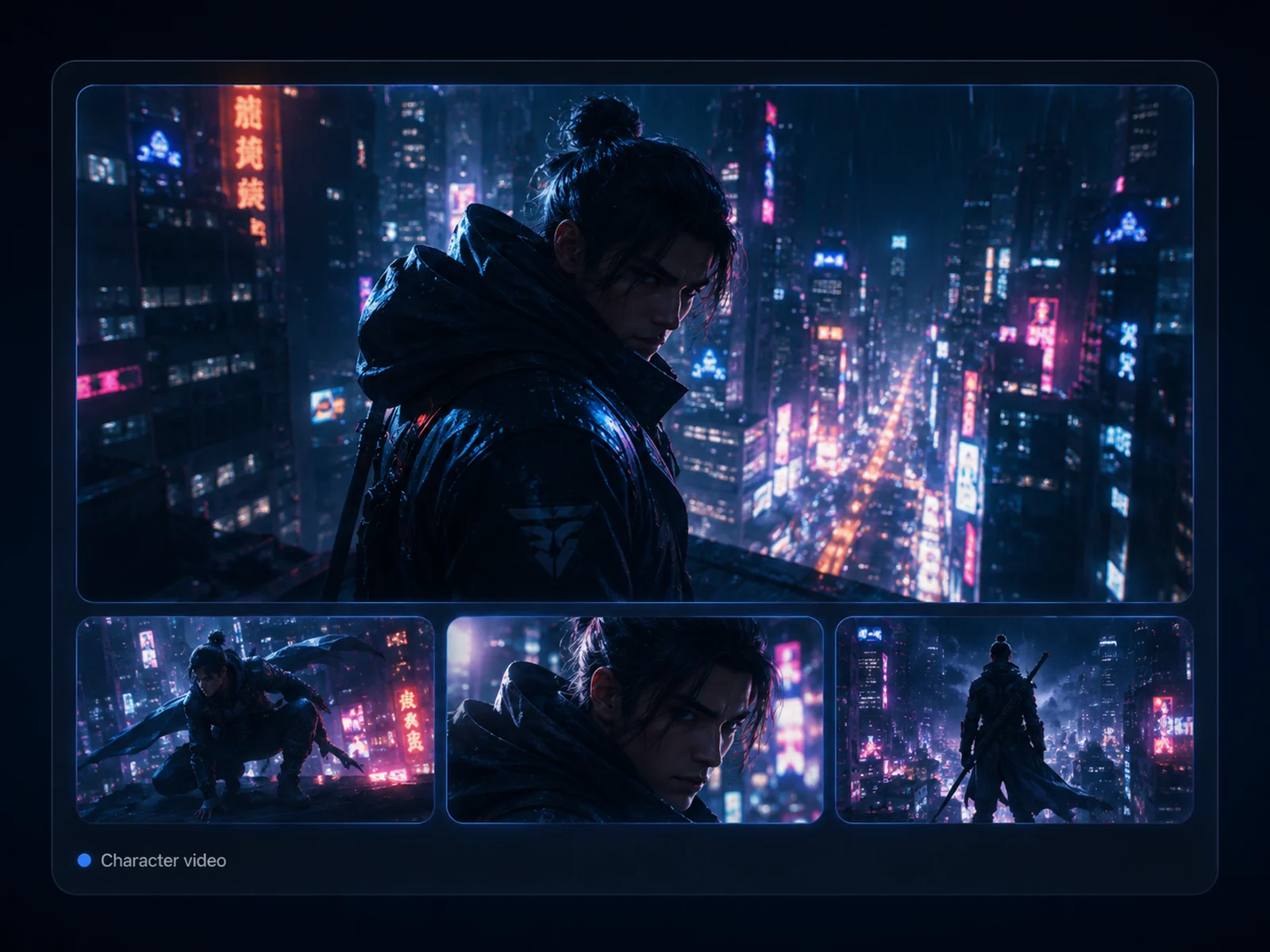
From Concept to Viral Video with Hailuo AI
Create with the Hailuo AI community, reuse prompt ideas, refine motion by chat, and turn images into cinematic clips for social posts, ads, fan art, anime scenes, product showcases, and storyboards.
How to Create Videos with Hailuo AI on Ima Studio
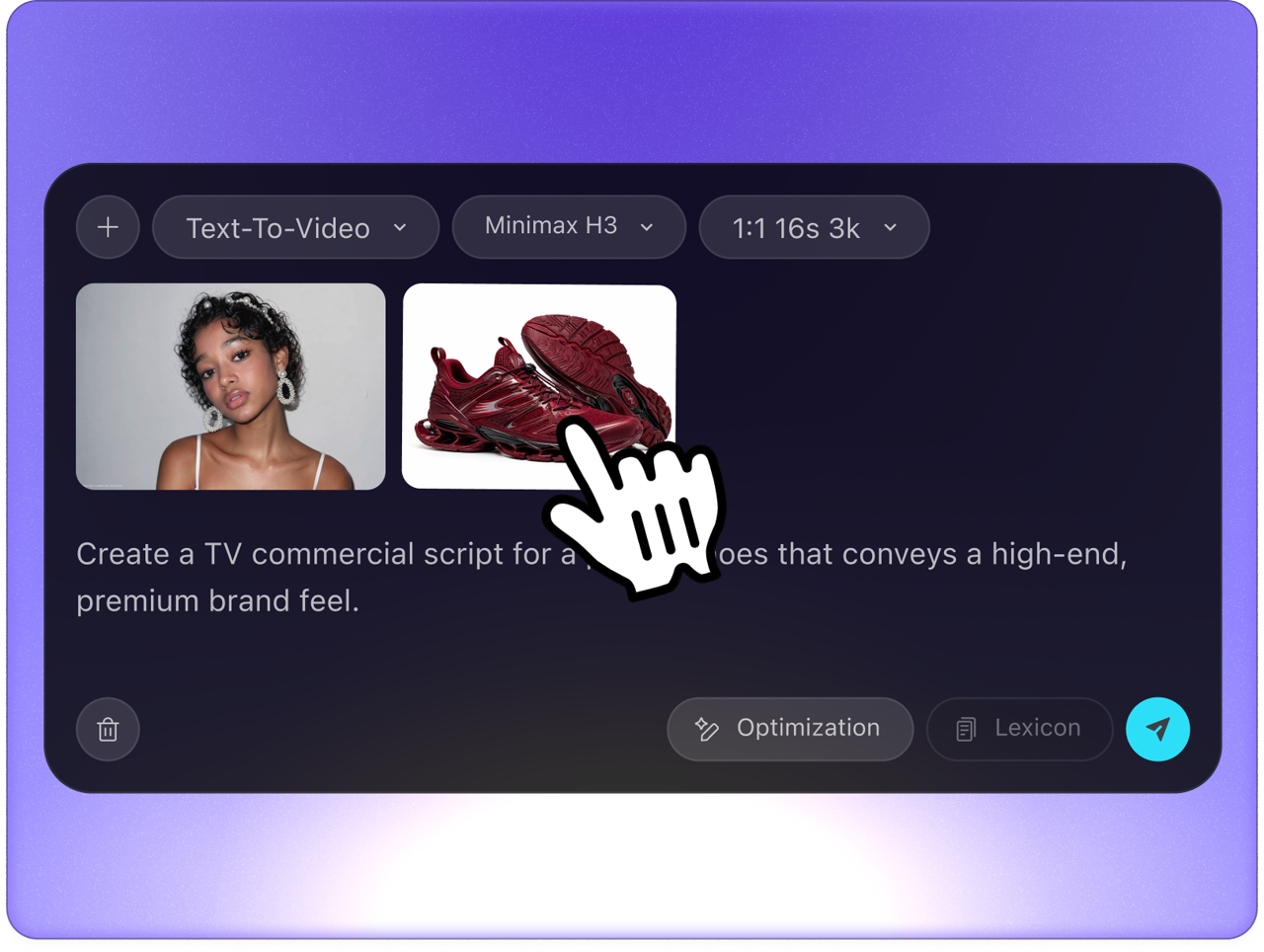 Step 1Open Hailuo in Ima Studio
Open Ima Studio, enter the AI Video workflow, and start from the Hailuo video generator page. The page is built for both prompt-led video ideas and image-to-video creation with a reference image.
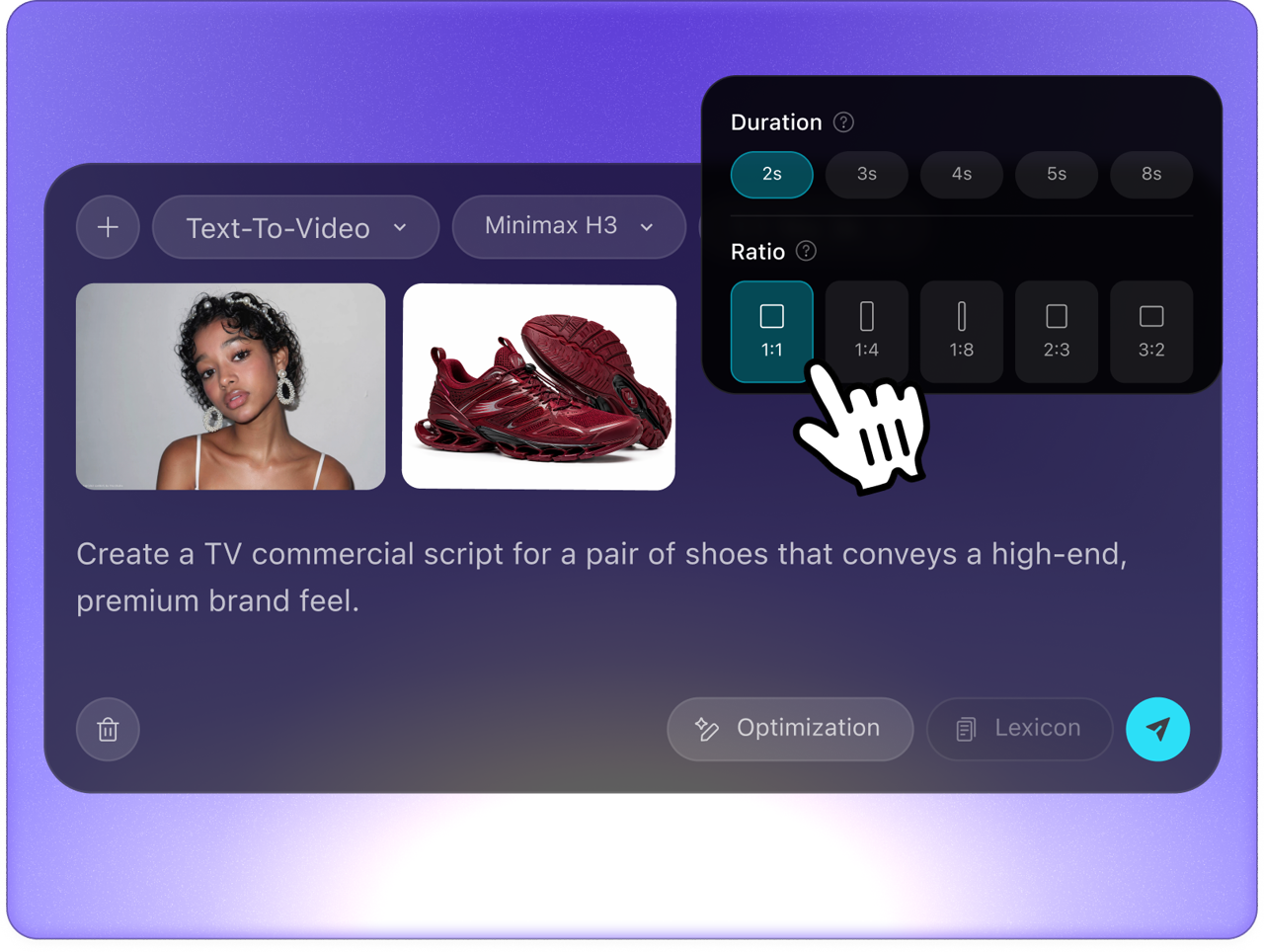 Step 2Add Your Input
Upload an image or type a text prompt. Describe the subject, action, scene, mood, camera movement, and output direction, then use the available duration and aspect-ratio controls before generation.
- Step 3Generate and Download
Generate the Hailuo AI video, download the result, then keep the prompt direction for more versions. Use the output for TikTok, Reels, Shorts, ads, storyboards, product demos, or social campaigns.
All-In-One AI Toolkit For Any Idea Or Project
1080p HD and Cinematic Camera Motion
Generate HD Hailuo clips inside Ima Studio and guide camera motion with prompts. Smooth pans, tilts, zooms, and cinematic movement help turn a still idea into a stronger video draft.
Character Consistency for Portraits and Fan Art
Use a reference image to keep faces, outfits, and style more stable from the first frame to the last. This is useful for portraits, anime art, fan content, pets, and character-led short videos.
Free Credits and Repeat Creation
Start with free credits, then continue with earned credits, plan credits, or credit packs when you need more attempts. The creation flow shows the current estimate before you submit.
Instant Pre-Built Templates
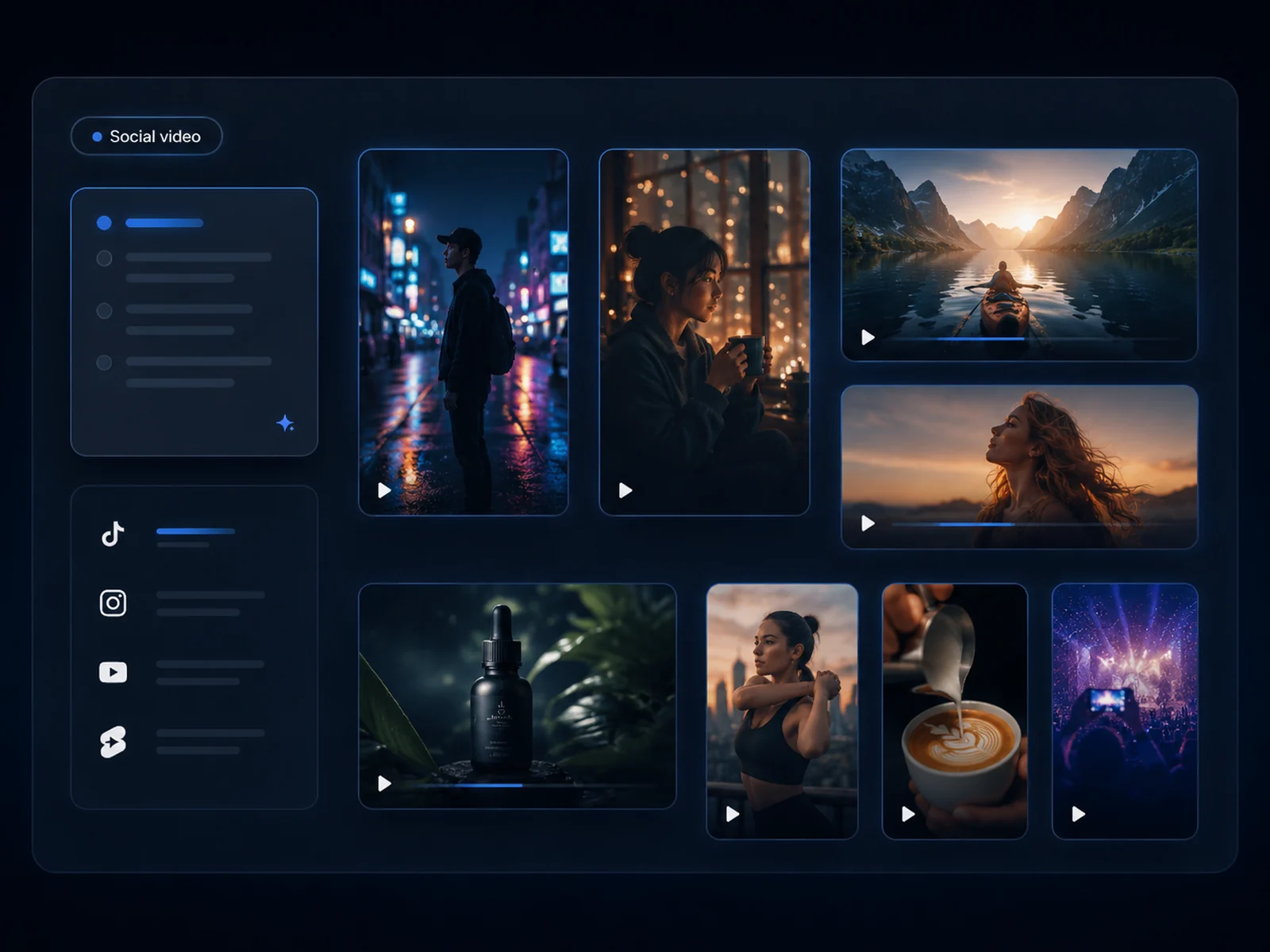
Use prompt and format directions for TikTok, Reels, Shorts, lifestyle clips, memes, product motion, and social ads. Start from a structure, then adjust the subject, camera, style, and duration.
From Concept to Viral Video with Hailuo AI
Create with the Hailuo AI community, reuse prompt ideas, refine motion by chat, and turn images into cinematic clips for social posts, ads, fan art, anime scenes, product showcases, and storyboards.
01
Create with the Hailuo AI Community
Ima Studio is more than a blank video generator. Explore real Hailuo AI creations, study prompt structures that already work, reuse directions, and build new clips from community-tested ideas.
02
Edit Hailuo AI Videos by Chat - Powered by AI Agents
Use Ima Studio's AI Agents to refine motion, camera movement, pacing, or style without rebuilding the whole idea from scratch. Chat through the change, adjust the direction, and keep creating from the same workflow.
03
Hailuo AI Free Creator with Instant Video Templates
Use ready prompt directions for pets, memes, product showcases, lifestyle clips, and Hailuo kiss-style social concepts. Pick the available duration and aspect-ratio options, then create more versions before the trend cools.
04
Maintain Character Consistency with Hailuo AI Video for Fan Art & Anime
Bring illustrations, fan art, portraits, or anime scenes to life with natural motion. Reference images help keep faces, outfits, silhouettes, and visual style stable across frames.
05
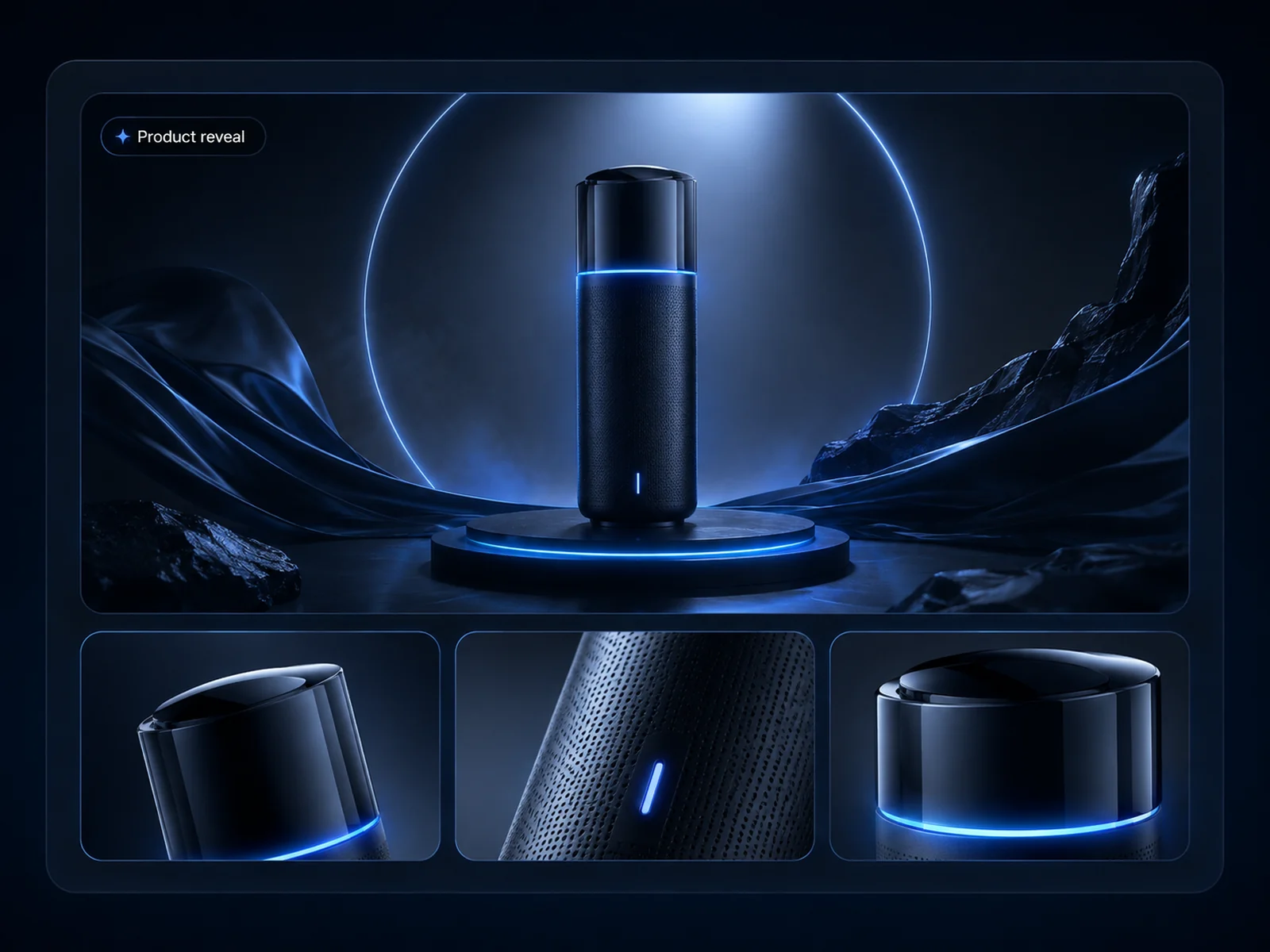
Transform Static Photos into Eye-Catching Video Ads
Turn static product photos into motion ads with depth, camera movement, and cinematic appeal. Use Hailuo AI video drafts for Amazon, Shopify, Instagram, TikTok, and fast ecommerce campaign testing.
06
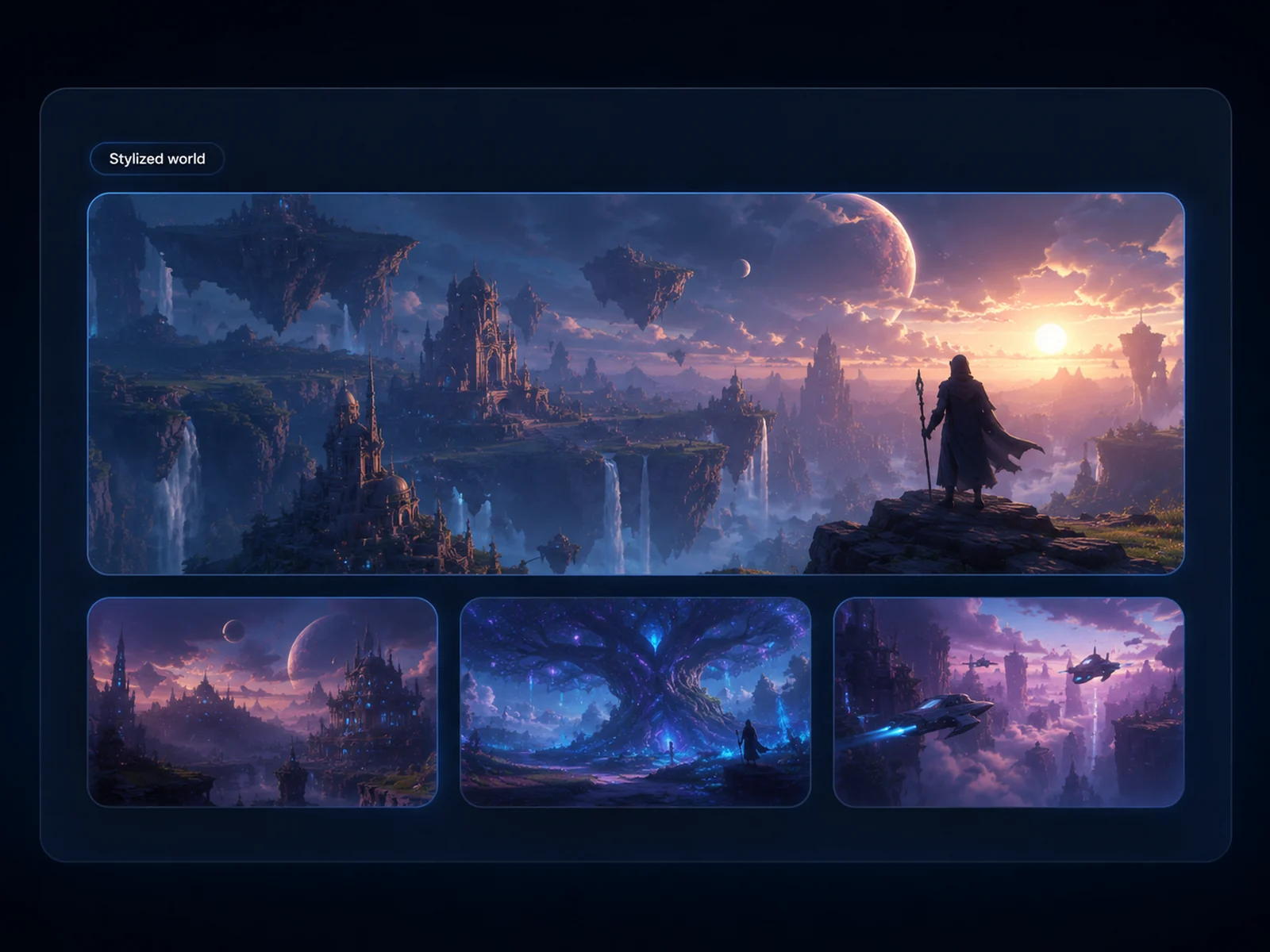
Build Storyboards Fast with Free Hailuo AI Video Generator
Simulate professional camera moves such as pan, tilt, zoom, push-in, and pull-back without planning a test shoot first. Create short cinematic previews quickly before scaling production.
Why Choose Hailuo AI Video Generator on Ima Studio?
Ima Studio combines Hailuo AI video generation, image-to-video references, community examples, prompt reuse, AI agents, and downloads in one workspace, so creators can move from an idea to a usable video draft faster.
Free Hailuo AI Video Generator with Credits
Use free credits to test your first Hailuo video ideas, then keep earning or buying credits for additional versions, higher-volume testing, and social campaign iteration.
Hailuo AI Image to Video Generator
Turn one reference image into a smooth HD video. Preserve the subject direction, guide character appearance, and add cinematic camera moves such as pan, zoom, tilt, or slow push-in.
Perfect for Portraits, Pets, Anime and Products
Use Hailuo for portraits, pets, anime art, product visuals, memes, lifestyle content, short-form ads, storyboard previews, and image-to-video social concepts.
One Workspace for Video Creation
Keep the whole process together: reference images, Hailuo AI generations, community inspiration, prompt reuse, AI-agent refinements, history, and downloads.
Hailuo AI FAQs
Explore more AI tools and creative examples
Create with Ima Studio
Everything in one workspace - Hailuo AI videos, community creations, and AI agents.