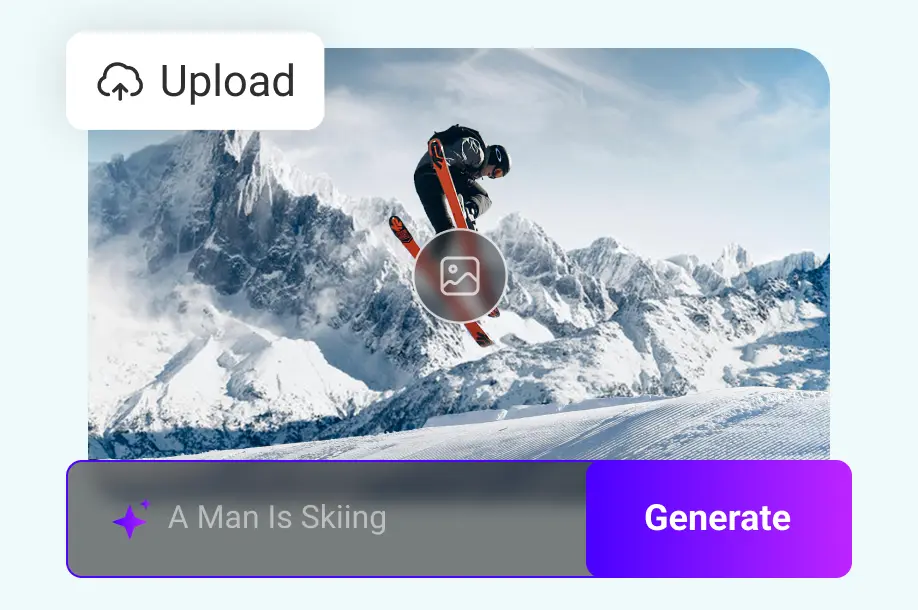
1. Add your idea
Enter a prompt, upload an image or video, or choose a template preset. Describe your idea as specifically as possible instead of using vague requests like “make a cool video.”

Bring your text prompts and photos to life. Explore video models, visual styles, and aspect ratios to create cinematic clips, product ads, and personal stories.
Example: An orange cat runs through a neon-lit street in the rain, filmed with a low tracking shot, cinematic lighting, vertical 9:16 video.
Enter a prompt, upload an image or video, or choose a template preset. Describe your idea as specifically as possible instead of using vague requests like “make a cool video.”
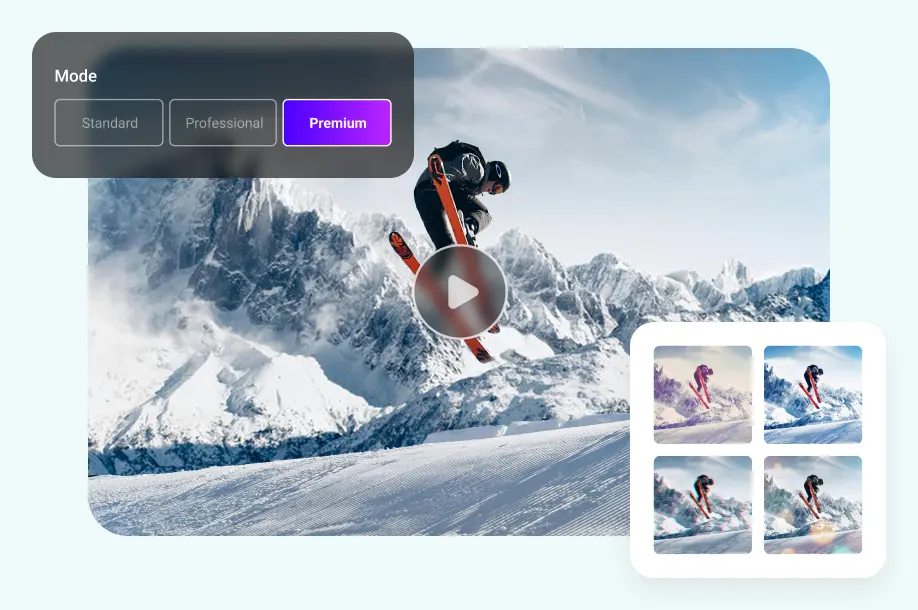
By default, Ima Studio selects the video model, duration, and dimensions that best fit your prompt. You can adjust them in the workspace for a final review before generating.
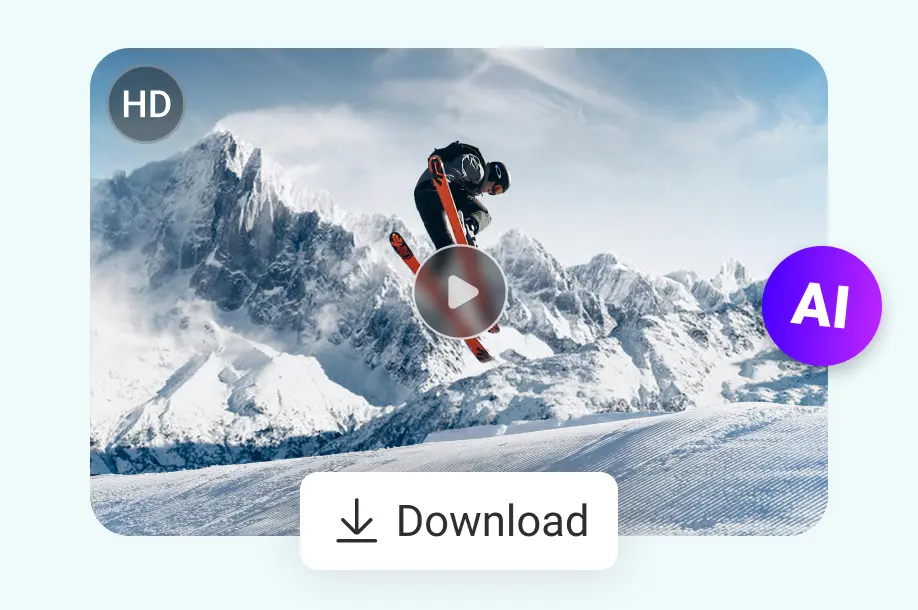
After a few seconds, you can preview your video. Save it without a watermark for social media, advertising, e-commerce, or your next project. Great videos often take more than one pass, so keep refining them in ImaStudio workflows and Canvas.
FROM AN IDEA TO A VIDEO
Move from an idea to a finished clip with text, reference images, and video models in one workspace.
Turn scripts and photos into moving scenes without arranging a full shoot or starting an edit from scratch.
Create polished clips for social posts, client work, and product campaigns. Review each model's supported resolution in the workspace.
Explore camera movement, lifelike action, expressive characters, and atmospheric lighting for your scenes.
EXPLORE VIDEO MODELS
Try different approaches to motion, storytelling, and reference images with the same creative brief.
VIDEO IDEAS FOR EVERY PROJECT
Make product reveals, social clips, personal memories, and cinematic concepts from a prompt or reference image.
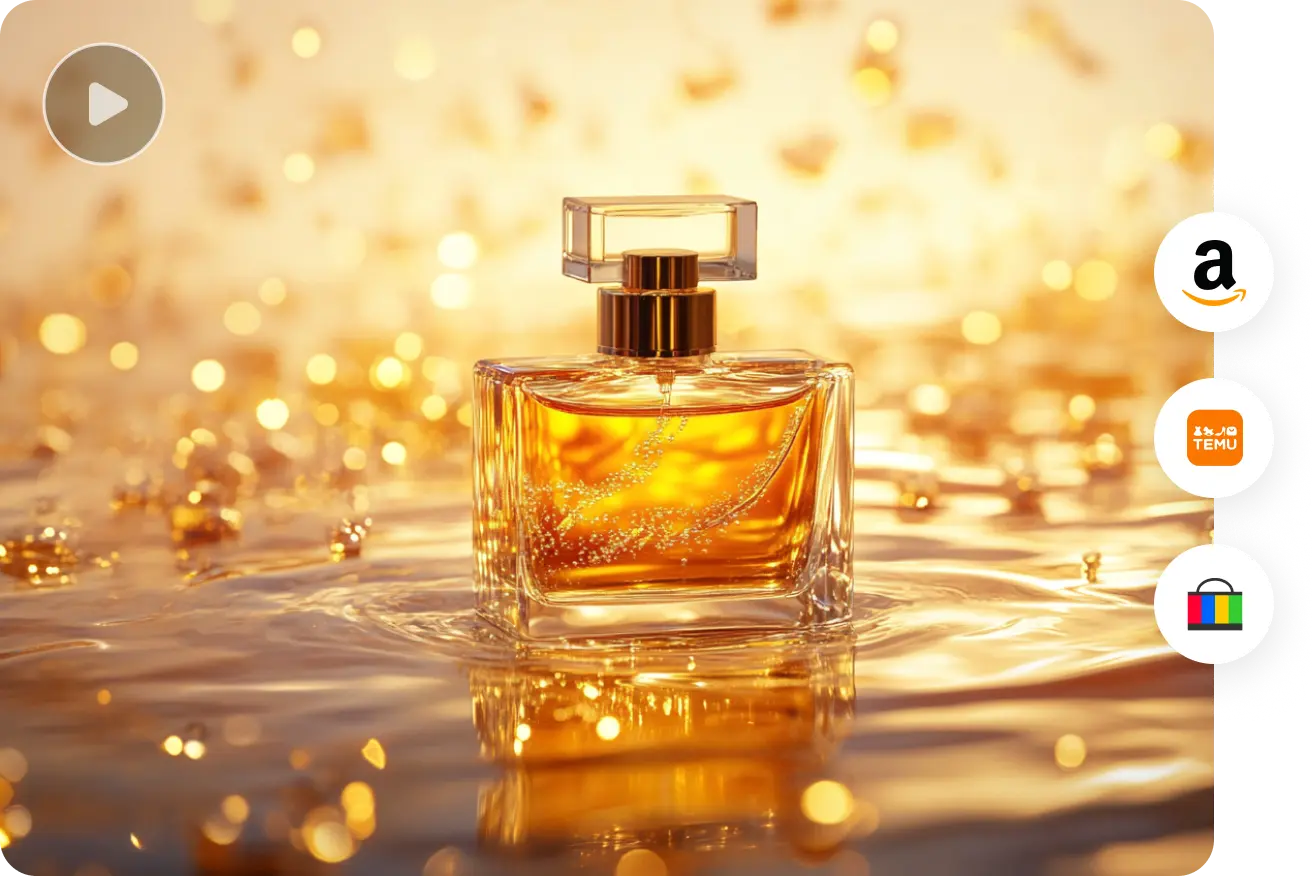
Bring product photography to life with camera movement and atmospheric lighting.
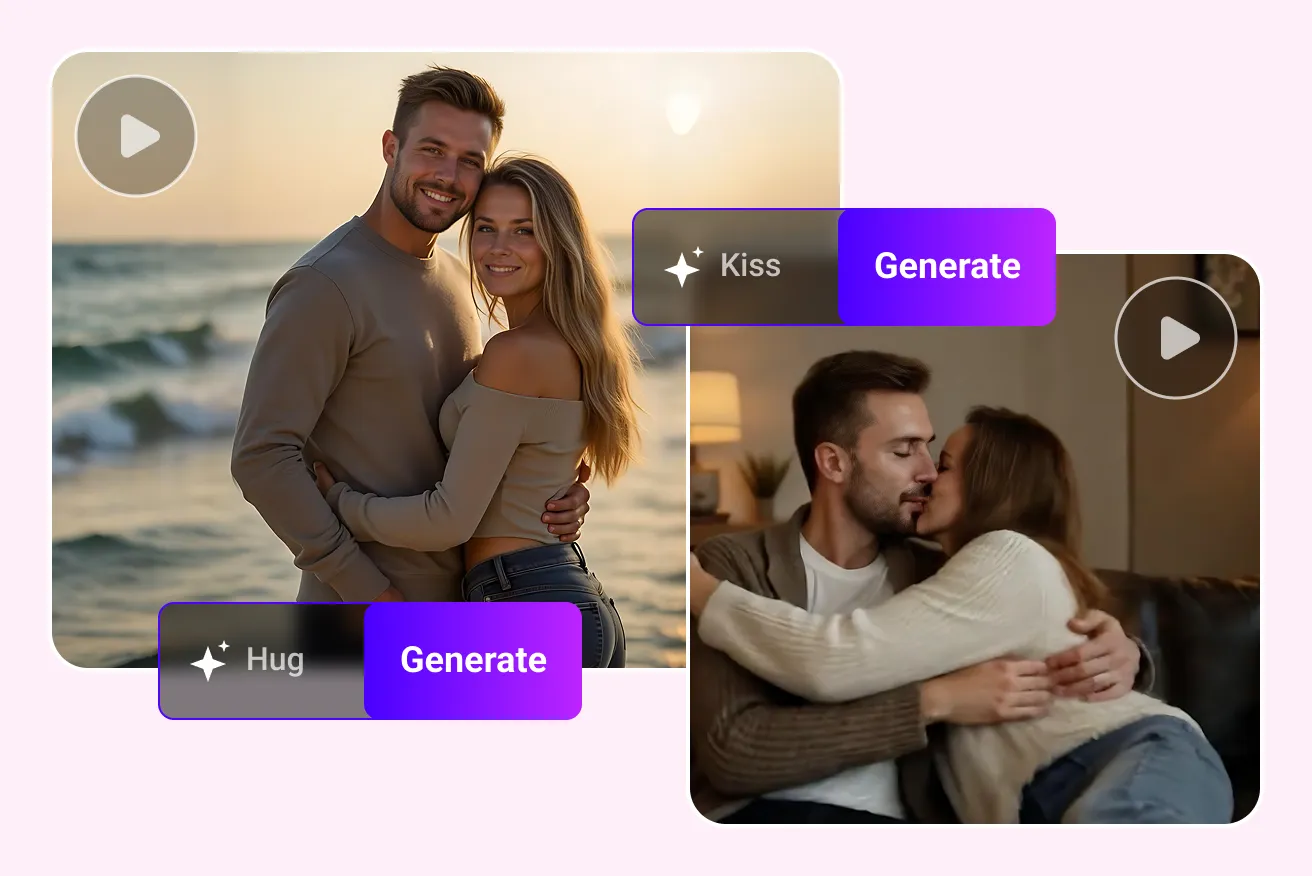
Explore gentle movement, expressive portraits, and meaningful moments.
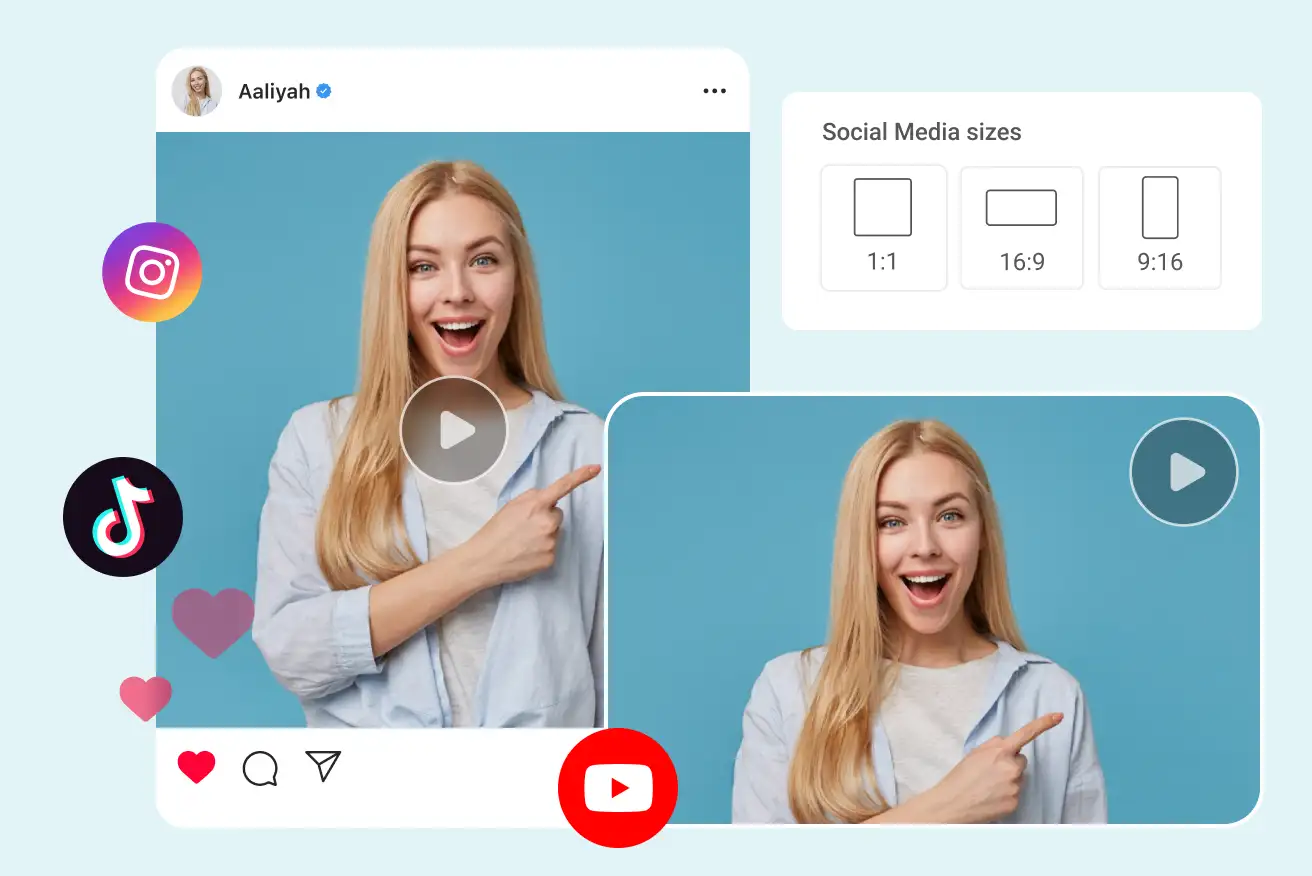
Explore short visual hooks for feeds, stories, and vertical videos.
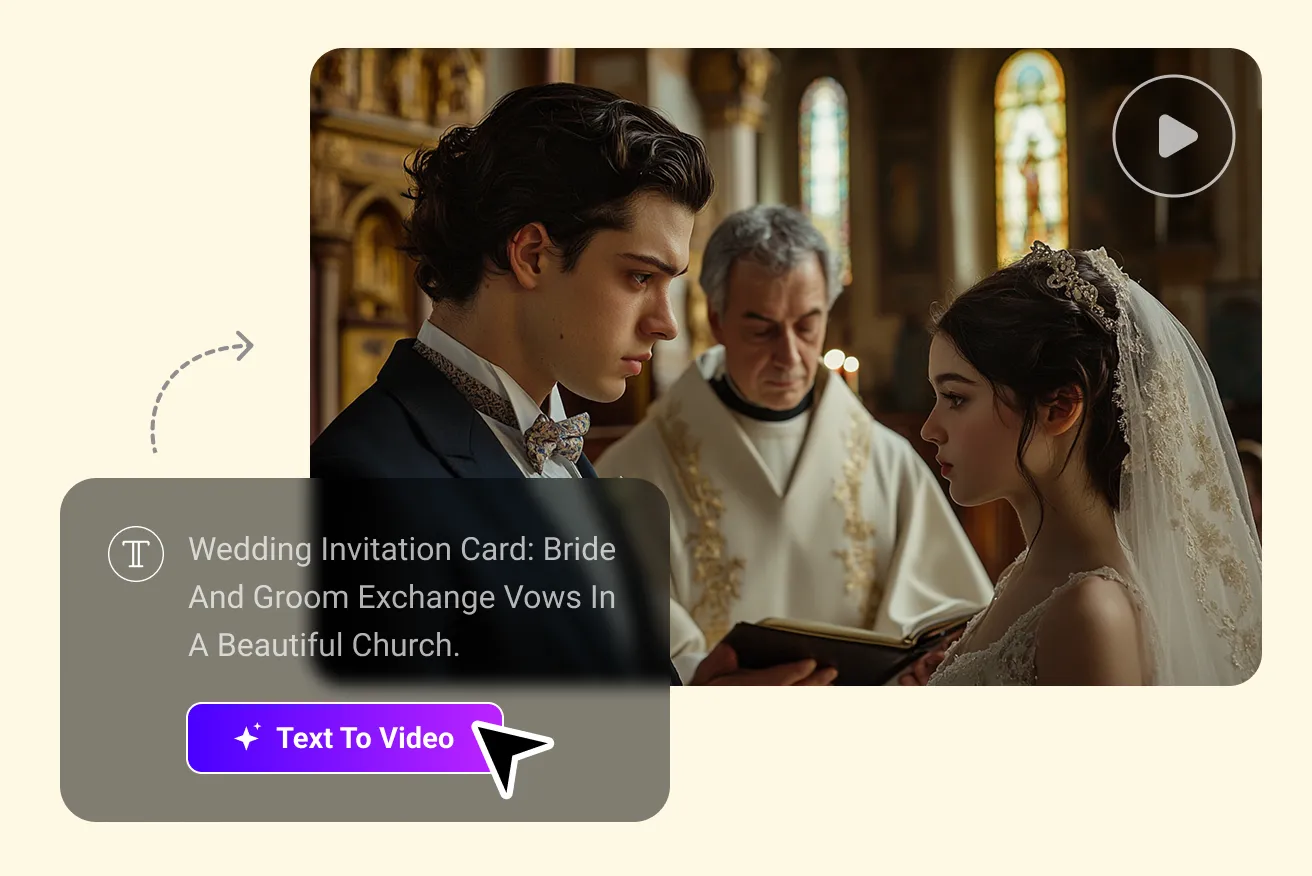
Develop characters, locations, and camera direction before a full production.
FAQ
What you may want to know about cost, waiting time, results, and downloads.
Bring a prompt or reference image and keep creating in Ima Studio.