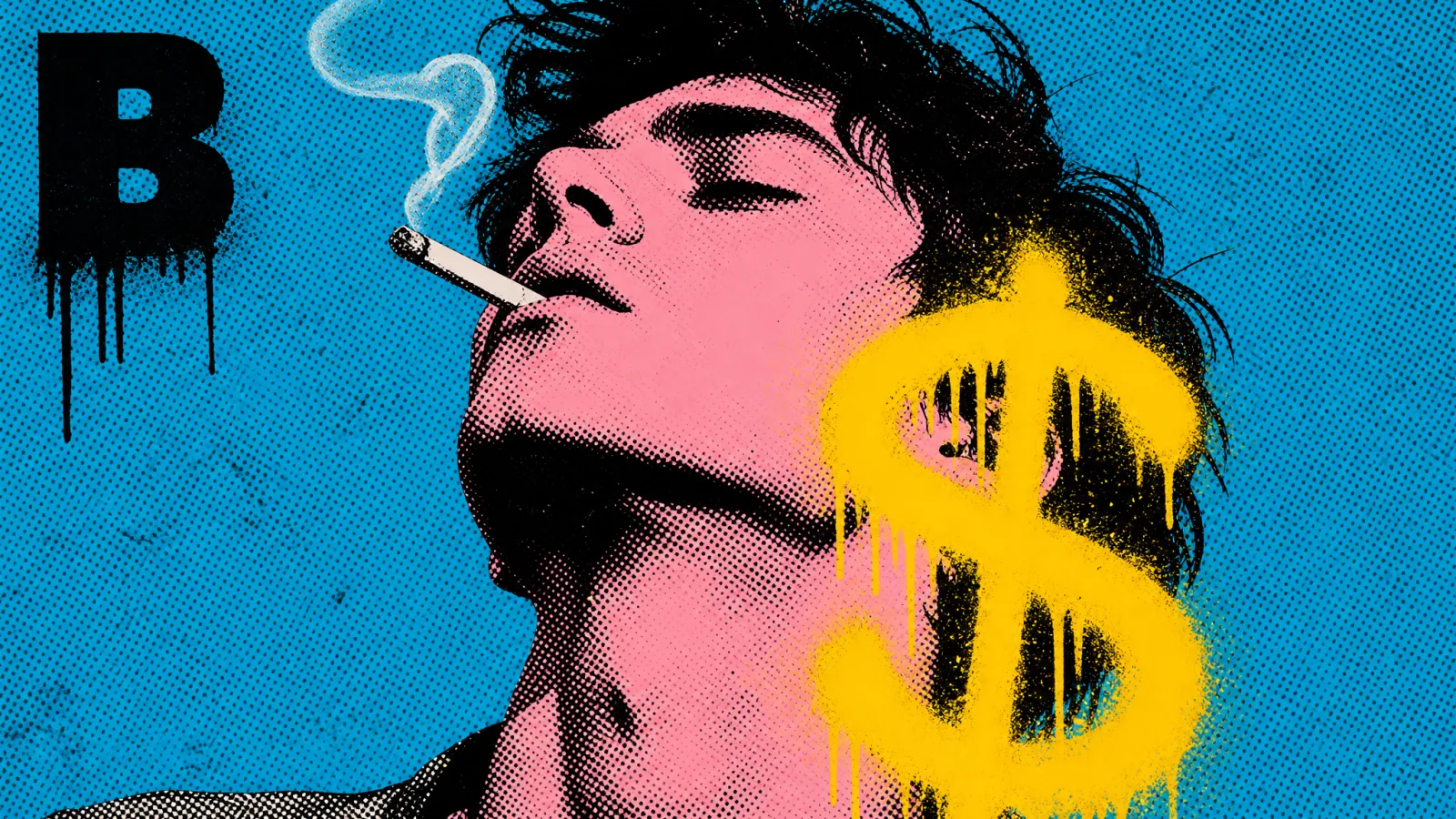
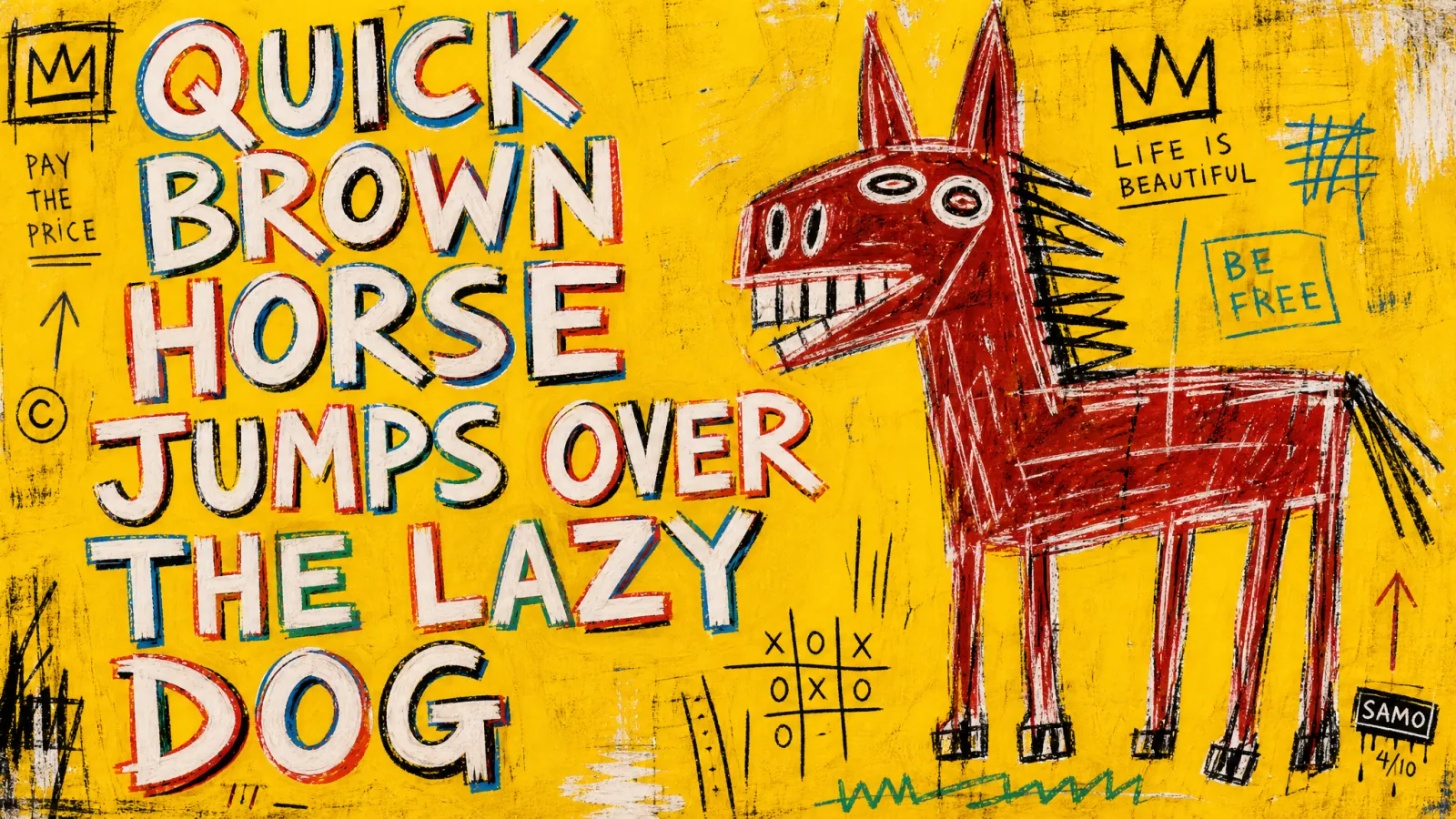
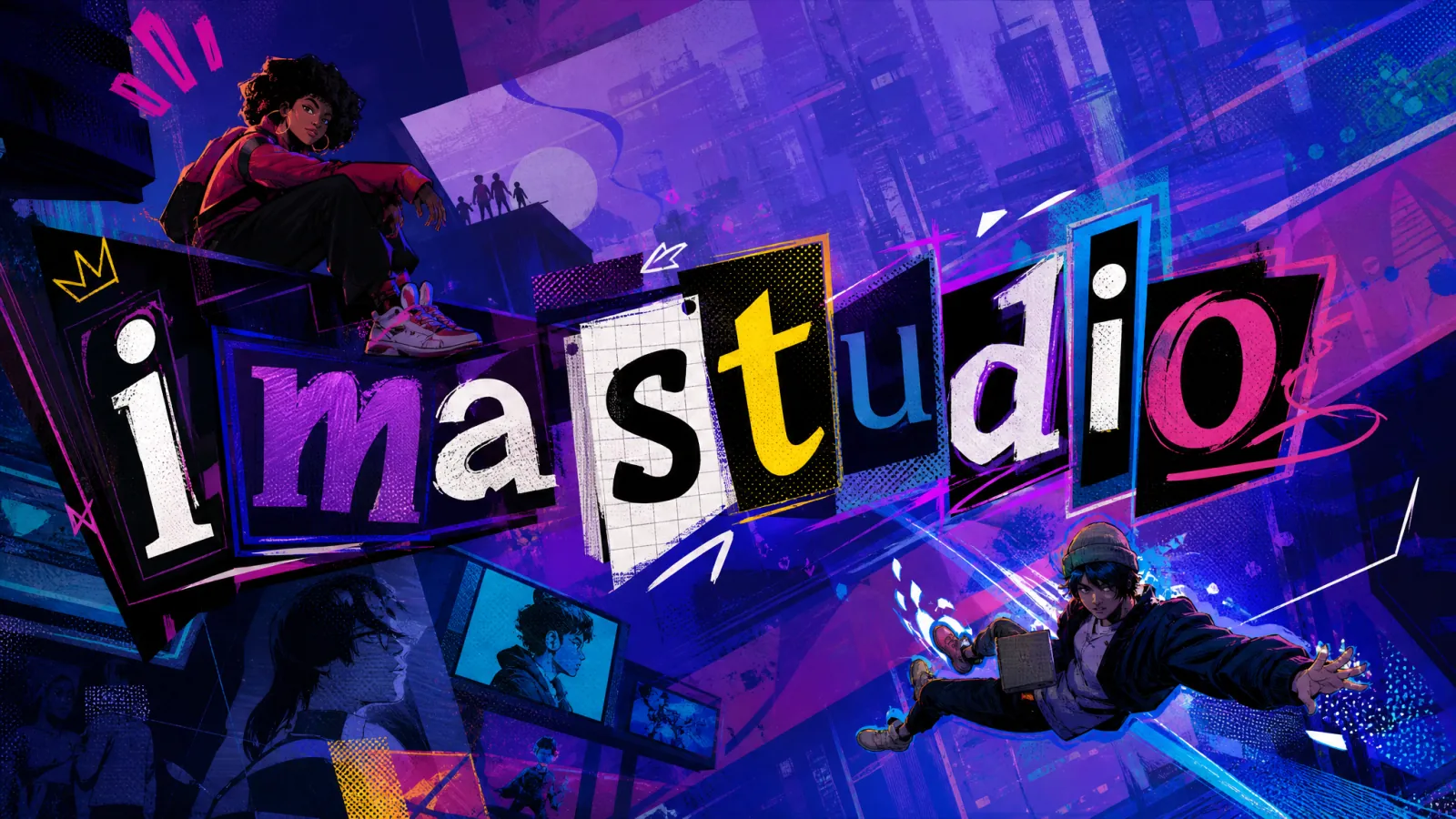
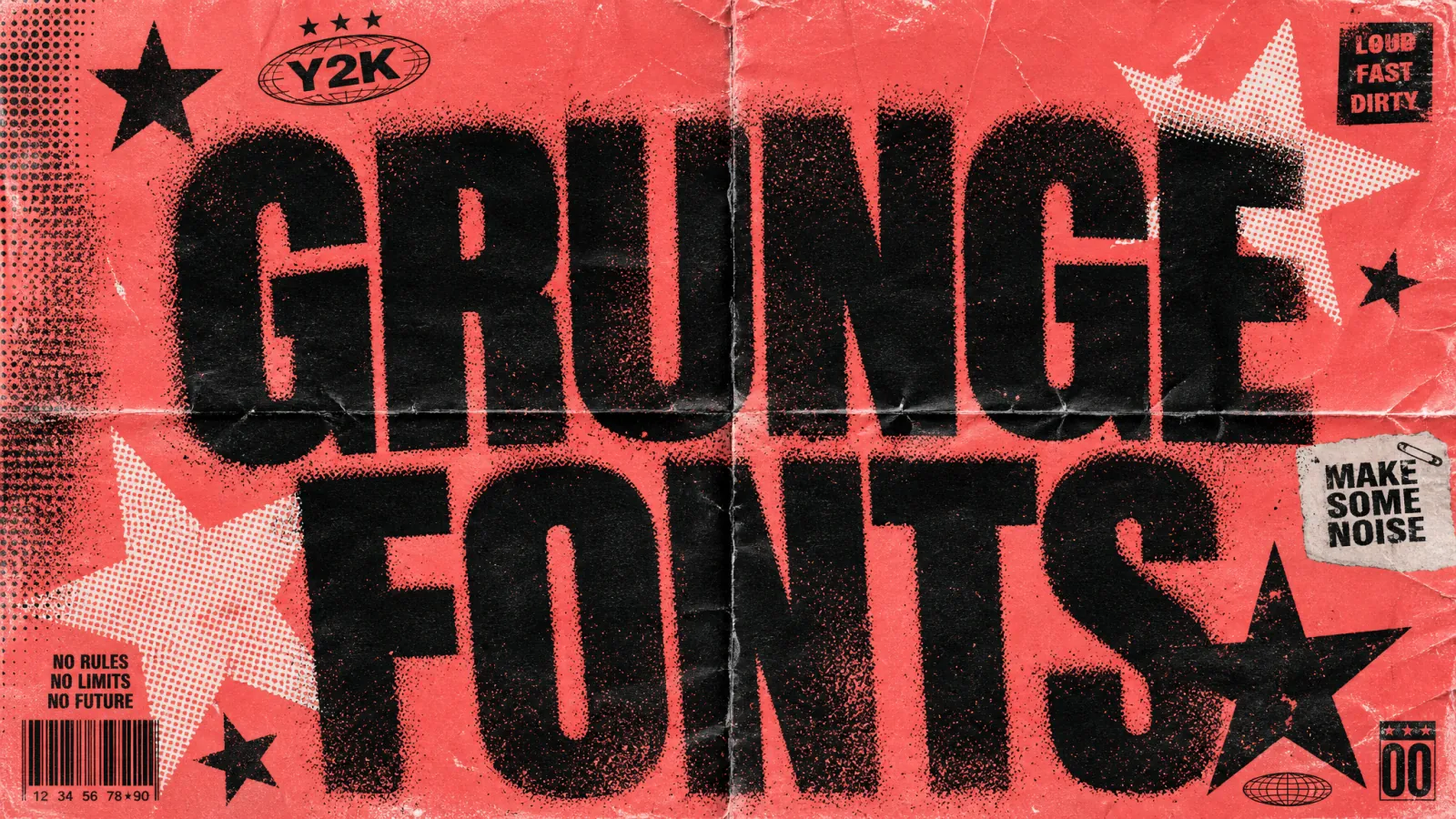
Start with text, a sketch, or a logo
Use a word, name, slogan, rough sketch, brand mark, or style reference to guide the first result.

Turn graffiti words, names, slogans, sketches, or logo ideas into bubble lettering, wildstyle graffiti font directions, stencil looks, 3D-inspired text, and bold street-art concepts.
Start with a prompt or reference image, then refine the result in the workspace.
PROMPT. STYLE. REFINE.
Generate graffiti letters, font directions, logos, merch graphics, event tags, posters, and street-art concepts, then keep editing the strongest direction.
Use a word, name, slogan, rough sketch, brand mark, or style reference to guide the first result.
Explore bubble letters, wildstyle shapes, stencil looks, 3D depth, color mixes, and wall textures without rebuilding the brief.
Keep the lettering direction that works, then adjust mood, palette, background, stroke weight, and finish in the workspace.
STYLE DIRECTIONS
Choose a direction, open it in the workspace, and refine the prompt, reference image, ratio, and output settings there.
Turn graffiti words, channel titles, product names, or event slogans into a readable street-art direction.
Explore bubble fonts, wildstyle letterforms, stencil styles, 3D depth, spray textures, wall backgrounds, and color combinations fast.
Shape graffiti ideas for T-shirts, stickers, album covers, social posts, campaign graphics, and logo concepts.
POPULAR GRAFFITI USE CASES
Start with graffiti words, a product name, personal tag, brand slogan, poster headline, or event title, then explore a finished street-art direction.
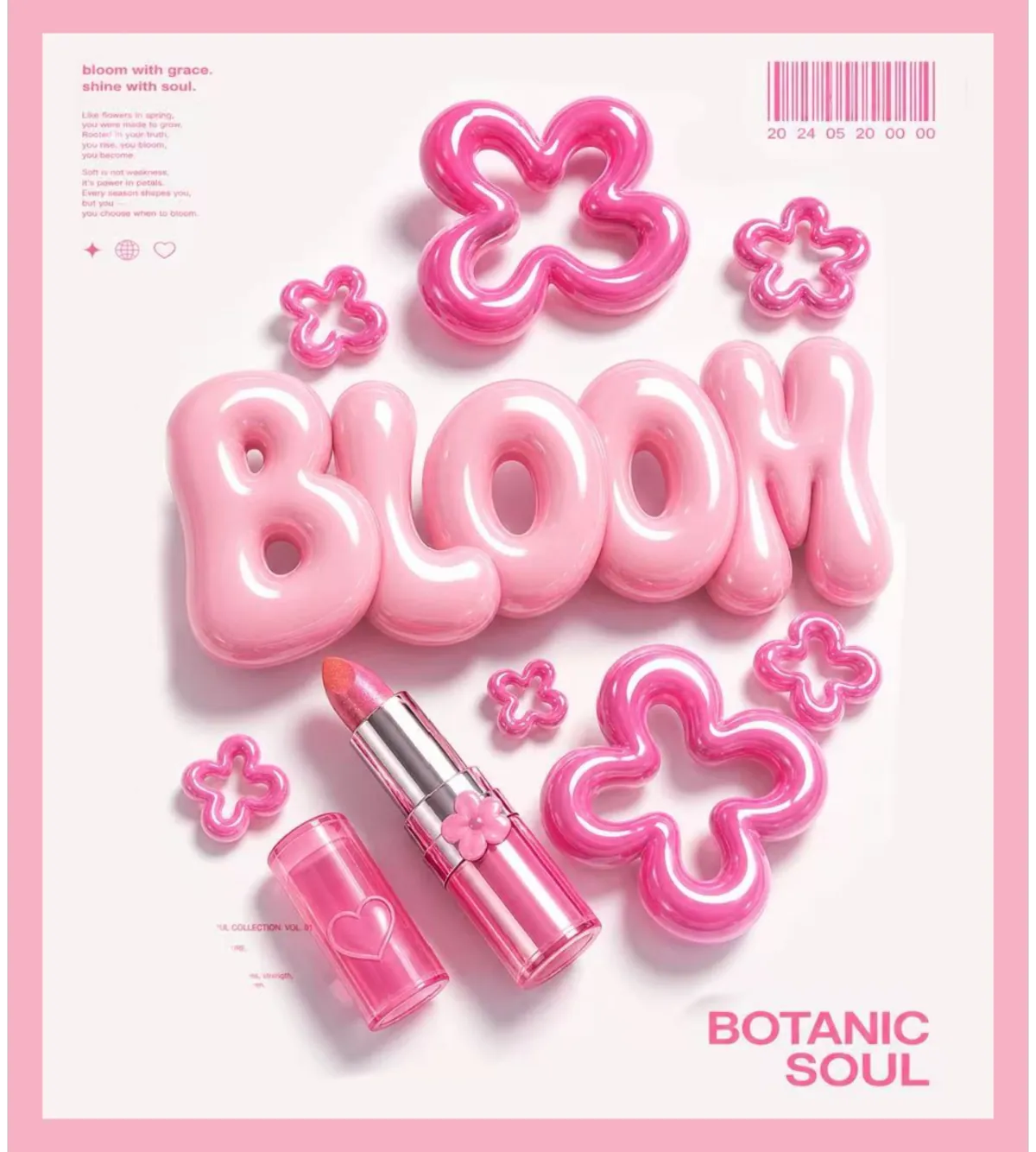
Turn a product name or launch slogan into bold street-art typography.
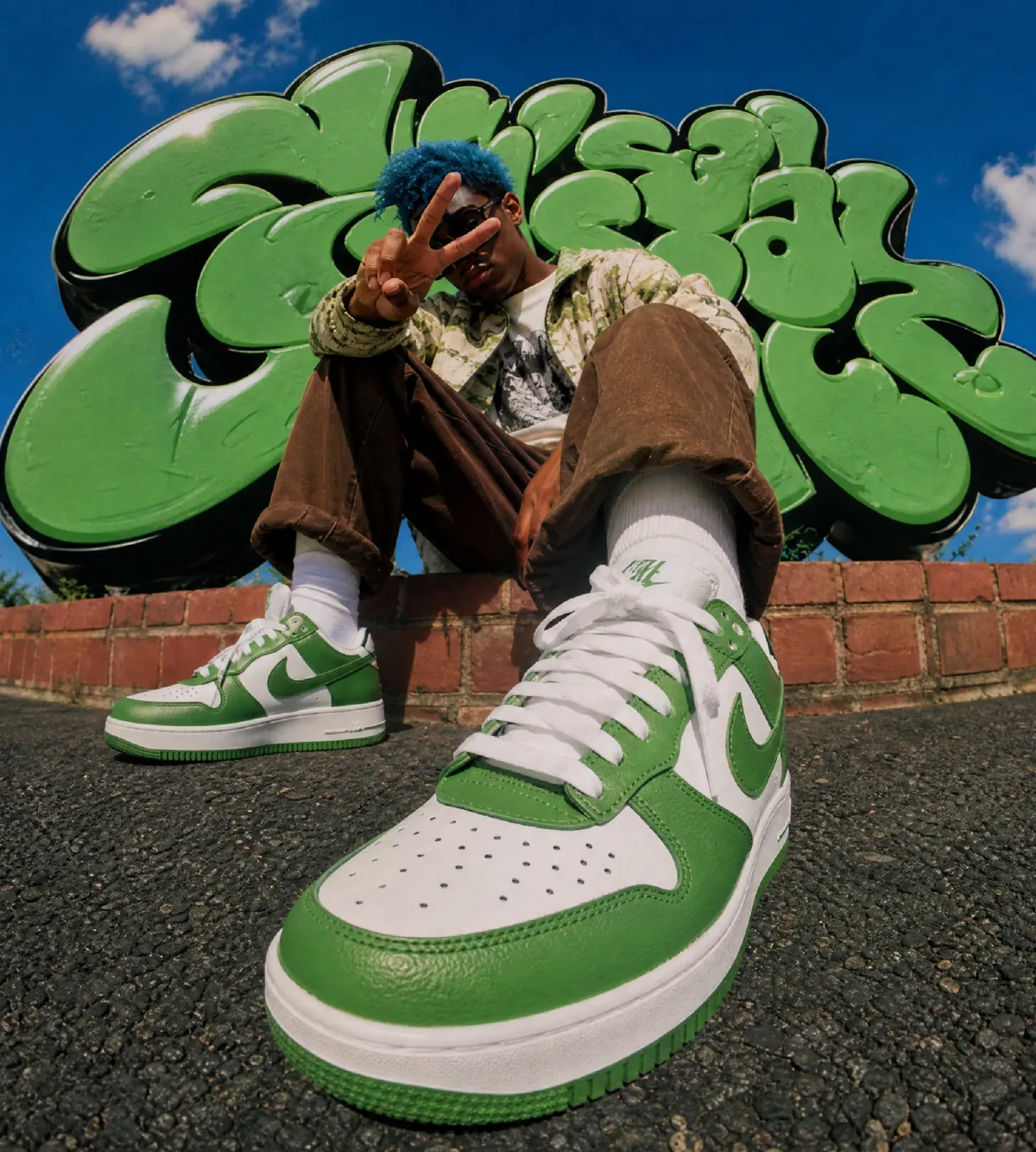
Build sharper lettering directions for apparel, stickers, and social visuals.
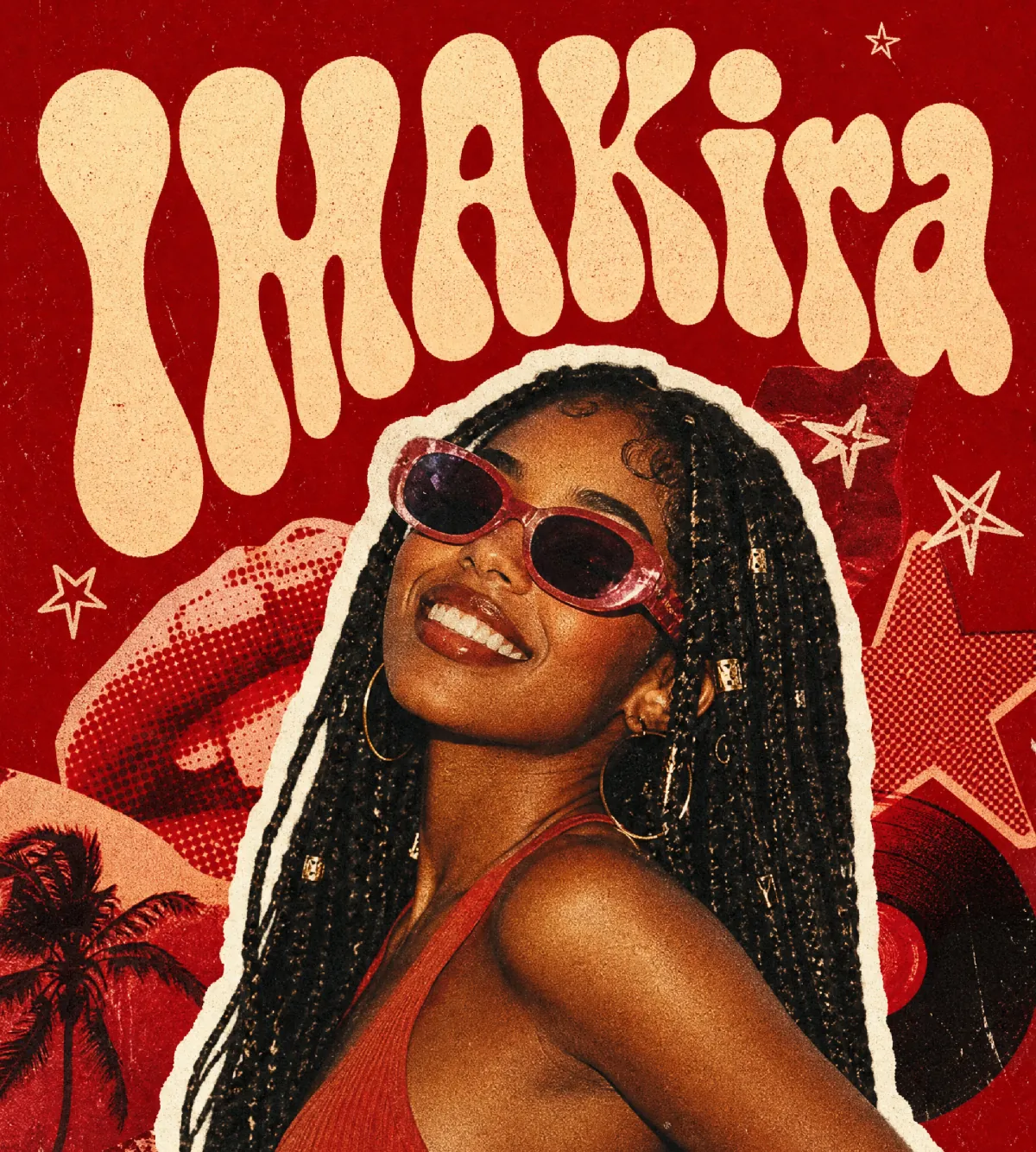
Give a name, handle, or event title a recognizable graffiti identity.
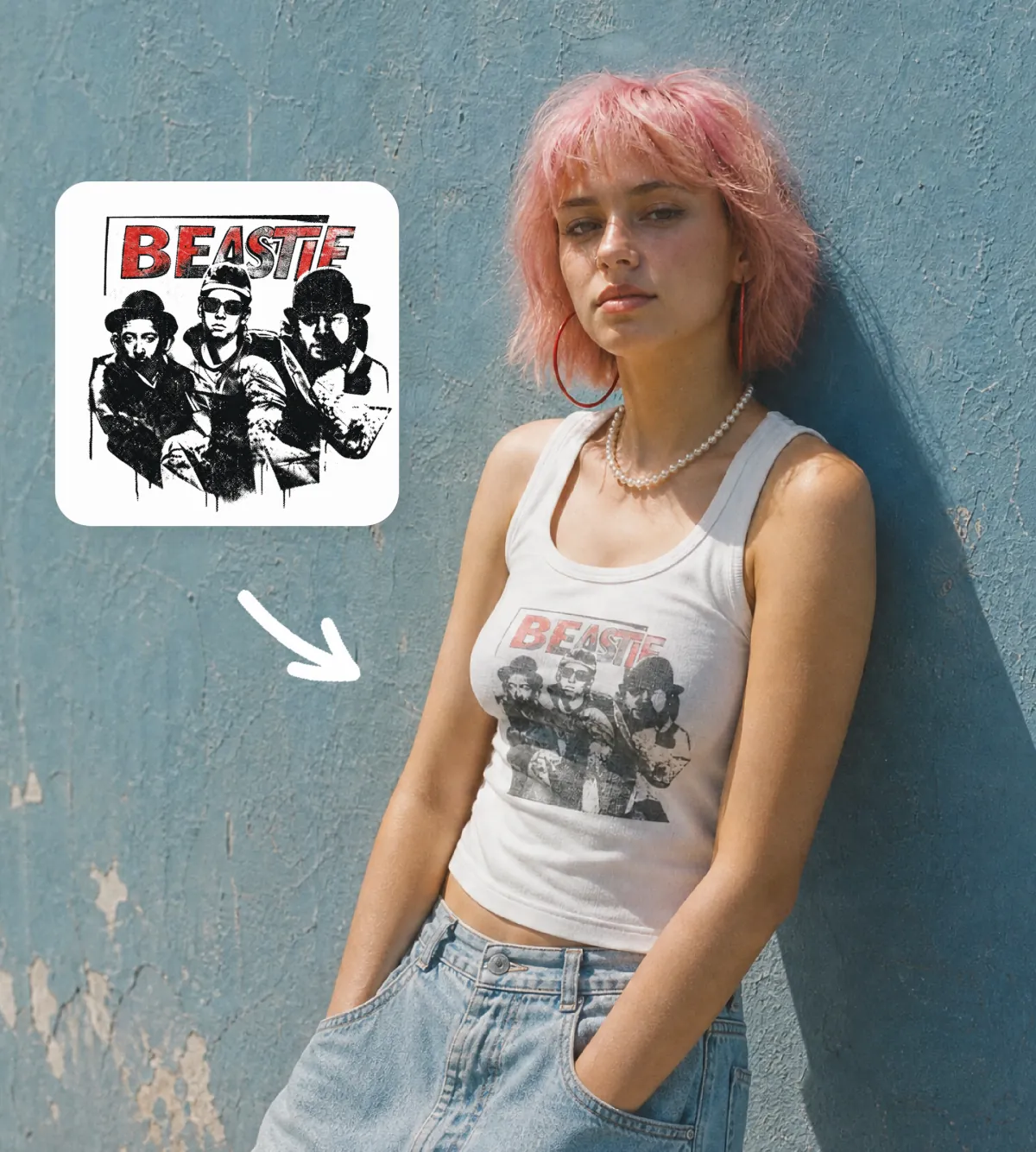
Turn a brand word, mascot idea, or rough logo brief into a street-art mark.
FAQ
What to know before creating graffiti letters, graffiti fonts, tags, logos, and street-art visuals.
Describe the text, style, colors, and use case, then keep refining the result in Ima Studio.