
UGC ads
Creator-style ads that look shot on a phone. Pick a face for your brand, write the talking points and get several takes to test.
Start directingChat your way from idea to finished video with Ima Agent.
Instead of prompting clip by clip, you talk the project through: the story, the look, the changes. Ima Agent turns that conversation into a planned, shot-by-shot video, drawing on leading AI video, image and music models.

Clip-by-clip generators lose the thread fast. Ima Agent writes the plan first, with story beats, a shot list and pacing, and generates every shot against it, so the cut holds together as one piece.
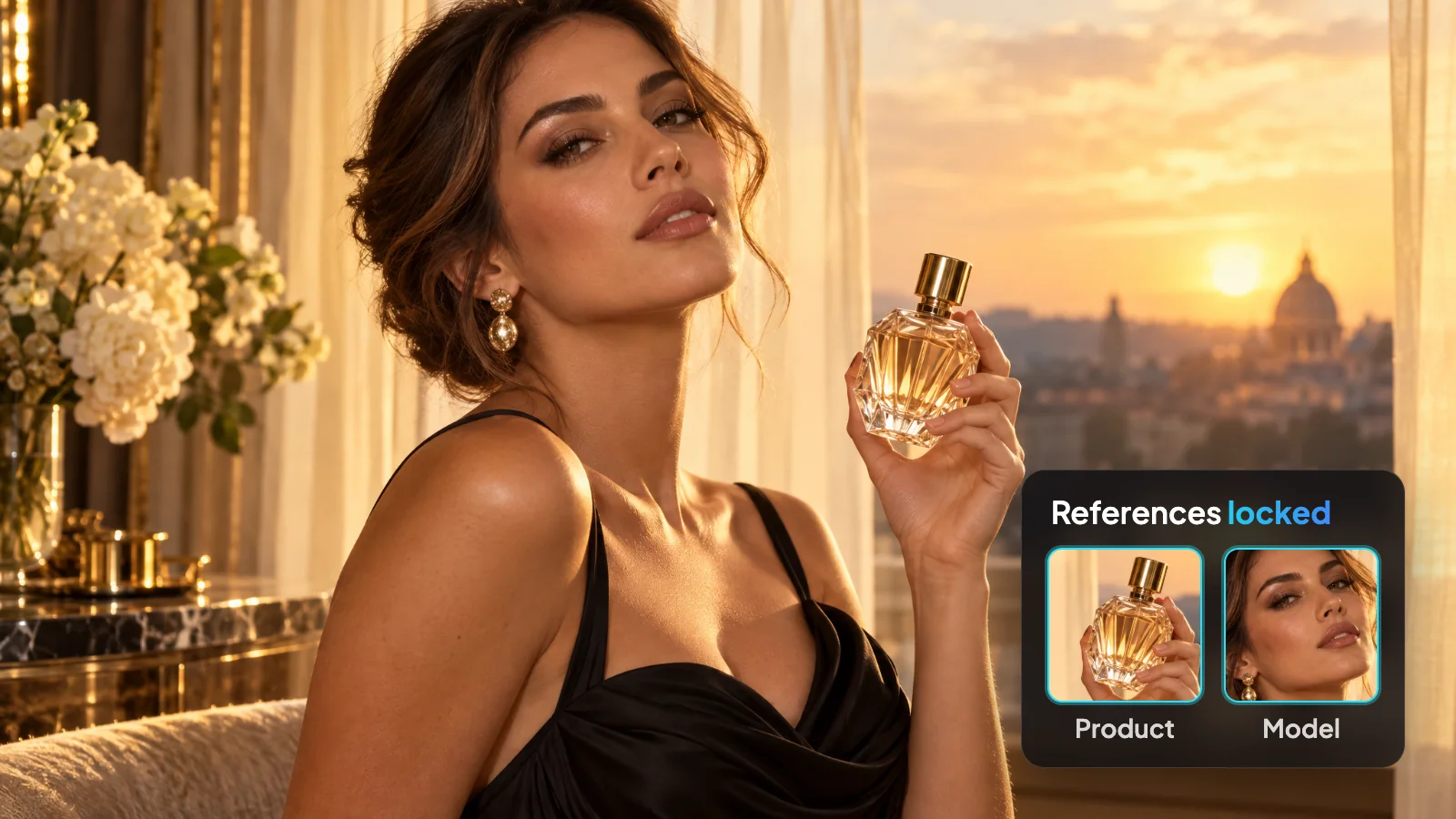
Give it a face, a product photo or a style reference once. The agent builds each shot around that reference, so people, packaging and the overall look stay recognizable from the first scene to the last.
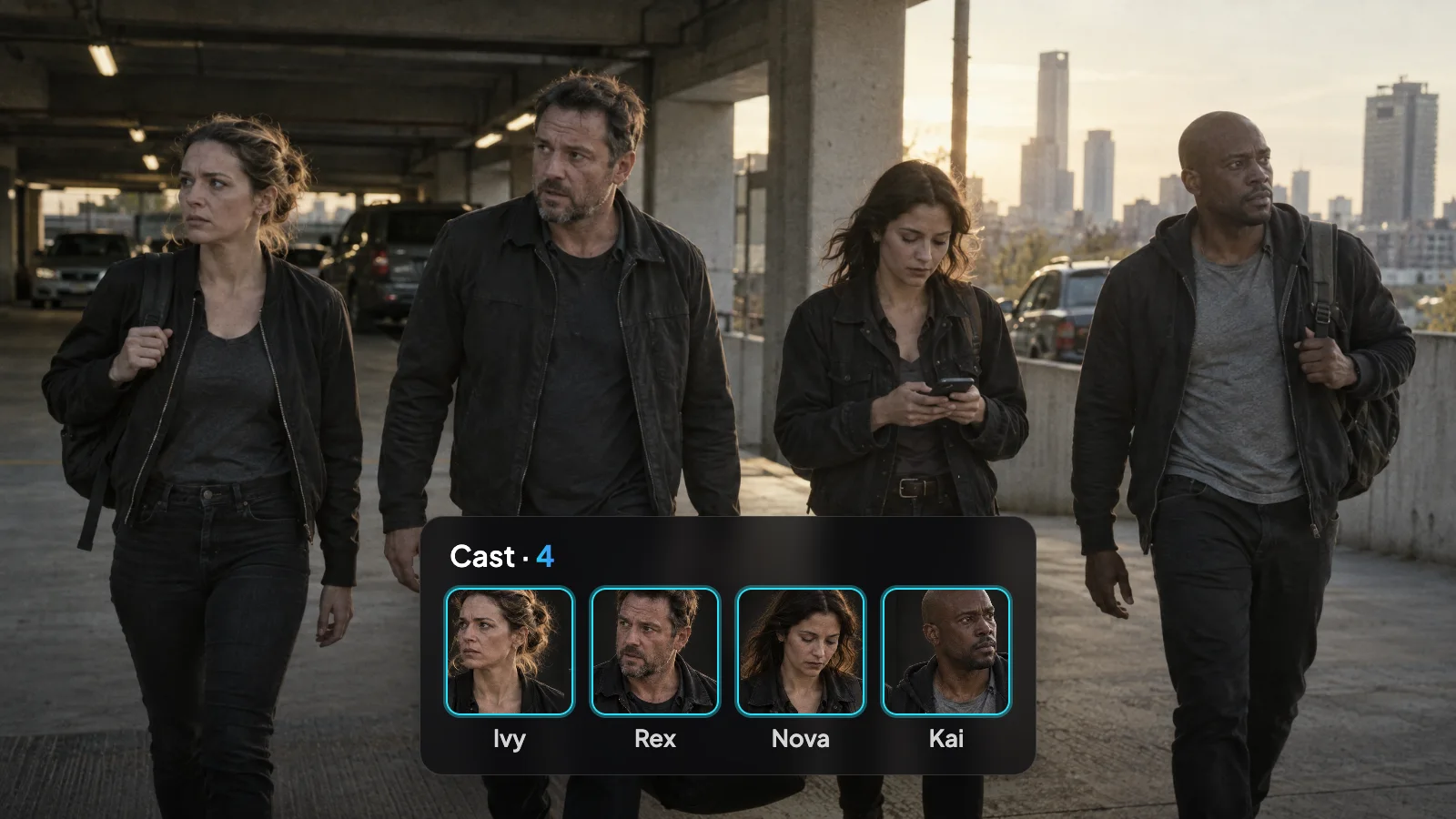
Write a cast list, not just a prompt. Say who each person is and how they relate, and the agent tracks who belongs in which scene. Voiceover and a music bed can be added when the story calls for them.
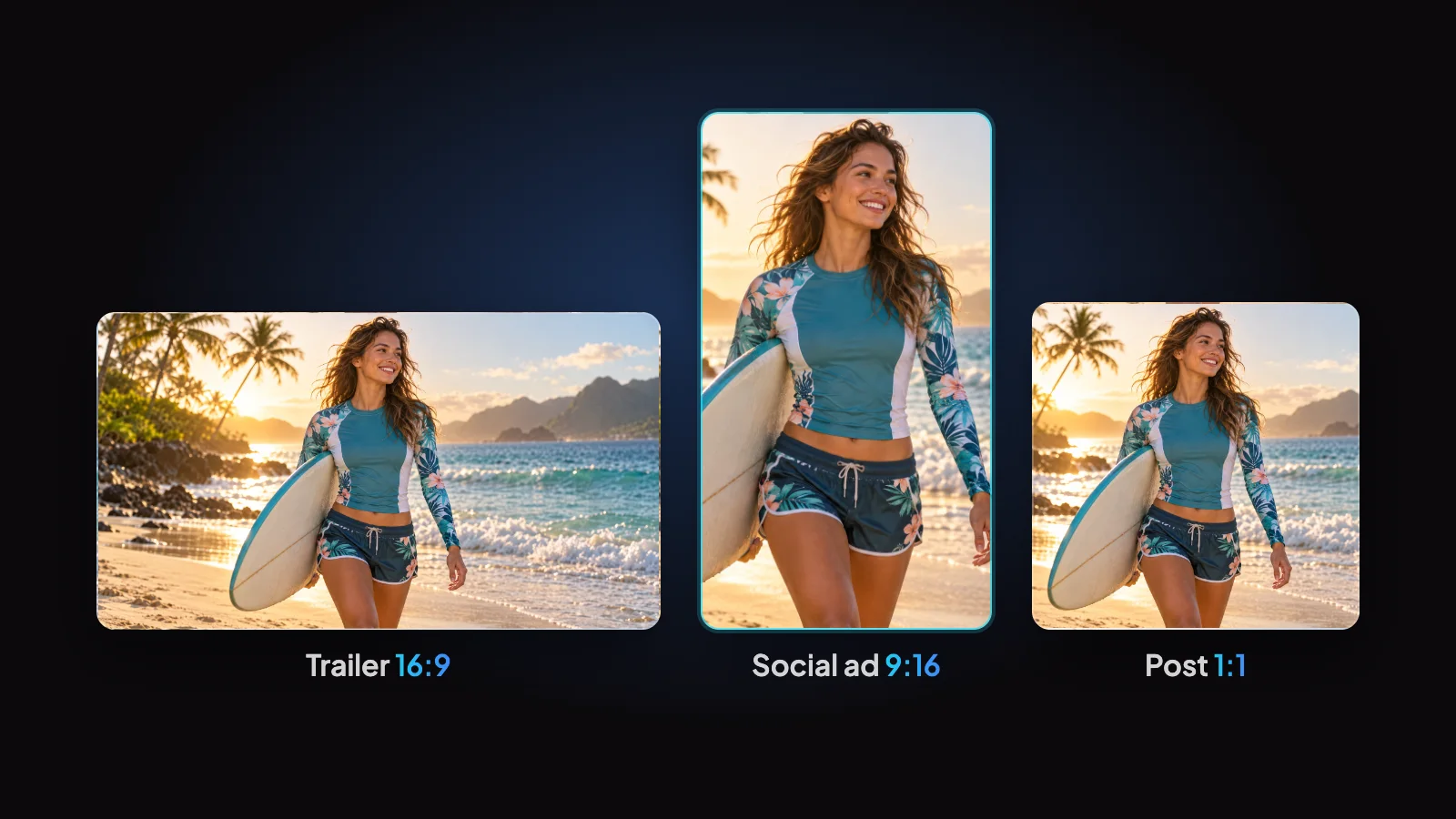
A product spot, a short drama episode, a trailer or a creator-style ad all begin with a sentence in the chat box. The format changes; the workflow doesn't.
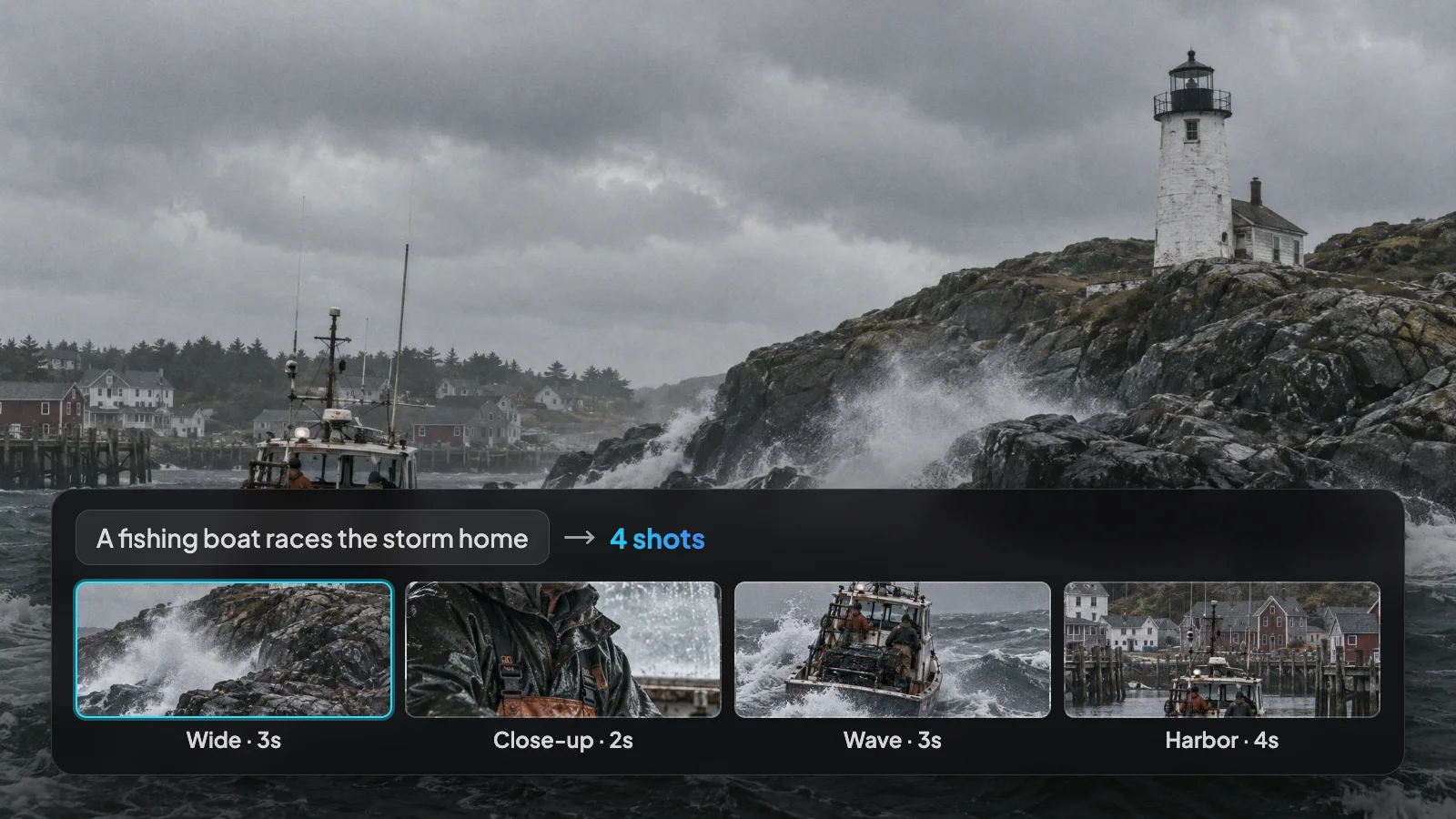
Hand over one line and let the agent fill the gaps, or specify lenses, camera moves and timing shot by shot. Either way, changes are a message away.
Here's how a project usually goes.
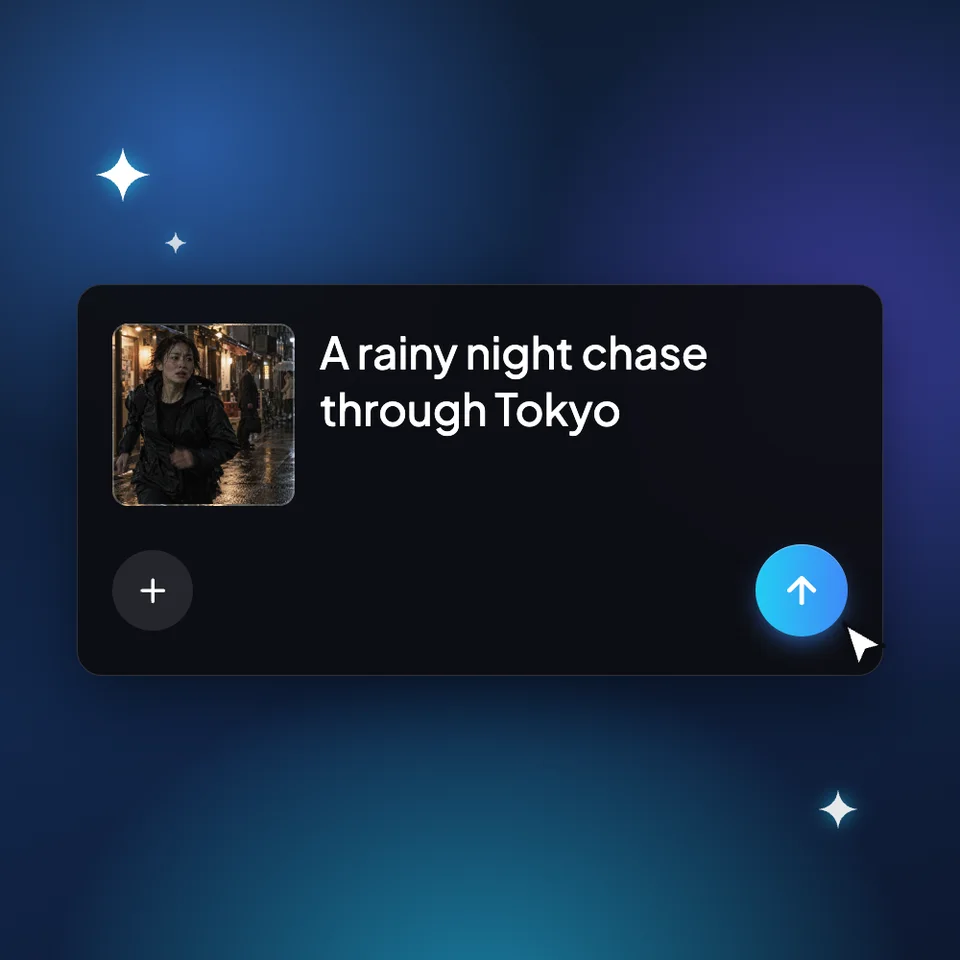
Write the video in a sentence or a paragraph. Attach a photo of a person, a product shot or a reference clip if you have one.
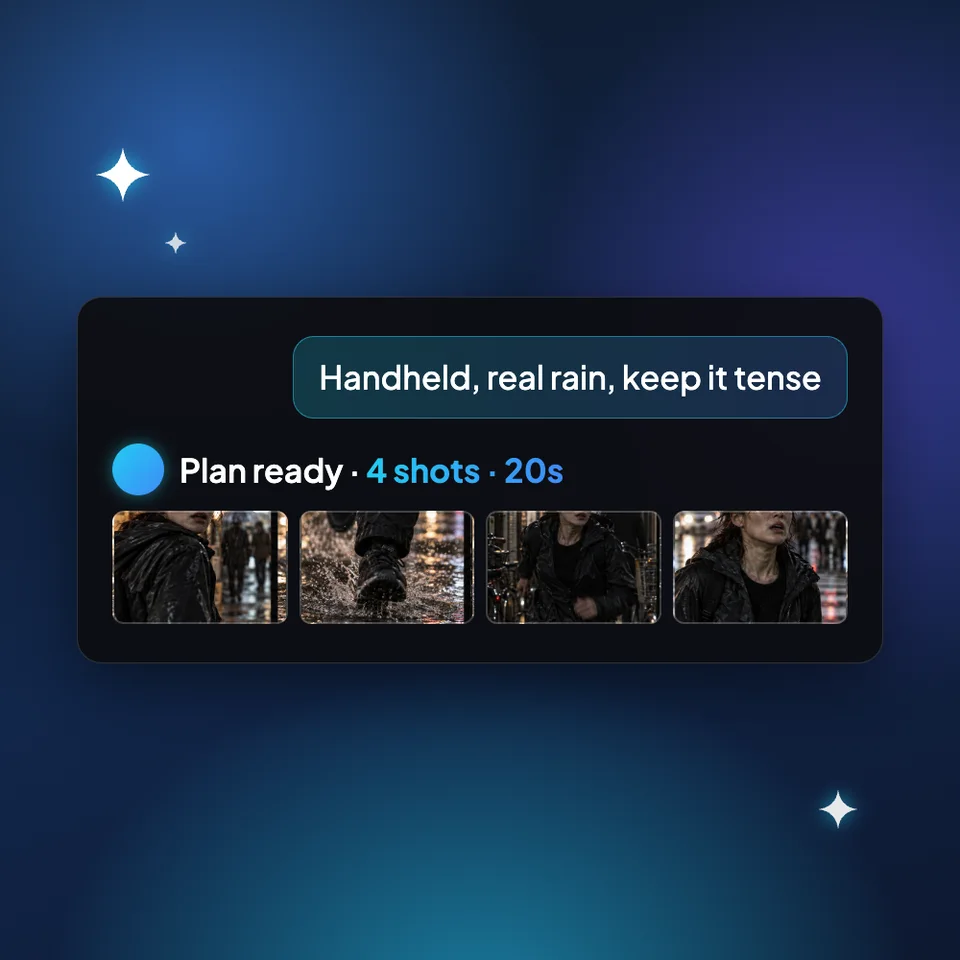
Talk it through the way you would with a crew: characters, story, setting, mood and shots. The agent proposes a plan and checks with you when it needs a decision.
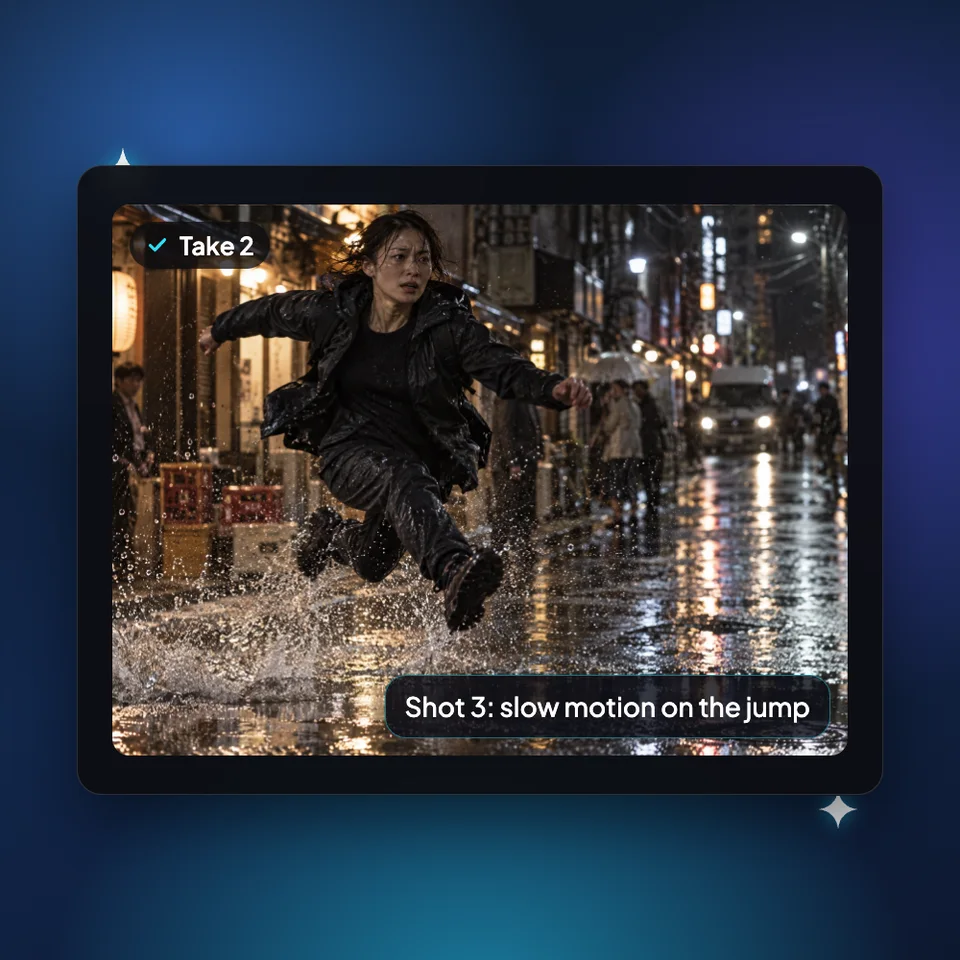
Watch the result and point at what to change, whether it's one shot or the whole cut. The agent revises from your notes.
Placeholder review. Replace with a real quote from an Ima Studio creator.
Placeholder review. Replace with a real quote from an Ima Studio creator.
Placeholder review. Replace with a real quote from an Ima Studio creator.
'/%3E%3Ctext x='36' y='46' font-family='Arial,sans-serif' font-size='28' font-weight='700' fill='white' text-anchor='middle'%3EA%3C/text%3E%3C/svg%3E)
Placeholder review. Replace with a real quote from an Ima Studio creator.
Placeholder review. Replace with a real quote from an Ima Studio creator.
Placeholder review. Replace with a real quote from an Ima Studio creator.
Placeholder review. Replace with a real quote from an Ima Studio creator.
Placeholder review. Replace with a real quote from an Ima Studio creator.
Placeholder review. Replace with a real quote from an Ima Studio creator.
Placeholder review. Replace with a real quote from an Ima Studio creator.
Placeholder review. Replace with a real quote from an Ima Studio creator.
Placeholder review. Replace with a real quote from an Ima Studio creator.
Placeholder review. Replace with a real quote from an Ima Studio creator.
Placeholder review. Replace with a real quote from an Ima Studio creator.
Placeholder review. Replace with a real quote from an Ima Studio creator.
Placeholder review. Replace with a real quote from an Ima Studio creator.
Placeholder review. Replace with a real quote from an Ima Studio creator.
Placeholder review. Replace with a real quote from an Ima Studio creator.
Placeholder review. Replace with a real quote from an Ima Studio creator.
'/%3E%3Ctext x='36' y='46' font-family='Arial,sans-serif' font-size='28' font-weight='700' fill='white' text-anchor='middle'%3EB%3C/text%3E%3C/svg%3E)
Placeholder review. Replace with a real quote from an Ima Studio creator.
'/%3E%3Ctext x='36' y='46' font-family='Arial,sans-serif' font-size='28' font-weight='700' fill='white' text-anchor='middle'%3EC%3C/text%3E%3C/svg%3E)
Placeholder review. Replace with a real quote from an Ima Studio creator.
'/%3E%3Ctext x='36' y='46' font-family='Arial,sans-serif' font-size='28' font-weight='700' fill='white' text-anchor='middle'%3ED%3C/text%3E%3C/svg%3E)
Placeholder review. Replace with a real quote from an Ima Studio creator.
Placeholder review. Replace with a real quote from an Ima Studio creator.
Placeholder review. Replace with a real quote from an Ima Studio creator.
Placeholder review. Replace with a real quote from an Ima Studio creator.
Placeholder review. Replace with a real quote from an Ima Studio creator.
Placeholder review. Replace with a real quote from an Ima Studio creator.
Placeholder review. Replace with a real quote from an Ima Studio creator.
Placeholder review. Replace with a real quote from an Ima Studio creator.
Placeholder review. Replace with a real quote from an Ima Studio creator.
Placeholder review. Replace with a real quote from an Ima Studio creator.
Practical guides, model comparisons and prompt ideas from the Ima Studio team to help you plan, make and improve your videos.
Read the blog