Recommended Use Cases
Streamline the most common visual tasks for creators, e-commerce and marketing teams. More than a standalone tool, these integrated workflows deliver ready-to-use assets faster.
 AI GENERATED
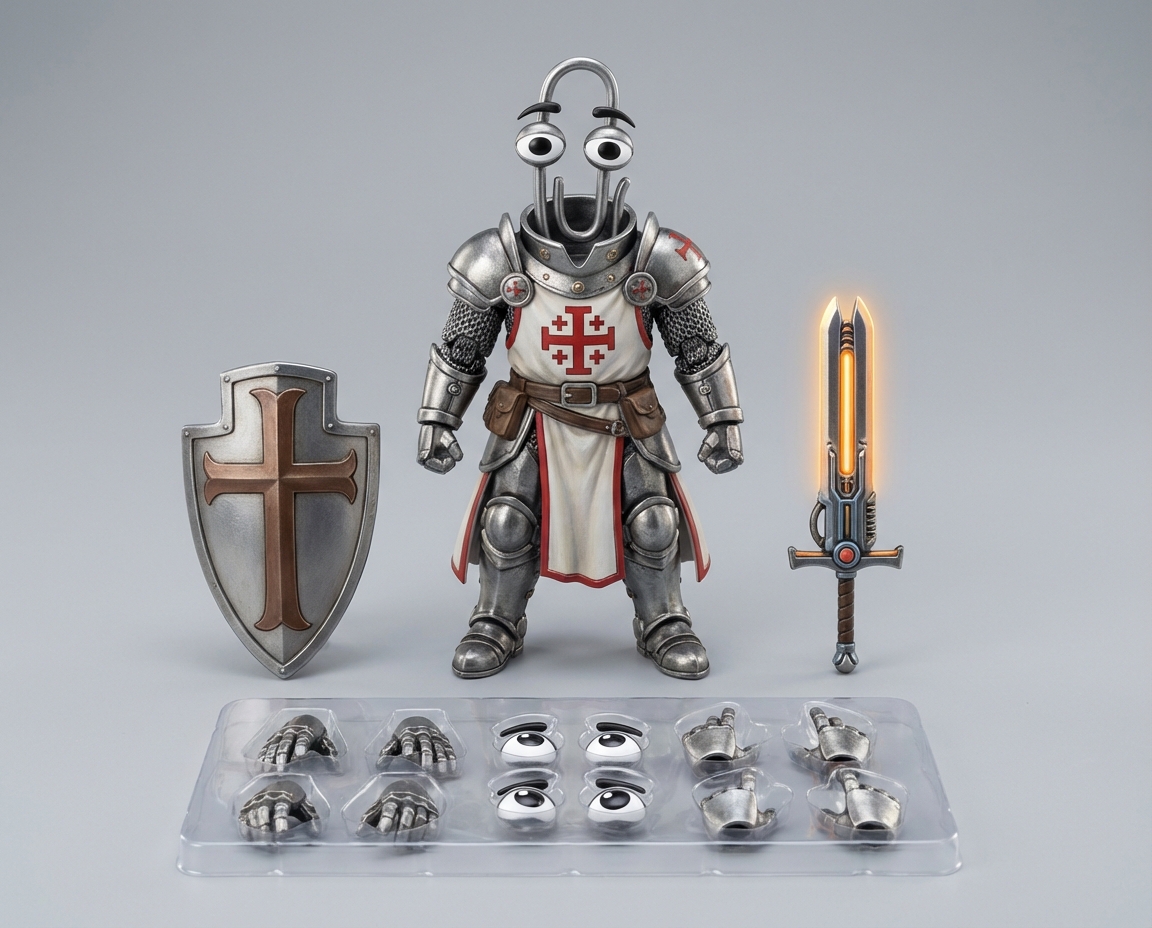
Product photo, of the armored Clippy in the center as a articulated die cast metal figure, accessories are the shield and gunsword he's wielding and a set of interchangeable hands and eyes
 AI GENERATED
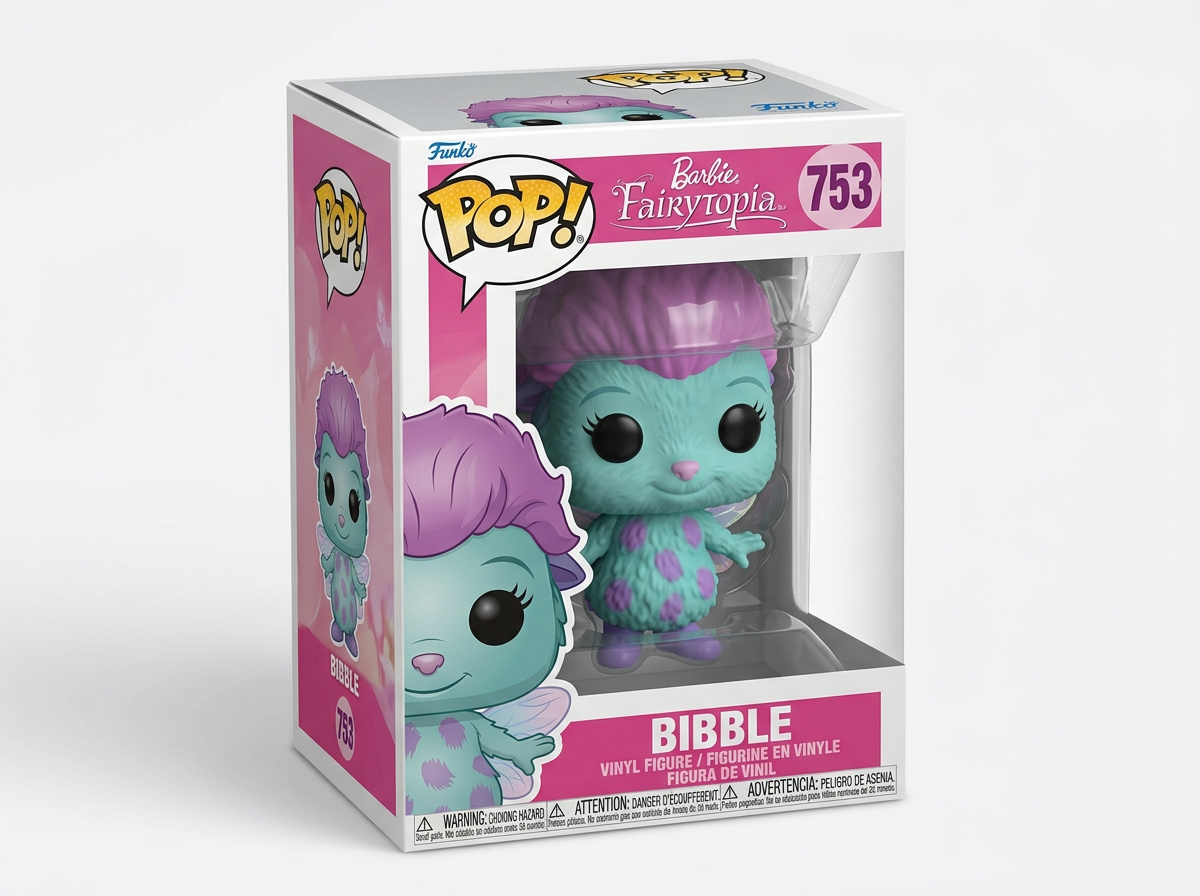
Professional commercial product photo, Funko POP vinyl figure of the character from the reference image inside its packaging, plain black eyes, the character's name is Bibble, he's from Barbie: Fairytopia, plain white background
 AI GENERATED
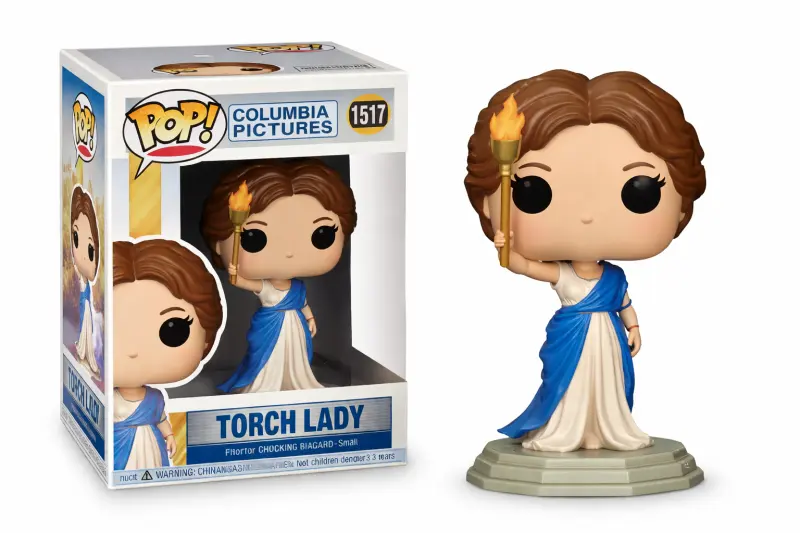
Professional commercial product photo, Funko POP vinyl figure of the character from the reference image inside its packaging, plain black eyes, the character's name is Torch Lady, she's from Columbia Pictures, plain white background
 AI GENERATED
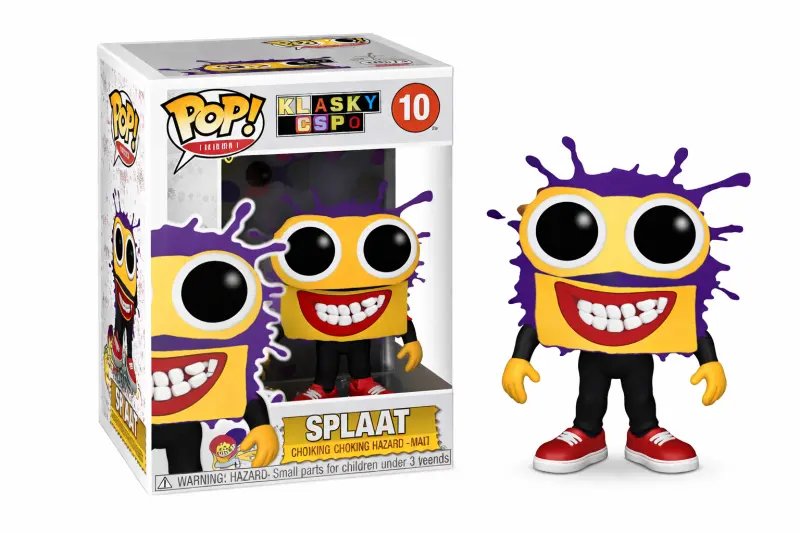
Professional commercial product photo, Funko POP vinyl figure of the character from the reference image inside its packaging, plain black eyes, the character's name is Splaat, he's from Klasky Csupo, plain white background
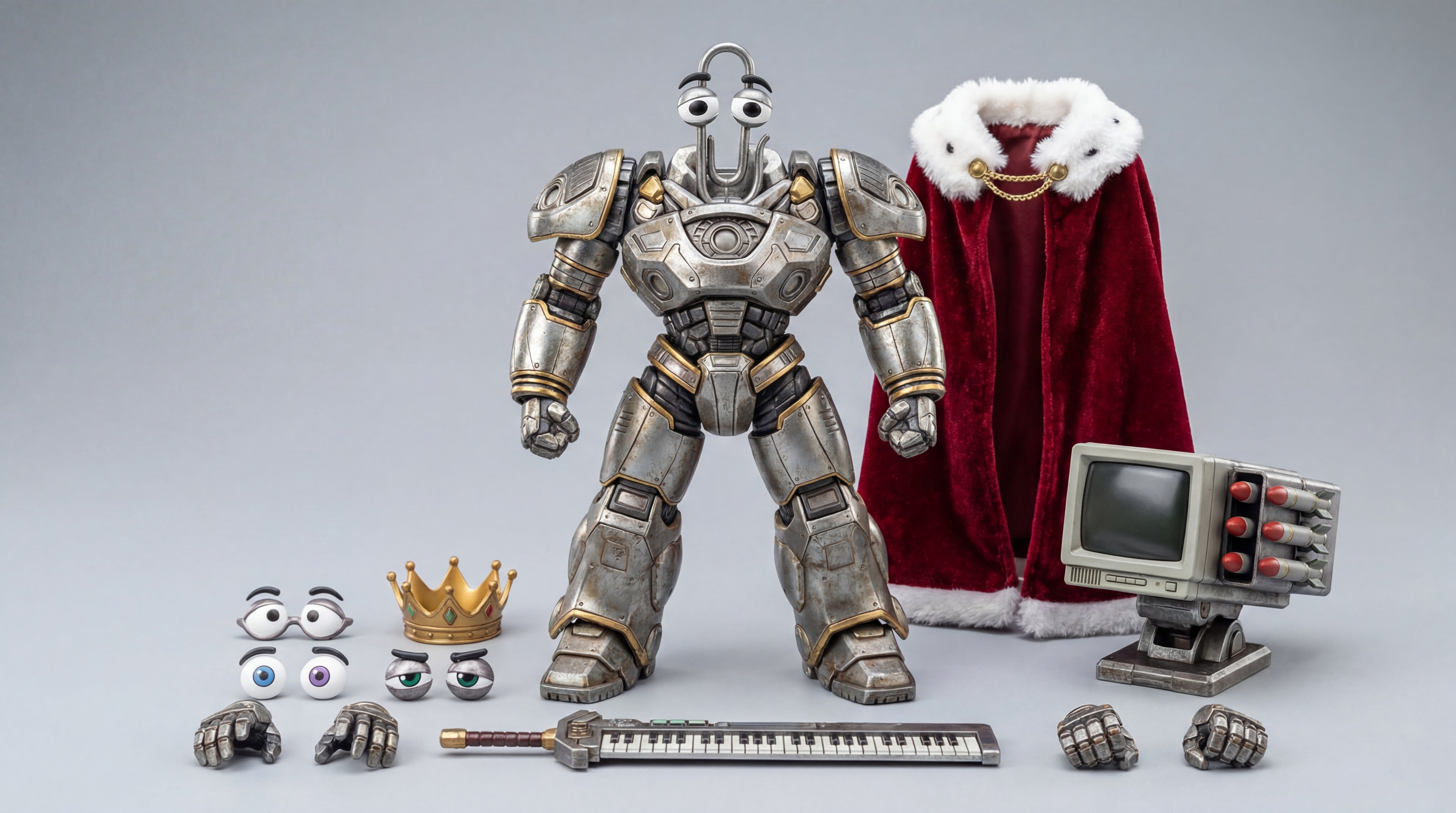 AI GENERATED
Product photo of an articulated die-cast metal figure of Clippy in the mechanical suit, placed in the center. Accessories include multiple interchangeable hands, interchangeable eyes, a keyboard sword, a golden crown, a red cape with fur trim collar, and a missile launcher modeled after a CRT monitor. Highly detailed with precise metal textures, studio lighting, clean background, professional product photography.
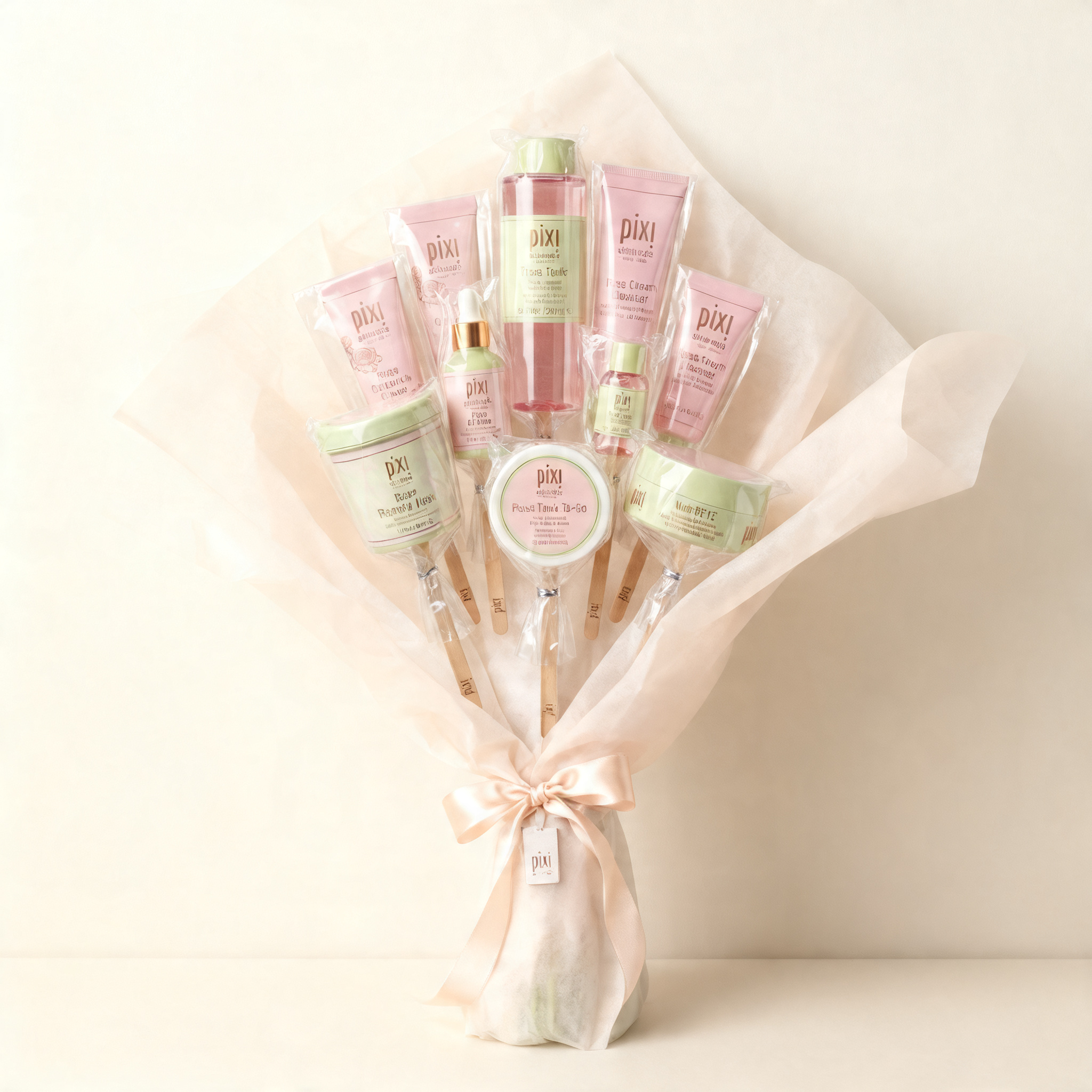 AI GENERATED
Create a minimalist product-style image featuring the subject from the reference image arranged as a bouquet composed of multiple vertically aligned elements clustered together. Preserve the subject’s original silhouette, structure, and material characteristics from the reference image, including realistic texture and form cues. Wrap the clustered arrangement in soft, semi-opaque paper that flares outward at the top and cinches tightly at the base, with the bouquet structure clearly readable (top flare and cinched base). Ensure individual elements appear partially wrapped or supported with subtle layering and depth, and maintain believable density and layering of internal elements. Add a satin ribbon tied around the base where the wrap gathers, with refined, minimal branding by placing the pixi logo subtly on the ribbon or on a small attached tag near the knot. Center the bouquet against a clean, neutral wall background with no additional props or environmental clutter, using a straight-on, eye-level camera angle and medium framing that shows the full bouquet from base to top flare with slight breathing room around the edges. Use soft diffused ambient lighting with low contrast, gentle highlights on glossy and crinkled surfaces, and no harsh shadows. Maintain a cohesive, soft-toned color palette. Output images only, no text.
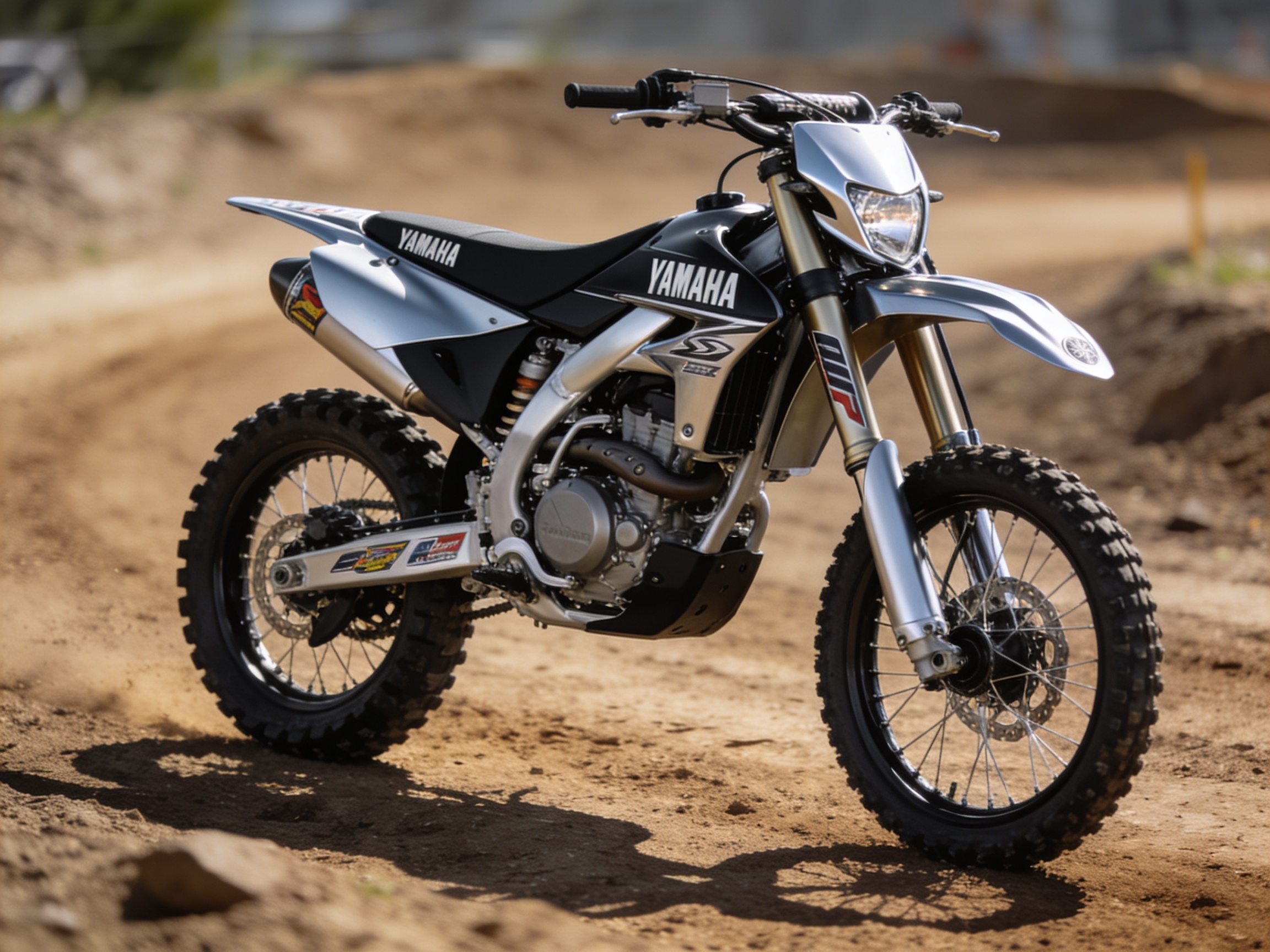
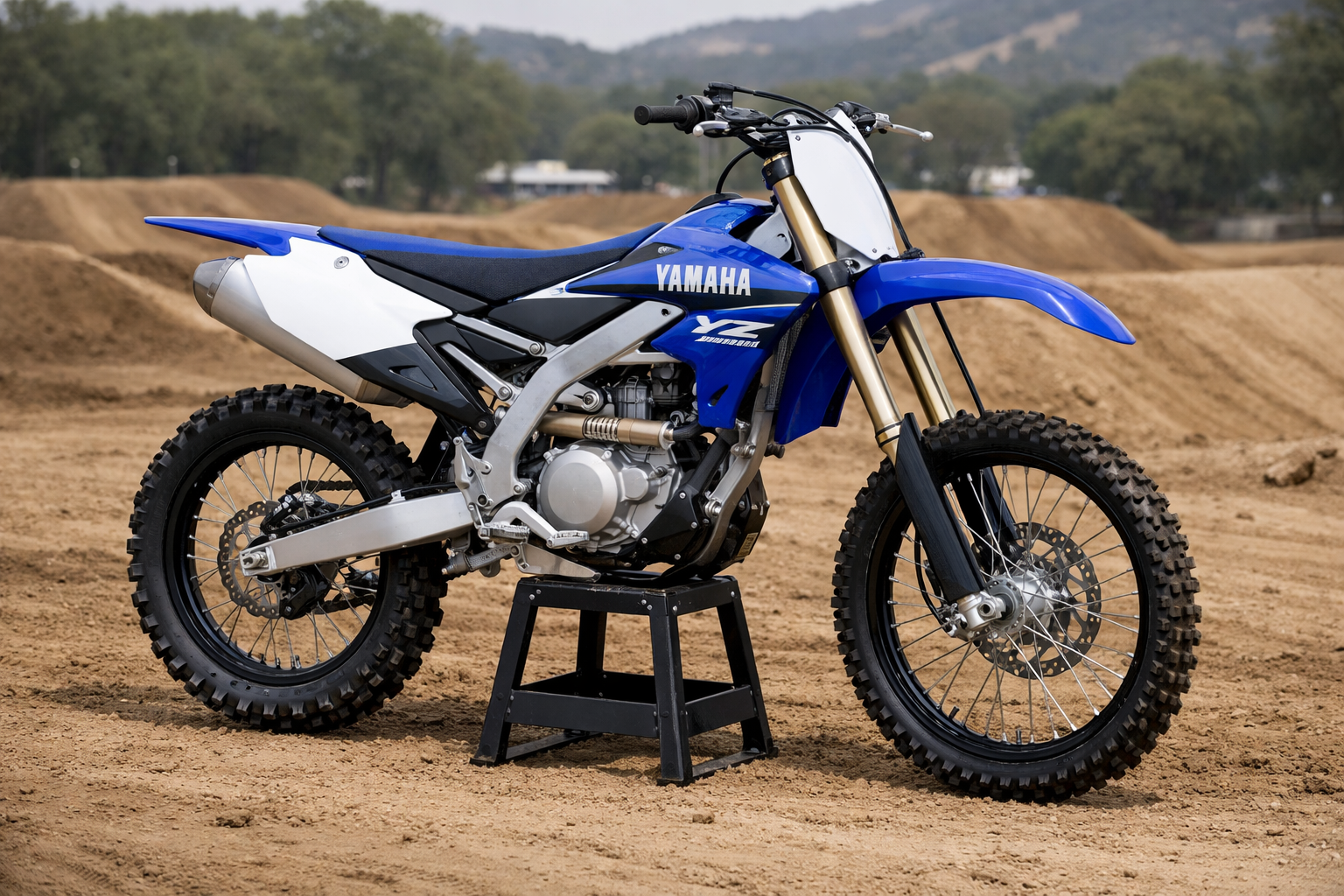
How to create product scene photos with AI
- 1Step 1Upload your product
A clean cutout or plain-background shot works best. The AI keeps your product intact and builds the scene around it.
- 2Step 2Describe the scene
Add a reference image if you have one, then pick the aspect ratio and how many versions you want, and describe the setting, lighting and mood in your own words.
- 3Step 3Let the agent shoot it
Hit Generate and you land in the canvas, where the AI agent produces the scene photos. Ask for another angle, background or lighting until it's right.
All-In-One AI Toolkit For Any Idea Or Project
Professional Results In One Click
Powered by state-of-the-art AI models, you get clean, accurate results without any manual editing skills. Great for creators, sellers and marketing teams.
Free To Start, No Watermark
Start free and download clean, watermark-free results. Perfect for social media, client work, and digital ads that demand a polished finish.
Fast, Consistent And Scalable
Process your images and videos in seconds and keep results consistent across batches. Everything is auto-saved to your creation history.
Why Choose Ima Studio?
Everything in one workspace — generate, edit and enhance images and videos with the latest AI models, backed by a global creator community.
Turn your ideas into ready-to-use assets in minutes. No more endless manual editing — just fast content creation that scales with your ideas.
Clean, professional results with no distracting logos. Perfect for social media, client work, and digital ads that demand a polished finish.
Crisp, high-resolution output with accurate details, ready for print, e-commerce listings and large-format displays.
Advanced AI keeps every result natural and believable — not obviously "AI-generated".
Frequently asked questions
Explore more AI tools and creative examples
Create With Ima Studio
Everything in one workspace — images, video, and agents.