
Sora 2 Video Examples
Explore example video directions for cinematic scenes, product motion, social clips, and visual demos before generating your own Sora 2 video.


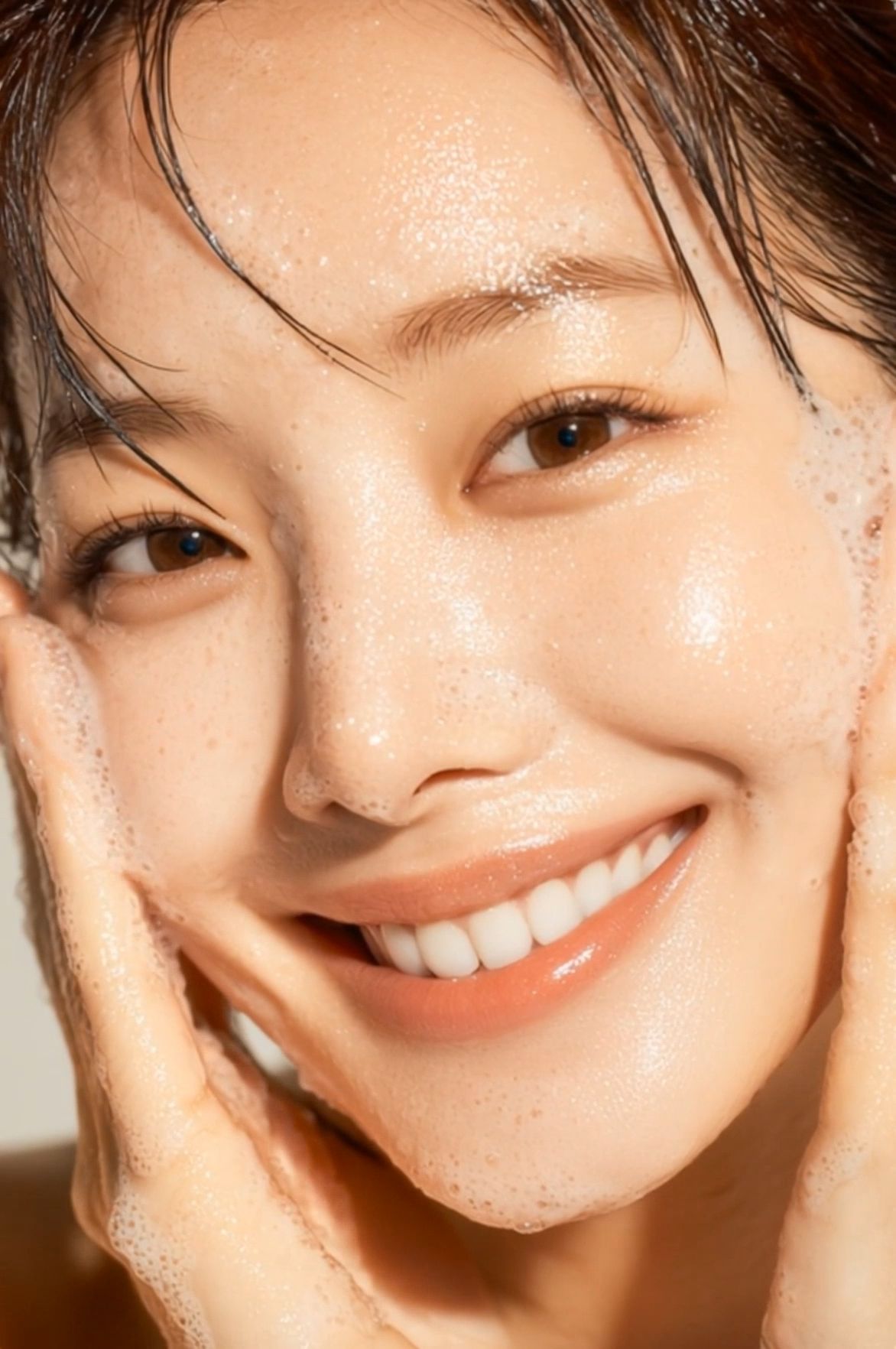
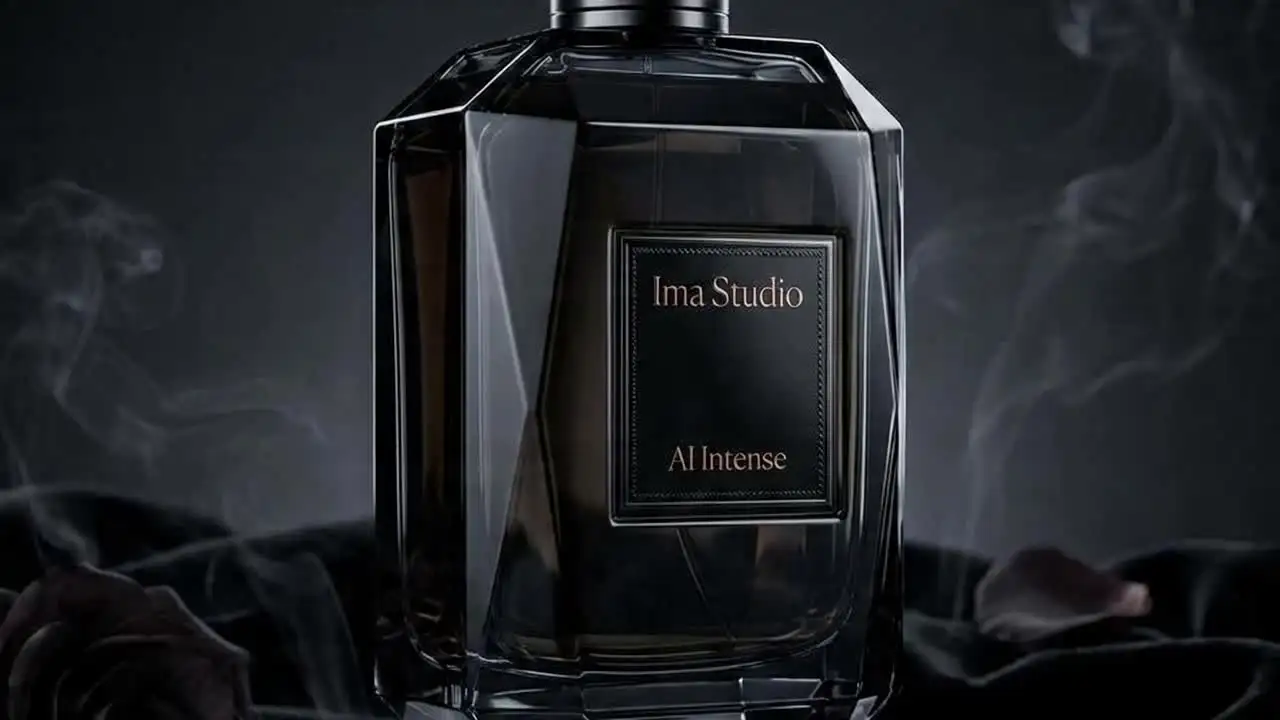


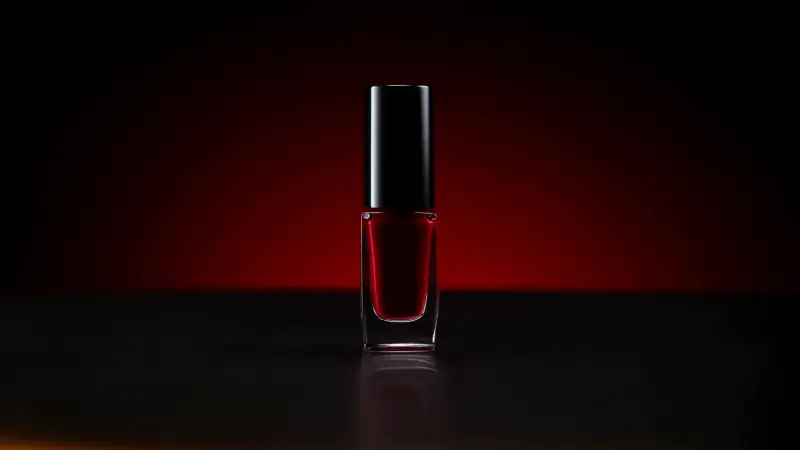


How to Create Videos with Sora 2 Online
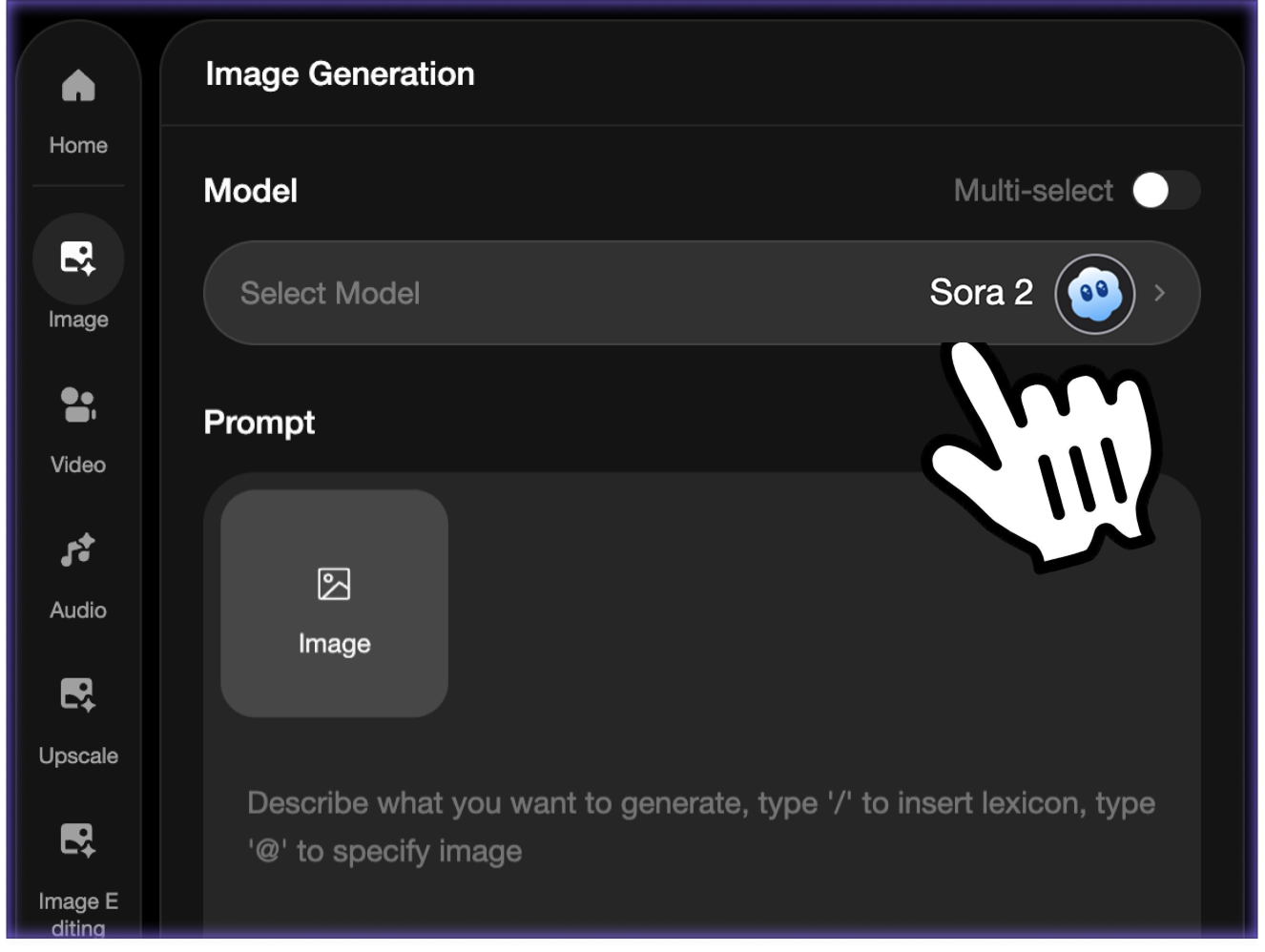 步驟 1Write your video prompt
Describe the subject, setting, motion, camera movement, style, and ending frame. The clearer the prompt, the easier it is for Sora 2 to follow your creative direction.
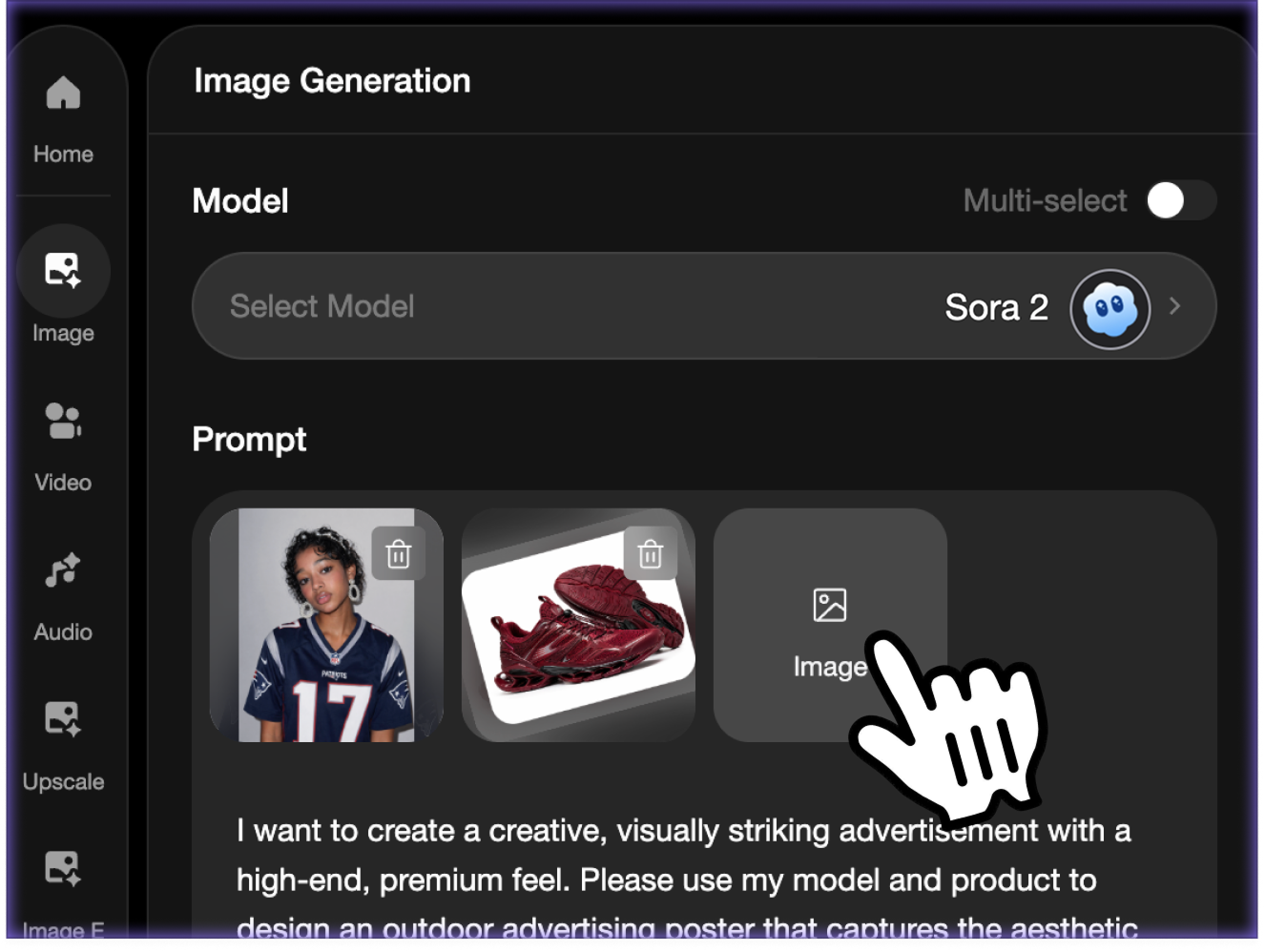 步驟 2Add optional references and settings
Upload a reference image when you want to guide characters, products, locations, or visual style. Then choose the available aspect ratio and duration options for your clip.
- 步驟 3Generate, preview, and download
Create the Sora 2 video in ImaStudio, preview it on the page, download the final result, or return to your creation history to keep iterating.
Sora 2 Video Model Capabilities
Prompt-to-Video Creation
Start from a natural language prompt and turn the idea into a moving scene. Include subject, environment, action, camera direction, lighting, and style to help Sora 2 generate a clearer result.
Reference-Guided Video Generation
Add optional reference images when you need the generated video to follow a product, character, place, or visual direction more closely.
Aspect Ratio and Duration Controls
Use the page controls to choose the available video shape and length for your target platform, from wide cinematic clips to social-first formats.
Sora 2 and Sora 2 Pro in One Workflow
Compare the standard and Pro options when both models are available, then keep results organized in the same ImaStudio creation history.
What You Can Create with Sora 2 Online
Use Sora 2 for cinematic AI videos, ecommerce product motion, social clips, explainers, storyboards, and advertising concepts.
01
Cinematic Story Concepts
Turn a short scene idea into a cinematic video draft. Describe the location, character, mood, lighting, camera move, and final beat, then use Sora 2 to create a polished visual concept for pitches, storyboards, and creative exploration.
02
Product Teasers and Ecommerce Clips
Upload a product reference and describe the reveal, camera path, surface texture, lighting, and brand atmosphere. Sora 2 can help produce quick product teasers, launch visuals, and ad tests from a static product image.
03
Social Videos and Creator Content
Create short videos for TikTok, Reels, Shorts, and social campaigns without filming every variation. Test hooks, scene styles, camera energy, and pacing before committing to production.
04
Explainers, Education, and Visual Demos
Describe a process, concept, or scene and turn it into a simple video explanation. Sora 2 can help teachers, founders, and creators prototype visual demos for presentations, tutorials, and content drafts.
Why Use Sora 2 on ImaStudio?
ImaStudio wraps Sora 2 in a practical browser workflow: prompt, optional references, model selection, generation status, preview, download, and history in one place.
No Setup Needed
Use Sora 2 online without installing software, managing API keys, or building a separate video pipeline.
Prompt and Reference Inputs
Start from text alone or add reference images when a scene, product, character, or style needs stronger visual guidance.
Built for Creative Iteration
Generate drafts, compare outputs, adjust prompts, switch model options, and keep testing without leaving the page.
Download and Revisit Results
Preview each finished video, download the result, and find previous generations later from your ImaStudio creation history.
Sora 2AI video model
Text + refsInput modes
VideoDownloadable output
Sora 2 Video Generator FAQ
探索更多 AI 工具與創作案例
Generate Sora 2 Videos Online
Start with a prompt, add optional references, choose video settings, and create a Sora 2 AI video in ImaStudio.