Explore las mejores creaciones de WAN 2.7 de la comunidad Ima Studio
Explore generaciones de comunidades destacadas creadas con WAN 2.7. Haga clic en cualquier tarjeta para ver el mensaje y reutilizarla instantáneamente en Ima Studio.
Cómo utilizar el generador de vídeo Wan 2.7 de Ima Studio
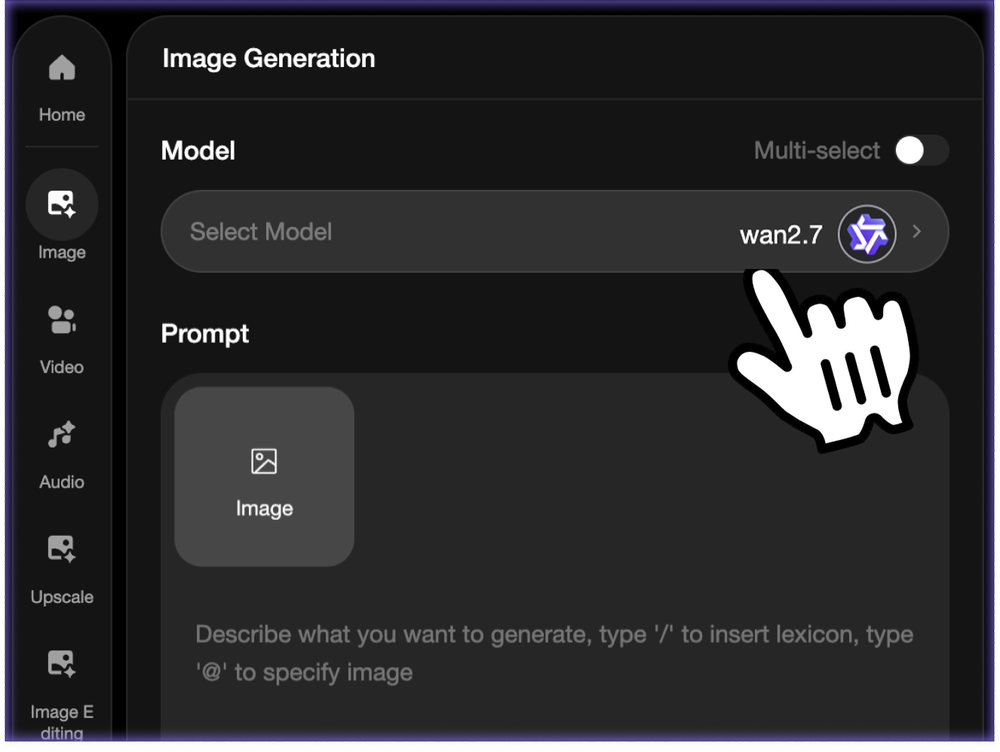 Paso 1Elige el modelo Wan 2.7
Abra el generador de video AI de Ima Studio y seleccione Wan 2.7 para habilitar la narración de múltiples tomas, la actuación basada en audio y una salida de alta estabilidad.
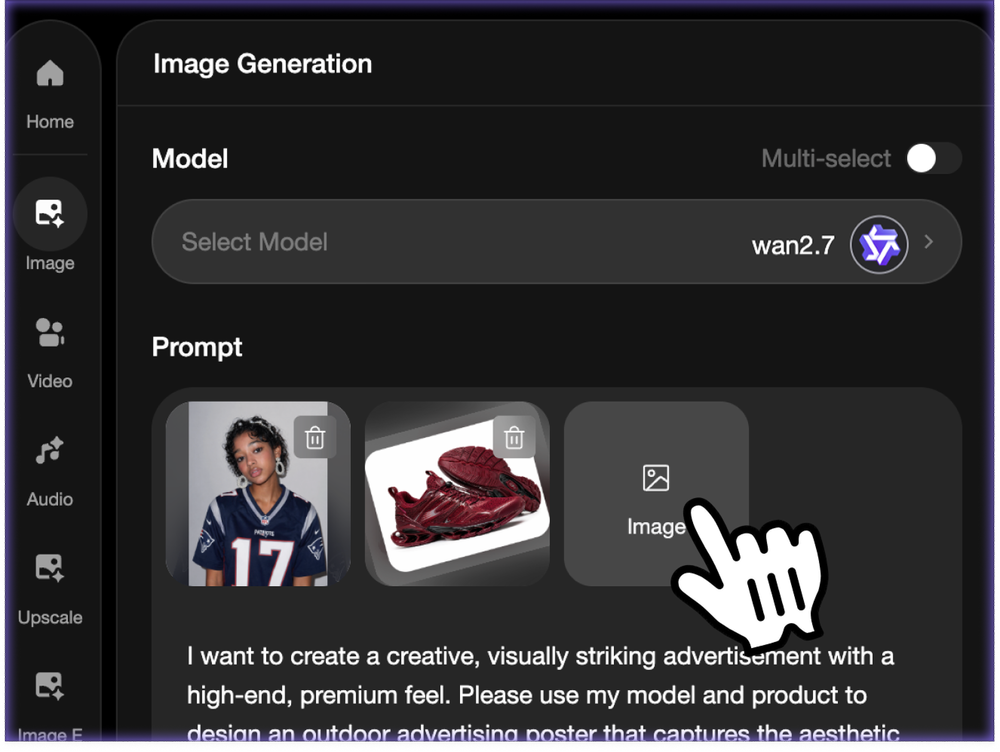 Paso 2Cargue su entrada y escriba su mensaje
Comience con un clip de voz, un vídeo de referencia, una sola foto o texto puro. Wan 2.7 se adapta al flujo de trabajo que utilice.
- Paso 3Genera tu vídeo
Haga clic en Generar y Wan 2.7 manejará automáticamente la planificación del movimiento, la sincronización de labios, el ritmo y la coherencia de la escena.
Capacidades clave de Wan 2.7
¿Qué es Wan 2.7?
Wan 2.7 es el último modelo de generación de IA multimodal de Alibaba, diseñado tanto para la creación de imágenes como para la generación de vídeos. Combina representación de imágenes de alta calidad, narración de videos de varias tomas y animación basada en audio con sincronización de labios.
Vídeo con IA basado en audio y sincronización labial precisa
Utilice la dirección de voz, música o audio para guiar el tiempo de la actuación. Wan 2.7 puede alinear el movimiento de la boca, la expresión y el ritmo del video con el sonido que usted proporciona.
Generación de vídeo narrativo multitoma
Cree vídeos a nivel de escena que se sientan más dirigidos. Wan 2.7 puede mantener los personajes, la iluminación, el movimiento y la estructura de la toma más coherentes en los momentos conectados.
Generación de vídeo de IA de formato largo de 15 segundos
Vaya más allá de los pequeños fragmentos y cree clips cortos más largos para demostraciones de productos, ritmos de historias, contenido social, avatares y pruebas cinematográficas.
Salida de vídeo AI de alta fidelidad y estabilidad
Wan 2.7 está diseñado para ofrecer un movimiento estable, detalles más nítidos, una mayor coherencia temporal y resultados de alta fidelidad para flujos de trabajo creativos de estilo producción.
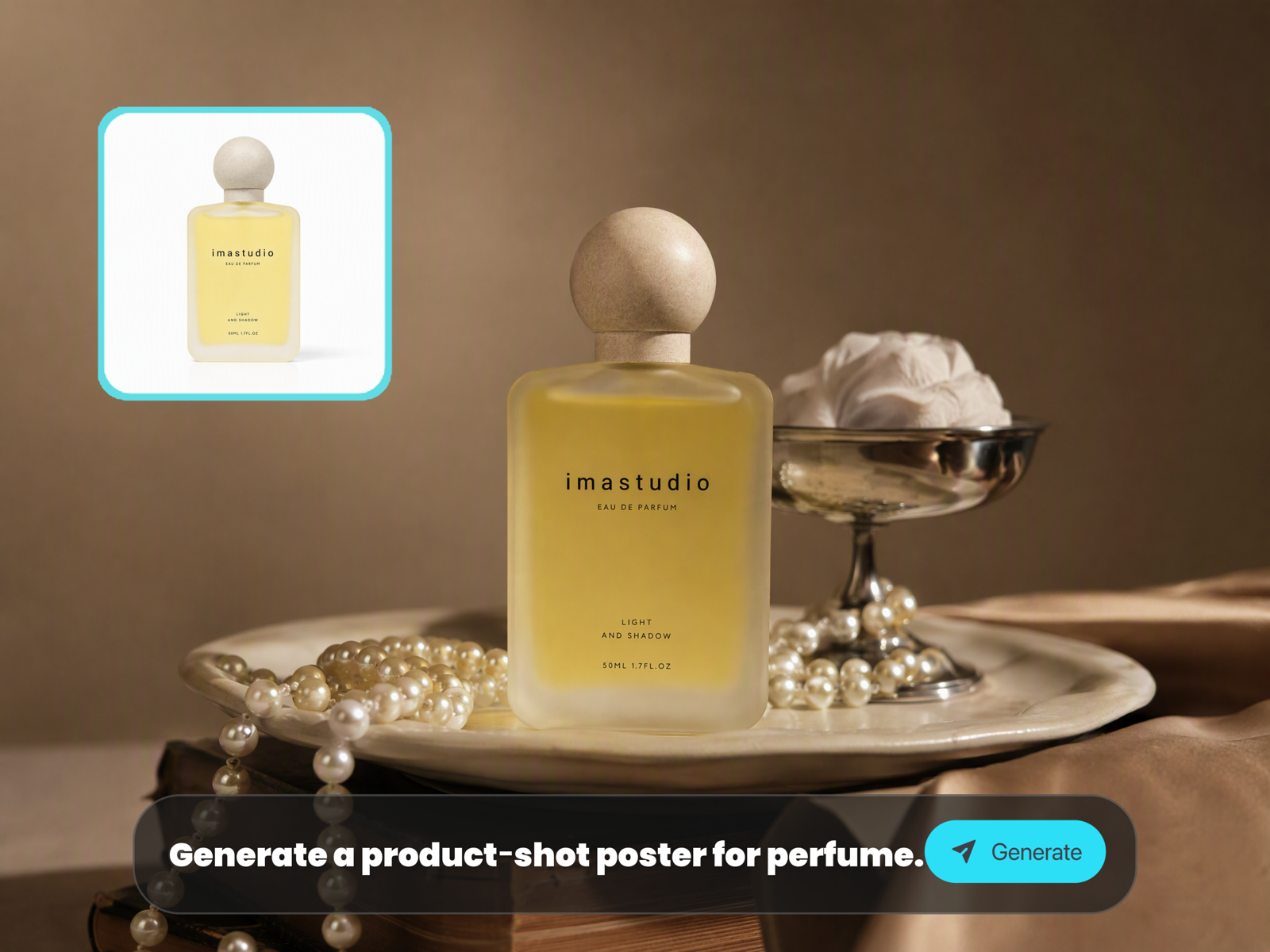
Capacidades de generación de imágenes
Cree retratos ultrarrealistas, imágenes de productos con iluminación y materiales consistentes, escenas cinematográficas y variaciones visuales por lotes a partir de entradas rápidas o de referencia.
Modos de prueba Wan 2.7 Pro
Esta sección utiliza widgets de imágenes reales de Elementor en lugar de marcadores de posición HTML. La columna de la izquierda contiene el mensaje o la instrucción de edición, y las tres columnas de la derecha son espacios de imágenes que puede reemplazar directamente en Elementor.
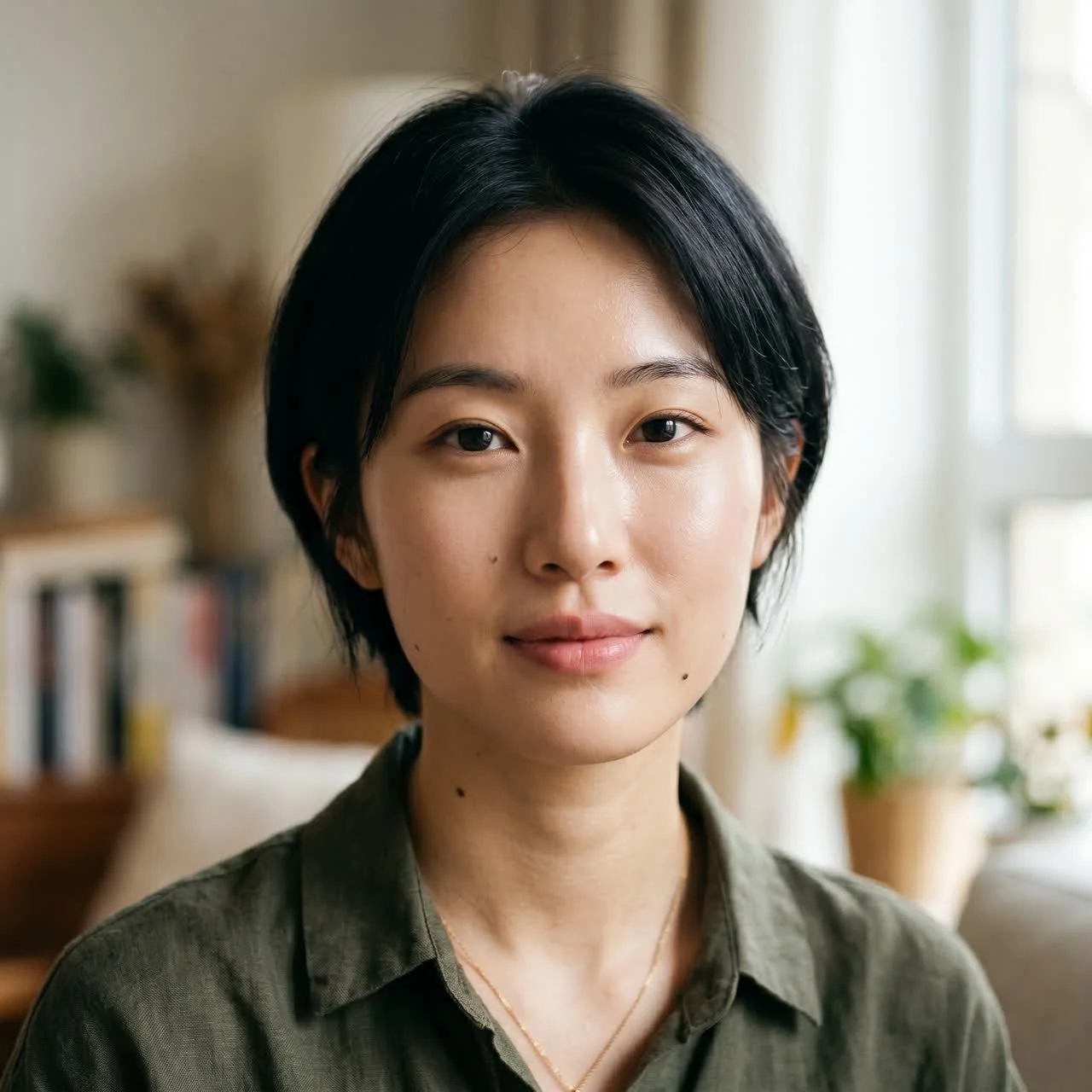
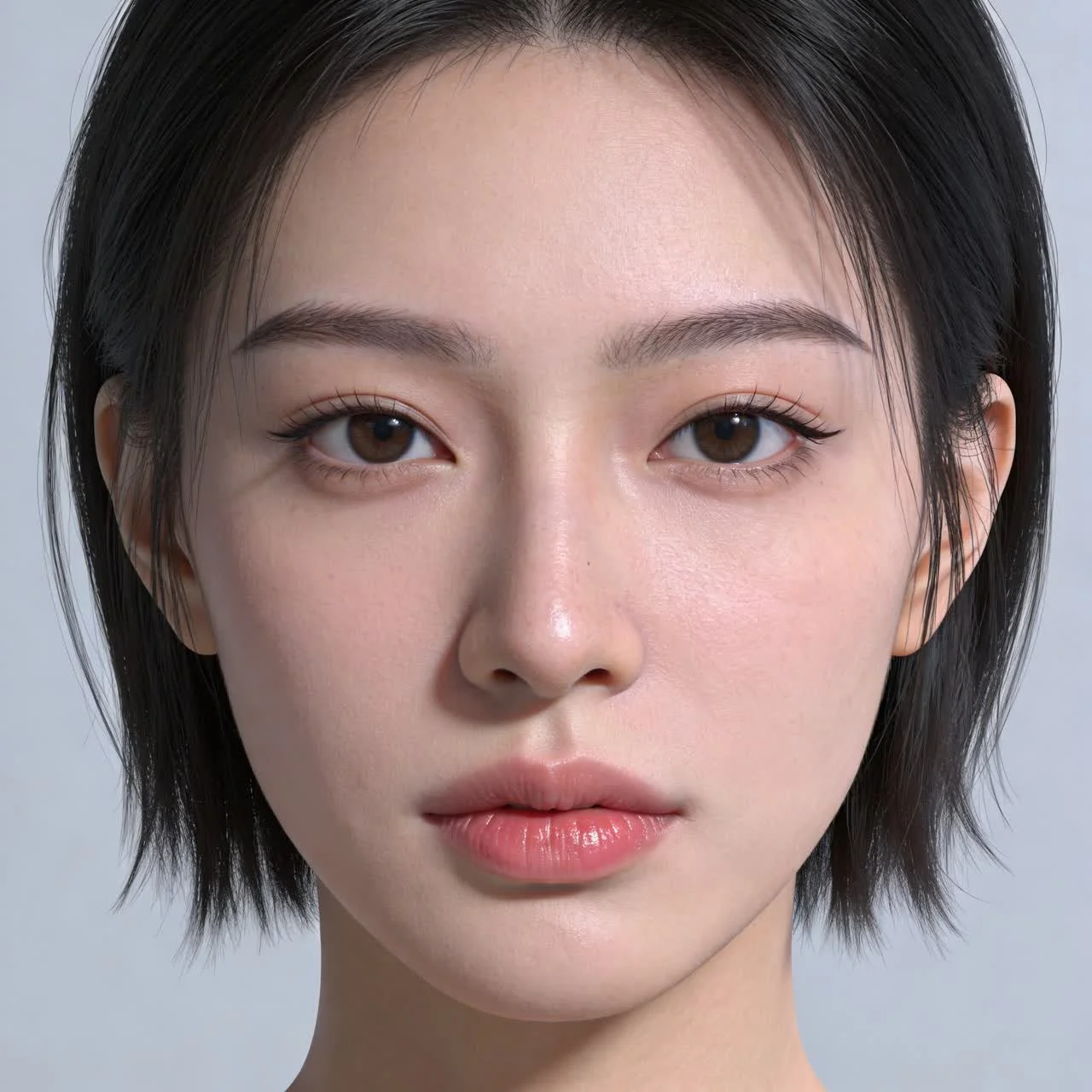
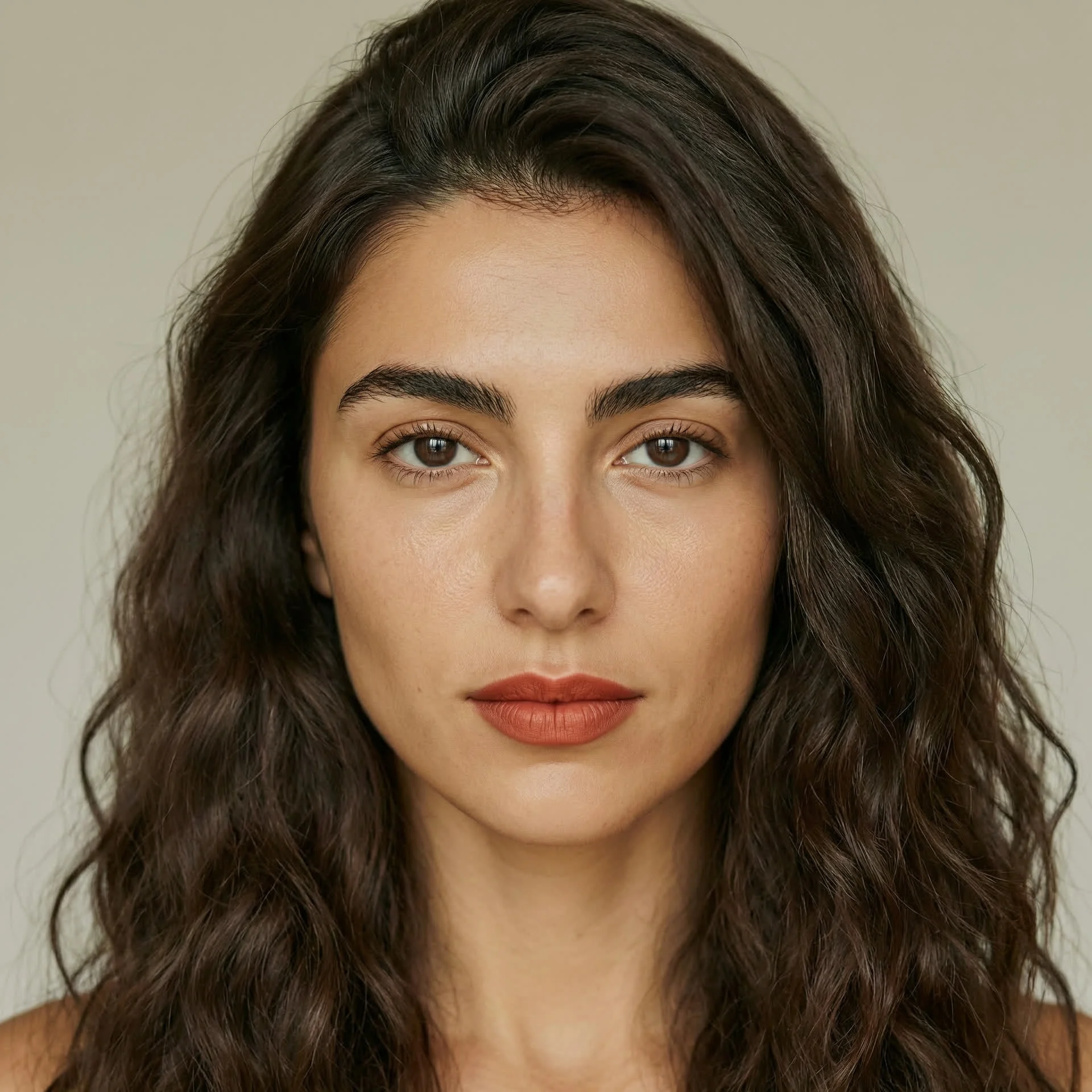
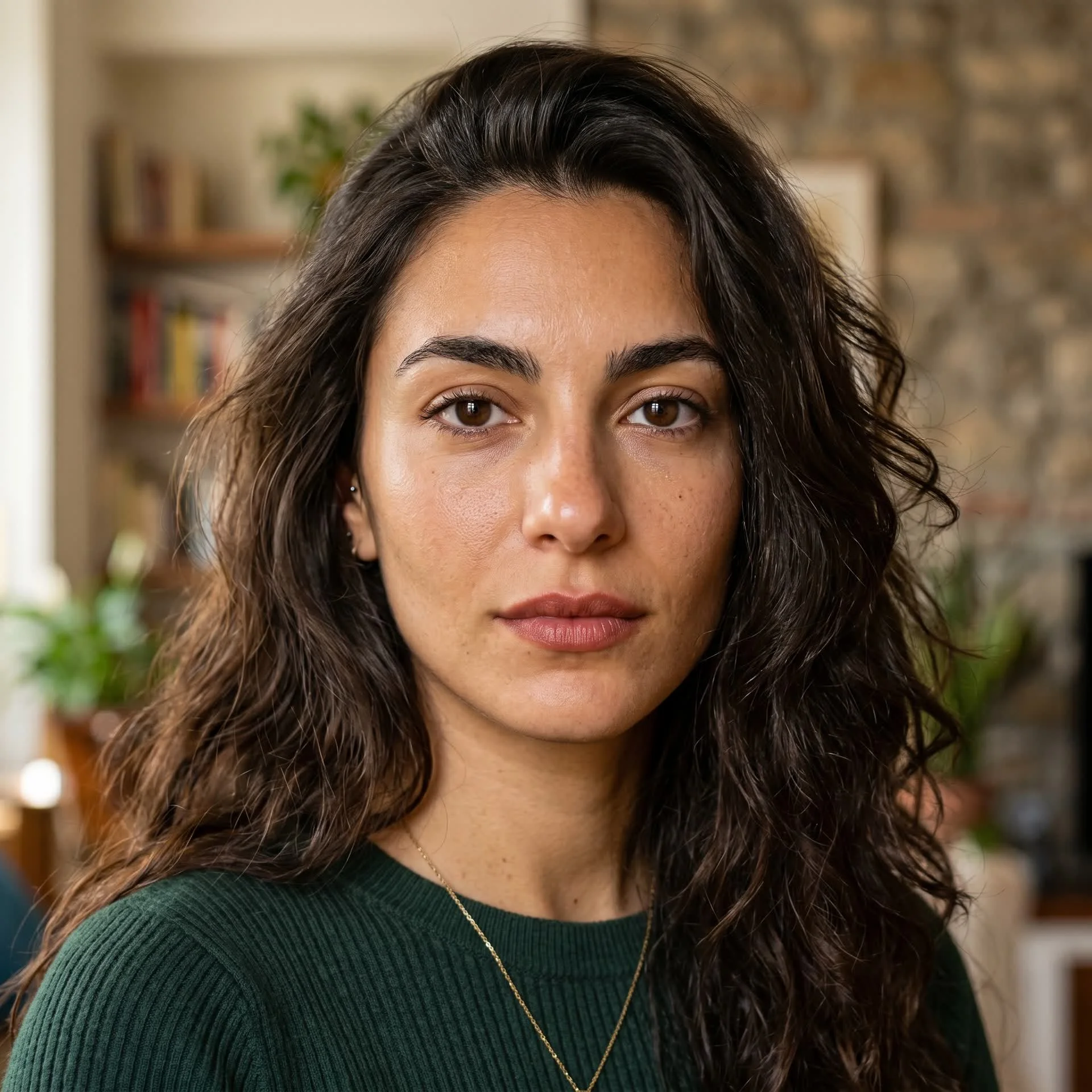
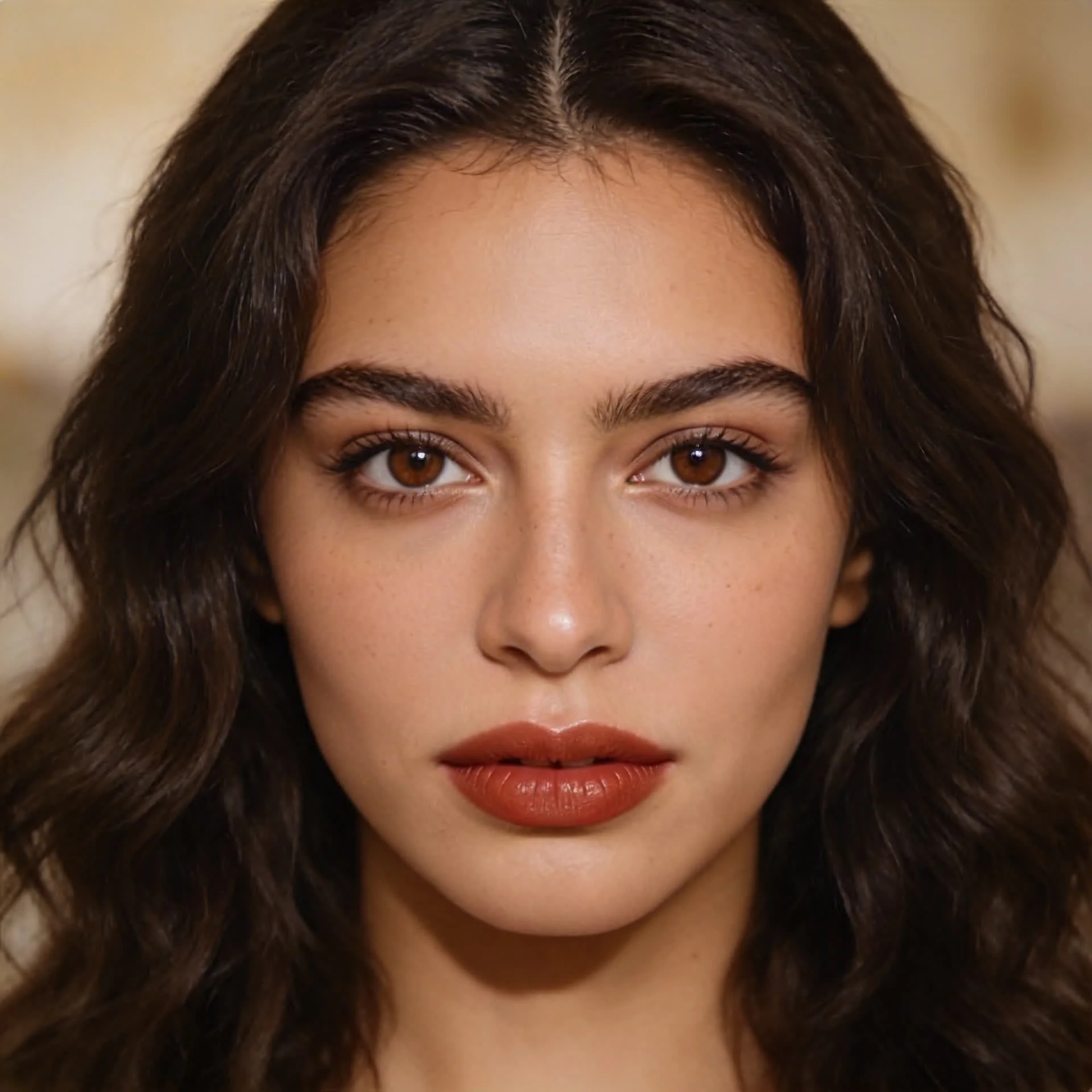
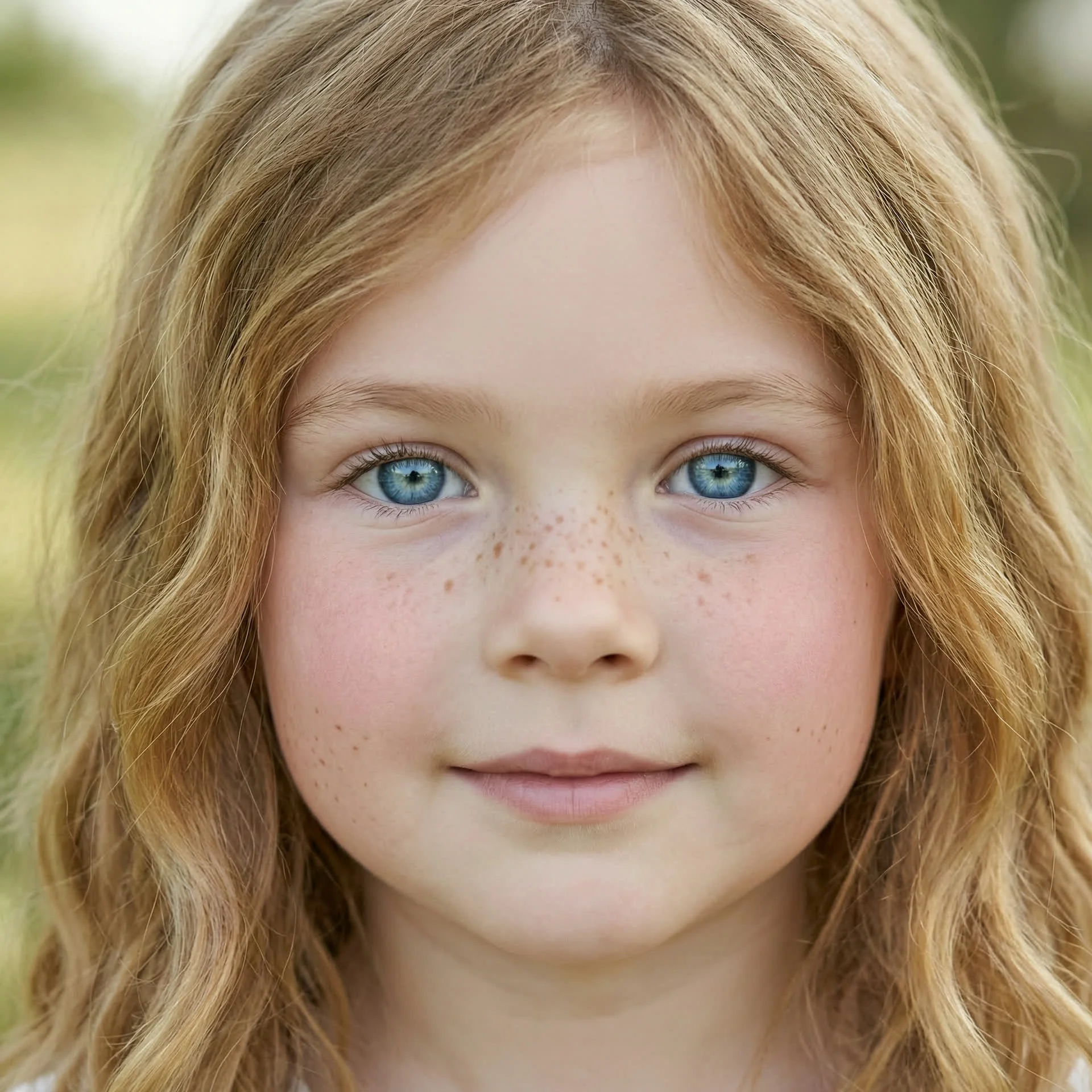
Modo 1: Comparación de calidad de retrato
Utilice el mismo mensaje en varios modelos para comparar la textura del retrato, la representación de la piel, el realismo y la estabilidad facial.
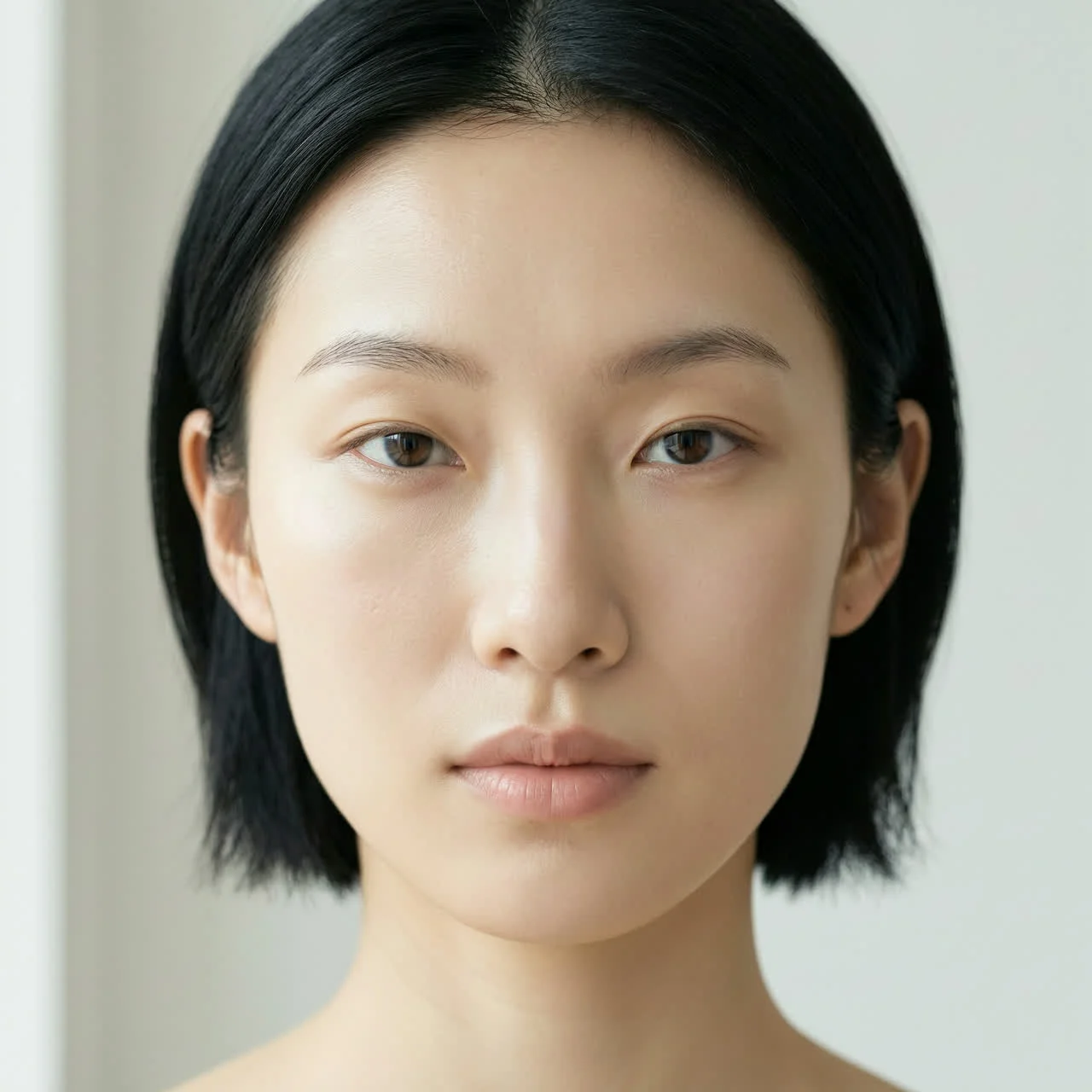
Aviso femenino de Asia oriental
Una mujer de 25 años del este de Asia, retrato frontal en primer plano, iluminación natural suave, estilo hiperrealista, detalles en 8K.
Aviso femenino italiano
Una mujer italiana de 25 años, retrato frontal en primer plano, iluminación natural suave, estilo hiperrealista, detalles en 8K.
Mensaje de retrato infantil
Una niña europea de 8 años, retrato frontal en primer plano, iluminación natural suave, estilo hiperrealista, detalles en 8K.
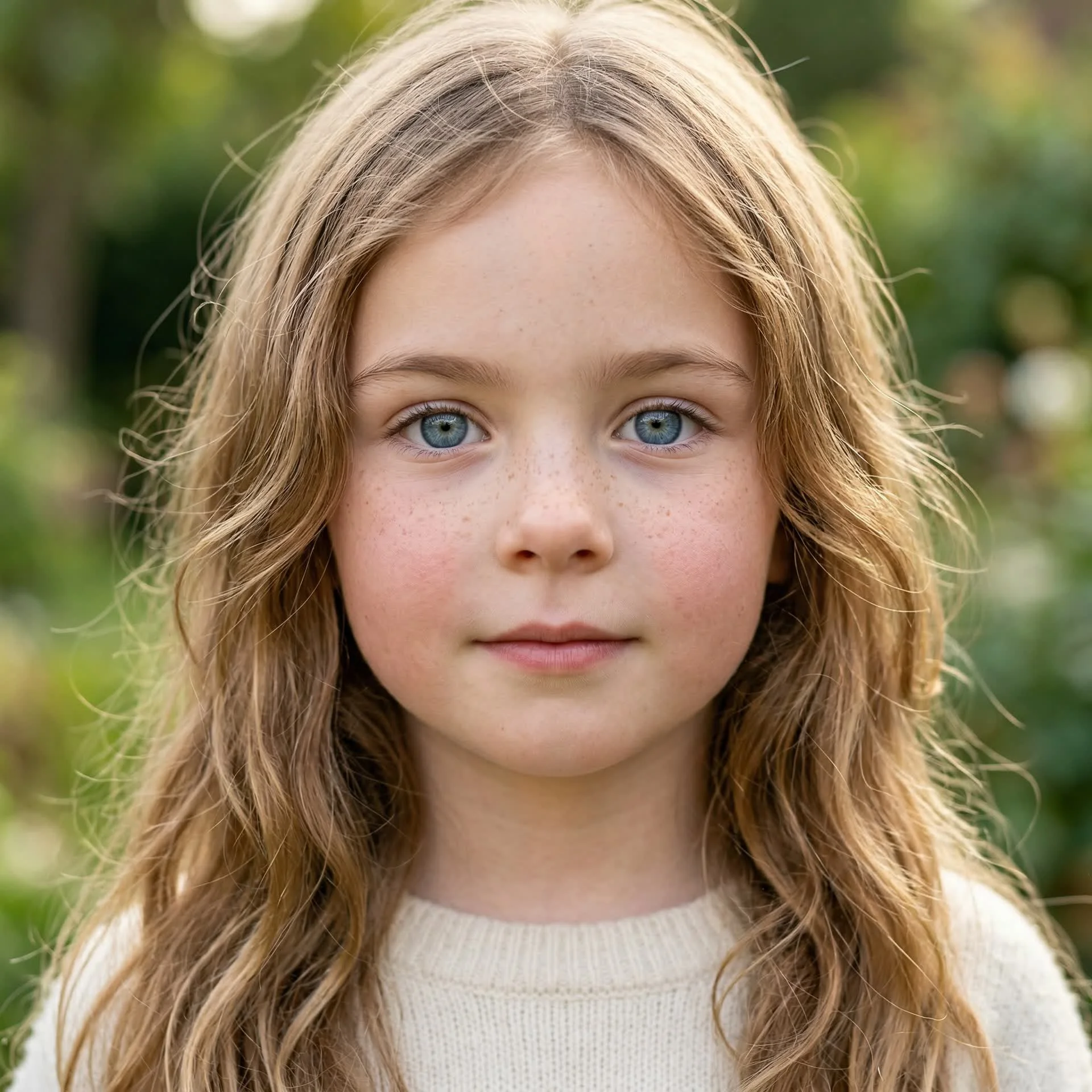
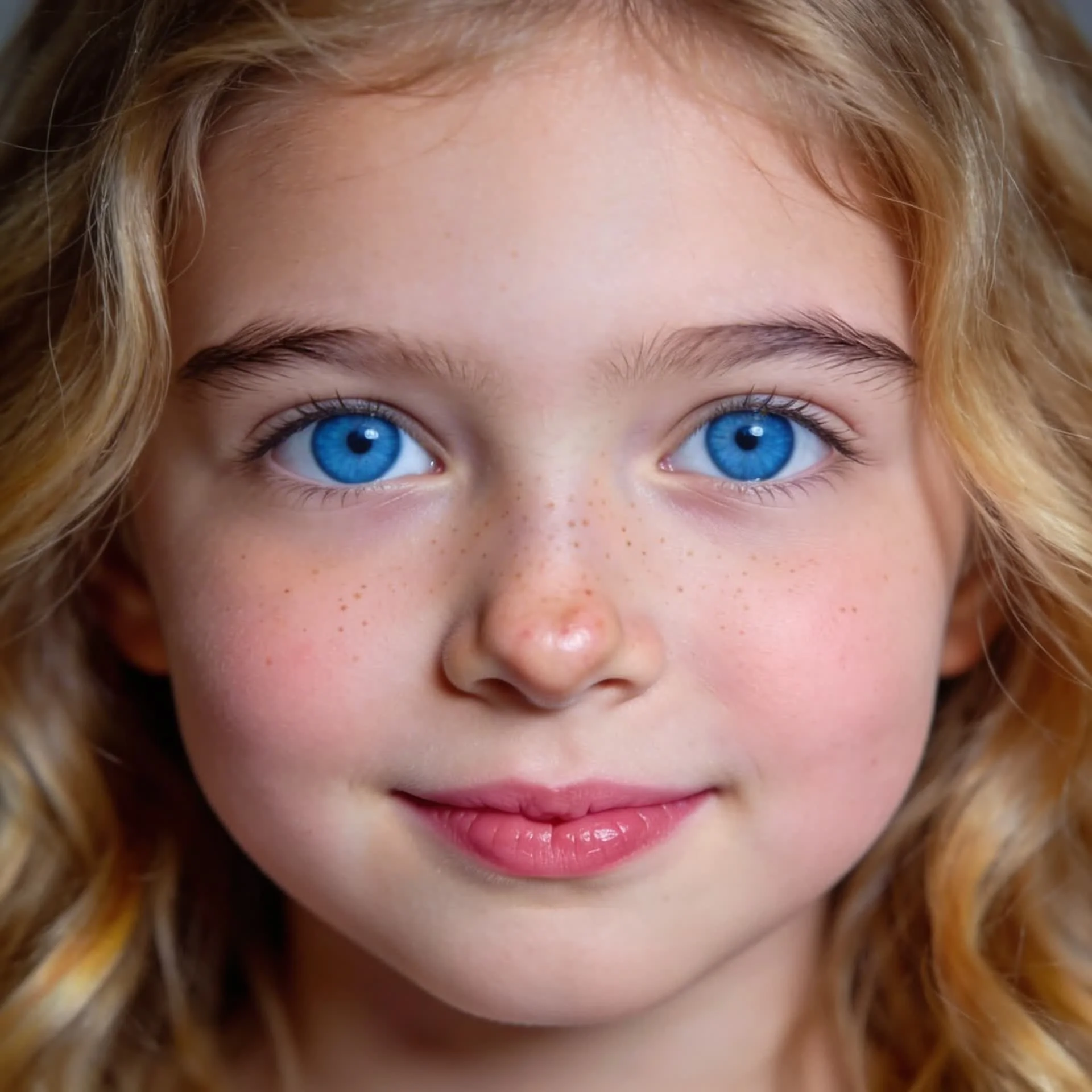
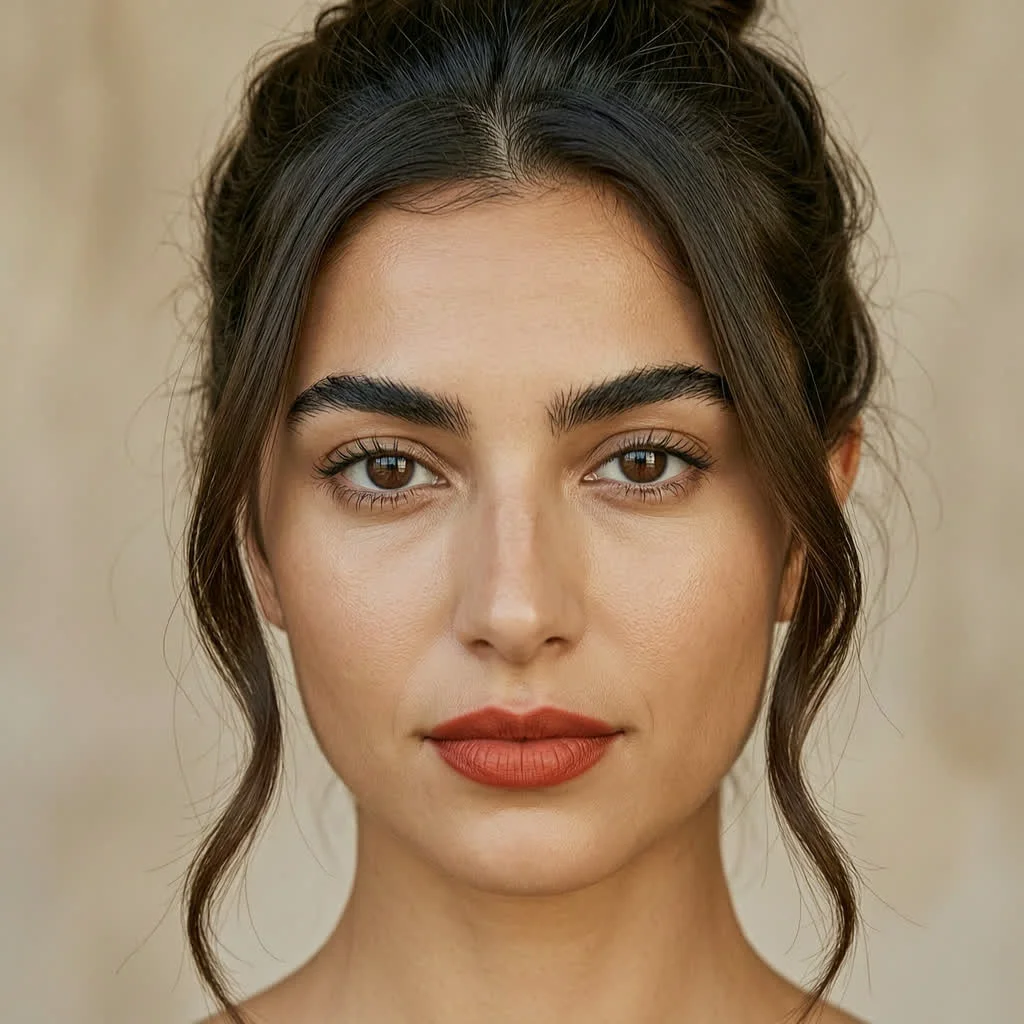
Modo 2: Personalización de rostros de un solo retrato
Pruebe qué tan bien Wan 2.7 Pro puede mantener un personaje coherente mientras cambia una sola variable facial o de estilo.
Variaciones de corte de pelo
Corte bob corto, cabello castaño chocolate intenso con flequillo lateral
Cabello castaño chocolate profundo liso hasta los hombros con raya central
Elegante moño recogido, cabello castaño chocolate intenso con mechones sueltos que enmarcan la cara
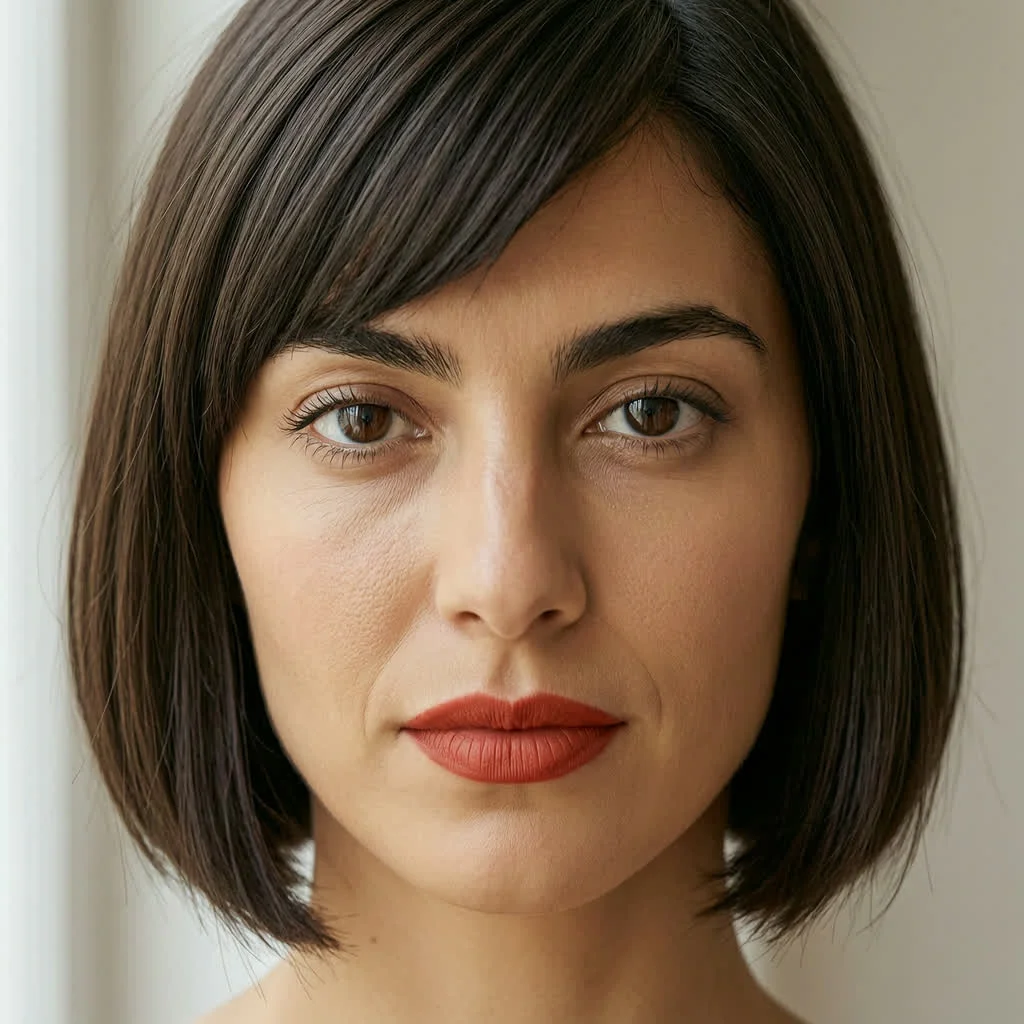
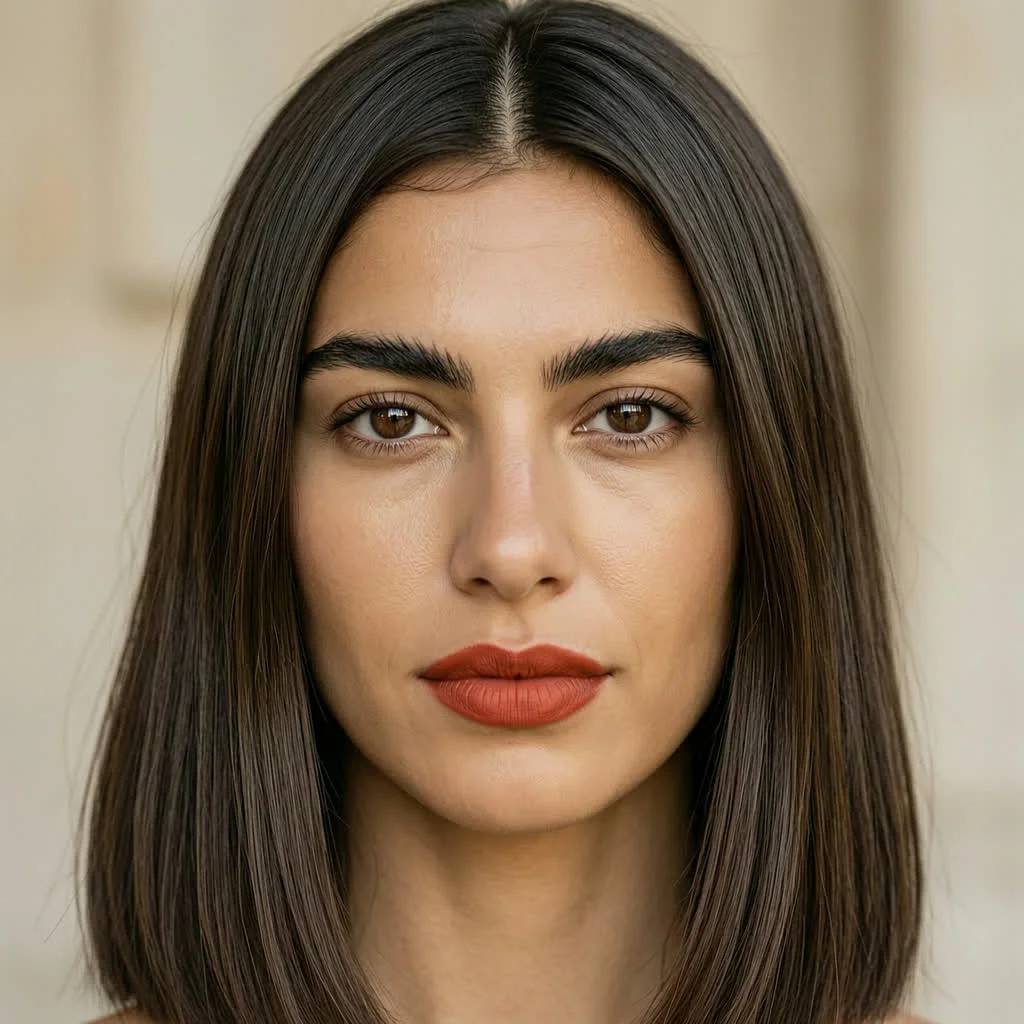
Modo 3: Edición local
Pruebe si Wan 2.7 Pro puede editar solo el área seleccionada conservando el resto de la composición.
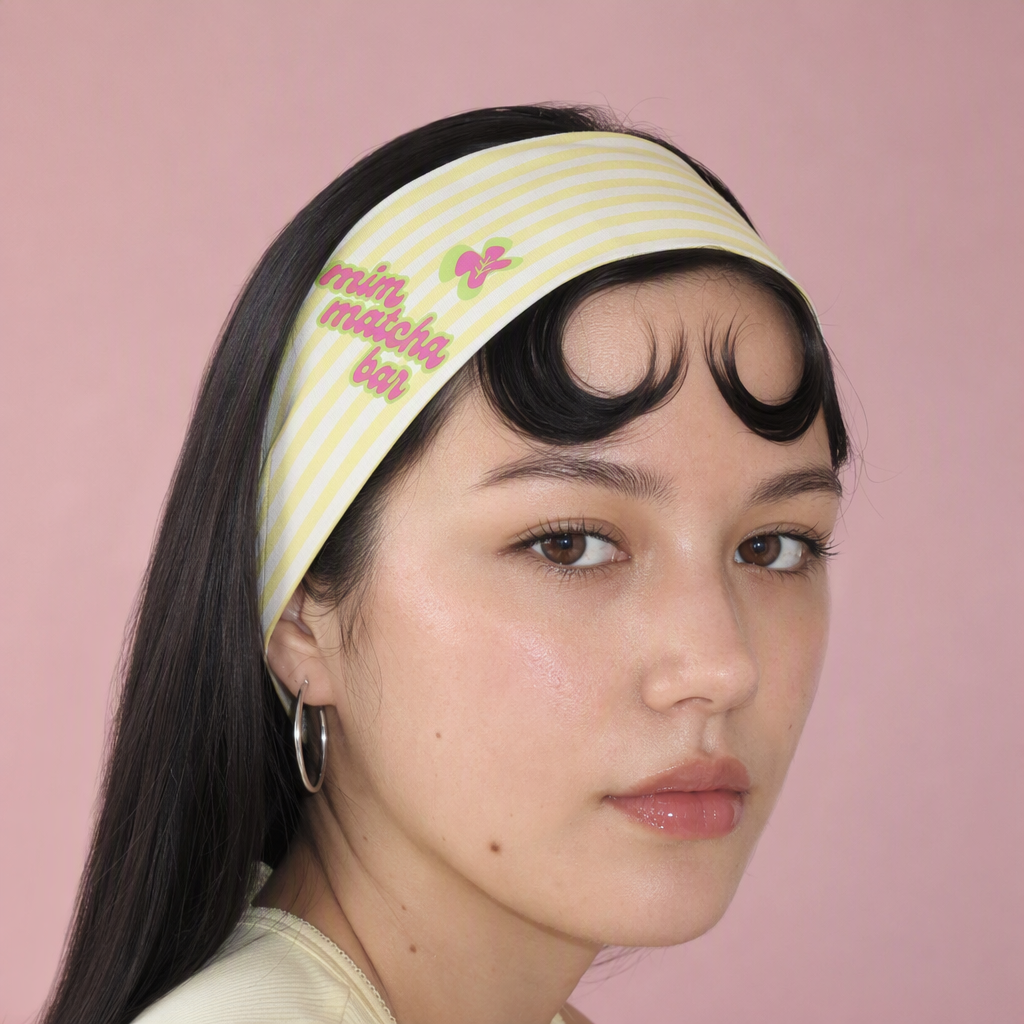
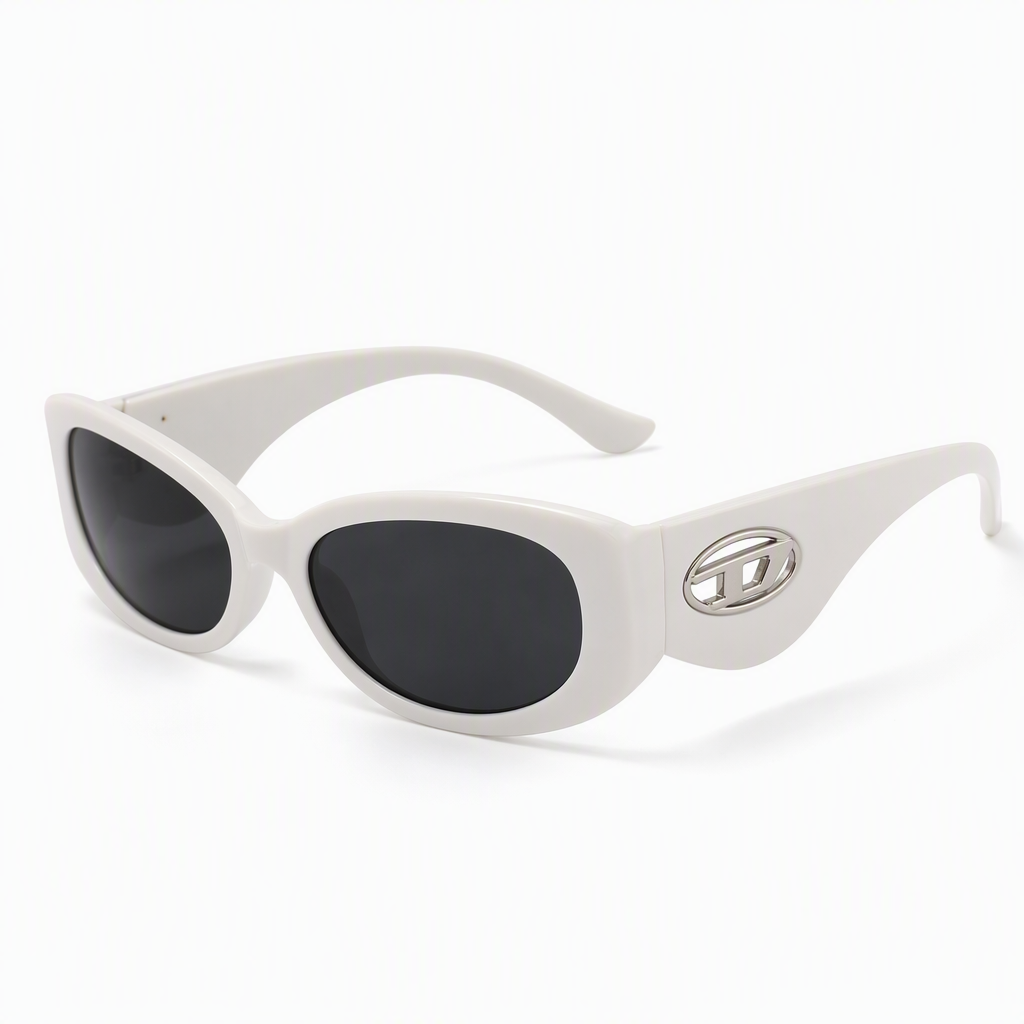
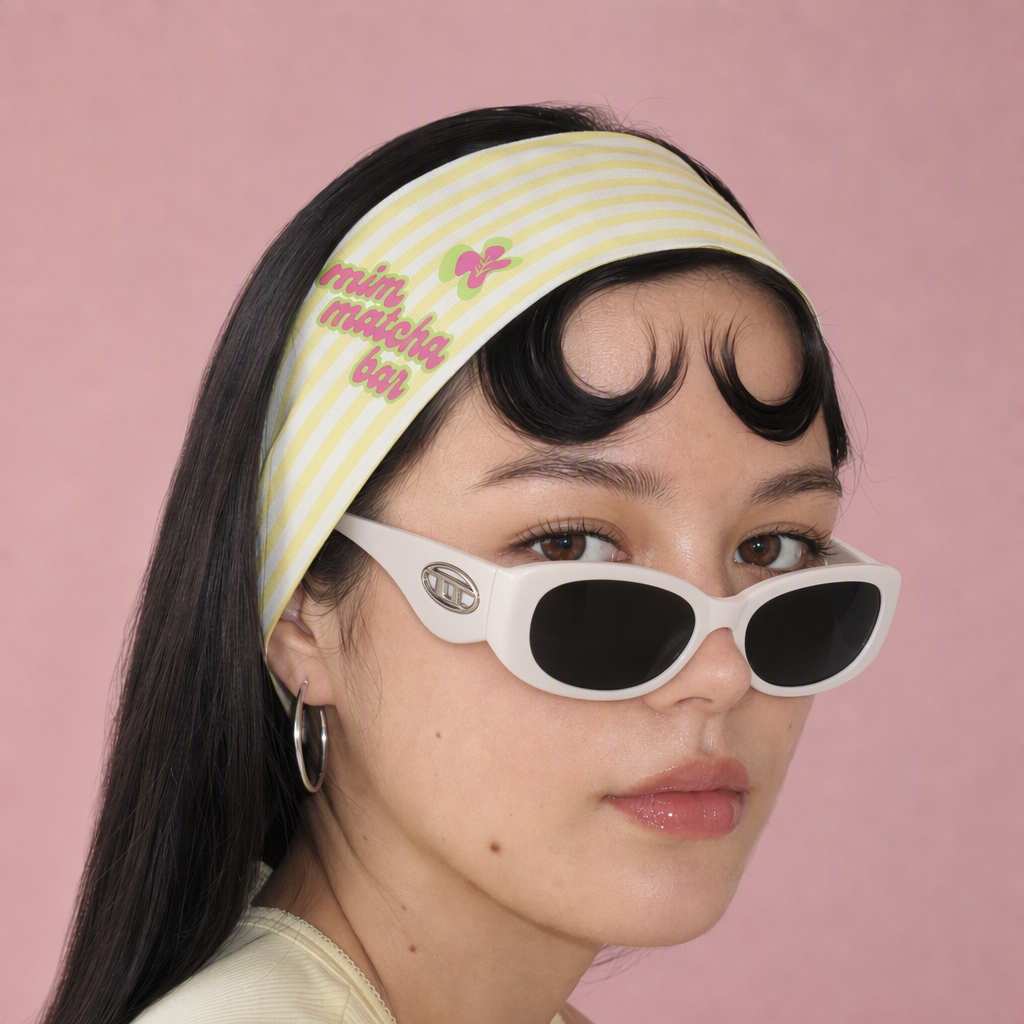
Editar tarea 1
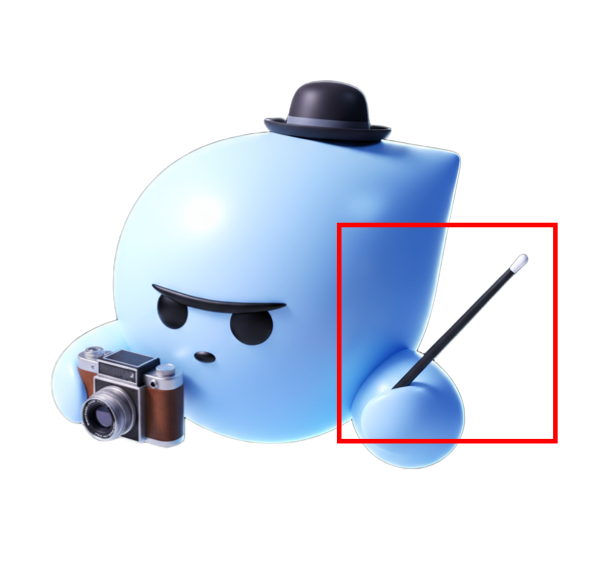
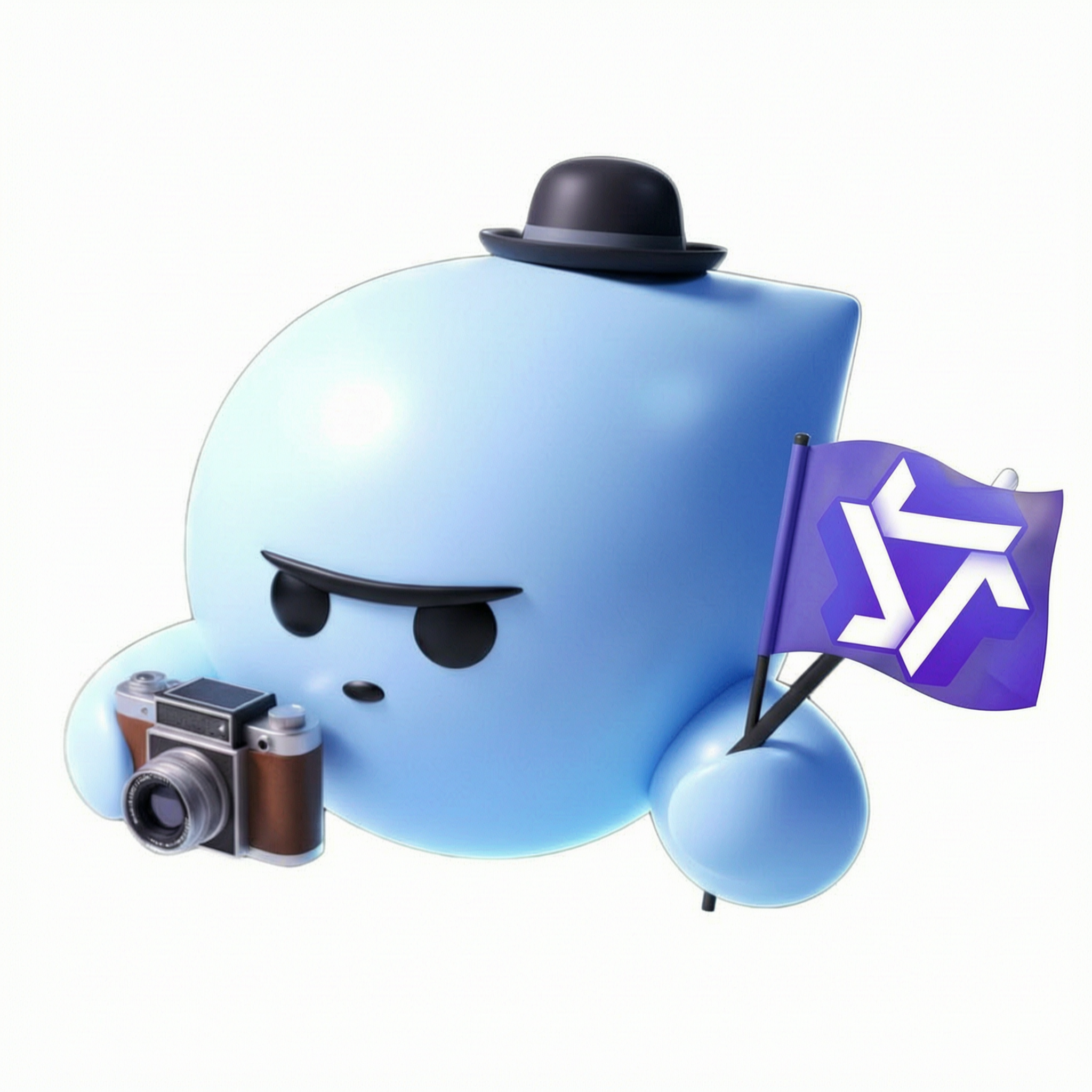
Edite la imagen 1 agregando una bandera en la parte superior del bolígrafo seleccionado. La bandera debe mostrar la imagen de la imagen 2 mientras todos los demás detalles permanecen sin cambios.
¿Por qué elegir Wan 2.7 Video Generator en Ima Studio?
Utilice Wan 2.7 dentro de Ima Studio para pasar de referencias de mensajes, medios y audio a la generación de video estructurado con IA sin crear un flujo de trabajo de modelo separado.
Acceso al flujo de trabajo más reciente de Wan
Pruebe Wan 2.7 en un flujo de trabajo de creación basado en navegador con selección de modelo, entrada de mensajes, carga de referencias, estado de generación y vista previa de resultados en un solo lugar.
Flujo de trabajo de video rápido
Describe la escena, la actuación, la cámara, el ritmo y el objetivo de salida en un lenguaje sencillo en lugar de dividir un proyecto en varias herramientas.
Pila flexible de creación de vídeos con IA
Comience a partir de texto, agregue medios de referencia cuando sea necesario y utilice los controles de modelo disponibles para la relación de aspecto, la duración y la resolución.
Creado para publicar
Obtenga una vista previa, descargue y revise los resultados generados desde el historial de creación de Ima Studio para que su equipo pueda comparar indicaciones y seguir iterando.
15Vídeo de IA de formato largo
1080pSalida de vídeo estable
Texto + referenciasFlujos de trabajo de entrada
Precios, créditos y preguntas frecuentes de Wan 2.7
Explora más herramientas de IA y ejemplos creativos
Crear vídeos Wan 2.7 en línea
Comience con un mensaje, agregue audio o medios de referencia opcionales, elija la configuración de video y genere salidas Wan 2.7 en Ima Studio.