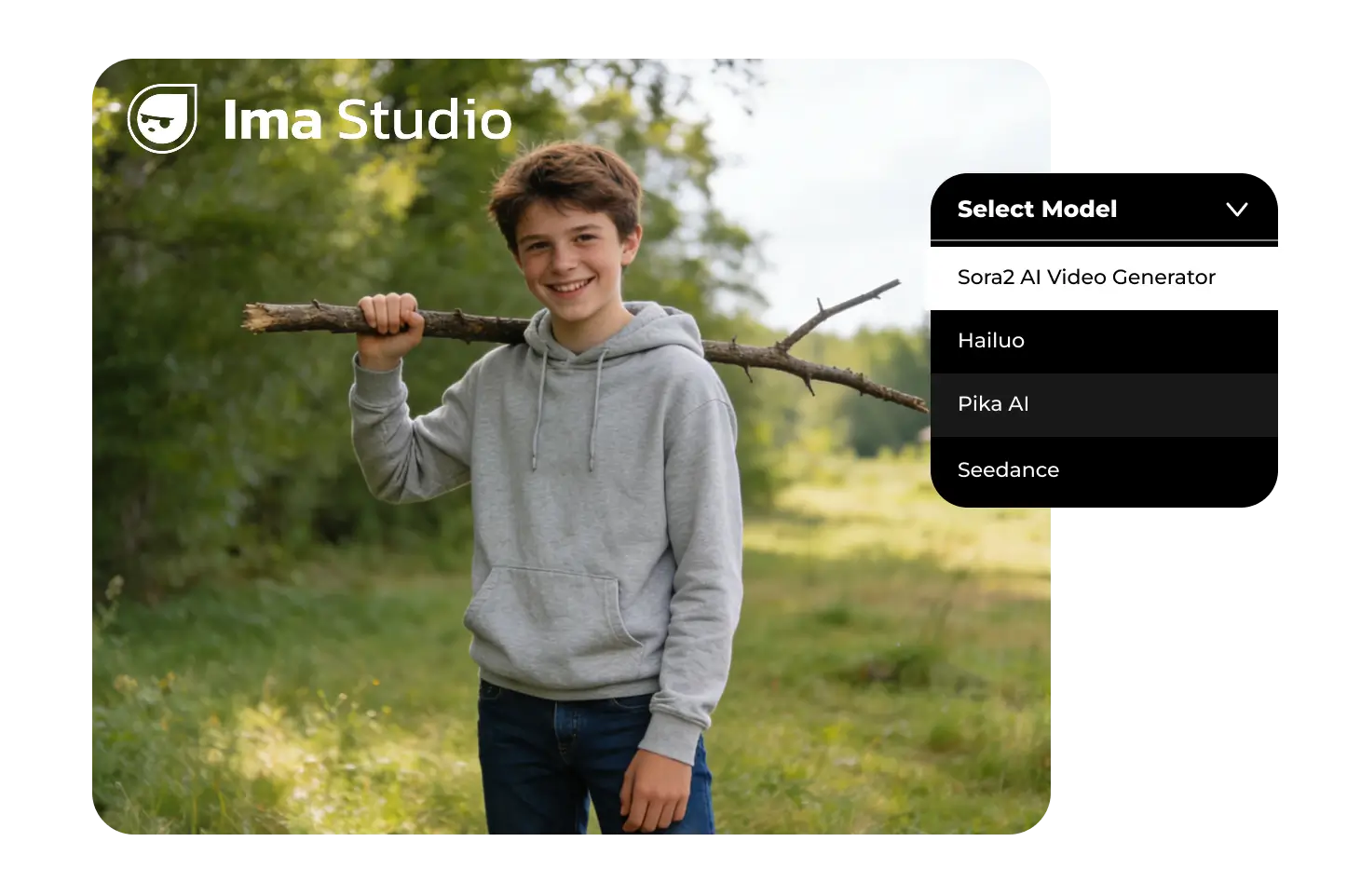
Ejemplos de vídeos de Sora 2
Explore instrucciones de video de ejemplo para escenas cinematográficas, movimiento de productos, clips sociales y demostraciones visuales antes de generar su propio video de Sora 2.
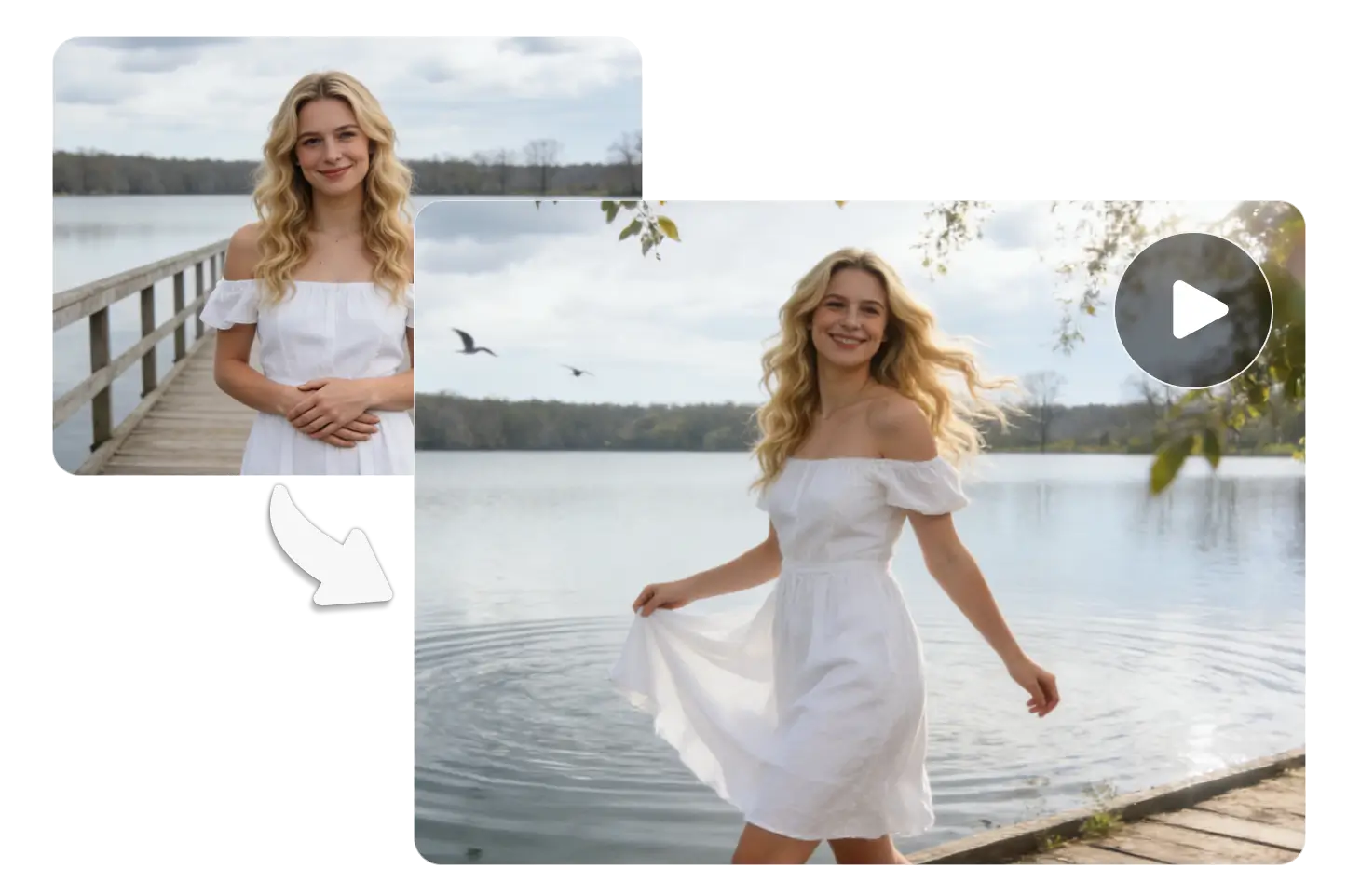
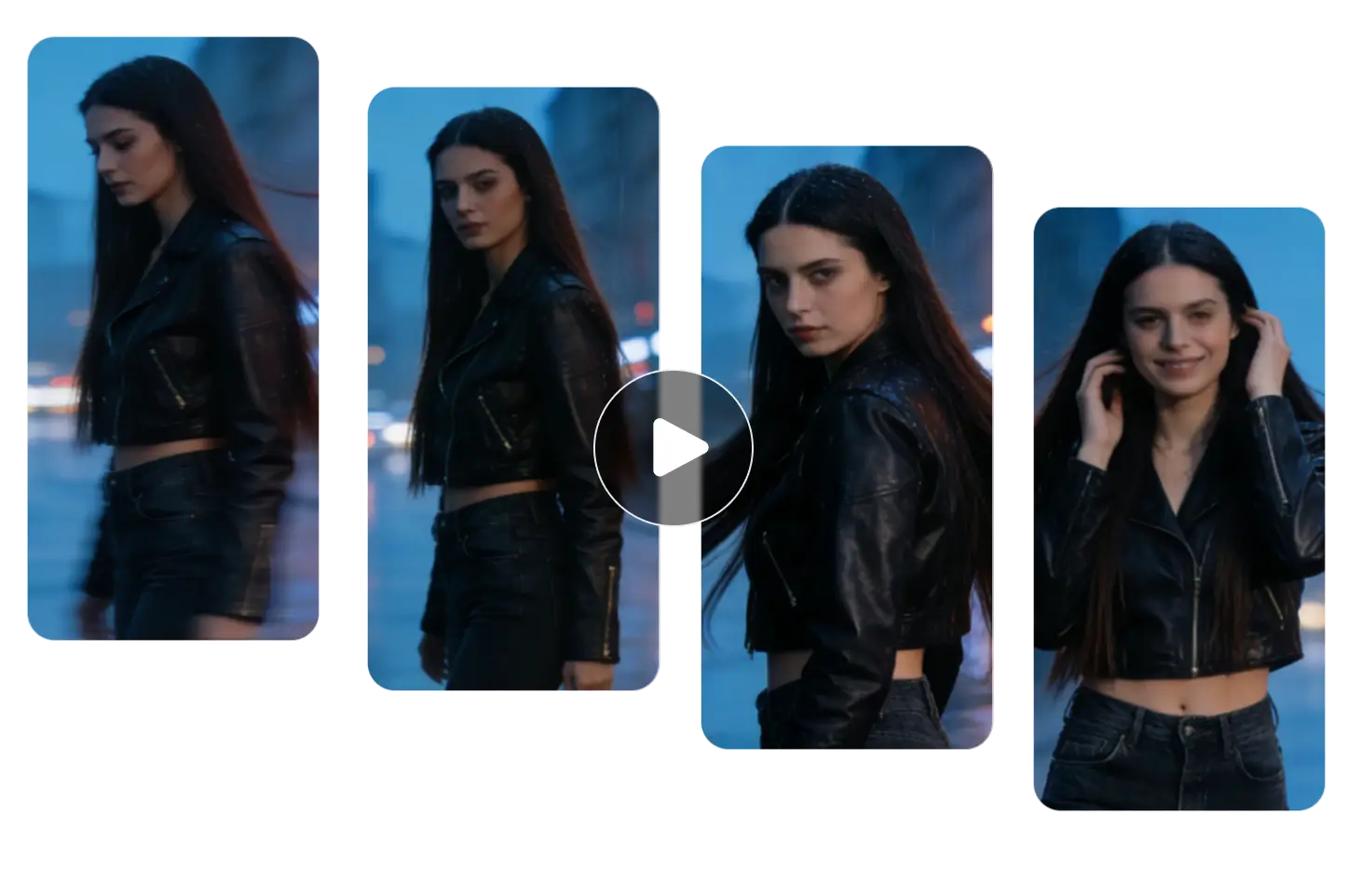
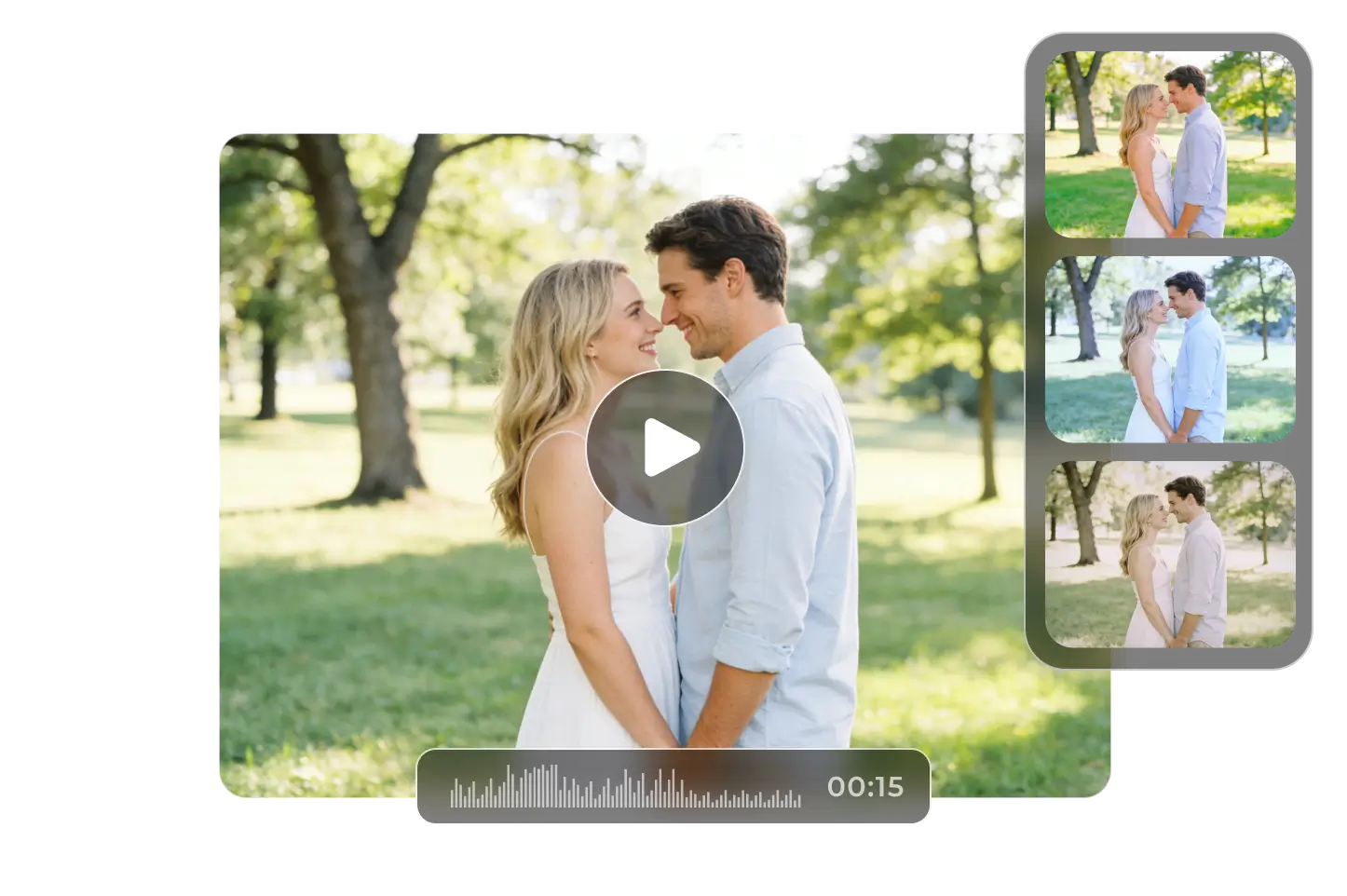
Cómo crear vídeos con Sora 2 en línea
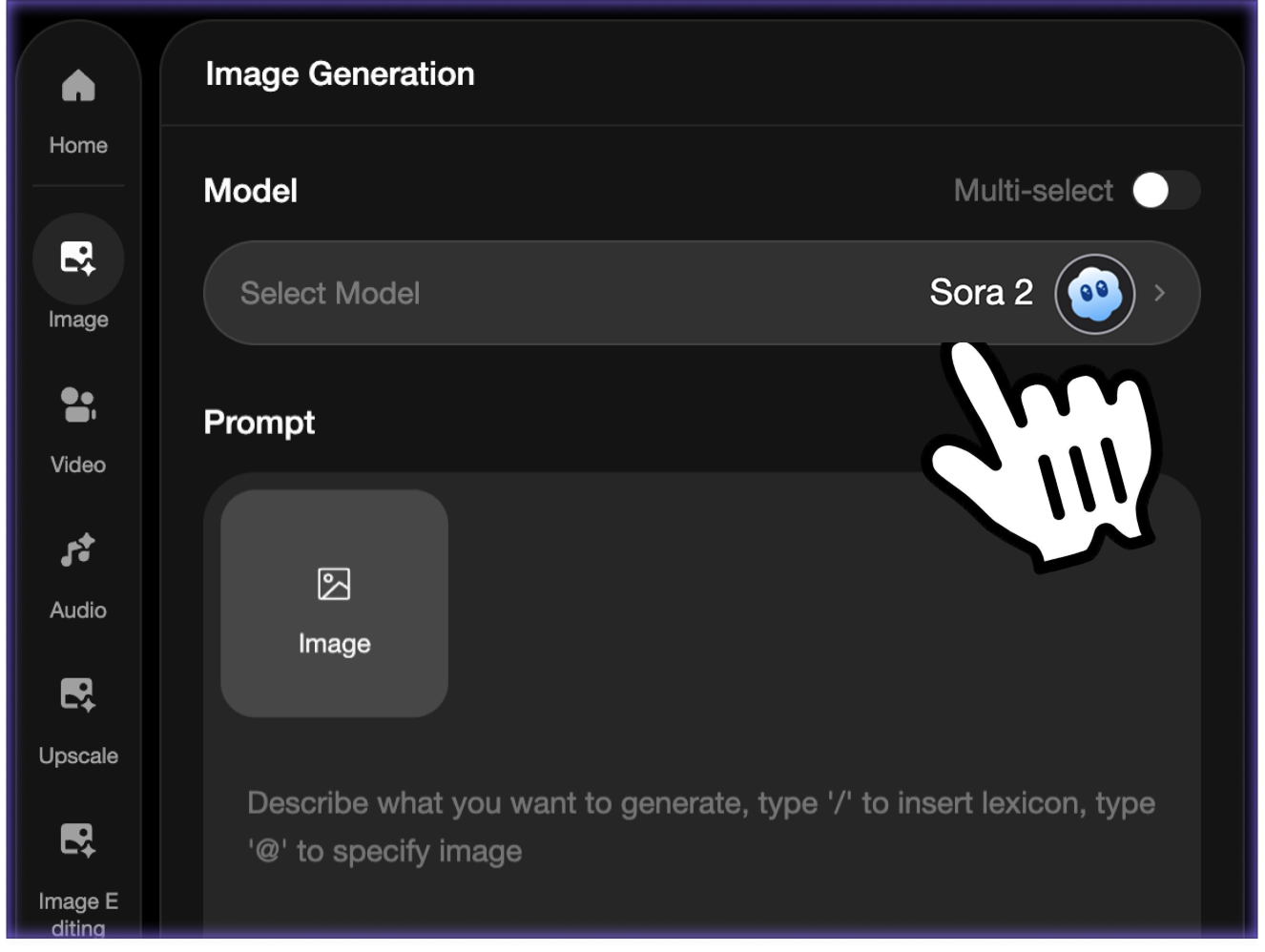 Paso 1Escribe tu mensaje de vídeo
Describe el tema, el escenario, el movimiento, el movimiento de la cámara, el estilo y el cuadro final. Cuanto más claro sea el mensaje, más fácil será para Sora 2 seguir tu dirección creativa.
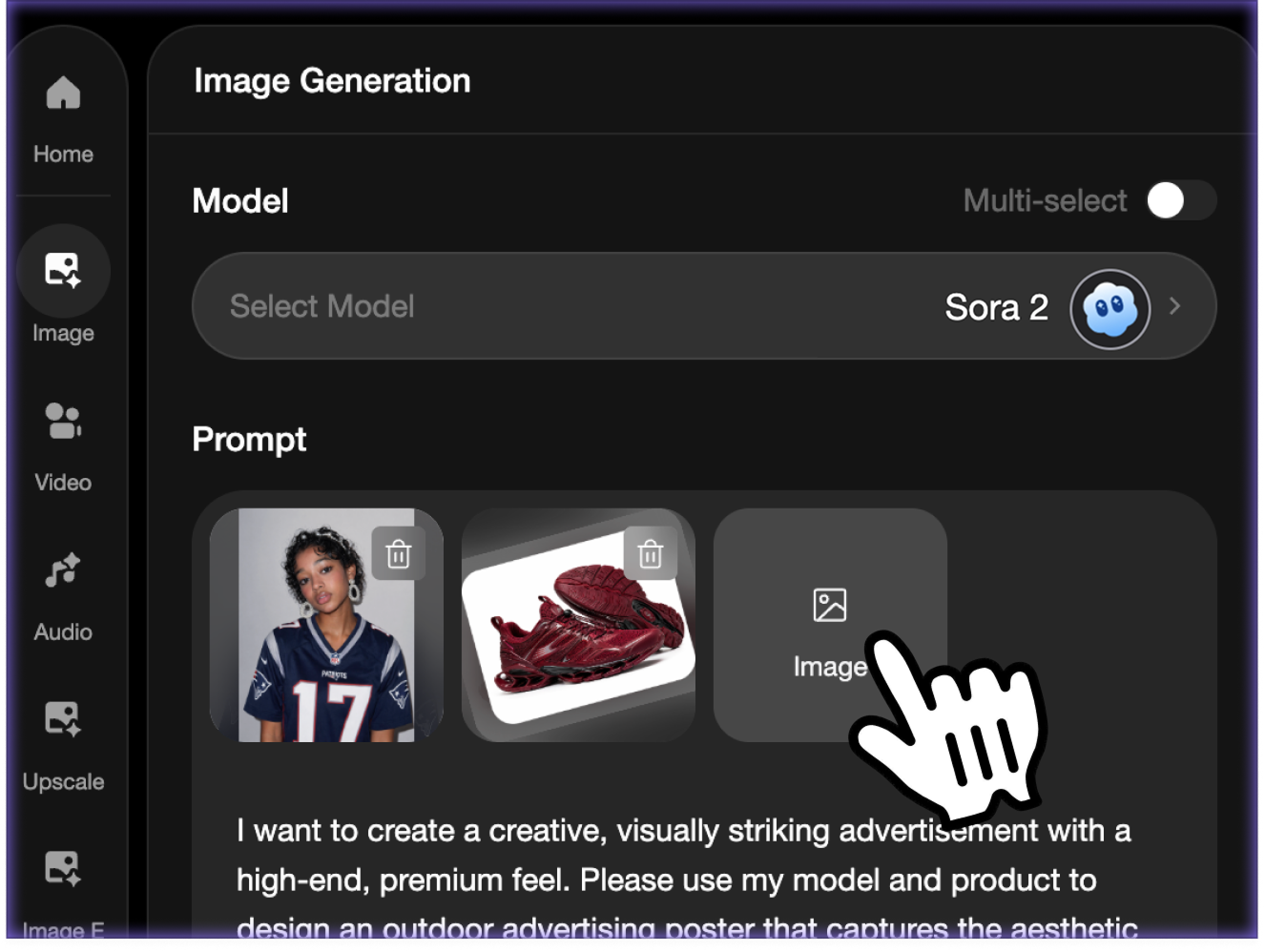 Paso 2Agregar referencias y configuraciones opcionales
Sube una imagen de referencia cuando quieras guiar personajes, productos, ubicaciones o estilo visual. Luego, elija las opciones de relación de aspecto y duración disponibles para su clip.
- Paso 3Generar, obtener vista previa y descargar
Cree el vídeo de Sora 2 en ImaStudio, obtenga una vista previa en la página, descargue el resultado final o regrese a su historial de creación para seguir iterando.
Capacidades del modelo de vídeo de Sora 2
Creación de mensajes de vídeo
Comience a partir de un mensaje en lenguaje natural y convierta la idea en una escena en movimiento. Incluya sujeto, entorno, acción, dirección de cámara, iluminación y estilo para ayudar a Sora 2 a generar un resultado más claro.
Generación de vídeo guiada por referencia
Agregue imágenes de referencia opcionales cuando necesite que el video generado siga más de cerca un producto, personaje, lugar o dirección visual.
Controles de relación de aspecto y duración
Utilice los controles de la página para elegir la forma y duración del video disponible para su plataforma de destino, desde clips cinematográficos anchos hasta formatos sociales.
Sora 2 y Sora 2 Pro en un solo flujo de trabajo
Compare las opciones estándar y Pro cuando ambos modelos estén disponibles y luego mantenga los resultados organizados en el mismo historial de creación de ImaStudio.
Lo que puedes crear con Sora 2 en línea
Utilice Sora 2 para vídeos cinematográficos de IA, movimientos de productos de comercio electrónico, clips sociales, explicaciones, guiones gráficos y conceptos publicitarios.
01
Conceptos de historias cinematográficas
Convierte una idea de escena corta en un borrador de vídeo cinematográfico. Describe la ubicación, el personaje, el estado de ánimo, la iluminación, el movimiento de la cámara y el ritmo final, luego usa Sora 2 para crear un concepto visual pulido para presentaciones, guiones gráficos y exploración creativa.
02
Avances de productos y clips de comercio electrónico
Cargue una referencia del producto y describa la revelación, la trayectoria de la cámara, la textura de la superficie, la iluminación y la atmósfera de la marca. Sora 2 puede ayudar a producir avances rápidos de productos, imágenes de lanzamiento y pruebas de anuncios a partir de una imagen de producto estática.
03
Vídeos sociales y contenido para creadores
Cree videos cortos para TikTok, Reels, Shorts y campañas sociales sin filmar cada variación. Pruebe los ganchos, los estilos de escena, la energía de la cámara y el ritmo antes de comprometerse con la producción.
04
Explicadores, educación y demostraciones visuales
Describe un proceso, concepto o escena y conviértelo en una sencilla explicación en vídeo. Sora 2 puede ayudar a profesores, fundadores y creadores a crear prototipos de demostraciones visuales para presentaciones, tutoriales y borradores de contenido.
¿Por qué utilizar Sora 2 en ImaStudio?
ImaStudio envuelve Sora 2 en un práctico flujo de trabajo de navegador: avisos, referencias opcionales, selección de modelo, estado de generación, vista previa, descarga e historial en un solo lugar.
No se necesita configuración
Utilice Sora 2 en línea sin instalar software, administrar claves API ni crear un canal de video independiente.
Entradas de aviso y referencia
Comience solo con texto o agregue imágenes de referencia cuando una escena, producto, personaje o estilo necesite una guía visual más sólida.
Creado para la iteración creativa
Genere borradores, compare resultados, ajuste indicaciones, cambie opciones de modelo y siga probando sin salir de la página.
Descargar y revisar los resultados
Obtenga una vista previa de cada video terminado, descargue el resultado y busque generaciones anteriores más adelante en su historial de creación de ImaStudio.
sora 2modelo de vídeo de IA
Texto + referenciasModos de entrada
VídeoSalida descargable
Preguntas frecuentes sobre el generador de vídeo Sora 2
Explora más herramientas de IA y ejemplos creativos
Generar videos de Sora 2 en línea
Comience con un mensaje, agregue referencias opcionales, elija la configuración de video y cree un video de Sora 2 AI en ImaStudio.