
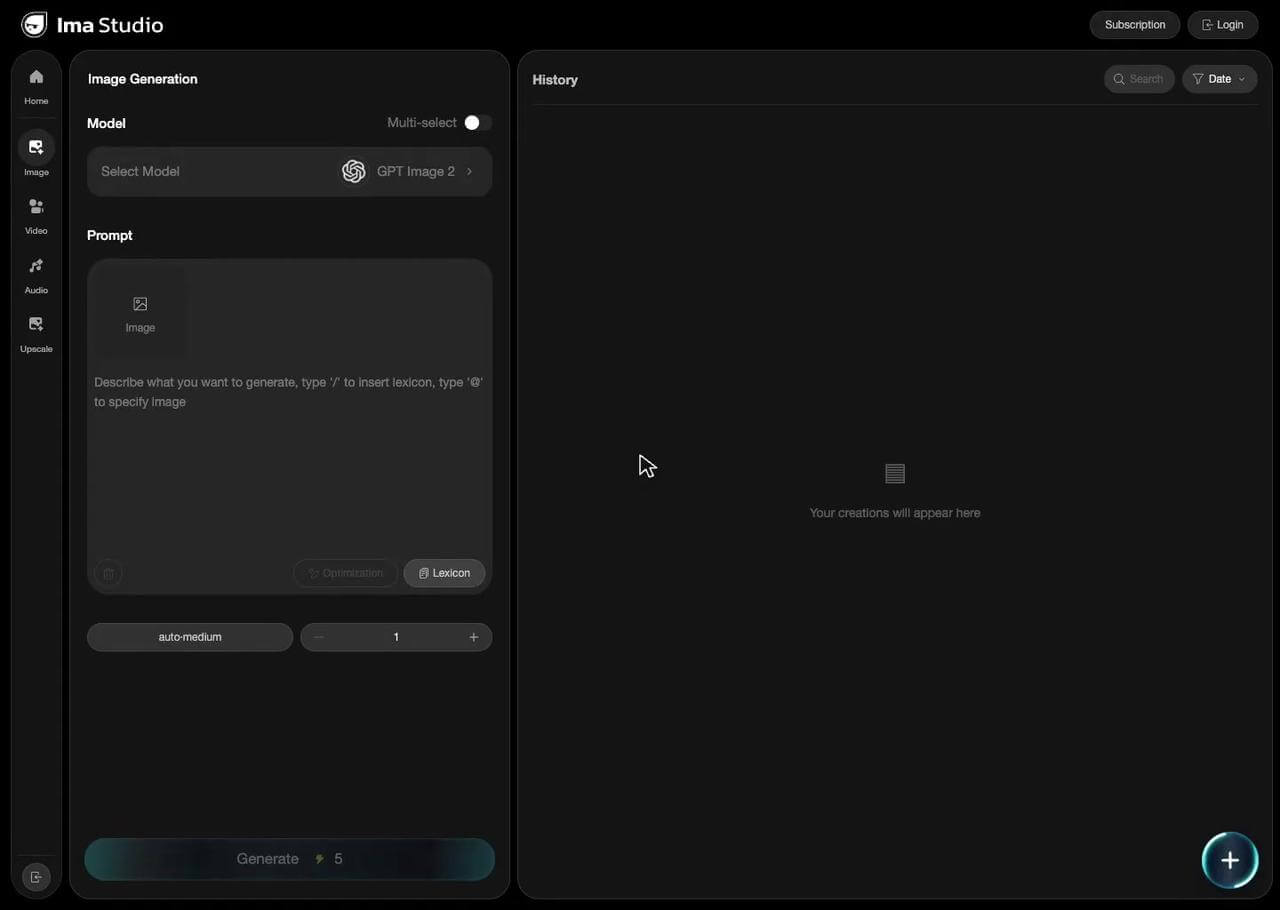
Choose a model
Choose a generation model suited for image creation.
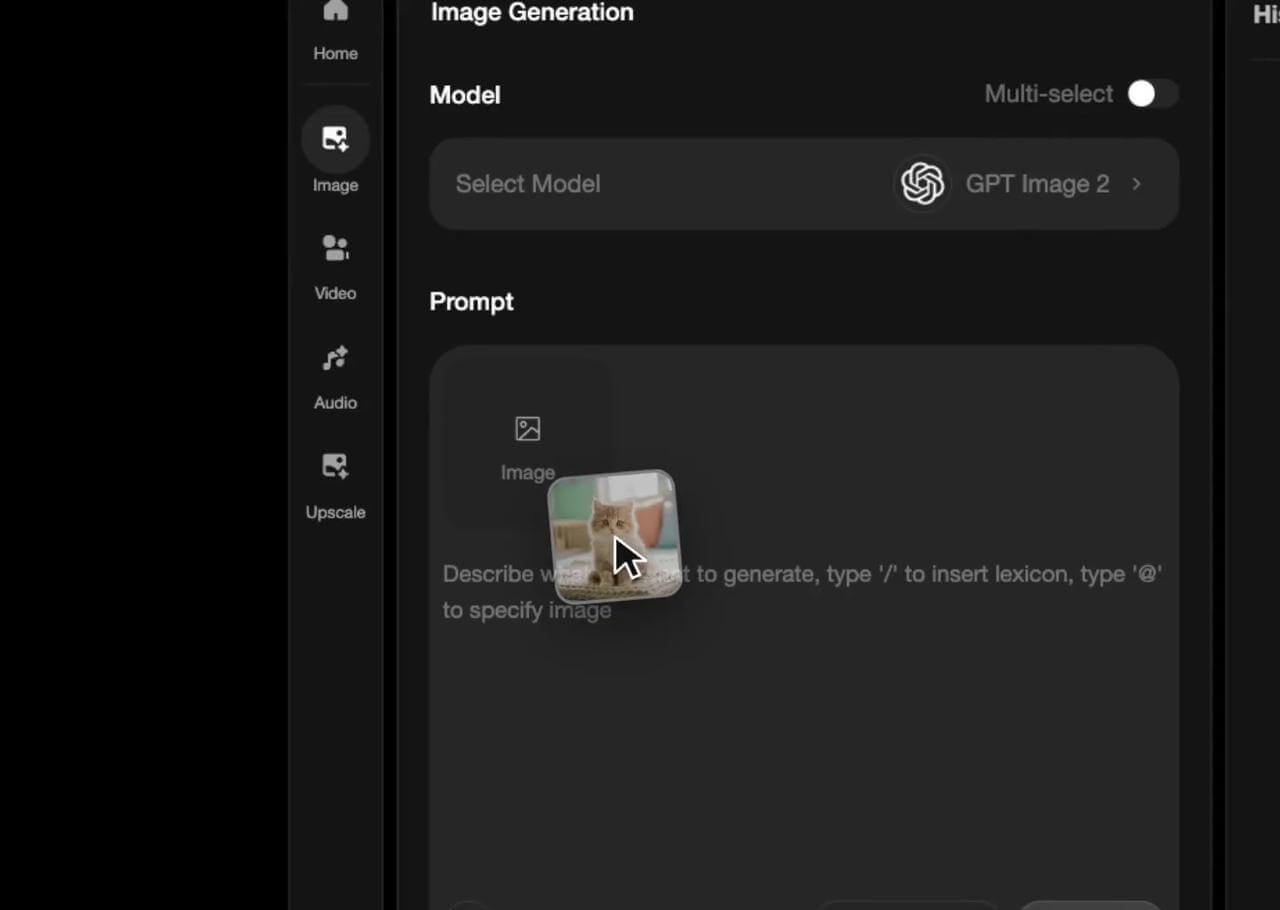
Set references
Upload images as subject, style, or composition references.
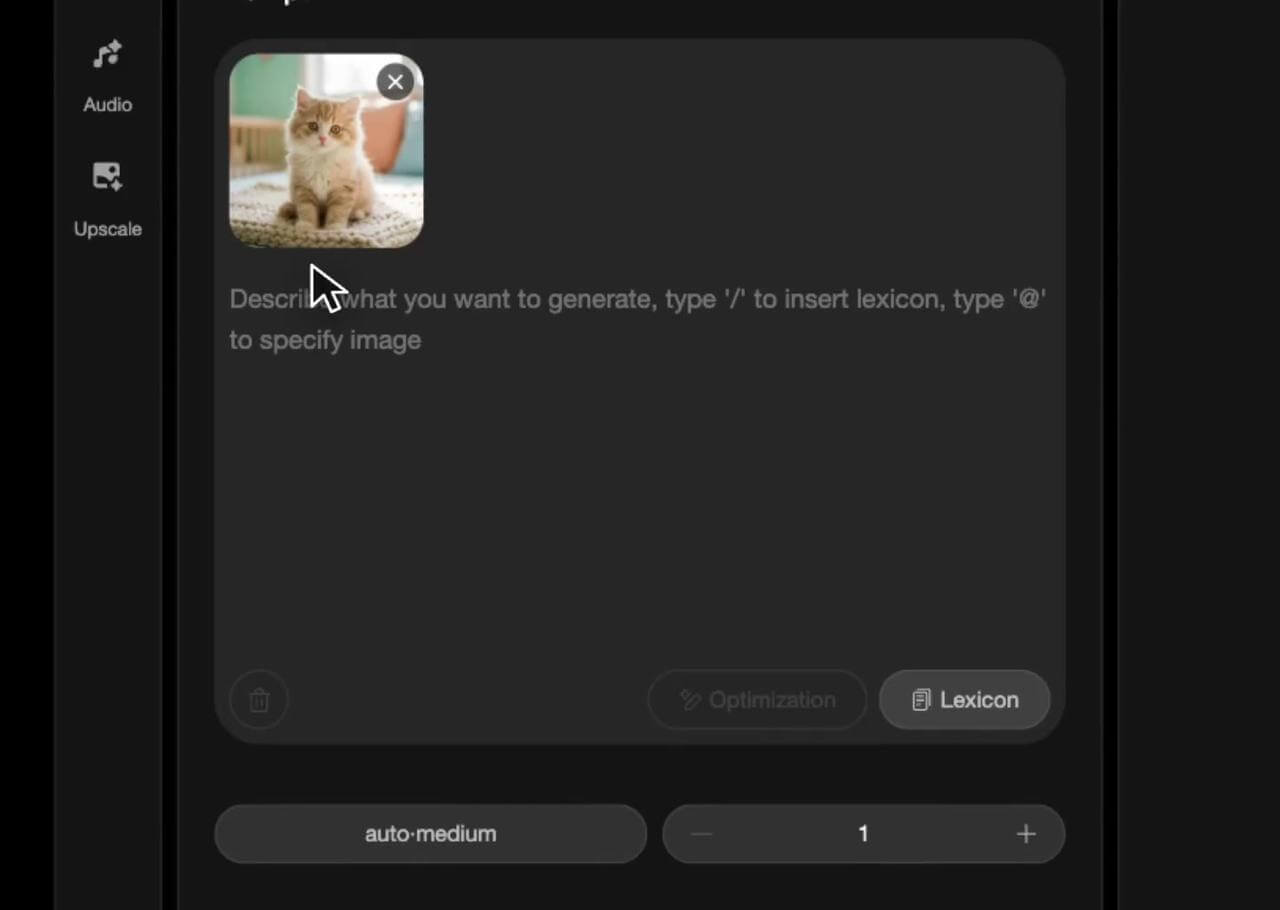
Enter a prompt
Describe the image you want to generate.
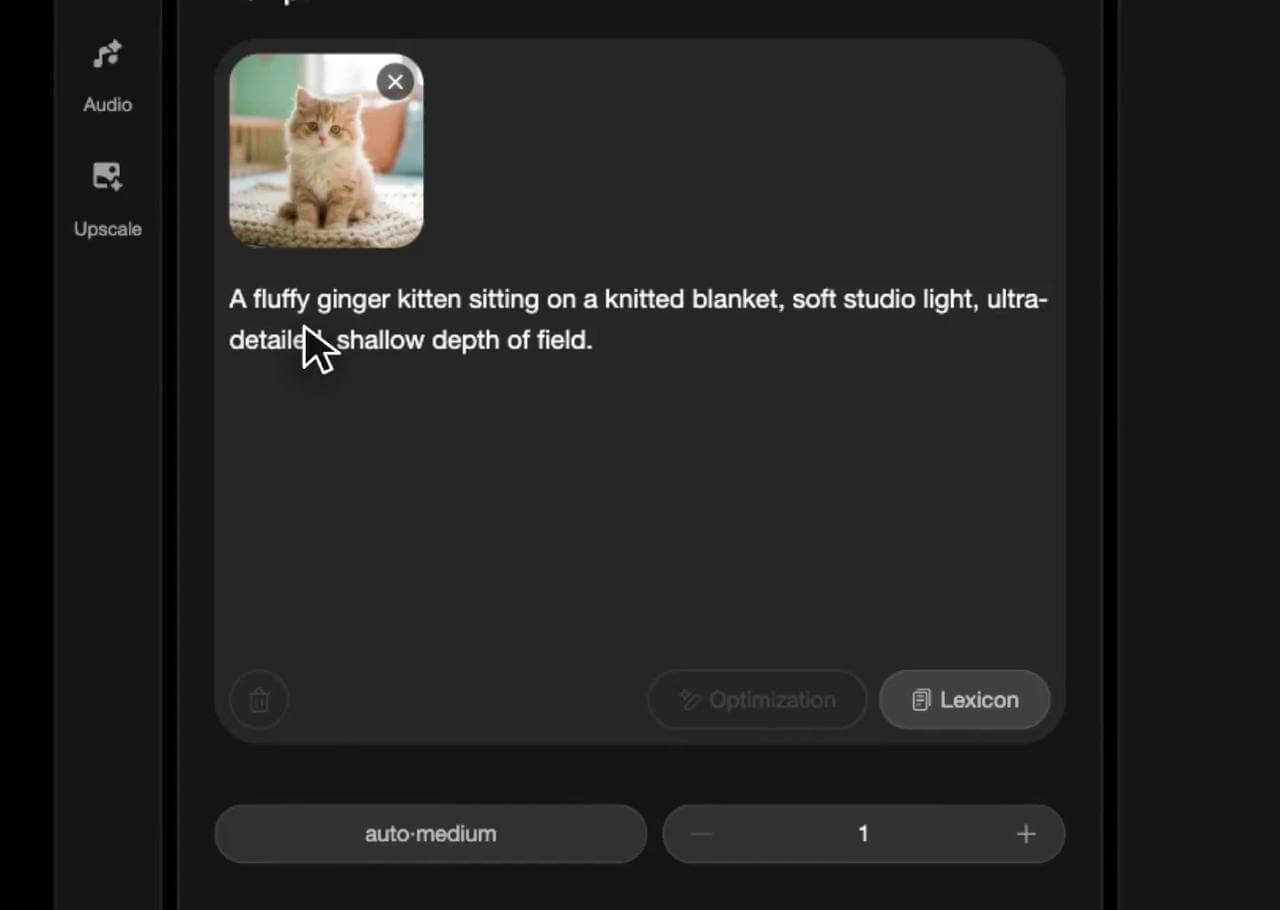
Fine-tune output
Set the aspect ratio and resolution, then generate the image.
1 / 4
Beginner's Guide
Use ready-made templates, explore community creations, or get inspired by our asset library
Fashion editorial imageHigh-fashion indie editorial photo. Female model, slicked-back blonde hair, wearing oversized black wool blazer off both shoulders. Model seated, body turned away, looking back over shoulder into lens, cold neutral expression. Medium close-up, bust to head framing. Deep crimson-burgundy seamless background. Rembrandt soft lighting. Strong silhouette, asymmetric composition, cutting-edge fashion editorial quality.

Replace characterReplace image1 character with image2 character keeping pose, scale, camera, and lighting; keep the background, and avoid artifacts.

Tech product imageTech product from the reference. Editorial product photography with directional lighting that highlights the product clearly while the background remains moody. Subtle highlights on the product's surface reveal its form and finish, gentle shadows add depth. Background is a seamless gradient backdrop fading from a lighter navy to a darker navy, creating subtle depth. Off-center composition, shallow depth of field, film grain, cinematic art direction, no text.

Try new outfitTry this outfit image1 on this model image2 in this context sitting on an urban street; create an ultra-photorealistic fashion photo that keeps the model's face, features, skin, and hairstyle exactly the same, changing only the outfit (match fit, fabric, and details) plus pose and background; no distortions, extra limbs, text, or watermark.

Change productChange the product in <<<img1>>> to <<<img2>>>. Replace only the product; keep the entire background and all non-product elements 100% unchanged (scene, props, people/hands, reflections, shadows, perspective, framing, crop). Match the original size, position, angle, and contact points. Recreate photoreal lighting/materials so it looks naturally photographed. Preserve the original camera look. No extra objects/edits.

Change backgroundChange the background of this image <<<img1>>> to warm natural landscape with dry grass, shrubs, and distant hills keeping the product completely unchanged (details, colors, labels/branding, proportions) and preserving the original position, scale, angle, and crop; make the new background ultra-photorealistic and match the original lighting and optics with accurate shadows, reflections, contact occlusion, and depth of field so the product looks naturally photographed; do not alter the product or place objects overlapping it.

Giant product adCreate a surreal advertising photograph with this product <<<img1>>> scaled monumentally large at the center of the frame, rendered photorealistically with sharp detail and cinematic studio lighting. Place this person <<<img2>>> standing or leaning against the giant product in a relaxed, confident pose, with wardrobe color-matched to the scene; preserve the model's exact facial features and proportions. Behind everything, display the massive headline "NORTH" in extra-bold sans-serif type, filling most of the frame and partially obscured by the subjects. Apply a blue and white palette across the wall, floor, wardrobe and lighting, with a glossy reflective floor. Premium editorial campaign style, balanced composition, photorealistic, 4K.

Generate 3D iconConvert the original image <<<img1>>> of the object into a clean, stylized 3D icon illustration. Simplify the object into smooth, rounded forms with a matte, clay-like surface finish, removing all fine details and textures while preserving its recognizable shape. Use a harmonious, slightly saturated color palette true to the object's natural colors. Apply soft, diffused lighting with gentle shadows and subtle ambient occlusion for depth. Place the object centered on a plain background with no additional elements. The overall style should feel like a premium collectible figurine - tactile, charming, and slightly exaggerated in its roundness and simplicity, suitable for a modern UI icon.